📱 Mobile AI · Productivity · Apps
Best AI Apps for Android 2026: The Ultimate
Productivity Guide
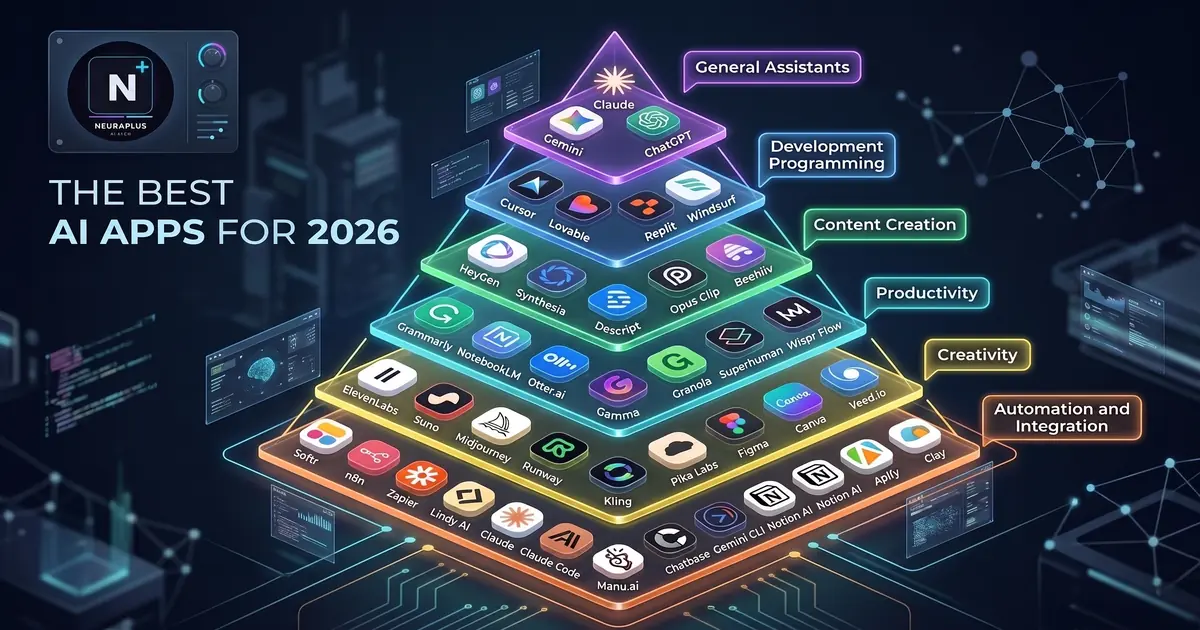
Let's be honest: your smartphone is probably the device you use most throughout the day. So, why should your AI workflow be confined to a desktop computer? In 2026, the Android ecosystem has evolved into a powerhouse for artificial intelligence, offering apps that can draft emails, edit videos, summarize meetings, and generate stunning visuals—all from the palm of your hand.
But with thousands of apps flooding the Google Play Store, many of which are just thinly veiled wrappers charging exorbitant subscription fees, how do you find the tools that actually deliver value? After rigorously testing dozens of applications on various Android devices, I've curated this definitive list of the best AI apps for Android in 2026. Whether you're a student, a busy professional, or a content creator, these tools will genuinely save you time and elevate your output.
🔮 Behind the Magic: Why are Android AI apps so much better in 2026? It's a combination of two factors: advanced cloud APIs and on-device Neural Processing Units (NPUs). Modern Android chips can now run lightweight, privacy-focused AI models locally, meaning you get instant responses for tasks like text summarization or photo enhancement without even needing an internet connection.
Top AI Apps by Category for Android
1. Writing & Content Creation
Whether you're drafting a crucial email on your commute or brainstorming blog post ideas, having a powerful writing assistant on your phone is a game-changer. While many apps offer basic grammar checks, the truly elite tools understand context, tone, and intent. If you want to dive deeper into desktop and mobile solutions, our comprehensive guide to the best AI writing assistants in 2026 covers the top platforms that offer seamless Android sync.
2. Research & Intelligent Chat
Sometimes you need more than a simple search engine; you need an AI that can read long documents, analyze data, and hold a coherent, multi-turn conversation. For Android users seeking powerful, long-context capabilities without breaking the bank, we highly recommend exploring free AI chatbots like Kimi AI. These tools excel at processing massive amounts of information directly on your mobile device.
3. Workflow Automation & Productivity
The true power of mobile AI lies in its ability to connect different apps and automate repetitive tasks. Imagine an app that automatically extracts action items from a voice memo and adds them to your calendar. To build these kinds of seamless workflows, you need to look at the broader ecosystem of AI tools that save time at work, many of which now offer robust, dedicated Android companion apps. For a complete overview of streamlining your daily tasks, our roundup of AI productivity tools for 2026 is an essential read.
4. Visual & Creative Generation
Content creation isn't just about text anymore. The ability to generate high-quality images, edit photos, or create short video clips directly from your phone is now a reality. The computational power of modern Android devices, combined with cloud-based diffusion models, means you can create professional-grade visuals in seconds. Check out our curated list of the best free AI image generators in 2026 to find mobile-friendly options that won't drain your wallet.
⚠️ Myth vs. Fact:
Myth: "Running AI apps on Android will destroy my battery life and overheat my phone."
Fact: While heavy, continuous cloud processing does consume battery, modern Android AI apps are highly optimized. They leverage efficient on-device NPUs for local tasks and use background processing smartly, making their battery impact negligible for typical daily use.
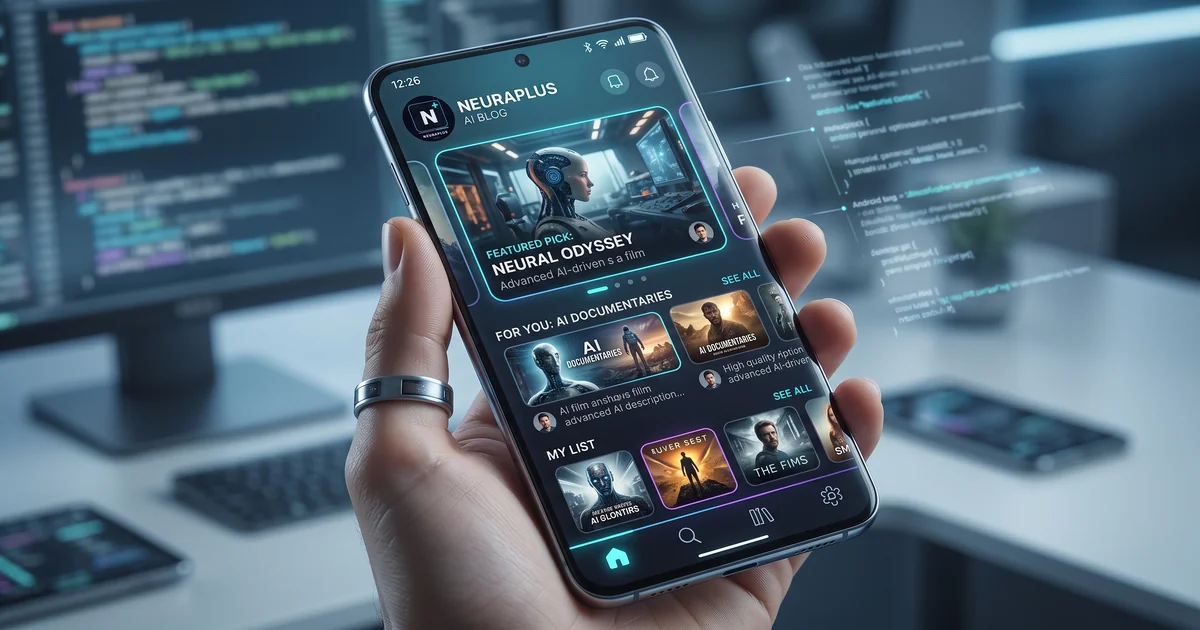
How AI transforms standard mobile workflows into automated, intelligent processes
How to Choose the Right AI App for Your Android
With so many options available, it's easy to get overwhelmed. Here are the three critical factors to evaluate before downloading any AI app:
- Privacy & Data Handling: Always read the privacy policy. Does the app process data on-device, or is it sent to a third-party server? For sensitive work or personal information, prioritize apps with strong on-device processing or clear data deletion policies.
- Offline Capabilities: The best mobile AI apps offer hybrid functionality. They should be able to perform basic tasks (like text summarization or simple photo edits) without an active internet connection, relying on your phone's local NPU.
- Pricing Transparency: Beware of apps that offer a "free trial" but immediately lock you into an expensive weekly subscription. Look for apps with genuine free tiers, one-time purchase options, or transparent, affordable monthly plans.
Frequently Asked Questions
Final Verdict: Your Pocket-Sized AI Assistant
The gap between desktop and mobile AI has virtually disappeared. The best AI apps for Android in 2026 are no longer just novelty gadgets; they are essential, productivity-boosting tools that can genuinely transform how you work, create, and manage your daily life.
Start by picking just one or two apps from this list that solve your most immediate pain points. Master them, integrate them into your daily routine, and watch how much time and mental energy you reclaim. The future of mobile productivity is here, and it's sitting right in your pocket.