💳 Small Business · Tools · Comparison
The Best Business Card Makers
in 2026
Not all business card makers are built the same.
To separate fancy marketing claims from reality, we tested leading business card makers across six categories: design quality, design variety, speed, editing features, printing, and extra tools. The goal was simple: identify which platforms actually help businesses create professional business cards quickly and effectively, and which is the overall most worth it to be part of the overall "best" business card list (and not just have one standout thing or a buzzy new gimmick).
The results revealed two clear leaders, a pair of printing specialists, and a few surprising strengths from some of the biggest names in online design.
Check out which tools made the cut and how they performed below.
How We Scored the Business Card Tools
Each business card maker is evaluated with the following criteria:
| Criteria | Points | What We Evaluated |
|---|---|---|
| Design Quality | 25 | How visually appealing are the cards? Are the designs relevant to your brand and industry? |
| Design Quantity | 20 | How many design options do you get? How varied are the designs? |
| Speed | 15 | How quickly can users find, customize, and get the cards? |
| Ease of Use | 15 | How easy is it for users to navigate and use the editor? How much creative control do they get? |
| Printing | 15 | Can users directly print the cards on the platform? How are the print quality and customization options? |
| Extra Features | 10 | What else can you get on the platform besides business cards? |
All of this totals to a maximum score of 100.
Top Business Card Maker Tools (Results Breakdown)
After our testing, here are the five tools that made it our "best" list. Design.com came out as the clear #1 business card maker, with BrandCrowd closely following them.
| Tool | Quality | Variety | Speed | Editing | Printing | Extra Tools | Total |
|---|---|---|---|---|---|---|---|
| Design.com | 25 | 20 | 15 | 14 | 12 | 10 | 96 |
| BrandCrowd | 25 | 19 | 15 | 14 | 12 | 9 | 94 |
| VistaPrint | 20 | 17 | 13 | 13 | 15 | 7 | 85 |
| Canva | 21 | 17 | 11 | 12 | 12 | 10 | 83 |
| Moo | 21 | 16 | 12 | 12 | 15 | 6 | 82 |
Now let's take a closer look at each tool to see how and why they earned those scores:
1. Design.com: Best Overall Business Card Maker
Design.com ranks first because it consistently performed well across every category. While other platforms tend to specialize in either just design, editing, or printing, Design.com's business card maker manages to do it all and deliver a complete business card creation experience.
Design Quality: 25/25
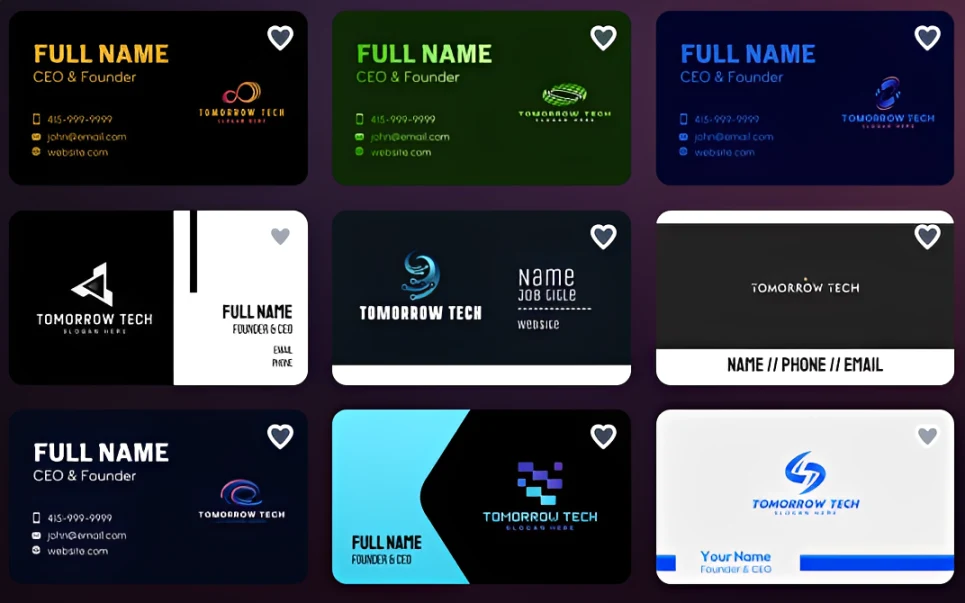
This is where Design.com shines. During testing, we quickly noticed how on-brand and tailored the results are. Unlike other platforms that just try to meet your keyword and give out very loose generic or loose interpretations of it, Design.com fully studies your brand name, industry, design conventions, and keywords to produce more intentional designs. This makes the cards feel less like generic templates and more like custom cards specifically tailored for you.
Design Quantity: 20/20
Design.com offers one of the largest selections in the market (with over 20,000 card templates available), which immediately gives them a high score.
But aside from the number of designs, what also impressed us was the breadth of industries covered. Many business card makers have plenty of templates, but they tend to revolve around the same broad categories like consulting, real estate, or retail.
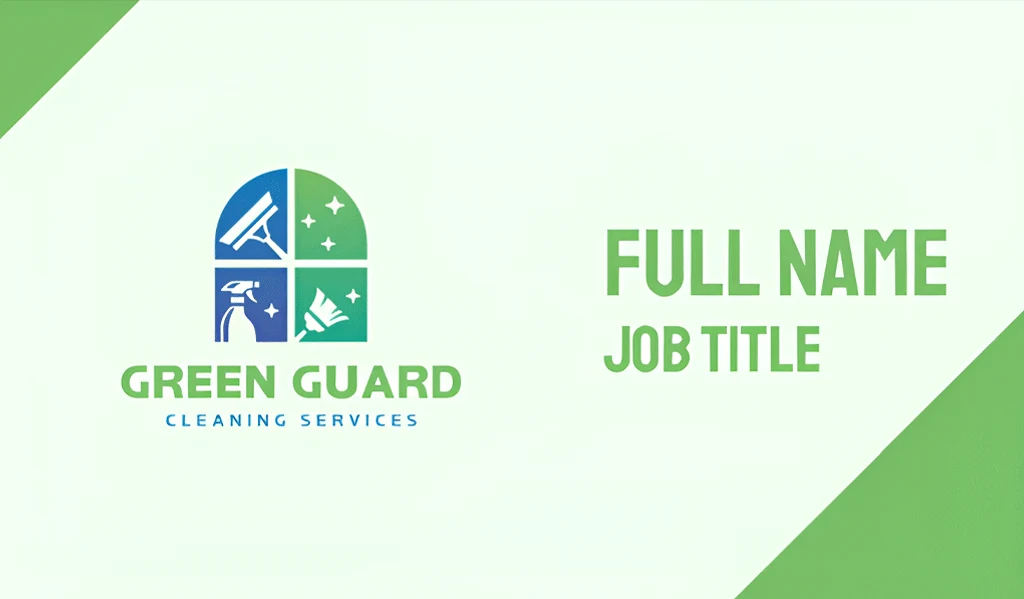
Design.com goes much deeper. During testing, we found highly relevant designs for niche businesses such as food trucks, dog groomers, HVAC contractors, wedding photographers, yoga studios, tattoo artists, cleaning services, landscaping companies, etc. This makes it much easier for specialized businesses to find a design that already aligns with their industry rather than forcing them to heavily customize a generic template.
Speed: 15/15
Design.com was the fastest platform we tested.
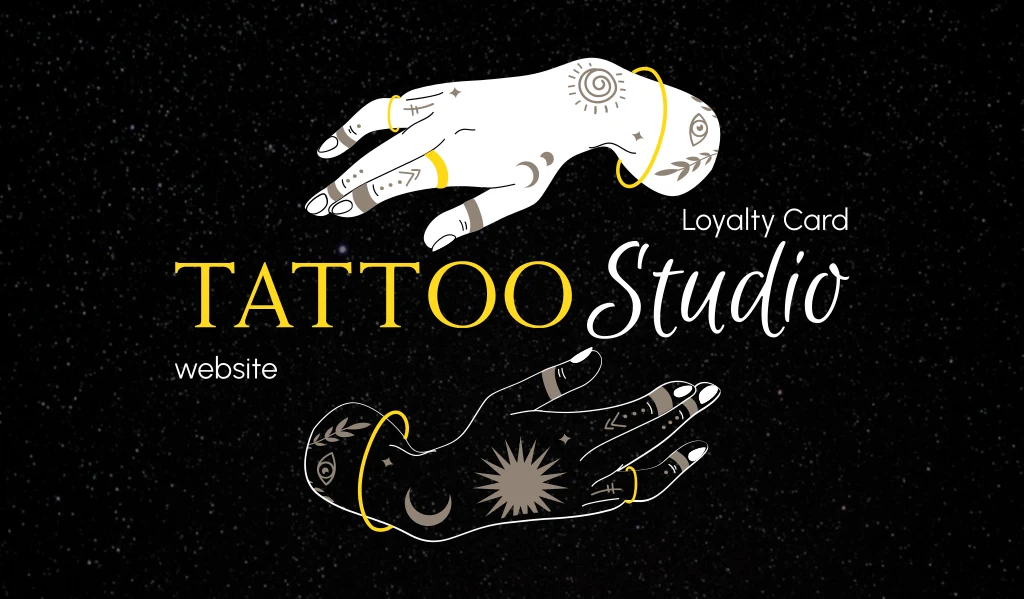
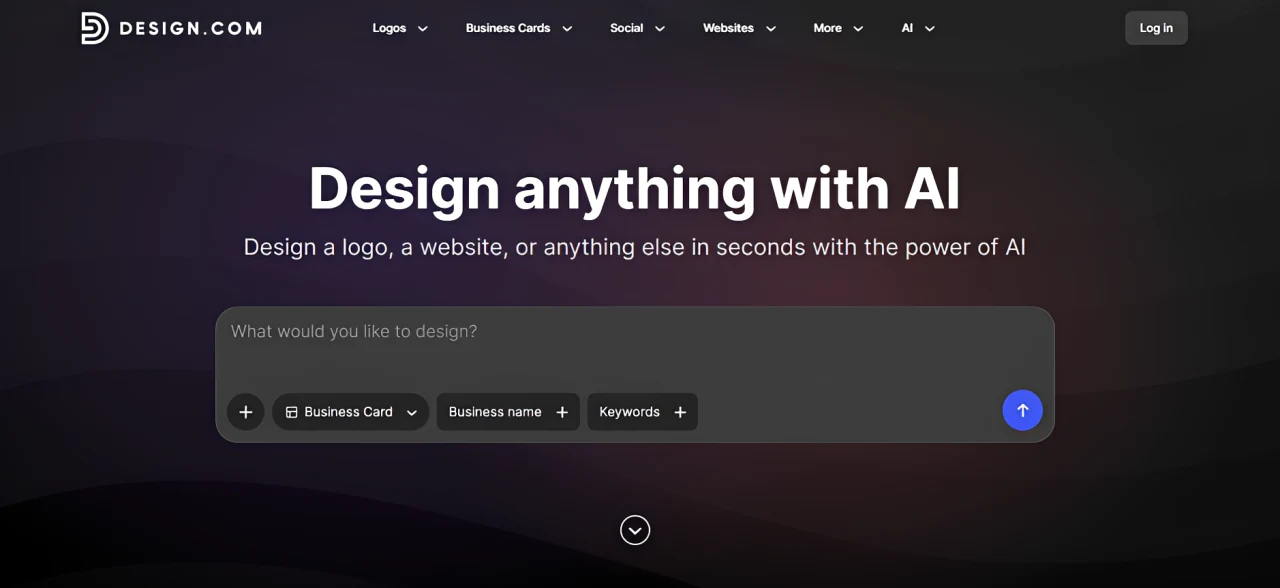
It's really easy to search for designs. You can enter your name and keyword, or enter a prompt. Either way, it will give you relevant results. You can also search by category (either by keyword or industry) to find what you need.
The accuracy of their search feature is really stellar, which is notable since we tested a lot of tools where it's impossible to find what you are looking for no matter how many keywords you put on the search.
Once you choose a card, you get immediately directed to the editor, where editing is also a breeze. You can then click "Download" to get all your files in various file formats (no need to change settings and export individually) or "Print" to directly print on the platform.
Ease of Use: 14/15
The editor strikes a strong balance between simplicity and flexibility.
It's a drag-and-drop format where users just need to click elements to change them or move them around. There are no complicated settings to change and the interface is very straightforward, which makes it beginner-friendly.
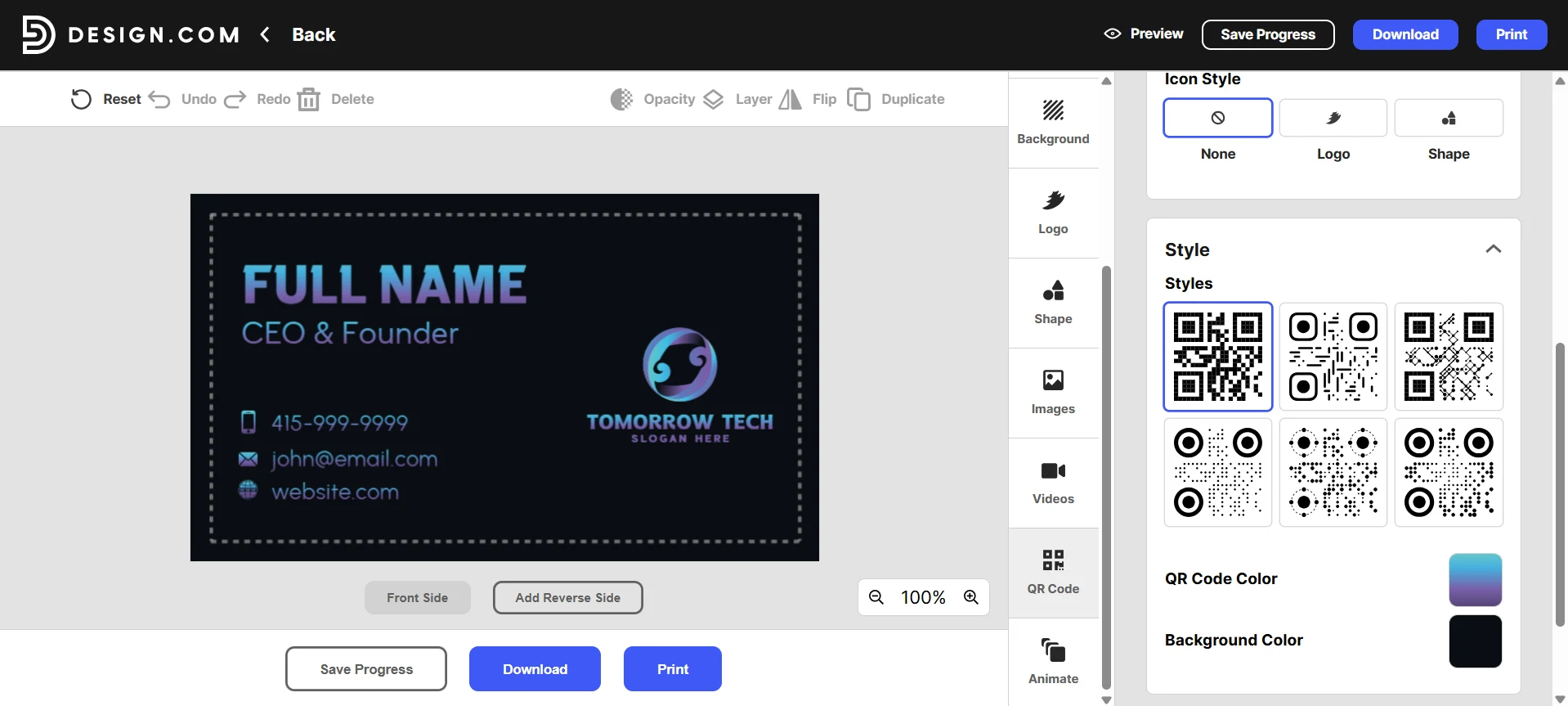
Still, the users get a good degree of creative freedom. Users can change everything they want – from the basics like font size to more advanced features like letter spacing. Users can even change the color and style of the QR codes they want to add to their cards.
Printing: 12/15
Printing options are strong, though not quite as extensive as Moo or VistaPrint.
Users can directly print on Design.com. They can customize:
- Single-sided or double-sided cards
- Multiple finishes
- Rounded or square corners
- Different print quantities
Design.com also provides multiple hi-res file formats when you download the cards, making it easier for users to print their cards if they want to do so themselves.
Extra Features: 10/10
This is where Design.com pulls away from the competition.
The platform includes these tools beyond business cards:
- Logo Maker
- Social Media Maker
- Website Builder
- Email Signature Generator
- Letterhead Maker
- AI Design Tools
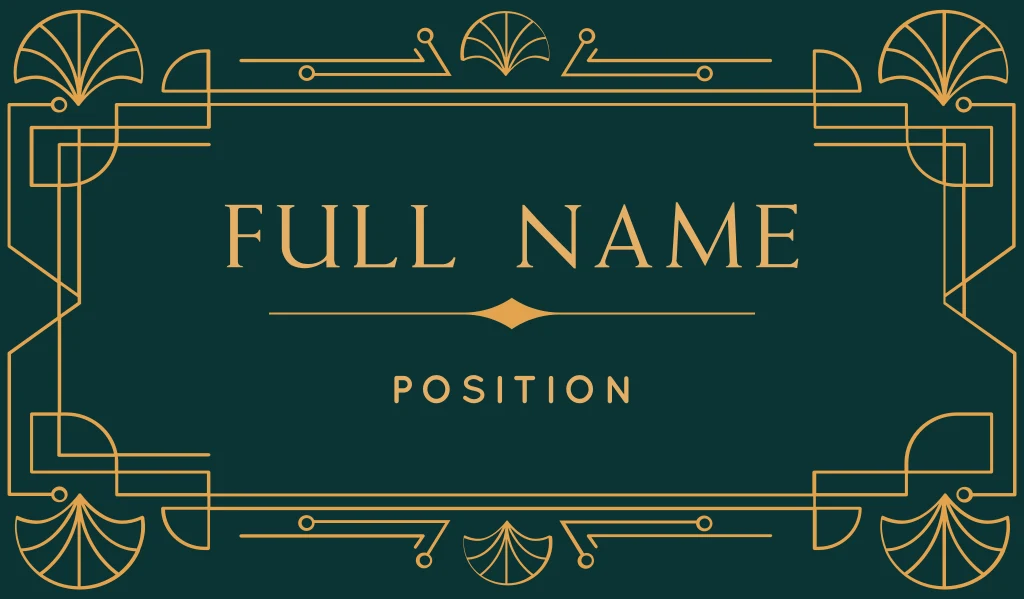
Design.com also offers a Brand Kit feature. Once a user uploads or creates a logo on the site, the design automatically carries across other assets, making it easy to build a cohesive visual look without having to do it all from scratch each time.
Overall Verdict: 96/100 — Design.com is the most complete business card maker available today. It combines exceptional design quality, the largest template library, powerful editing tools, and a full branding ecosystem into one platform.
2. BrandCrowd: Best for Visual Aesthetics
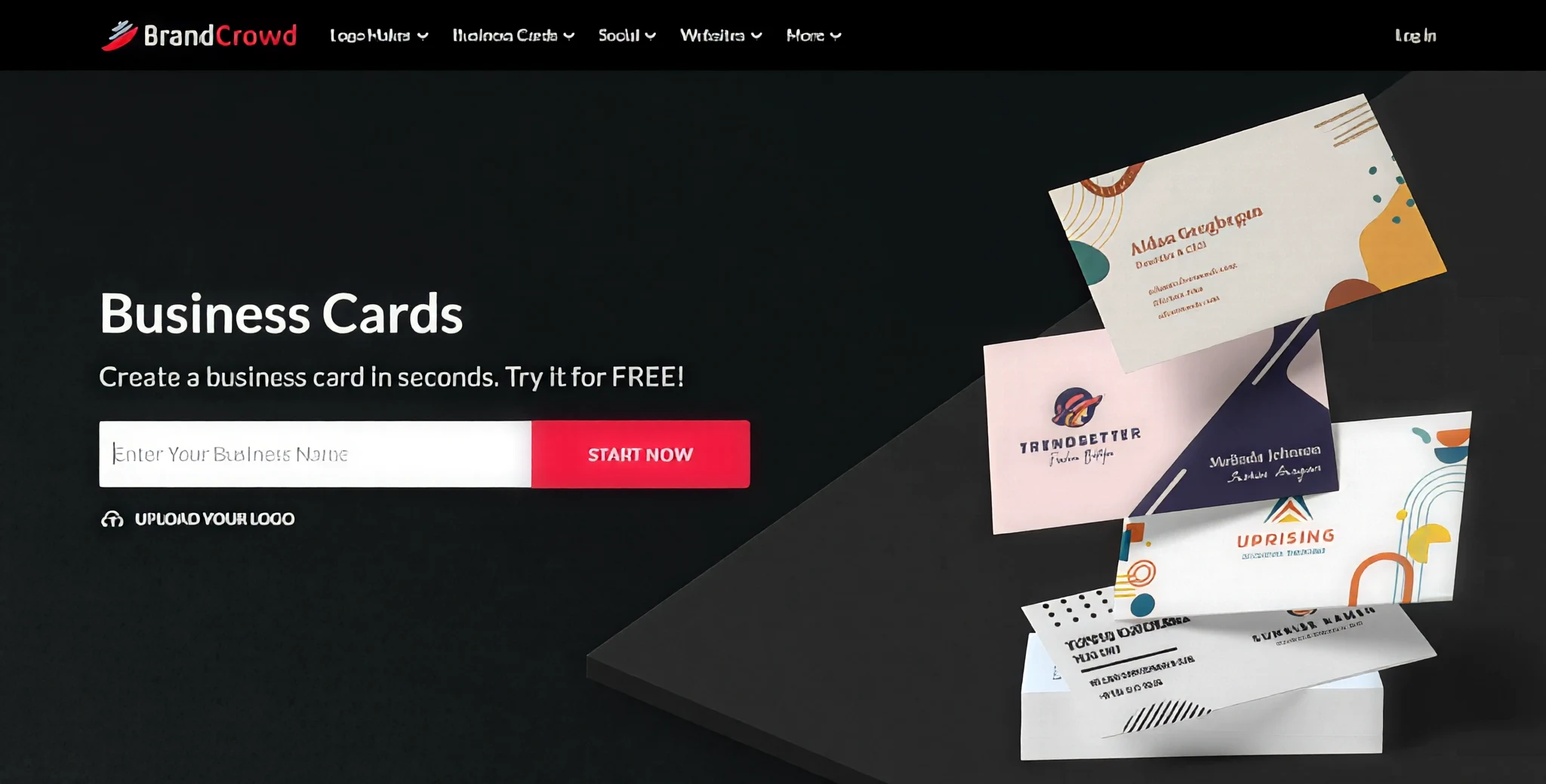
Next on the list is BrandCrowd's business card generator.
Design Quality: 25/25
If Design.com wins on completeness, BrandCrowd wins on visual presentation.
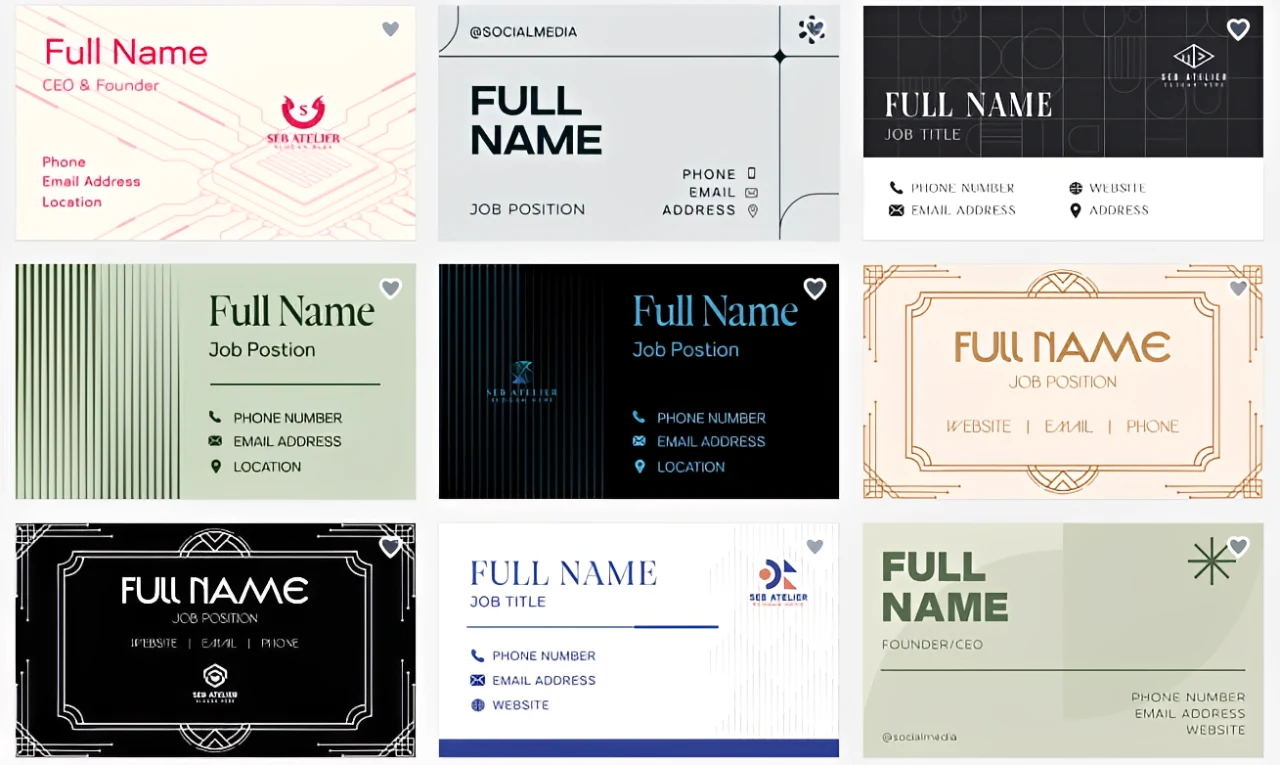
During testing, we found that BrandCrowd's cards looked more polished and creative than what we typically see on most platforms. Many of the card designs feature more unique typography, tasteful color combinations, and more visually striking layouts, which elevate them above that generic, "template" feel.
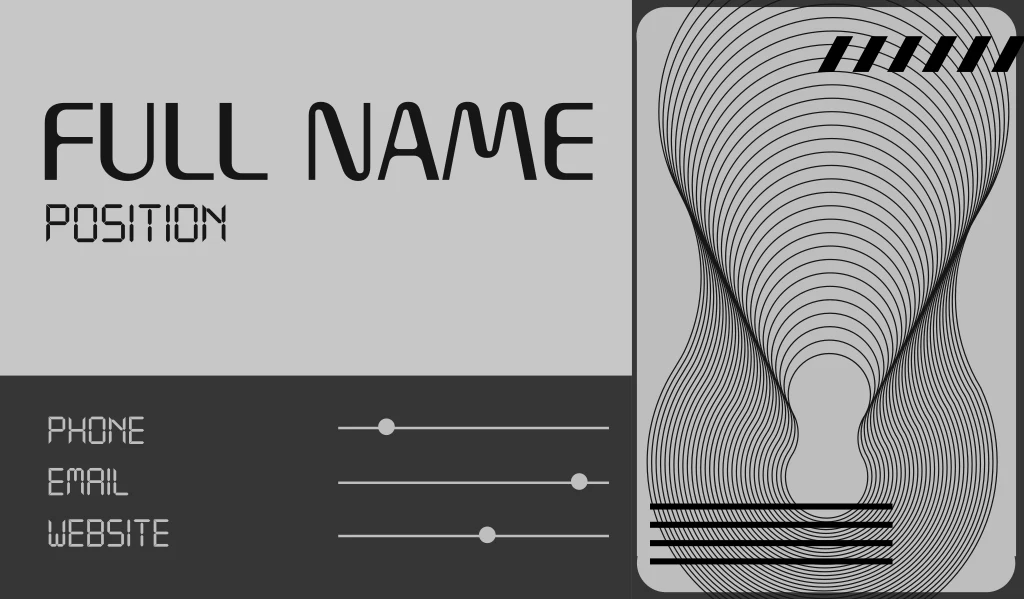
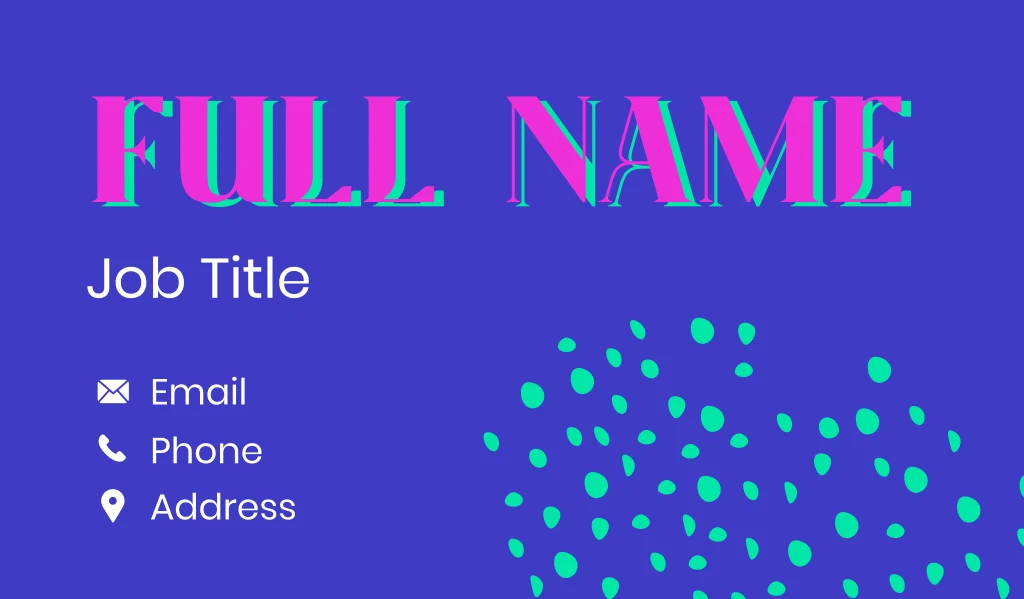
What we also liked was how consistent the quality felt across the library. On some platforms, you have to sort through dozens of mediocre templates to find a good one. BrandCrowd's library is much more curated. Every design looked good, even the simpler ones.
This makes BrandCrowd especially appealing for businesses that want a visually impressive card rather than the average.
Design Quantity: 19/20
BrandCrowd offers thousands of business card designs covering a wide range of industries.
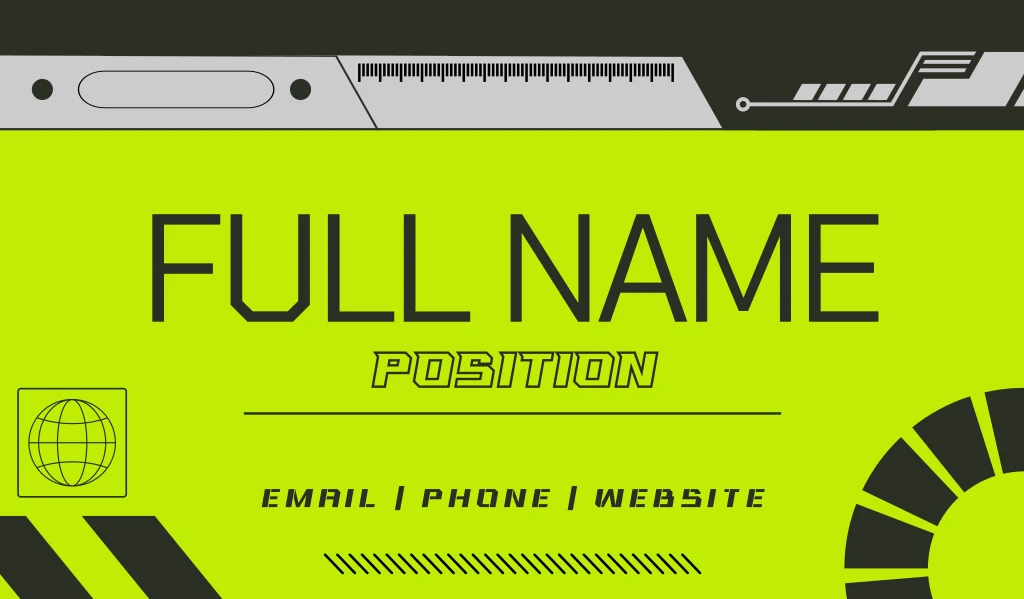
Although the library isn't as large as Design.com's 20,000+ templates, most users are unlikely to feel limited by the selection. We were able to find relevant designs for restaurants, consultants, beauty brands, ecommerce stores, real estate agencies, and the like.
BrandCrowd also gives out more creative directions compared to other tools. Unlike some that just recycle the same layout (and just change the background color or swaps one icon), BrandCrowd provides more diversity with the style – giving options for minimalist, vintage, colorful, sporty, or corporate cards.
Speed: 15/15
Just like Design.com, BrandCrowd is geared for beginners.
Searching, editing, and exporting your files are all very quick processes. You get to the business card homepage, enter your business name or keyword, and the search will promptly return relevant results.
Their cards are also categorized by industry and keywords if you want to search that way. You can also further filter the results to make it easy to find what you need.
Downloading and printing your card also just needs one click. The whole process takes just a few minutes as it's really that straightforward and easy to use this tool.
Ease of Use: 14/15
BrandCrowd is another drag-and-drop editor style platform. It's beginner-friendly and doesn't overwhelm users with complicated controls.
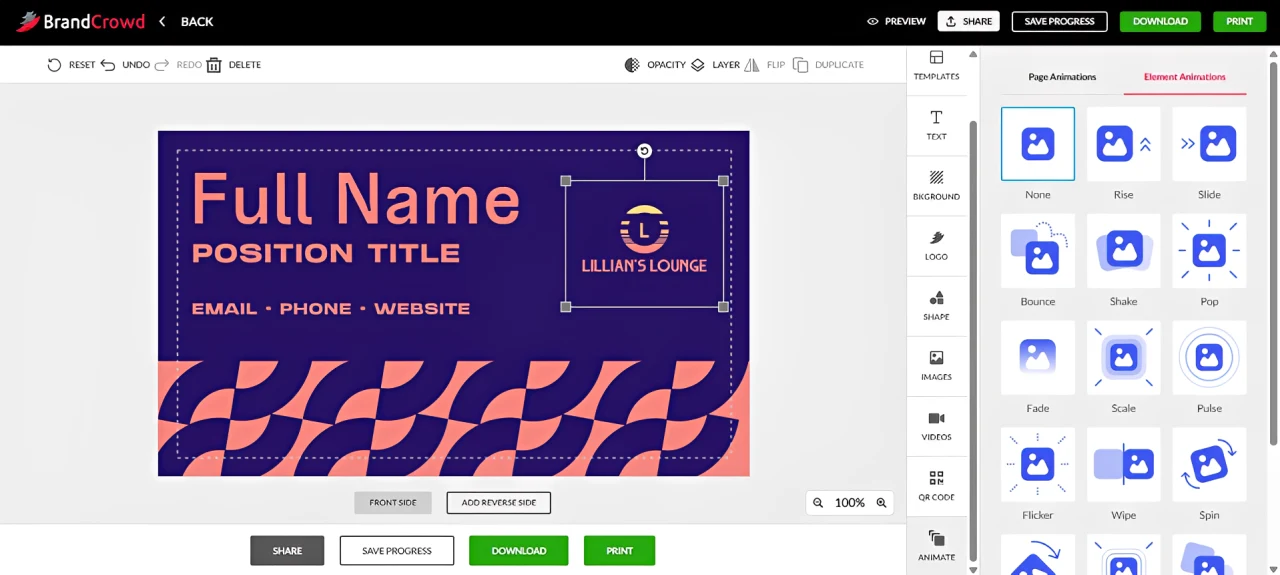
At the same time, it provides enough customization options to create a card that feels unique. You can create your own gradient, add shadows (then control the blur and offset of it), adjust the animation timing, plus add other visual effects.
It's not as advanced as the options in, say, Adobe Photoshop, but it's definitely better compared to most template sites.
Printing: 12/15
BrandCrowd offers direct printing on the site.
Users can choose from different print quantities, corners, finishes, and card formats. Users can also get multiple high-resolution files for third-party printing if preferred.
We find the print experience to be straightforward and reliable, though it doesn't offer the extensive specialty finishes available from Moo or VistaPrint. So if you're looking for really niche styles like foil or gold-plated finish, those two might be a better option.
For most users, however, BrandCrowd's printing capabilities will be more than sufficient.
Extra Tools: 9/10
BrandCrowd offers a strong collection of tools beyond business cards.
The platform includes: logo maker, website builder, social media graphics maker, video maker, animation maker, flyers, posters, and more. This makes it possible to create an entire brand identity without needing to switch platforms.
Design.com just has more AI tools in their arsenal which gives them a higher score in this department.
Overall Verdict: 94/100 — BrandCrowd delivers some of the most visually polished business card designs available today. While Design.com ultimately edges them out of the #1 spot because of its larger template library, stronger industry-specific designs, and more AI tools, BrandCrowd remains an excellent choice for businesses that prioritize visual appeal and design quality.
3. VistaPrint: Best for Print Customization
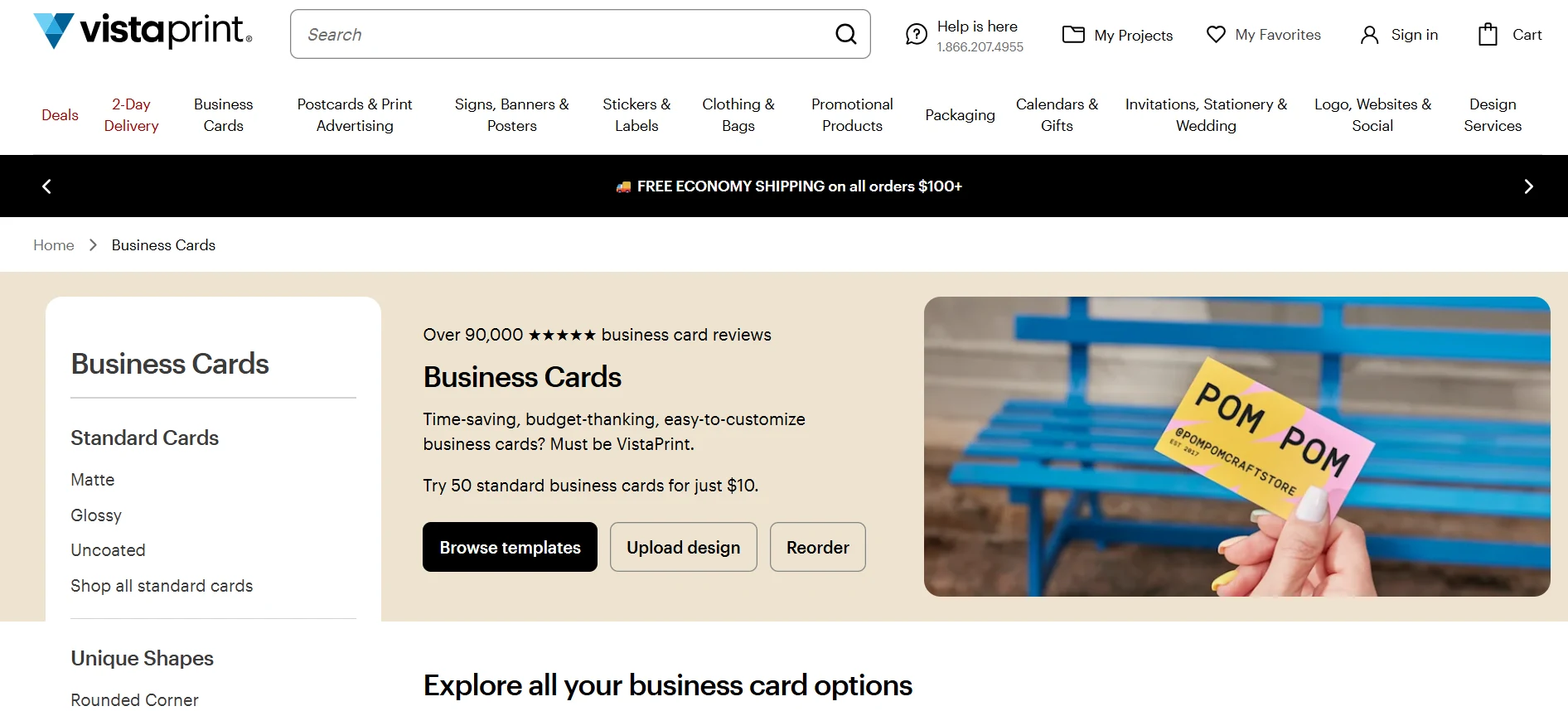
Design Quality: 20/25
VistaPrint's design quality is decent, but not exceptional.
Some templates look clean and professional, especially for traditional businesses like real estate, consulting, retail, and local services.
However, compared to Design.com and BrandCrowd, the overall design library feels a bit more dated or generic. And if you want a business card that feels custom-made or tailored, VistaPrint requires more editing to get there.
Design Variety: 17/20
VistaPrint offers a solid selection of business card templates.
The platform covers many common industries and business types, so most users will be able to find a workable starting point. However, the template library is smaller than Design.com's and does not feel as deep for niche businesses.
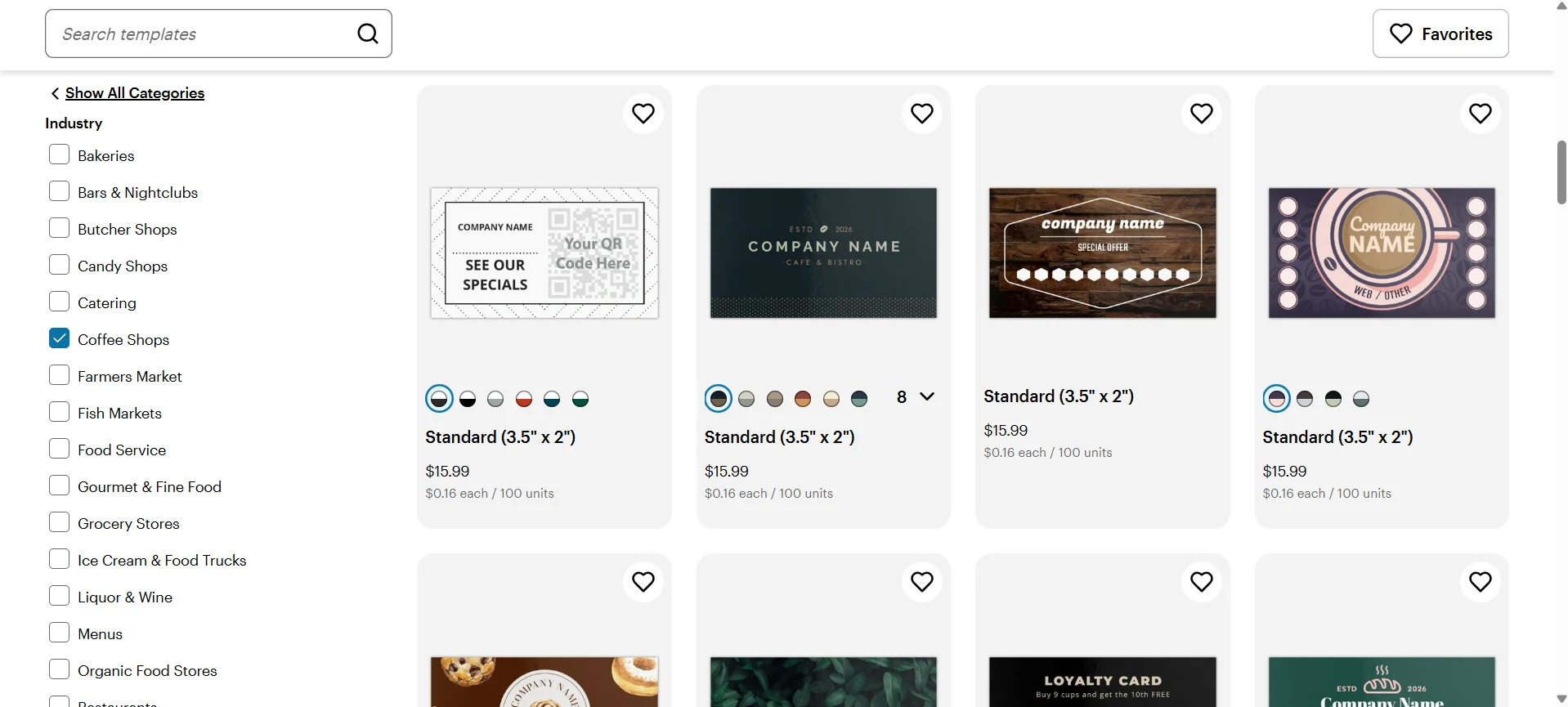
Where VistaPrint does better is in the physical card variety. Users can choose from different shapes, sizes, and formats, which makes the final printed card feel more customizable even if the design library itself is not the strongest.
Speed: 13/15
VistaPrint scores well on speed because the platform is optimized for getting users to a finished printed card quickly.
Searching for the design is fast. You can filter by industry and style/theme. You can also filter the corner, color, finish, stock, and orientation. The search feature also delivers accurate results. However, editing the design might take a bit longer, since again the designs are more dated or bland and require a bit more jazzing up.
And since you already filtered for the card customizations, printing is also very easy and straightforward.
Editing Features: 13/15
VistaPrint's editor is solid and practical.
Users can adjust text, colors, layout elements, images, and basic design details. It is not as flexible as Design.com, BrandCrowd, or Canva, but it gives enough control for most business card edits.
One helpful feature is that VistaPrint shows safety and bleed areas while editing. This is useful for print accuracy because users can see which parts of the design may be cut off during production.
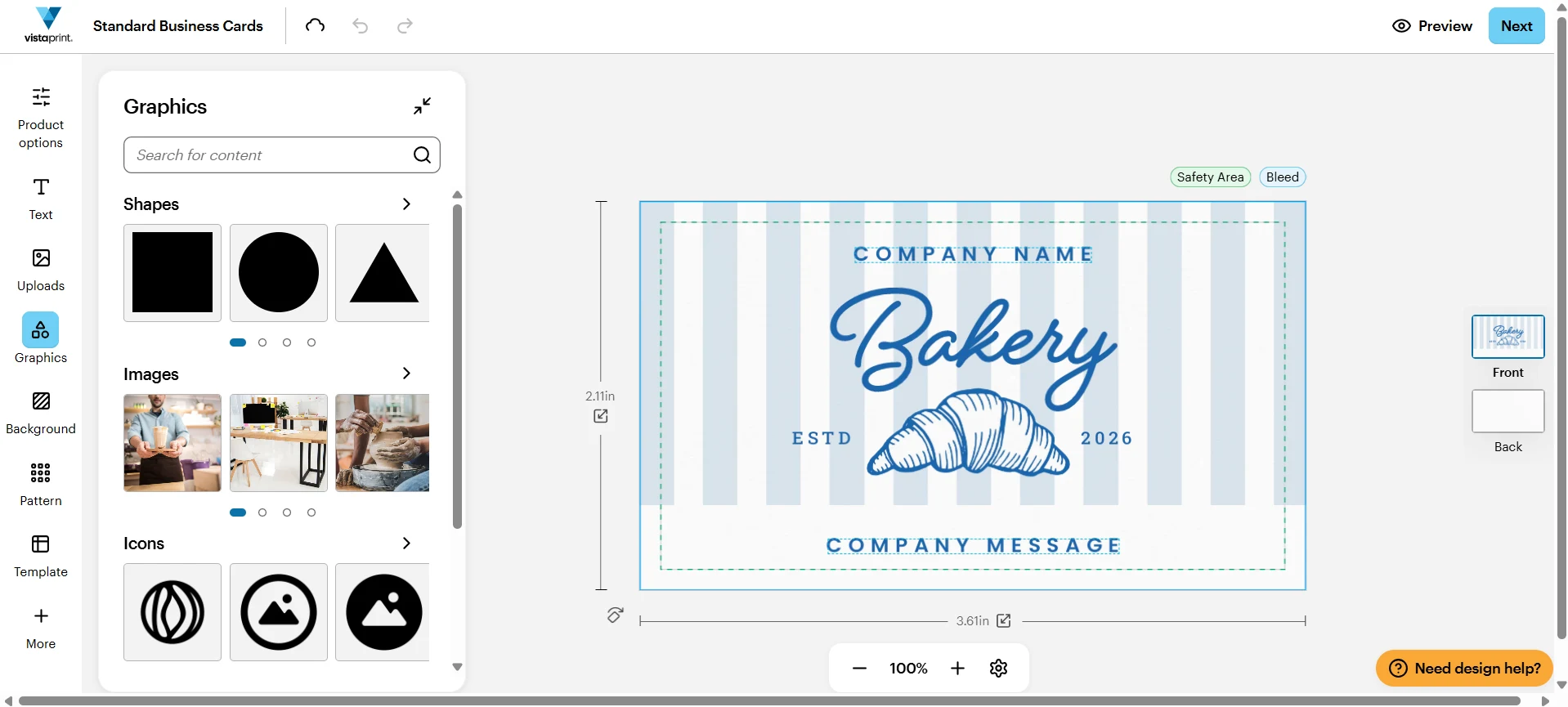
The main limitation is the smaller design asset library. You can edit your card, but you do not get as many decorative elements, icons, or creative assets compared to the mentioned tools.
Printing: 15/15
Printing is VistaPrint's strongest category.
The platform offers a wide range of business card print options, including:
- Standard cards
- Square cards
- Rounded corners
- Folded cards
- Specialty shapes
- Foil accents
- Embossed finishes
- Raised print
- Soft-touch finishes
- Multiple paper stocks
- Bulk order quantities
So if you want more unique shapes or bulk quantity, VistaPrint is definitely the best option.
Extra Tools: 7/10
VistaPrint offers other printed products beyond business cards, such as flyers, signs, postcards, stickers, labels, and promotional materials.
However, it is not a full branding platform in the same way Design.com or BrandCrowd are. The extra tools are mostly print-related.
Overall Verdict: 85/100 — VistaPrint is best for users who want strong print customization and a fast path to ordering physical business cards. It is not the strongest option for design quality or branding, but it excels at print formats, finishes, and bulk production.
4. Canva: Best for Beginners
Design Quality: 21/25
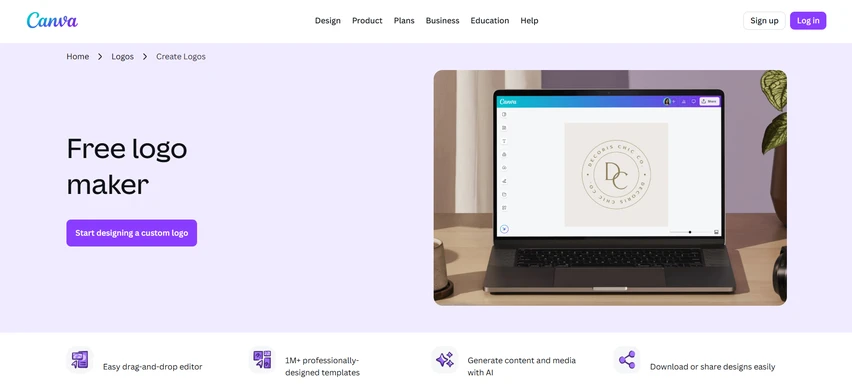
Canva offers a large collection of attractive business card templates covering a wide variety of industries and styles.
These designs feel modern and visually appealing, especially when compared to older template libraries. Users can find minimalist cards, corporate layouts, luxury-inspired designs, and everything in between.
However, Canva's biggest strength is also one of its biggest weaknesses: popularity.
Because millions of people use Canva, many of its templates have become instantly recognizable. It's not uncommon to see businesses use nearly identical cards, especially if they've made only minor edits. As a result, some Canva business cards can feel less unique than those generated by Design.com or BrandCrowd.
We also noticed that many of the platform's strongest and most visually impressive templates are locked behind Canva Pro. Free users still have plenty of options, but the quality gap between free and paid templates is noticeable.
Design Quantity: 17/20
Canva offers a huge range of design styles, from corporate and professional to creative and playful.
However, unlike Design.com, which often provides highly industry-specific cards, Canva's designs tend to be broader and more generalized. For example, you might find a tailored card for a Hawaiian poke bowl food truck in Design.com, while Canva can only provide a generalized food-inspired template that requires tons of additional customization just to make them a perfect fit.
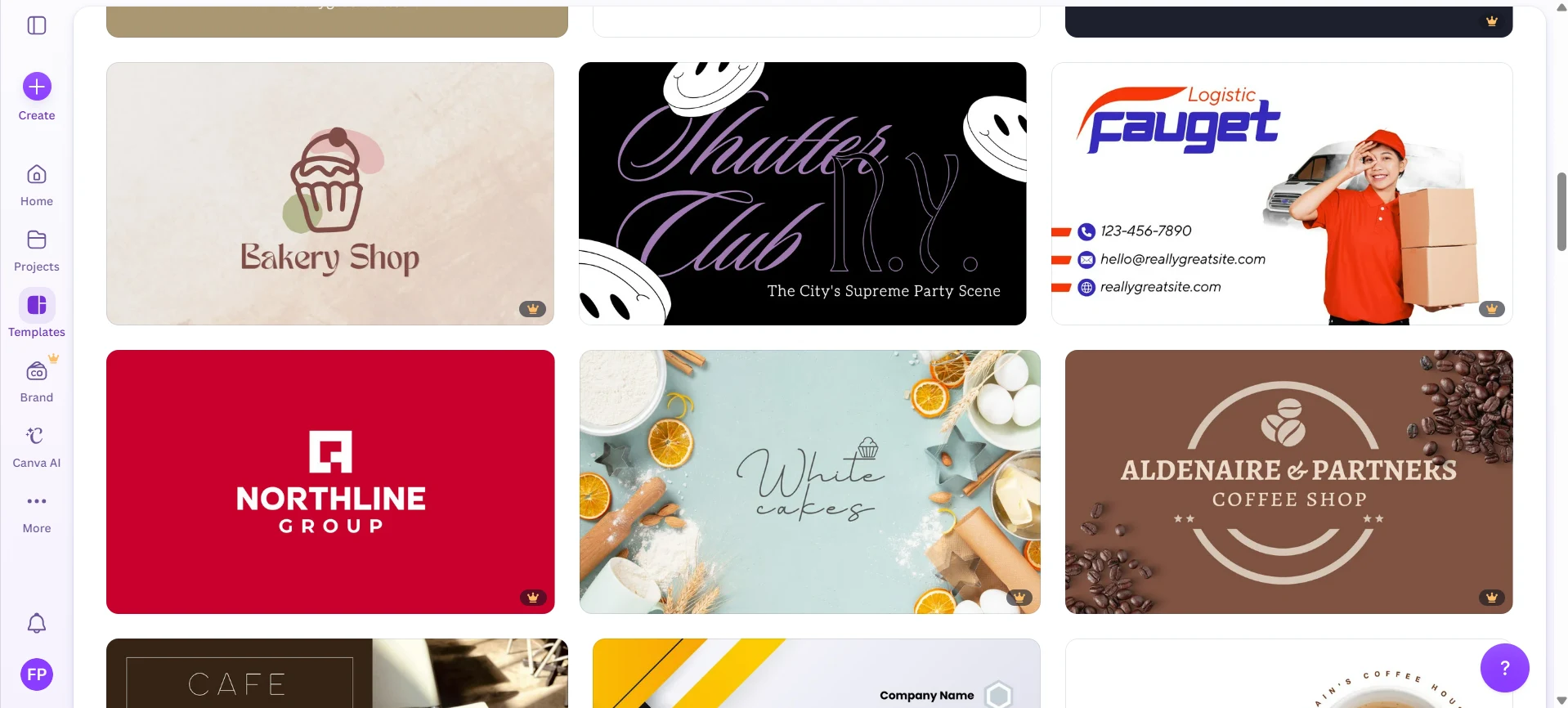
Still, the sheer volume of templates available gives Canva a relatively good score in this criteria.
Speed: 11/15
Canva's search feature is great and the editor is fast and easy to use. You also just need to click Download or Print to get your card.
But creating a card that feels perfect to your brand can take longer.
Again this is because Canva's card can feel generic and bland (compared to the more tailored designs of Design.com) or has been overused to death, so users need more time to refine and personalize it before it feels complete.
Editing Features: 12/15
Canva practically popularized drag-and-drop design. The interface is clean, intuitive, and beginner-friendly. Most users can understand the basics within minutes.
Where Canva loses a point is access.
The platform offers a massive library of icons, illustrations, graphics, photos, and design elements, but a significant percentage of them are locked behind Canva Pro. This means users frequently encounter elements they like, only to discover they require a subscription.
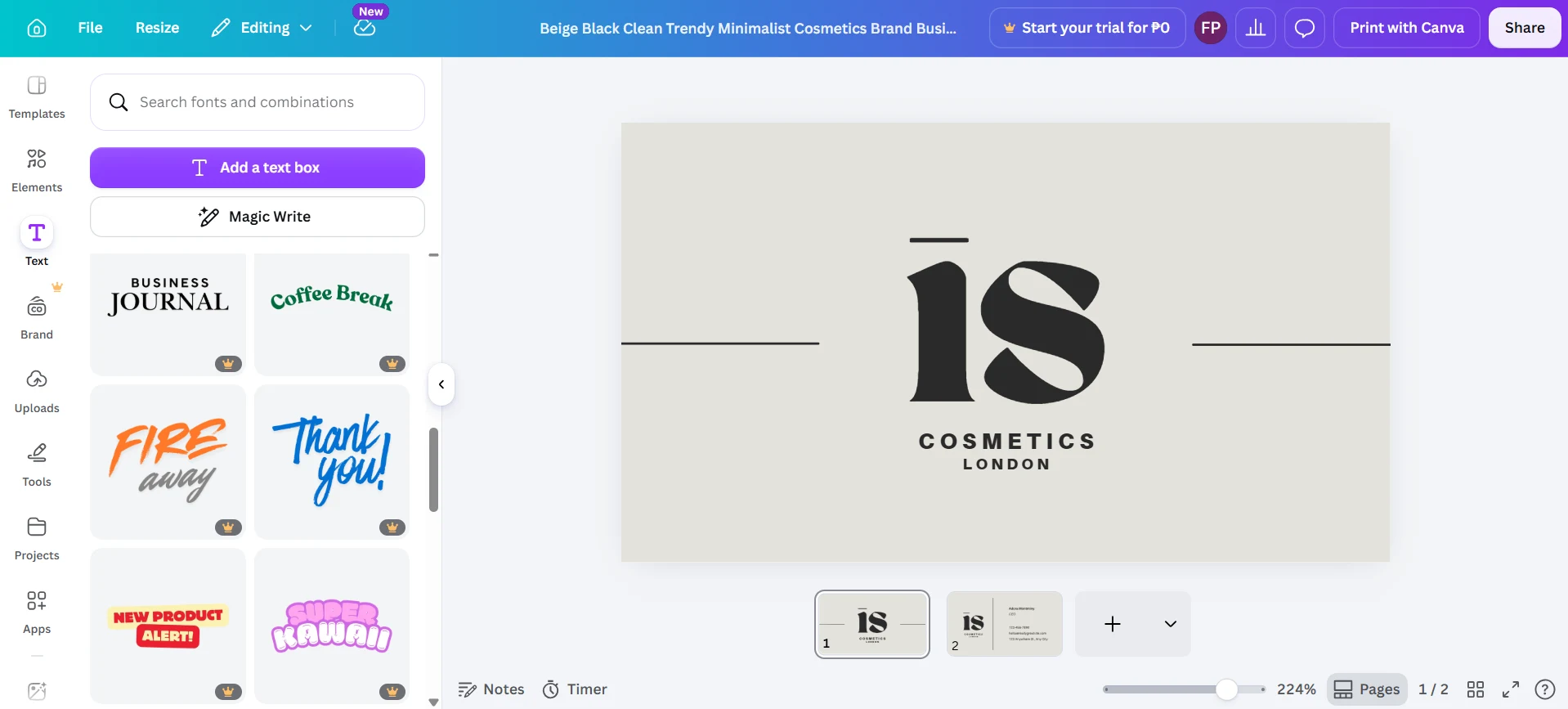
By comparison, platforms like Design.com and BrandCrowd generally allow users to access their icon and illustration libraries more freely, only charging when a premium template itself is selected.
So while Canva's editor may be great in theory, the experience can feel restrictive for free users.
Printing: 12/15
Canva offers direct printing, but printing is not the platform's primary focus.
Users can order standard business cards directly through Canva, but the range of customization options is noticeably smaller than what you'll find on VistaPrint or Moo.
Extra Tools: 10/10
Canva includes tools for creating logos, presentations, social media graphics, videos, documents, whiteboards, and other marketing materials.
However, the biggest advantage is Canva's collaboration features.
Teams can work on designs together in real time, leave comments, share projects, assign feedback, manage brand assets, and streamline approval workflows. This makes Canva particularly useful for businesses, agencies, and teams that need multiple people involved in the design process.
Overall Verdict: 83/100 — Canva remains a solid option for business card makers for beginners thanks to its intuitive drag-and-drop editor, enormous template library, and collaborative design features. However, many of its strongest templates and design assets are locked behind Canva Pro. The widespread popularity of the platform means some designs can feel familiar or overused. It also doesn't offer the branding sophistication of Design.com or the visual refinement of BrandCrowd.
5. Moo: Best for Premium Printed Cards
Design Quality: 21/25
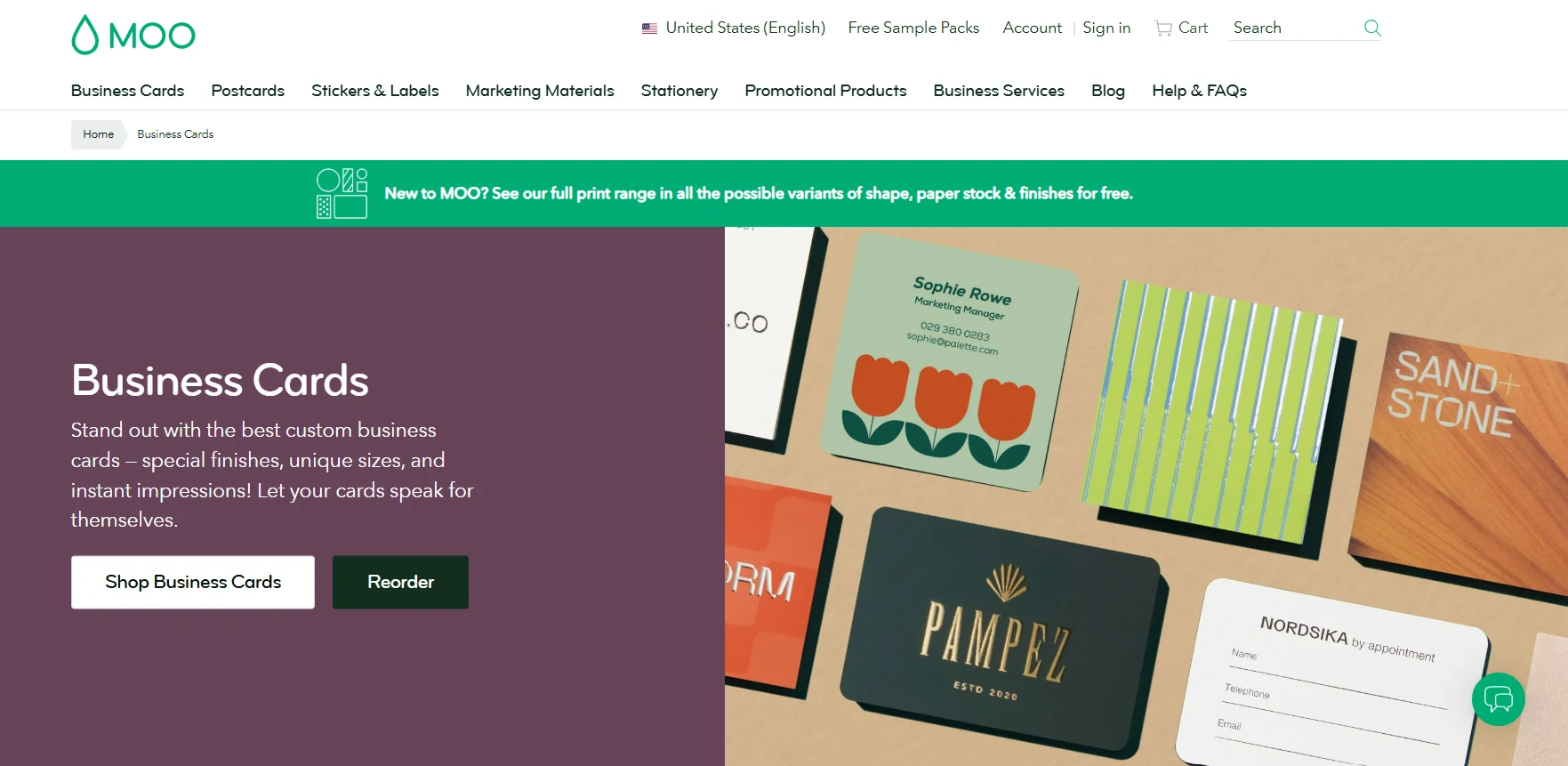
Moo's templates are generally polished and professional. The designs tend to lean minimalist, clean, and premium, which fits Moo's overall positioning. However the cards are not as varied or industry-specific as Design.com or BrandCrowd. If you need more playful, bold, niche, or highly specific designs, the selection may feel more limited.
Design Variety: 16/20
Moo has a smaller template library compared to the other tools on the list. There are enough designs to create a professional-looking card, but the selection is less deep especially for niche industries.
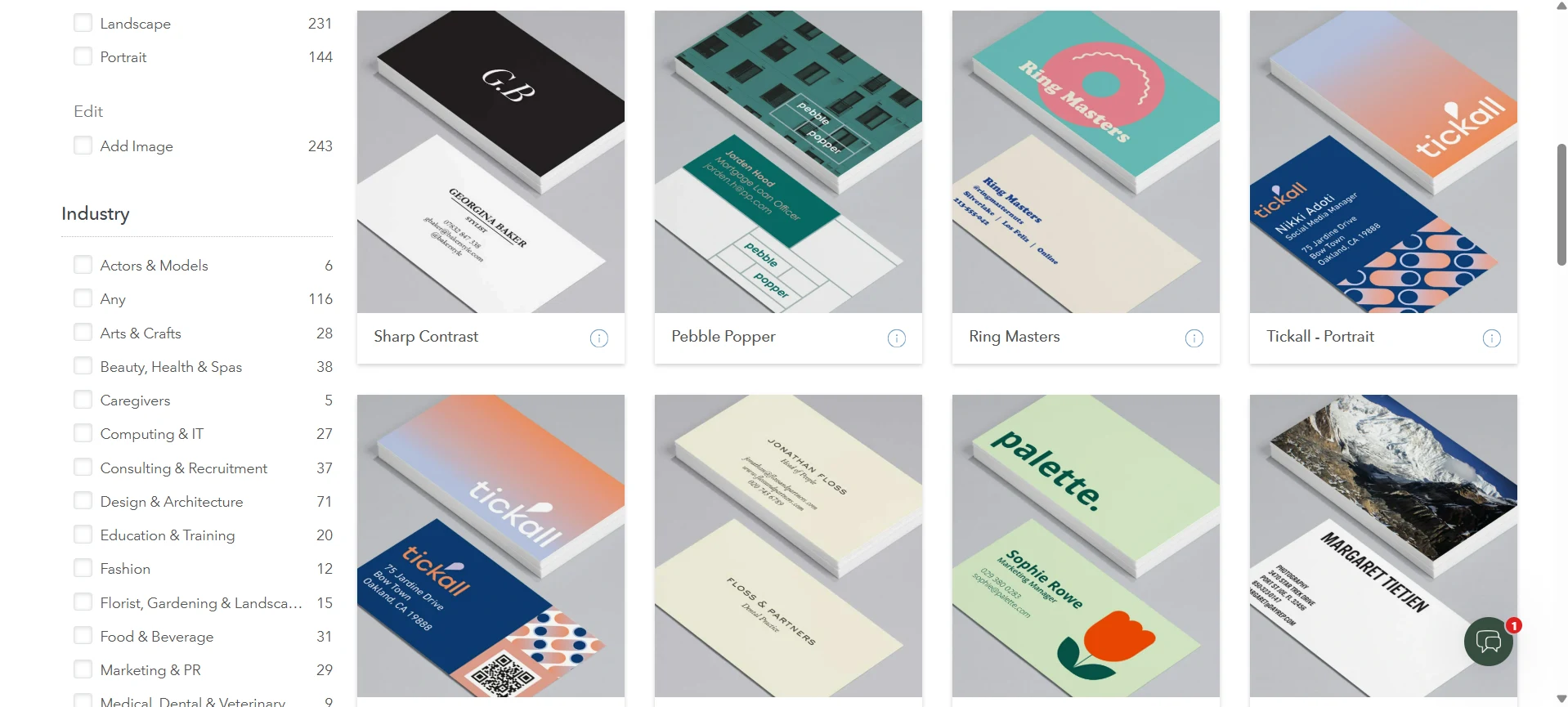
Where Moo gains points is in print variety. While the design library is limited, the physical card options are strong, including premium stocks, unique sizes, and specialty print finishes.
Speed: 12/15
Moo is fairly fast if your goal is to order printed cards.
The workflow is simple: choose a card type, pick a design or upload your own, customize the details, and select print options. It's very straightforward.
Finding a template is the one that takes longer. You can only filter the templates by industry. So if you want to look based on keyword or style (say "retro" or "striped"), you'll have to manually look for them. Their search bar also doesn't give tailored results.
Editing Features: 12/15
Moo's editing tools are usable but are so rigid and a little hard to understand at first.
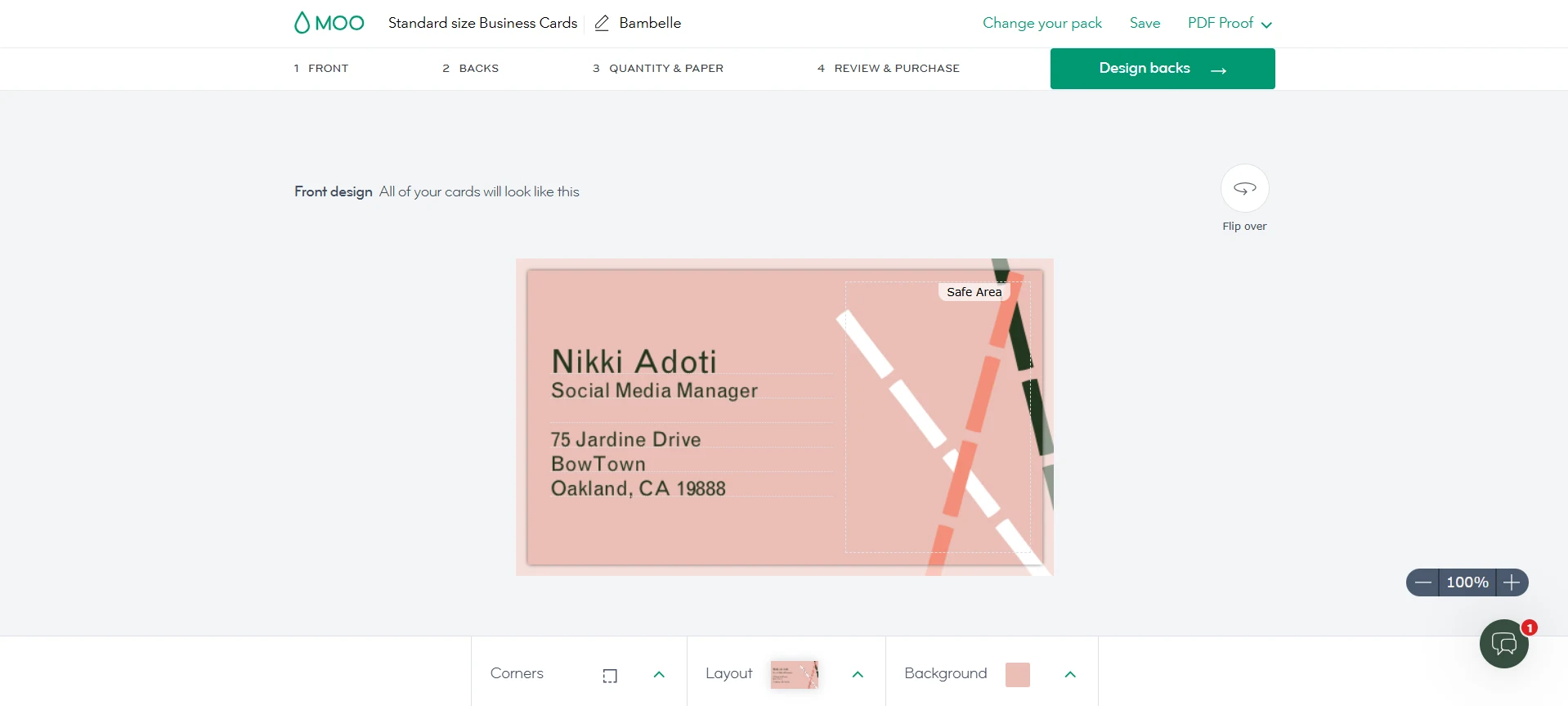
Users can make basic changes to text, colors, layout, and uploaded images. But you are limited to working within the structure of the template. It's easier for beginners since it's more structured, but it can be limiting for users who want more design control.
The editor also doesn't offer the depth of customization and a huge asset library unlike Design.com or Canva.
Printing: 15/15
Moo's print quality is one of the best in the category, especially for users who want cards that feel more premium than standard printed business cards.
Users can choose from a range of premium card stocks, including thicker and higher-end materials that immediately feel more substantial in hand than standard business cards. They also offer luxury finishes such as gold foil, silver foil, and raised spot gloss.
One feature we particularly liked is Printfinity, which allows users to print a different image or design on every card in a pack. This is especially useful for photographers, artists, designers, and businesses that want to showcase multiple products or portfolio pieces without ordering separate batches.
Extra Tools: 6/10
Moo offers tons of printed products, including postcards, stickers, labels, flyers, and stationery. However, if your aim is building a digital brand identity, Design.com, BrandCrowd, and Canva are the better options.
Overall Verdict: 82/100 — Moo is the best choice for premium printed business cards. Its design tools and template variety are more limited, but its paper quality, luxury finishes, and Printfinity feature make it one of the strongest platforms for high-end physical cards.
Final Verdict
Every platform on this list has a clear strength. BrandCrowd excels at visual aesthetics, VistaPrint offers the most print customization, Moo delivers premium print quality, while Canva is the easiest for beginners.
However, when evaluating the complete package (design quality, variety, speed, ease of use, printing, and extra features), Design.com comes out on top. It combines industry-tailored designs, the largest template library in this comparison, strong customization options, direct printing, and a full branding ecosystem, making it the most complete business card maker for modern businesses.
✅ Our Pick: Design.com for the most complete package. BrandCrowd if visual polish matters most. VistaPrint for print customization. Canva if you're just starting out. Moo for premium, high-end printed cards.