🎨 Small Business · Branding · Comparison
The Best Free Logo Makers
for Small Businesses in 2026
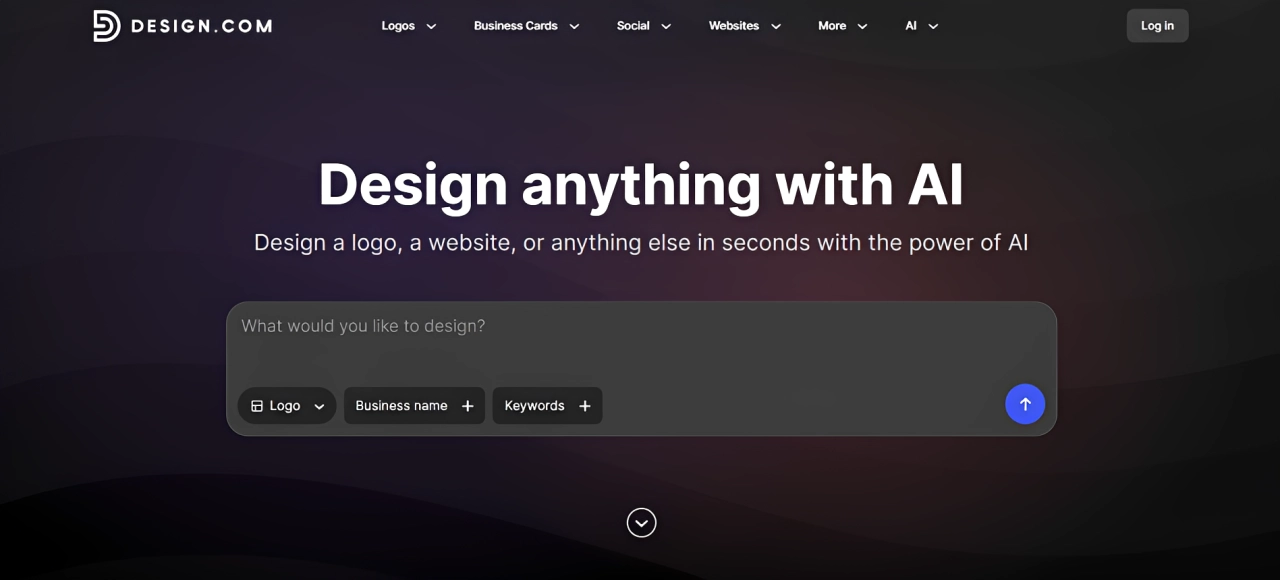
Starting a small business means every dollar and every hour counts. Building trust, standing out from competitors, and creating a consistent brand presence are all essential for growth. A strong logo helps make that possible across every customer touchpoint, from your website and social media to your packaging and marketing materials. But most small business owners are not designers, and many cannot afford to hire one.
The good news is that free logo makers have gotten genuinely good. The bad news is that there are a lot of them, and quality varies wildly. With that, we went through the most popular options to cut through the noise.
How the Top 6 Logo Makers Compare
| # | Tool | Best For | Rating | Pricing |
|---|---|---|---|---|
| 1 | Design.com | Fast, on-brand logos for any industry | ★★★★★ | Free / Paid |
| 2 | BrandCrowd | Template variety and creative range | ★★★★★ | Free / Paid |
| 3 | Canva | Collab-centric teams and marketing assets | ★★★★☆ | Free / Paid |
| 4 | Adobe Express | Users already in the Adobe ecosystem | ★★★☆☆ | Free / Paid |
| 5 | Shopify Logo Maker | Completely free logos for e-commerce | ★★★☆☆ | Free |
| 6 | VistaCreate | Simple designs for social-first brands | ★★★☆☆ | Free / Paid |
Quick Verdict
- Design.com: Best overall free logo maker for small businesses. The platform consistently generates professional, industry-relevant logos and makes the entire creation process fast and accessible for beginners.
- BrandCrowd: Best for founders who want more variety. The tool's extensive template library makes it easy to explore different visual directions and compare a wider range of logo styles before making a choice.
#1 Design.com — Best Overall Free Logo Maker for Small Businesses
Design.com's logo maker sits at the top of this list because it solves the real problem most small business owners face when building a brand. The platform generates logos that already feel aligned with your industry, reducing the need to start from scratch or spend time reshaping generic designs into something usable.
A major reason for that is the breadth of creative assets available on the platform. Access to more than 500,000 design templates means the AI can draw inspiration from a much wider range of styles, industries, and visual approaches.
Behind the logo generator is also a large collection of professionally designed layouts that help ensure the initial concepts feel polished and relevant. A library of more than 750 fonts and over 62,000 custom vector shapes then gives users enough flexibility to refine the design and create a logo that feels unique to their brand.
The tool does not hand you a random assortment of elements and expect you to figure it out. It generates logo concepts that are already shaped by recognizable brand directions for your specific industry, whether that is clean minimalism for a tech product, bold graphics for e-commerce, or soft, organic styling for a wellness brand.
What Design.com does well
The AI tools handle the hard part from the start. You enter your business name and a brief description, and the platform returns multiple fully designed logo options within seconds. Each one comes with icon choices, color palettes, and typography that already make sense for your market.
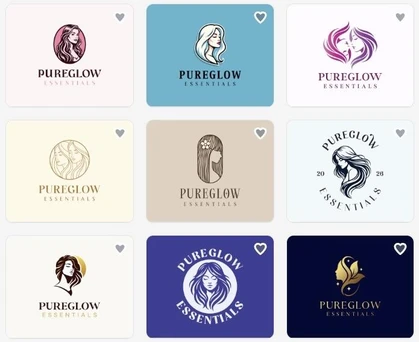
For example, here are the logos it generated for PureGlow Essentials, a beauty and wellness brand that produces skincare and personal care products. The results hit the mark, combining the clean, elegant aesthetic typically associated with the industry with soft typography and visual elements that reinforce a sense of quality, care, and trust.
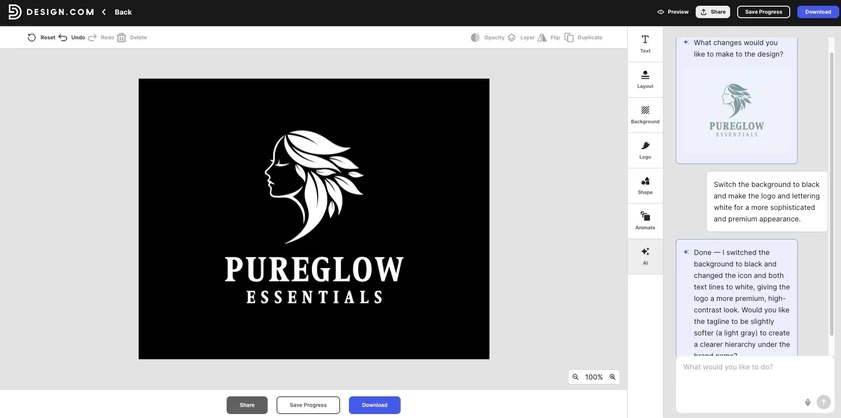
You can see below that the editor is built for people with no design experience. The drag-and-drop interface requires no technical knowledge, and the AI chat tool lets you describe changes in plain language instead of manually adjusting settings. Here, we changed the prompt from a green color scheme to black and white, and the AI generated a revised version of the logo within seconds.
Once you have a logo, the tool takes care of consistency. Your colors, fonts, and styling automatically carry through to your other materials, so everything your business puts out looks like it came from the same place.
Pricing: Free logos are available with no watermarks and no hidden charges, in high resolution across all major file formats including PNG, JPG, SVG, PDF, EPS, GIF, and MP4, with icon-only and transparent background options included. Paid plans unlock premium templates and additional brand assets.
Verdict: Design.com gives small businesses more per logo than anything else we tested. The AI speed, the industry-specific design quality, and the brand kit all in one place make it the easiest recommendation on this list.
#2 BrandCrowd — Best for Template Variety and Creative Range
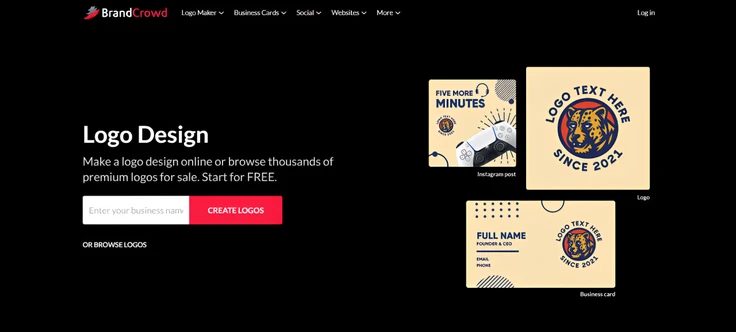
BrandCrowd earns the second spot because of what it does better than almost any other tool on this list: it gives you an enormous range of creative directions to explore logo design without making the process feel overwhelming.
With more than 380,000 logo templates spanning a wide range of industries and design styles, it is particularly useful for business owners who are still exploring their brand identity. Instead of being limited to a handful of concepts, users can compare different visual directions and get a much clearer sense of what suits their business.
Once a direction starts to emerge, the platform provides more than 750 fonts, including over 525 exclusive typefaces, to help shape the brand's personality. A library of over 62,000 custom vector shapes adds another layer of flexibility, making it easier to refine and personalize a logo without starting over.
What BrandCrowd does well
Unlike more rigid template sites, BrandCrowd gives users a broader creative playground while still keeping the process approachable.
Take a look at a few of their sample logos for the company "PureGlow Essentials." The tool shows soft, organic, and clean design directions.
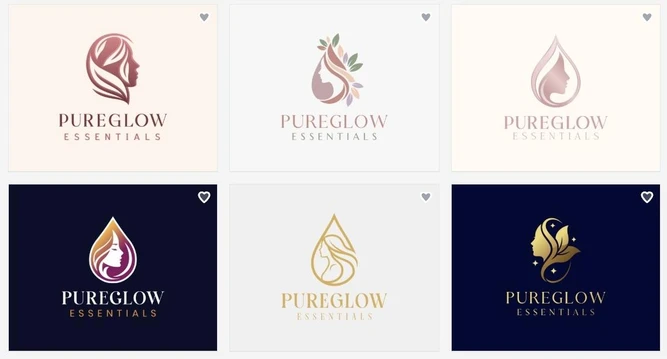
You can adjust gradient colors, text spacing, icon curves, and other details that other platforms lock behind paid plans or do not offer at all. Beyond logos, the platform includes tools for websites, digital business cards, flyers, presentations, and other materials, all designed to carry the same visual identity.
Pricing: Free logos are available for download with no watermark, all in high resolution. Premium logos require a subscription and come with additional branded marketing assets.
Verdict: BrandCrowd is the best option for non-designers who want a creative logo that goes a step above the standard template output. Its library is large without being chaotic, its editing flow is simple enough for first-time users, and the logos it produces tend to look like they belong to a real business rather than a rough first draft.
The Rest of the List
#3 Canva
Canva is a widely used design platform with a large template ecosystem covering logos, social media graphics, presentations, and marketing materials. Its collaborative features are the strongest argument for it: multiple users can edit in real time, leave comments on projects, and share brand assets across a team.
For startups that create a lot of content and need one workspace to do it, the convenience of staying in a single platform has genuine value. The logo tool itself is less specialized than Design.com or BrandCrowd, and quality can be inconsistent, especially on the free plan. A lot of outputs also carry a recognizable look that can make it harder to stand out.
Here is a sample of what Canva generates.
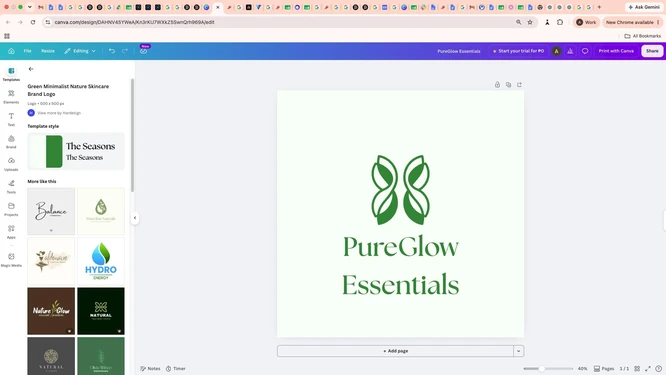
Pricing: Free logos are available, though the selection is narrower and editing features are limited compared to the paid tier. Canva Pro unlocks the full template library, advanced editing, and the team collaboration tools that make the platform most useful.
Verdict: Canva works best when logo creation is one part of a larger design workflow rather than the main goal.
#4 Adobe Express
Adobe Express simplifies logo creation for users already working inside Creative Cloud. It connects lightweight logo generation with access to Adobe's font library, stock assets, and creative tools, and the interface is considerably easier to navigate than Photoshop or Illustrator.
The strongest features, including the AI tools, brand kits, and expanded storage, sit behind the paid plan. For teams already embedded in the Adobe ecosystem, it makes sense. For everyone else, the learning curve and the ecosystem dependency make other tools a more practical starting point.
Take a look at what Adobe Express produces.
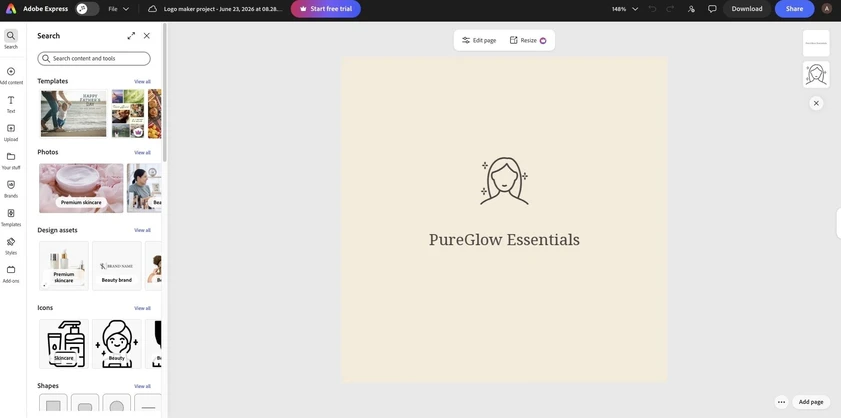
Pricing: A free plan is available with limited features and a smaller asset library. Paid upgrades unlock advanced AI tools, one-click resize, brand kits, larger storage, and bigger credit allocations for premium features.
Verdict: Adobe Express makes the most sense for small businesses already operating inside the Adobe ecosystem. The creative flexibility is real, but so is the learning curve. For people who have no prior history with Adobe tools, the benefit of staying in that environment largely disappears, and simpler alternatives will get you to a finished logo faster.
#5 Shopify Logo Maker
Shopify's logo maker is a straightforward completely free option. The process is simple, the editor is easy to use, and logos are formatted and optimized for online stores with direct integration into a Shopify site.
The designs lean toward simple and basic, and customization is limited compared to other tools here.
See what Shopify's logo maker puts out.
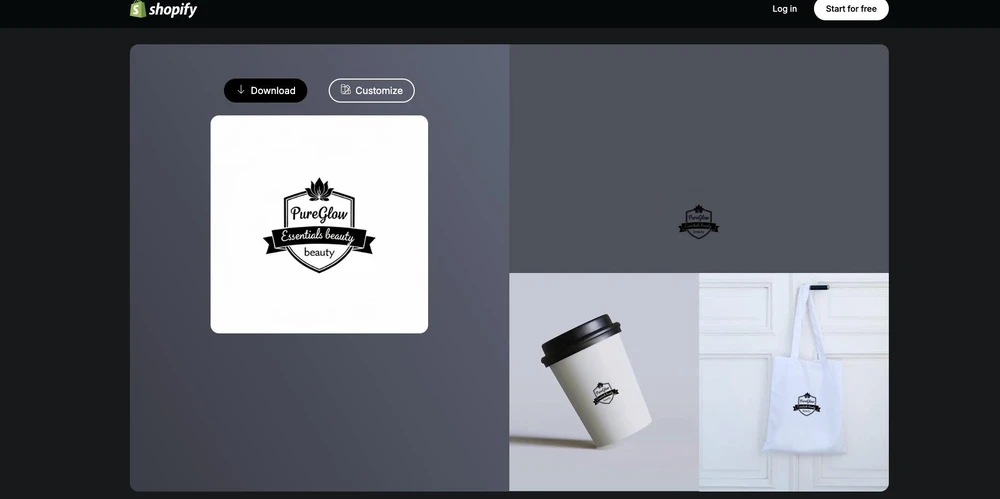
Pricing: Logos are completely free with no strings attached. Paid plans are available for those looking to build a full Shopify storefront at the same time.
Verdict: Outside of the e-commerce context though, the designs are functional rather than distinctive, and the customization options are limited enough that businesses wanting more creative range will find more to work with elsewhere.
#6 VistaCreate
VistaCreate's template library includes over 200,000 options, the editor is clean and easy to use, and the animation and motion graphics tools are a standout.
As a logo maker specifically, it feels secondary to its broader content platform. The library size, variety, and customization depth do not match what Design.com offers, but for small teams generating large volumes of social content who need a simple accompanying logo, it covers the basics well.
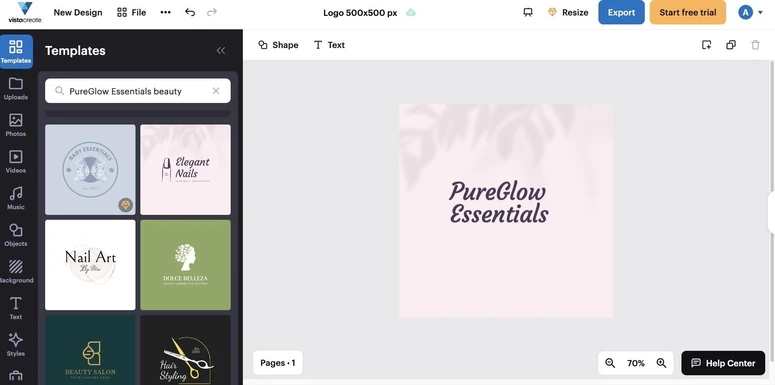
Check VistaCreate's output.
Pricing: A free plan is available with access to a solid portion of the template library. Pro plans unlock premium templates, additional assets, and expanded storage.
Verdict: VistaCreate works best for small teams that are primarily focused on content creation and want a logo that fits that workflow without switching platforms. As a dedicated logo maker it does not match the depth or output quality of Design.com or BrandCrowd, but for what it is, it does the job cleanly.
Which Logo Maker Is Right for Your Business
The right tool depends on what stage you are at and what you need from the process.
For most small businesses, Design.com is the strongest choice if you want to generate a professional logo quickly and move on to the next task on your list. The results are consistently relevant to the industry, the editing process is straightforward, and it takes very little effort to arrive at something you can confidently use.
BrandCrowd is a better option if you want to explore a wider range of concepts and compare different creative directions before making a decision. It offers more variety, which can be valuable if you are still shaping your brand identity and want to see what resonates.
Whichever platform you choose, a logo only creates value when it is being used. The sooner you settle on a design, the sooner you can focus on attracting customers, building your brand, and growing your business.