Best Ollama Models for Coding & ChatGPT Alternatives 2026
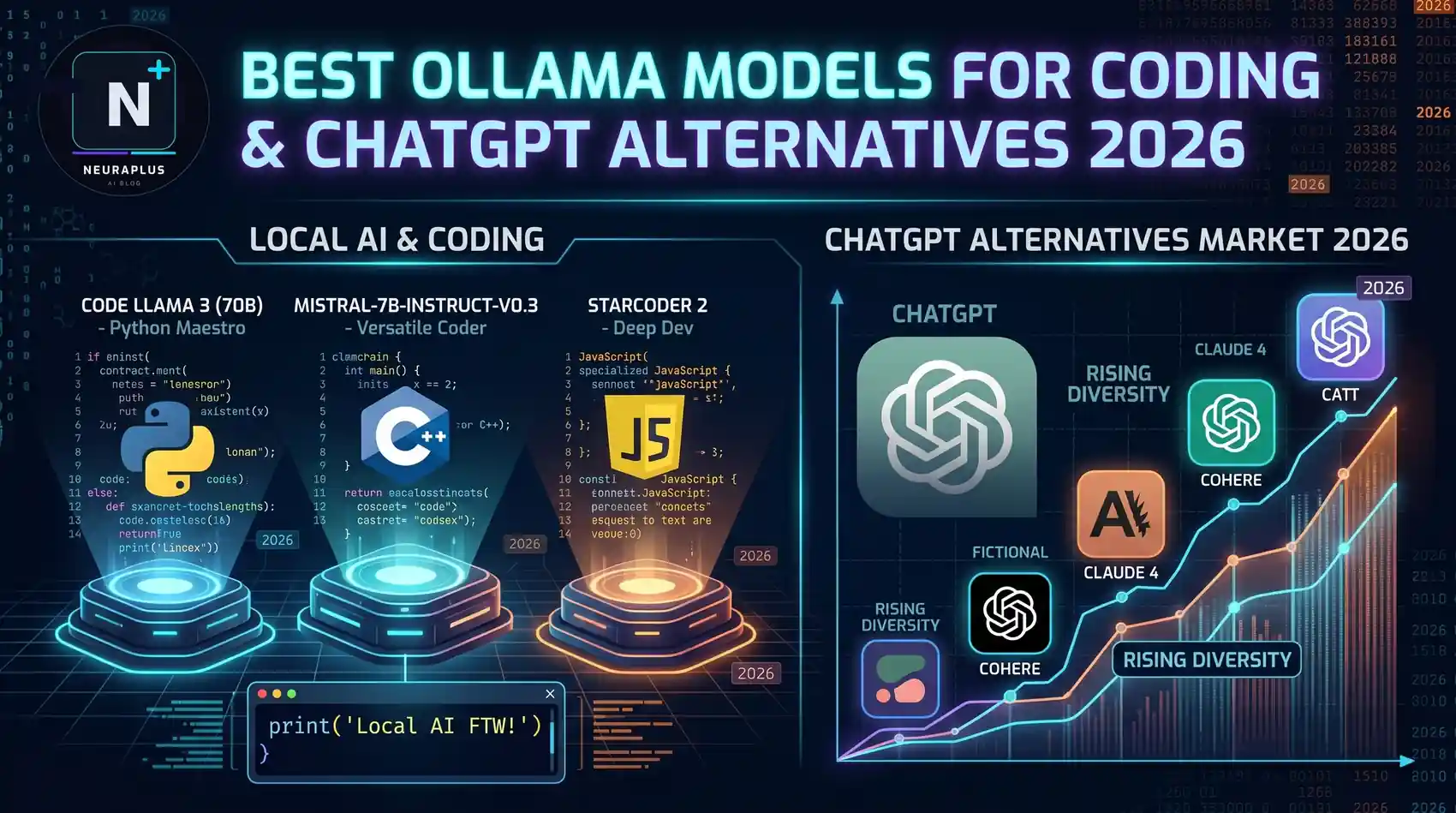
Looking for the best Ollama models for coding and effective ChatGPT alternatives? In 2026, local AI models have reached remarkable quality. This guide compares the top Ollama models for developers — from Llama 3 and CodeLlama to Mistral and Phi-3 — so you can choose the right model for your coding needs without paying for ChatGPT. If you're also evaluating broader options, see our roundup of the best open source LLMs in 2026 and our dedicated guide to the best LLMs for coding.
🎯 Quick Pick: For coding — CodeLlama 34B or Llama 3 8B Instruct. For general ChatGPT replacement — Llama 3 70B. For speed on modest hardware — Phi-3 Mini or Mistral 7B.
Top Ollama Models for Coding (2026)
Best all-rounder. Fast, capable, and runs on most machines. Perfect for daily coding assistance and chat.
Specialized for code. Supports Python, C++, Java, JS, PHP, TS, C#, Bash. Best for serious coding tasks.
Fast and efficient. Great 32K context window. Excellent ChatGPT alternative for general tasks and moderate coding.
Tiny but mighty. Runs on almost anything — even laptops without dedicated GPUs. Best for quick coding help on weak hardware.
Google's open model. Strong reasoning and safety. Good for general chat and moderate coding assistance.
The powerhouse. Closest to GPT-4 quality. Needs 32GB+ RAM. Best ChatGPT alternative if your hardware can handle it.
Coding Performance: Detailed Comparison
| Model | HumanEval | MBPP | Context | Best Use Case |
|---|---|---|---|---|
| CodeLlama 34B | 57.7% | 65.3% | 16K tokens | Serious coding projects |
| Llama 3 70B | 81.7% | 73.8% | 8K tokens | Complex problem solving |
| Llama 3 8B | 62.2% | 58.1% | 8K tokens | Daily coding assistant |
| Mistral 7B | 45.1% | 52.3% | 32K tokens | Code review & snippets |
| Phi-3 Mini | 38.4% | 41.2% | 4K tokens | Quick code help on weak hardware |
| Gemma 2 7B | 49.4% | 54.6% | 8K tokens | General coding assistance |
Best Ollama Models as ChatGPT Alternatives
Replacing ChatGPT with local models depends on what you use it for. Here's the breakdown:
🏅 Best Overall: Llama 3 70B Instruct
If you have the hardware (32GB+ RAM), this is the closest free alternative to ChatGPT. Handles complex reasoning, creative writing, and analysis with impressive quality. The 70B parameter count gives it nuance that smaller models can't match.
⚡ Best Speed/Quality Balance: Llama 3 8B Instruct
Runs on almost any modern laptop. Delivers 80% of GPT-4 quality at a fraction of the hardware cost. Perfect for daily use, coding help, and general chat. This is what most people should start with.
💻 Best for Coding: CodeLlama 34B
Specifically trained on code. Supports fill-in-the-middle, infilling, and multiple programming languages. Better than Llama 3 for pure coding tasks, though weaker at general conversation.
🔥 Best for Low-End Hardware: Phi-3 Mini
Microsoft's compact model punches way above its weight. At 3.8B parameters, it runs smoothly on 8GB RAM laptops. Not as capable as larger models, but surprisingly competent for basic coding and chat.
Hardware Requirements by Model
| Model | Min RAM | Recommended | GPU | Download Size |
|---|---|---|---|---|
| Phi-3 Mini | 8GB | 8GB | None needed | 2.2GB |
| Mistral 7B | 8GB | 16GB | Optional (2GB VRAM) | 4.1GB |
| Gemma 2 7B | 8GB | 16GB | Optional (2GB VRAM) | 4.4GB |
| Llama 3 8B | 8GB | 16GB | Optional (4GB VRAM) | 4.7GB |
| CodeLlama 34B | 32GB | 64GB | Recommended (8GB+ VRAM) | 19GB |
| Llama 3 70B | 64GB | 128GB | Recommended (16GB+ VRAM) | 39GB |
💡 Pro Tip: You don't need a GPU to run most models. Ollama optimizes for CPU execution. A modern laptop with 16GB RAM can run Llama 3 8B or Mistral 7B at usable speeds (5-15 tokens/sec). For 70B models, consider cloud instances or high-end workstations.
Quick Commands to Try Each Model
Download & Run Commands:
# Llama 3 8B (best starting point)
ollama run llama3
# Llama 3 70B (if you have 32GB+ RAM)
ollama run llama3:70b
# CodeLlama 34B (for serious coding)
ollama run codellama:34b
# Mistral 7B (fast general assistant)
ollama run mistral
# Phi-3 Mini (for weaker hardware)
ollama run phi3
# Gemma 2 7B (Google's open model)
ollama run gemma2
Which Model Should You Choose?
- Just starting with Ollama? → Llama 3 8B — the sweet spot for most users
- Need serious coding help? → CodeLlama 34B — purpose-built for developers
- Want the best ChatGPT alternative? → Llama 3 70B — if your hardware supports it
- Have an old laptop? → Phi-3 Mini — runs on almost anything
- Want fast general-purpose AI? → Mistral 7B — excellent speed with good quality
Frequently Asked Questions
Conclusion
The landscape of best Ollama models for coding and ChatGPT alternatives has matured significantly in 2026. You no longer need to pay for cloud AI to get capable coding assistance or general-purpose chat.
Our recommendation: Start with Llama 3 8B for a balanced experience. Add CodeLlama 34B if coding is your primary use case. Upgrade to Llama 3 70B when you need GPT-4-level quality and have the hardware to support it.
For more on local AI development, explore our guides on how to run Ollama locally, Ollama setup guide, and Ollama vs OpenAI comparison. Want to go beyond Ollama? Check out our full breakdown of the best open source LLMs in 2026 and the best LLMs specifically for coding.