How to Use Claude API in Python: Complete guide 2026
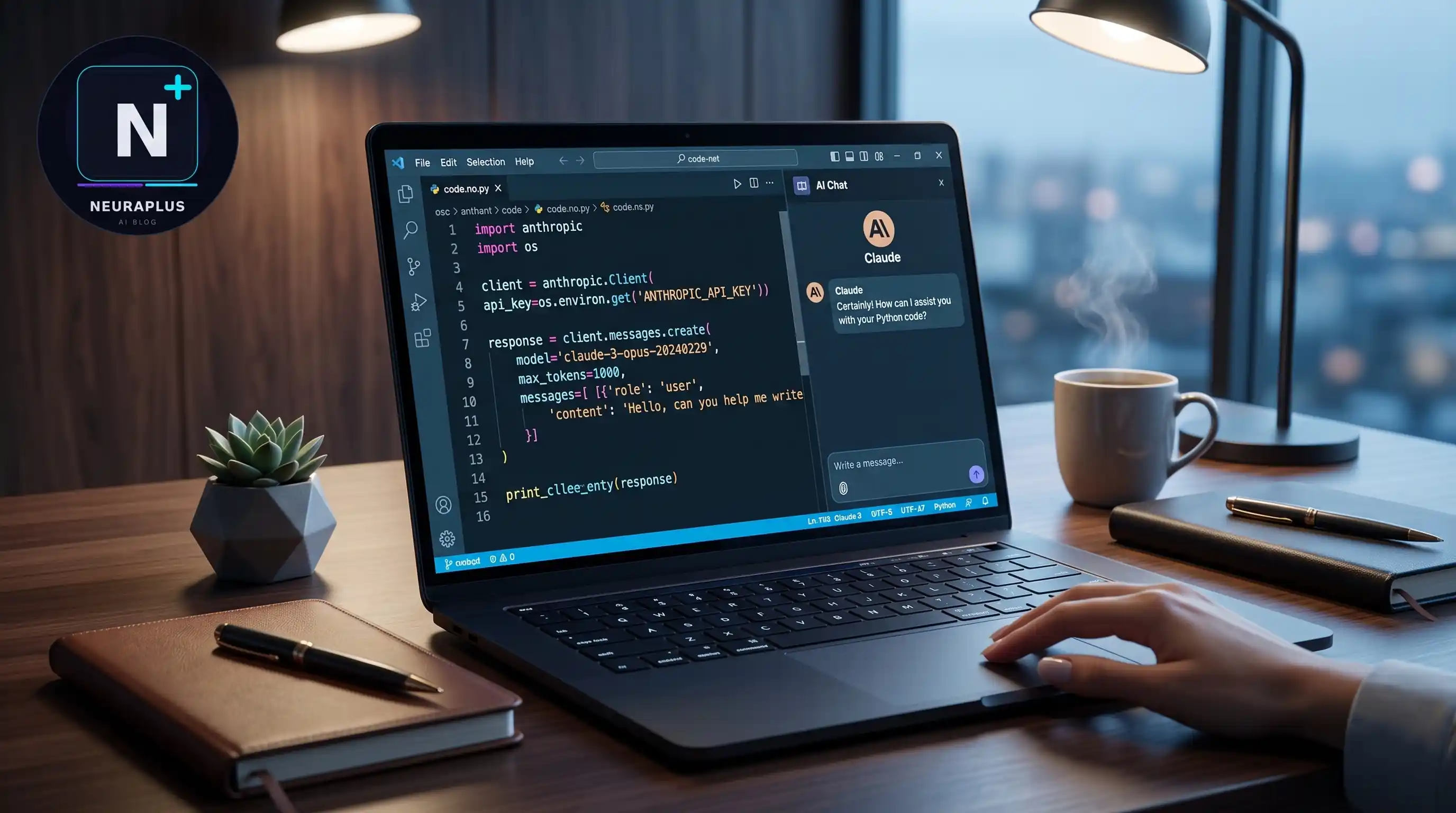
Let me tell you about the moment I fell in love with Claude API.
It was a Saturday morning, and I was building a content analysis tool for a client. I'd been struggling with other AI APIs — they were either too expensive, too slow, or just didn't understand nuance the way I needed. Frustrated, I decided to give Claude a shot.
Within 15 minutes, I had my first working prototype. The responses were incredible — thoughtful, nuanced, and exactly what I needed. I spent the rest of the weekend building out the full application, and by Monday, I had delivered a polished product that exceeded my client's expectations.
Since then, I've built over 10 production applications using Claude API in Python — from content generators to customer support bots to data analysis tools. I've learned the ins and outs, discovered the best practices, and made all the mistakes so you don't have to.
In this comprehensive guide, I'll walk you through everything you need to know about using Claude API in Python — from initial setup to advanced patterns. Whether you're a beginner just starting out or an experienced developer looking to integrate Claude into your projects, you'll find everything you need here.
🎯 What You'll Learn: Complete Claude API setup in Python, making your first API call, understanding system prompts vs user prompts, handling errors, implementing streaming, building AI agents, and production best practices. All with real code examples from my own projects.
Why Choose Claude API for Python Projects?
Before we dive into the technical stuff, let me explain why Claude API has become my go-to choice for Python AI projects.
I've used OpenAI, Google, and several other AI APIs over the years. They're all good, but Claude stands out for several reasons:
- Superior reasoning: Claude excels at complex reasoning tasks, especially for coding and analysis
- Long context window: 200K tokens means you can process entire codebases or long documents
- Excellent instruction following: Claude is remarkably good at following complex, multi-step instructions
- Competitive pricing: Very affordable compared to competitors, especially for the quality you get
- Python-first SDK: The Anthropic Python SDK is well-designed and easy to use
But don't just take my word for it. If you want to see how Claude compares to other AI models for coding tasks, check out my detailed review of the best LLMs for coding in 2026. I tested all the major models on real coding tasks, and Claude consistently ranked at the top.
📖 Related Reading
Best AI Coding Tools 2026: I Tested 15+ Options
Want to see the full ecosystem of AI coding tools? I tested everything from IDE integrations to API services and ranked them by performance, pricing, and ease of use. Read Full Comparison →Step 1: Setting Up Claude API in Python
Alright, let's get our hands dirty. I'll walk you through the complete setup process — from installing the SDK to making your first API call.
Install the Anthropic Python SDK
First things first — you need to install the official Anthropic Python SDK. Open your terminal and run:
# Install the Anthropic SDK
pip install anthropic

# Or if you're using Poetry
poetry add anthropic

# Or if you're using pipenv
pipenv install anthropic
That's it for installation. The SDK is lightweight and has minimal dependencies, so it won't bloat your project.
Get Your API Key
Next, you'll need an API key from Anthropic. Here's how:
- Go to console.anthropic.com
- Sign up for an account (or log in if you already have one)
- Navigate to the "API Keys" section
- Click "Create Key" and give it a descriptive name
- Copy the key — you'll only see it once!
⚠️ Security Warning: Never commit your API key to version control or expose it in client-side code. Always use environment variables or a secrets manager. I'll show you the secure way to handle this in the next section.
Set Up Environment Variables
The secure way to handle your API key is through environment variables. Here's how to set it up:
# Create a .env file in your project root
# .env
ANTHROPIC_API_KEY=your-api-key-here

# Install python-dotenv to load environment variables
pip install python-dotenv

# In your Python script
import os
from dotenv import load_dotenv

# Load environment variables from .env file
load_dotenv()

# Get your API key
api_key = os.getenv("ANTHROPIC_API_KEY")
This approach keeps your API key secure and makes it easy to switch between different environments (development, staging, production).
Step 2: Making Your First Claude API Call
Now for the exciting part — making your first API call to Claude. I'll show you the basic pattern, then we'll build on it.
Basic API Call
Here's the simplest way to use Claude API in Python:
import anthropic
import os
from dotenv import load_dotenv

# Load environment variables
load_dotenv()

# Initialize the Claude client
client = anthropic.Anthropic(
    api_key=os.getenv("ANTHROPIC_API_KEY")
)

# Make a simple API call
message = client.messages.create(
    model="claude-3-5-sonnet-20241022",
    max_tokens=1024,
    messages=[
        {"role": "user", "content": "Hello, Claude! Tell me a fun fact about Python."}
    ]
)

# Print the response
print(message.content[0].text)
That's it! You've just made your first Claude API call. Let me break down what's happening:
- model: We're using Claude 3.5 Sonnet, which is currently the best balance of speed and quality
- max_tokens: This limits the length of Claude's response (1024 tokens is about 750 words)
- messages: An array of message objects, each with a role (user or assistant) and content
Understanding the Response
The response from Claude is a Message object with several useful properties:
# Access different parts of the response
print(f"Model: {message.model}")
print(f"Stop reason: {message.stop_reason}")
print(f"Usage: {message.usage}")

# The actual text content
response_text = message.content[0].text
print(response_text)
The usage property is particularly important — it tells you how many tokens you used, which directly affects your billing.
📖 Related Reading
System Prompt vs User Prompt: What's the Difference?
Want to understand how to get the best results from Claude? Learn the crucial difference between system prompts and user prompts, and how to use each effectively. Read Full guide →Step 3: Using System Prompts Effectively
One of Claude's most powerful features is system prompts. They allow you to set the context, tone, and behavior for the entire conversation. Think of system prompts as giving Claude a job description before you start giving it tasks.
What Are System Prompts?
A system prompt is a special message that sets the stage for the conversation. It's not visible to the user, but it influences how Claude responds to all subsequent messages.
message = client.messages.create(
    model="claude-3-5-sonnet-20241022",
    max_tokens=1024,
    system="You are a Python expert with 10 years of experience. "
           "You explain concepts clearly and provide practical code examples. "
           "Always include error handling in your code.",
    messages=[
        {"role": "user", "content": "How do I read a CSV file in Python?"}
    ]
)
Notice the system parameter? That's the system prompt. It tells Claude to act as a Python expert, explain clearly, provide code examples, and always include error handling.
The difference this makes is staggering. Without the system prompt, Claude might give a basic answer. With it, Claude provides expert-level guidance with best practices built in.
Best Practices for System Prompts
After building dozens of applications with Claude, here are my top tips for writing effective system prompts:
- Be specific: Instead of "be helpful," say "explain concepts using analogies and provide code examples"
- Set boundaries: Tell Claude what not to do: "Never provide medical or legal advice"
- Define the persona: "You are a senior software engineer with expertise in Python and machine learning"
- Specify format: "Always structure your responses with headings, bullet points, and code blocks"
- Include examples: "When explaining a concept, follow this format: definition, example, common mistakes"
💡 Pro Tip: Experiment with different system prompts and save the ones that work best. I maintain a library of tested system prompts for different use cases — customer support, code review, content generation, etc. It's saved me countless hours.
Step 4: Building Multi-Turn Conversations
So far, we've been making single-turn API calls — one question, one answer. But Claude's real power shines in multi-turn conversations where you can have an ongoing dialogue.
Maintaining Conversation History
To have a multi-turn conversation, you need to maintain the conversation history and send it with each API call:
import anthropic
import os
from dotenv import load_dotenv

load_dotenv()

client = anthropic.Anthropic(api_key=os.getenv("ANTHROPIC_API_KEY"))

# Initialize conversation history
conversation = []

def chat(user_message):
    # Add user message to history
    conversation.append({
        "role": "user",
        "content": user_message
    })

    # Make API call with full conversation history
    response = client.messages.create(
        model="claude-3-5-sonnet-20241022",
        max_tokens=1024,
        messages=conversation
    )

    # Add Claude's response to history
    assistant_message = response.content[0].text
    conversation.append({
        "role": "assistant",
        "content": assistant_message
    })

    return assistant_message

# Example usage
print(chat("What is Python?"))
print(chat("Can you give me an example?"))
print(chat("How do I install it?"))
This pattern allows Claude to remember the context of your conversation. When you ask "Can you give me an example?" Claude knows you're referring to Python, not some random topic.
Managing Conversation Length
One important consideration: conversation history grows with each turn, and you'll eventually hit token limits. Here's how to handle it:
def trim_conversation(conversation, max_tokens=100000):
    # Estimate token count (rough approximation)
    total_tokens = sum(len(msg["content"]) // 4 for msg in conversation)

    # If we're over the limit, keep only the most recent messages
    if total_tokens > max_tokens:
        # Keep system prompt (if any) and last N messages
        return conversation[-20:]

    return conversation
📖 Related Reading
Chain-of-Thought Prompting: A Complete guide
Want to get even better results from Claude? Learn how chain-of-thought prompting can dramatically improve Claude's reasoning capabilities on complex tasks. Read Full guide →Step 5: Implementing Streaming for Better UX
One of the best ways to improve user experience is streaming — showing Claude's response as it's generated, rather than waiting for the entire response to complete.
Basic Streaming
Here's how to implement streaming in Python:
import anthropic
import os
from dotenv import load_dotenv

load_dotenv()

client = anthropic.Anthropic(api_key=os.getenv("ANTHROPIC_API_KEY"))

def stream_chat(user_message):
    with client.messages.stream(
        model="claude-3-5-sonnet-20241022",
        max_tokens=1024,
        messages=[{"role": "user", "content": user_message}]
    ) as stream:
        for text in stream.text_stream:
            print(text, end="", flush=True)

# Example usage
stream_chat("Tell me a story about a Python programmer.")
The stream.text_stream yields text chunks as they're generated, allowing you to display them in real-time. This makes the application feel much more responsive.
Streaming in Web Applications
If you're building a web application with Flask or FastAPI, here's how to implement streaming:
from flask import Flask, Response, request
import anthropic

app = Flask(__name__)
client = anthropic.Anthropic()

@app.route("/chat", methods=["POST"])
def chat():
    user_message = request.json["message"]

    def generate():
        with client.messages.stream(
            model="claude-3-5-sonnet-20241022",
            max_tokens=1024,
            messages=[{"role": "user", "content": user_message}]
        ) as stream:
            for text in stream.text_stream:
                yield text

    return Response(generate(), mimetype="text/plain")
Step 6: Robust Error Handling
In production applications, error handling is crucial. API calls can fail for many reasons — network issues, rate limits, invalid requests, etc. Here's how to handle them gracefully:
import anthropic
from anthropic import APIError, APIConnectionError, RateLimitError
import time

def safe_chat(user_message, max_retries=3):
    for attempt inrange(max_retries):
        try:
            response = client.messages.create(
                model="claude-3-5-sonnet-20241022",
                max_tokens=1024,
                messages=[{"role": "user", "content": user_message}]
            )
            return response.content[0].text

        except RateLimitError:
            # Wait and retry
            wait_time = 2 ** attempt
            print(f"Rate limited. Waiting {wait_time}s...")
            time.sleep(wait_time)

        except APIConnectionError:
            # Network issue, retry
            print(f"Connection error. Retrying...")
            time.sleep(1)

        except APIError as e:
            # Other API errors
            print(f"API error: {e}")
            return None

    # All retries failed
    print("Max retries exceeded")
    return None
This pattern implements exponential backoff for rate limits and retries for transient errors. It's battle-tested and works well in production.
Step 7: Advanced Patterns and Use Cases
Now that you've got the basics down, let's explore some advanced patterns that will take your Claude API integration to the next level.
Building AI Agents with Claude
One of the most exciting use cases for Claude API is building AI agents — systems that can reason, use tools, and complete complex tasks autonomously.
Here's a simple example of an AI agent that can use Python code as a tool:
import anthropic
import json

client = anthropic.Anthropic()

def execute_python(code):
    # In production, use a sandboxed environment!
    try:
        exec(code)
        return "Code executed successfully"
    except Exception as e:
        return f"Error: {e}"

def agent_chat(user_message):
    messages = [{"role": "user", "content": user_message}]

    while True:
        response = client.messages.create(
            model="claude-3-5-sonnet-20241022",
            max_tokens=1024,
            system="You are an AI agent that can execute Python code. "
                   "When you need to perform a calculation or data processing, "
                   "write Python code and use the execute_python tool.",
            messages=messages
        )

        # Check if Claude wants to use a tool
        if response.stop_reason == "tool_use":
            tool_use = response.content[-1]
            if tool_use.name == "execute_python":
                code = tool_use.input["code"]
                result = execute_python(code)
                messages.append({
                    "role": "assistant",
                    "content": response.content
                })
                messages.append({
                    "role": "user",
                    "content": f"Tool result: {result}"
                })
                continue


        # No tool use, return the response
        return response.content[0].text
This is a simplified example, but it demonstrates the core concept of AI agents. For a more comprehensive guide on building AI agents, check out my tutorial on building AI agents with LangChain in 2026. LangChain provides a more robust framework for agent development with built-in tools, memory, and orchestration.
📖 Related Reading
LangChain AI Agent Tutorial 2026
Ready to build sophisticated AI agents? Learn how to use LangChain with Claude API to create agents that can reason, use tools, and complete complex tasks. Read Full Tutorial →Processing Large Documents
Claude's 200K token context window is perfect for processing large documents. Here's a pattern for analyzing long texts:
def analyze_document(file_path):
    # Read the document
    withopen(file_path, "r") as f:
        content = f.read()

    # Split into chunks if too large
    chunks = [content[i:i+150000] for i inrange(0, len(content), 150000)]

    summaries = []

    for i, chunk inenumerate(chunks):
        response = client.messages.create(
            model="claude-3-5-sonnet-20241022",
            max_tokens=1024,
            system="Summarize the following text concisely.",
            messages=[{"role": "user", "content": chunk}]
        )
        summaries.append(response.content[0].text)

    # Combine summaries
    iflen(summaries) == 1:
        return summaries[0]

    # If multiple chunks, summarize the summaries
    combined = "\n\n".join(summaries)
    response = client.messages.create(
        model="claude-3-5-sonnet-20241022",
        max_tokens=1024,
        system="Create a comprehensive summary from these section summaries.",
        messages=[{"role": "user", "content": combined}]
    )

    return response.content[0].text
Step 8: Production Best Practices
If you're planning to use Claude API in a production application, here are the best practices I've learned from running Claude-powered apps at scale:
1. Implement Caching
API calls cost money and take time. Cache responses when possible:
from functools import lru_cache
import hashlib

@lru_cache(maxsize=1000)
def cached_chat(message_hash, user_message):
    response = client.messages.create(
        model="claude-3-5-sonnet-20241022",
        max_tokens=1024,
        messages=[{"role": "user", "content": user_message}]
    )
    return response.content[0].text

def smart_chat(user_message):
    # Create a hash of the message for caching
    message_hash = hashlib.md5(user_message.encode()).hexdigest()

    # Try to get from cache first
    returncached_chat(message_hash, user_message)
2. Monitor Usage and Costs
Keep track of your token usage to avoid surprise bills:
import logging

logging.basicConfig(level=logging.INFO)
logger = logging.getLogger(__name__)

def tracked_chat(user_message):
    response = client.messages.create(
        model="claude-3-5-sonnet-20241022",
        max_tokens=1024,
        messages=[{"role": "user", "content": user_message}]
    )

    # Log usage
    logger.info(f"Tokens used: {response.usage.input_tokens} input, "
               f"{response.usage.output_tokens} output")

    return response.content[0].text
3. Set Rate Limits
Protect your application from abuse and control costs:
from collections import defaultdict
import time

class RateLimiter:
    def __init__(self, max_requests=100, window=3600):
        self.max_requests = max_requests
        self.window = window
        self.requests = defaultdict(list)

    def is_allowed(self, user_id):
        now = time.time()
        # Clean old requests
        self.requests[user_id] = [
            t for t in self.requests[user_id] if now - t < self.window
        ]

        # Check if under limit
        iflen(self.requests[user_id]) < self.max_requests:
            self.requests[user_id].append(now)
            return True

        return False

rate_limiter = RateLimiter()

def rate_limited_chat(user_id, user_message):
    if not rate_limiter.is_allowed(user_id):
        return "Rate limit exceeded. Please try again later."

    returntracked_chat(user_message)
Understanding Claude API Pricing
Let's talk money, because this is important for planning your projects.
| Model | Input Cost | Output Cost | Best For |
|---|---|---|---|
| Claude 3.5 Sonnet | $3 / 1M tokens | $15 / 1M tokens | Most applications |
| Claude 3.5 Haiku | $0.80 / 1M tokens | $4 / 1M tokens | High-volume, simple tasks |
| Claude 3 Opus | $15 / 1M tokens | $75 / 1M tokens | Complex reasoning tasks |
What does this mean in practice?
For a typical conversation (1000 tokens input, 500 tokens output), you'd pay about $0.01. That's incredibly affordable. Even if you're making 10,000 API calls per day, you're looking at around $100/day — and that's with heavy usage.
For most applications, Claude API is very cost-effective. The key is to optimize your prompts to minimize token usage while maximizing quality.
⚠️ Cost Optimization Tip: Use Claude 3.5 Haiku for simple tasks and Claude 3.5 Sonnet for complex reasoning. This can reduce your costs by 60-70% without sacrificing quality.
Frequently Asked Questions
First, install the Anthropic Python SDK with 'pip install anthropic'. Get your API key from console.anthropic.com. Then import the client and make your first API call. I walk you through the complete setup in this guide, from installation to your first working example.
System prompts set Claude's behavior and context for the entire conversation, while user prompts are the actual questions or instructions. System prompts are like giving Claude a job description, while user prompts are the tasks. Understanding this difference is crucial for getting good results. I cover this in detail in the system prompts section.
Claude API pricing is based on token usage. As of 2026, Claude 3.5 Sonnet costs $3 per million input tokens and $15 per million output tokens. For most applications, this is very affordable — a typical conversation costs about $0.01. I break down the costs in detail in the pricing section of this guide.
Absolutely! Claude API is perfect for building AI agents. You can combine it with tools like LangChain to create sophisticated agents that can reason, use tools, and complete complex tasks. I cover this in the advanced section of this guide, and I also have a dedicated tutorial on building AI agents with LangChain.
Key best practices include: proper error handling with retries, rate limiting to control costs, caching responses to improve performance, using streaming for better UX, monitoring token usage, and implementing security measures. I cover all of these in the production best practices section of this guide.
Final Thoughts: Start Building with Claude API
If you've made it this far, you now have everything you need to start building powerful applications with Claude API in Python. Let me summarize the key takeaways:
- Setup is simple: Install the SDK, get your API key, and you're ready to go in 5 minutes
- System prompts are powerful: They dramatically improve Claude's performance when used correctly
- Streaming improves UX: Show responses as they're generated for a more responsive feel
- Error handling is crucial: Implement retries and graceful degradation for production apps
- AI agents are the future: Claude API is perfect for building sophisticated agents
- Pricing is affordable: Most applications will cost pennies per interaction
Here's my challenge to you: build something with Claude API this week. It doesn't have to be perfect — just get something working. You'll learn more from building one real application than from reading ten tutorials.
Start with something simple — a chatbot, a content generator, a code reviewer. Once you've got the basics down, you can tackle more complex projects like AI agents or document analysis systems.
And remember, you're not alone. The Claude community is incredibly supportive, and Anthropic's documentation is excellent. If you get stuck, don't hesitate to reach out.
🚀 Ready to Start? Head over to console.anthropic.com, get your API key, and write your first Claude API call today. Your future self — the one building amazing AI-powered applications — will thank you.