n8n Lead Generation Automation Workflow Tutorial 2026
Okay, let's get real for a minute. If you've ever tried to manage leads manually, you know exactly what I'm talking about — that sinking feeling when you open a spreadsheet with 500 rows and realize you have no idea which ones you've already contacted, which ones are ghosting you, and which ones are actually ready to buy. I've been there. It's frustrating, it's time-consuming, and honestly, it's a terrible use of your brainpower.
Look, I get it. We all start somewhere. When I first began handling leads, I thought I could keep track of everything in my head. Spoiler alert: I couldn't. I missed follow-ups, I double-emailed people (awkward), and I definitely lost a few hot leads because I simply forgot about them.
That's exactly why I'm writing this guide today. I want to save you from making the same mistakes I did.
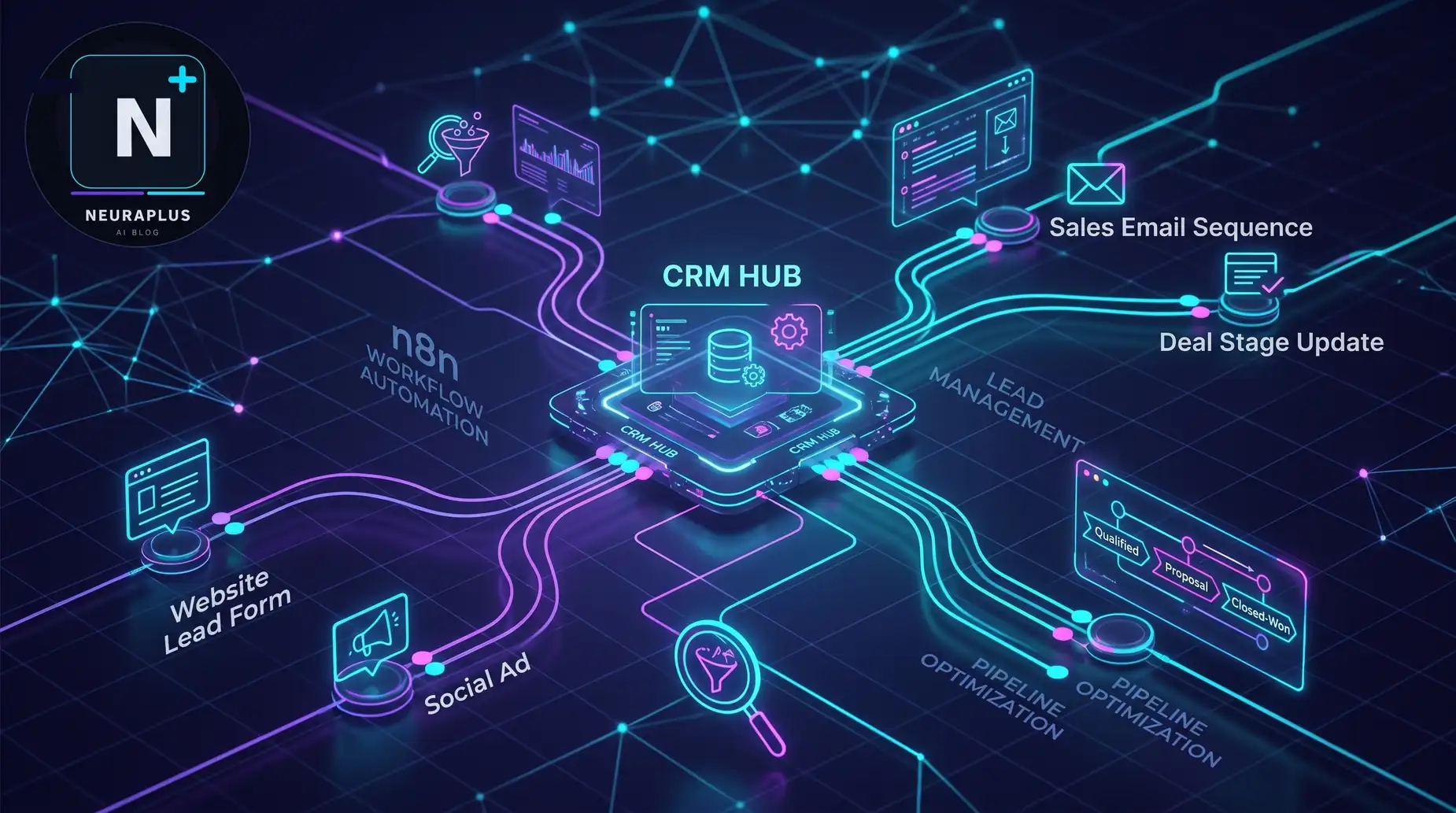
In this tutorial, I'm going to walk you through building an n8n lead generation automation workflow — basically, a system that catches leads the second they come in, figures out who they are, decides if they're worth your time, and drops them right into your CRM. All on autopilot. And here's the kicker: you can get this running for $0 using free tools.
🎯 What You're About to Build: A complete lead machine that grabs form submissions, pulls in company data (think employee count, revenue, tech stack), scores each lead based on how good a fit they are, and sends your best leads straight to your sales team. Setup time? About an hour. Cost? Basically nothing if you use free tiers.
So, Why n8n? (And Why Not Zapier?)
Fair question. I get asked this all the time. "Why not just use Zapier? It's easier."
Yeah, it is easier. But here's the thing — Zapier gets expensive fast. Like, really fast. Every time a lead comes in, every time you enrich data, every time you update your CRM, that's a "task." And those tasks add up. Before you know it, you're paying $50, $100, maybe even $200 a month just to move data around.
n8n is different. It's source-available, which means you can host it yourself for free. No per-task fees. No surprise bills. You run it, you own it.
But honestly? The biggest reason I switched to n8n wasn't the cost — it was the control. With n8n, I can write custom JavaScript to score leads exactly the way I want. I can connect to any API. I can build logic that actually makes sense for my business, not just what some SaaS company decided to offer me.
It's kind of like the difference between renting an apartment and owning a house. Both give you a place to live, but only one lets you knock down walls and paint the rooms whatever color you want.
If you're curious about how this fits into the bigger picture of automated AI workflows, I've got a whole guide on that too. But for now, let's focus on getting your lead gen system up and running.
What You'll Need (Don't Worry, It's Not Much)
You don't need to be a developer for this. Seriously. If you can copy-paste and follow instructions, you're good. Here's what we're working with:
| What You Need | What I Recommend | What It Costs |
|---|---|---|
| Automation Engine | n8n (self-hosted or cloud) | Free / $20/mo |
| Where Leads Come From | Webhooks (Typeform, your website, ads) | Depends on your setup |
| Data Enrichment | Clearbit, Apollo, or Abstract API | Free tier available |
| CRM | HubSpot, Pipedrive, or even Google Sheets | Free tier available |
| Notifications | Slack or Email | Free |
That's it. No fancy enterprise software. No six-figure budgets. Just some free tools and a bit of your time.
Let's Build This Thing: Step by Step
Step 1: Set Up Your Trigger (Catching the Lead)
Every good automation starts with a trigger. Think of it like a doorbell — when someone rings it, your system wakes up and pays attention.
In n8n, we use a Webhook node for this. It's basically a special URL that listens for incoming data. When someone fills out your contact form, signs up for your newsletter, or submits a lead form from Facebook, that data gets sent to your webhook URL, and n8n takes it from there.
Here's how to set it up:
- Open n8n and create a new workflow
- Add a Webhook node
- Copy the webhook URL it gives you
- Paste that URL into your form settings (Typeform, WordPress, whatever you're using)
That's it. Now, whenever someone submits a form, n8n knows about it.
💡 Quick Tip: If you're testing this on your local machine, you'll need a tool like ngrok to create a public URL. Otherwise, external services can't reach your webhook. I learned this the hard way — spent an hour wondering why my forms weren't triggering anything. Don't be me.
Step 2: Clean Up the Mess (Data Validation)
Here's something nobody tells you about leads: they're messy. Really messy. People misspell their email addresses. Bots fill out your forms with garbage. Sometimes fields are just left blank.
Before you spend any money enriching this data, you need to clean it up. Trust me, there's nothing worse than paying for an enrichment API call on a typo'd email address.
Add a Function node (or Code node) in n8n and run a quick validation script. Here's what I check for:
- Is the email actually an email? Use a simple regex to make sure it looks right.
- Is it a disposable email? Filter out stuff like mailinator.com or 10minutemail.
- Are the important fields filled in? Name, email, company — make sure they're there.
- Is this a duplicate? Check your CRM to see if you already have this person.
It takes maybe five minutes to set up, and it'll save you a ton of headaches (and money) down the road.
Step 3: Enrichment (Where the Magic Happens)
Alright, this is my favorite part. You've got an email address. Now you need to know who this person actually is and where they work.
We use an HTTP Request node to call an enrichment API. I personally use Apollo or Clearbit — both are great. You send them the email or domain, and they send back a treasure trove of information:
- Company name and logo
- How big the company is (employee count)
- What industry they're in
- How much revenue they make
- What technologies they use
- LinkedIn profiles
This is huge. It takes a boring "john@doe.com" and turns it into "John, CTO at a 50-person SaaS company using AWS." Now you actually know who you're talking to.
Step 4: Score the Lead (Figure Out Who's Worth Your Time)
Not all leads are created equal. I know that sounds obvious, but you'd be surprised how many people treat every lead the same.
You don't want your sales team wasting time on a college student who's just downloading your free ebook. You want them talking to the VP of Engineering at a funded startup who's actually looking to buy.
So, we score them.
I use an IF node or a Function node to calculate a score. Here's a simple system I use:
- +20 points if the company has more than 50 employees
- +30 points if their job title includes "CTO," "VP," or "Head of"
- +10 points if they use a technology you integrate with
- -50 points if it's a free email domain (gmail, yahoo, etc.)
You can get as fancy as you want with this. If you want to take it to the next level, you could even integrate AI agents for marketing automation to analyze the lead's intent based on their behavior or pull together a quick summary of their company's recent news. Give your sales reps something interesting to talk about on that first call.
Step 5: Route It and Sync to Your CRM
Okay, you've got a scored, enriched lead. Now what? Where does it go?
This is where a Switch node comes in handy. It lets you route leads based on their score:
- Score above 80 (Hot): Create a deal in HubSpot or Salesforce AND send an urgent Slack message to your sales channel. These people need attention now.
- Score between 50-80 (Warm): Create a contact in your CRM and add them to a nurturing email sequence. They're interested, but not ready to buy yet.
- Score below 50 (Cold): Log them in a separate "Archive" sheet for later review. Don't waste your sales team's time on these.
This kind of AI sales funnel optimization is what separates teams that close deals from teams that just collect emails.
Step 6: See It All Come Together
Here's what your final workflow looks like in n8n:
Want to Get Fancy? Add Some AI
If you're feeling adventurous, here's where you can really level up.
Before you send that lead to your CRM, pass all that enriched data through an OpenAI or Claude node. Ask it to:
- Write a quick, personalized intro for your sales rep
- Suggest three potential pain points this company might have
- Draft a customized first email
Suddenly, you're not just moving data around — you're giving your team a head start on every conversation. That's what intelligent marketing automation is all about.
The "Free" Stack: How I Built This for $0
I promised you this could be done for free, and I meant it. Here's exactly how:
| Service | What You Get for Free | How I Use It |
|---|---|---|
| n8n | Self-hosted is free forever | I run it on a $5/month VPS |
| HubSpot CRM | Free forever (up to 1 million contacts) | My main database |
| Abstract API | 20 requests per month | Just for email validation |
| Google Sheets | Unlimited | My backup and log |
| Slack | Unlimited messages | Team notifications |
Now, if you need heavy enrichment (like thousands of leads per month), you'll eventually need to pay for Apollo or Clearbit. But you can start small, validate that this works for you, and scale up later.
Mistakes I Made (So You Don't Have To)
1. I Ignored Data Hygiene
Garbage in, garbage out. I can't stress this enough. Always validate emails before you enrich them. I once spent $50 on enrichment credits for a batch of leads, only to realize half the emails were fake. Lesson learned.
2. I Over-Complicated the Logic
When I first started, I tried to build this perfect, complex scoring model. It took me weeks, and honestly, it was overkill. Start simple. Get the data flowing first, then refine your scoring based on what your sales team actually tells you.
3. I Forgot About Follow-Up
Capturing the lead is only 20% of the battle. The real work happens in the follow-up. Make sure your workflow triggers a task or email sequence immediately. Speed matters. For more on keeping leads engaged after that first contact, check out our guide on smart customer automation.
How Do You Know It's Working?
You need to track a few things to make sure this is actually helping:
- Response Time: How fast does a lead go from "form submit" to "sales alert"? It should be under a minute.
- Enrichment Rate: What percentage of your leads are getting valid company data back?
- SQL Conversion: Are those "Hot" leads actually turning into meetings?
If the numbers look good, you're golden. If not, tweak your scoring logic or your enrichment sources.
Frequently Asked Questions
Final Thoughts: Go Build Your Machine
Look, lead generation doesn't have to be this manual, soul-crushing grind. By building this n8n workflow, you're creating something that works for you 24/7. You stop chasing data and start closing deals.
If you want to take your marketing stack even further, I've put together a list of the best AI tools for digital marketing in 2026 that you might find useful.
Now, stop reading and go open n8n. Start building. Your future self (and your sales team) will thank you.