Windsurf vs Cursor IDE 2026 — I Switched for 3 Weeks to Find the Truth
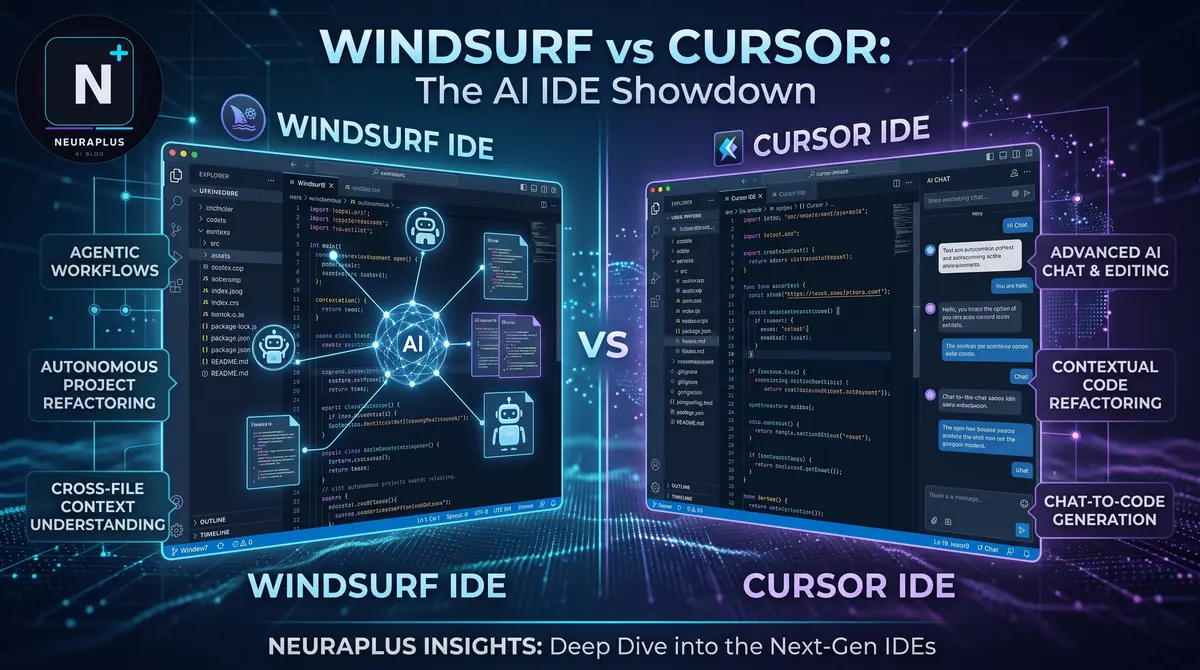
I’ll be completely honest with you: I didn’t plan on switching IDEs this year. I was perfectly happy in my setup. But then Windsurf dropped. If you’ve been anywhere near tech Twitter or Reddit lately, you’ve seen the hype. Codeium (the team behind the insanely good free autocomplete) built their own AI-native IDE, and suddenly everyone was calling it a "Cursor killer."
Naturally, I had to test it. I spent the last three weeks building real features in Windsurf, comparing it directly against my daily driver, Cursor. I wanted to see past the marketing and figure out which one actually saves me time.
Before we get into the weeds, if you're still on the fence about whether you even need an AI IDE, or you're just trying to figure out where these fit among the best AI coding tools in 2026, I break down the whole landscape in my main guide. But if you're specifically stuck between these two heavyweights, keep reading.
🎯 The TL;DR: Cursor is still the king of precise, multi-file control. But Windsurf’s "Cascade" feature is genuinely magical when it works, acting like an autonomous agent that fixes its own bugs. If you want control, pick Cursor. If you want the AI to take the wheel, try Windsurf.
The Elephant in the Room: What Actually Changed?
Let’s get one thing straight: both of these are VS Code forks. That means your extensions, your keybindings, and your muscle memory all transfer over perfectly. You won't have to relearn how to code.
But under the hood, they have completely different philosophies.
Cursor has been around longer. It pioneered the "multi-file edit" concept with its Composer feature. It feels like a super-powered text editor where the AI is your co-pilot, waiting for your explicit commands.
Windsurf is the new kid. Built by Codeium, it’s centered around a feature called "Cascade." Instead of just suggesting code, Cascade is highly agentic. It can read your terminal output, look at your linting errors, and actively try to fix its own mistakes without you prompting it again.
Head-to-Head: How They Actually Feel to Use
Let’s skip the spec sheets and talk about what it actually feels like to stare at these editors for 8 hours a day.
Autocomplete & Flow
When you're just typing, both are blazing fast. But before Windsurf, the big debate was always GitHub Copilot vs Cursor AI, and Cursor’s autocomplete has always felt a bit more aggressive than Copilot’s. Windsurf, on the other hand, feels incredibly smooth. It doesn't interrupt your flow as much. It’s a subtle difference, but after three weeks, my brain definitely preferred Windsurf’s rhythm.
The "Agentic" Workflow: Cascade vs Composer
Here’s where things get spicy. This is the main reason you’d choose one over the other.
Cursor’s Composer is fantastic when you know exactly what you want. You can highlight three files and say, "Refactor the authentication logic across these," and it does it beautifully. It’s precise and predictable.
Windsurf’s Cascade is different. It’s more autonomous. I was debugging a nasty React state issue, and Cascade noticed my terminal throwing an error. Without me asking, it analyzed the stack trace, realized its previous code suggestion caused the bug, and rewrote the function to fix it. It felt like magic.
But... and this is a big but... it can also be terrifying. Sometimes Cascade tries to be too smart and starts changing files I didn't want it to touch. If you like total control, Cursor is safer. If you want the AI to take the wheel, Windsurf is wild. For a deeper look at how Cursor handles these complex workflows, check out my Cursor AI review for developers where I break down its quirks in detail.
Model Flexibility
Both IDEs let you choose which AI brain powers the chat and edits. This is huge, because the best LLMs for coding in 2026 all have different strengths. Cursor gives you a very clean UI to swap between Claude, GPT-4o, and their custom models. Windsurf does the same, but I found Cursor’s model-switching slightly more intuitive when I was in the middle of a complex prompt.
The Scorecard
Cursor IDE Control King
$20/moThe established champion. Incredible for precise, multi-file edits. It does exactly what you tell it to do, nothing more, nothing less.
Windsurf IDE Agentic Magic
Free TierThe new challenger. Its "Cascade" feature is genuinely autonomous. It reads your terminal and fixes its own bugs, but can sometimes be overly aggressive.
Quick Comparison Table
| Feature | Cursor IDE | Windsurf IDE |
|---|---|---|
| Core Philosophy | Precise, explicit control | Autonomous, agentic flow |
| Multi-file Editing | ⭐⭐⭐⭐⭐ (Composer) | ⭐⭐⭐⭐ (Cascade) |
| Terminal Awareness | Manual (you paste errors) | Automatic (reads errors itself) |
| Autocomplete Feel | Fast, slightly aggressive | Fast, very smooth |
| Pricing | $20/mo (Pro) | Generous Free Tier / $15/mo |
| Overall Vibe | Super-powered co-pilot | Autonomous junior dev |
So, Which One Should You Actually Use?
Look, there is no objective "best" here. It depends entirely on how your brain works.
Pick Cursor if…
- You are a control freak (in a good way). You want to tell the AI exactly what to do and review every single change.
- You work on massive, complex codebases where you need precise, multi-file refactoring without the AI "guessing" what you want.
- You are already deeply invested in the Cursor ecosystem and love Composer.
Pick Windsurf if…
- You hate babysitting the AI. You want it to read your terminal errors and fix things automatically.
- You prefer a smoother, less aggressive autocomplete experience that doesn't interrupt your flow.
- You are on a budget. Since Windsurf is built by Codeium, its free tier is incredibly generous. If you're just starting out, combining this with other free AI tools for web development is a killer stack.
🚀 My Personal Take: I actually ended up keeping both. I use Windsurf for my daily, flow-state typing because the autocomplete is just smoother. But when I need to do a massive, dangerous refactor across 15 files, I open Cursor because I trust Composer more to not do something stupid.
Frequently Asked Questions
It depends entirely on your style. Windsurf is better if you want an autonomous, agentic workflow that reads your terminal and fixes its own errors. Cursor is better if you want precise, predictable control over multi-file edits and don't want the AI guessing your intentions.
Cursor Composer is a command center for explicit multi-file edits — you tell it exactly what to change. Windsurf Cascade is an agentic flow that can read your terminal output, realize it made a mistake, and automatically fix it without you prompting it again.
Yes, Windsurf has a very generous free tier powered by Codeium. It's one of the best free AI tools for web development if you don't want to pay a monthly subscription right away.
Absolutely. Both IDEs support "Bring Your Own Key" (BYOK). You can connect your Anthropic, OpenAI, or Google AI Studio keys to either editor if you want to use specific models or bypass their usage limits.
Final Verdict
The AI IDE war is far from over, but 2026 has given us two incredibly distinct flavors of the future. Cursor is the mature, precise surgeon. Windsurf is the ambitious, autonomous intern who sometimes breaks things but occasionally does your job entirely for you.
If you want to dive deeper into the broader ecosystem, my guide on the best AI coding tools in 2026 covers everything from terminal agents to browser plugins. But for your main editor? Just pick the one that matches your personality. Download both (they're easy to install), spend a weekend in each, and see which one actually makes you want to write more code.
🚀 Start Today: Don't just take my word for it. Go to windsurf.com and download the free version right now. Import your VS Code settings with one click, and just write code for an hour. You might never go back.
More AI Coding Guides