AI Design
Best AI Logo Maker for a YouTube Channel: What to Check Before You Pick

A YouTube channel logo does more work than most logos. It shrinks to a tiny circle next to every comment and recommendation, then needs to look sharp on a banner and a video watermark. This guide gives the sizes YouTube publishes, the checks that matter when you pick an AI logo maker, and what free plans may leave out.
✅ Short answer: Pick the maker that lets you export a clean, scalable file you can own, then test the logo at a tiny circular size before you upload it.
What YouTube recommends
- Banner: at least 2560 by 1440 pixels for the best display on all devices, per YouTube Help.
- Profile picture: a square or round image. YouTube Help gives no pixel size; many third-party guides cite 800 by 800, which we could not confirm on YouTube's page.
Because the profile image is shown as a circle, keep the mark simple and centred, and avoid long names that get cut at the edges.
Four checks before you pick a maker
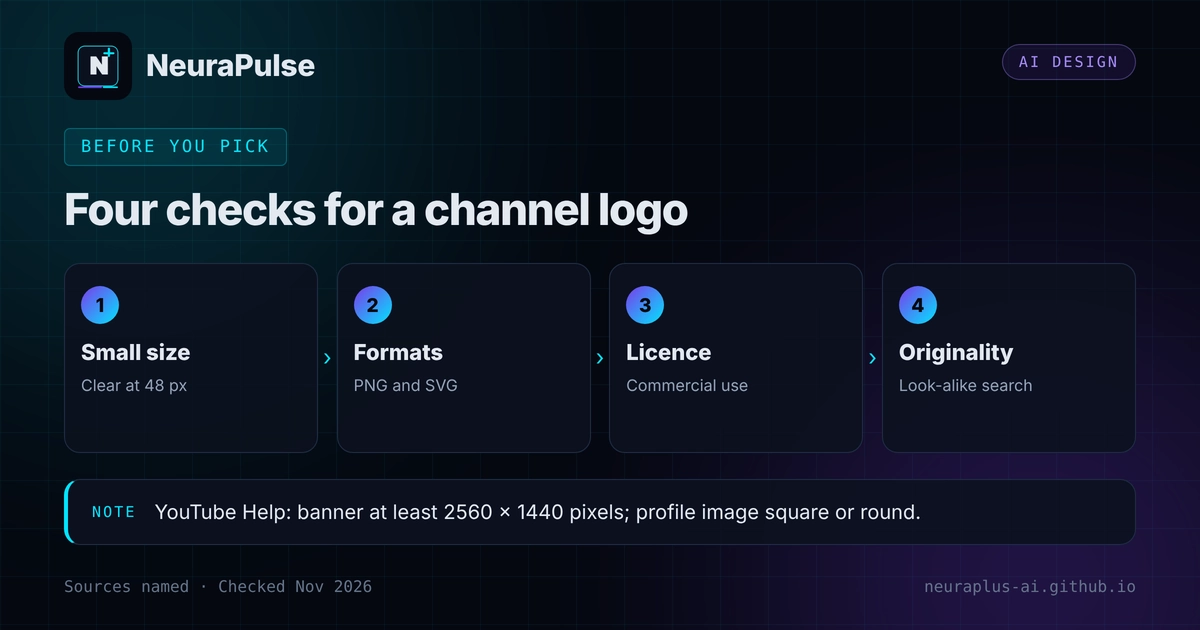
- Small-size test. Shrink the logo to about 48 pixels in a circle. If you cannot read it, simplify.
- File formats. Look for PNG and, ideally, SVG so it scales to banner, watermark and merchandise.
- Licence. Confirm commercial use, and ask whether you can buy exclusive rights.
- Originality. Search for similar logos and check trademark databases for your market.
Logo makers compared
| Option | Published price | Free plan limits | Watch out for |
|---|---|---|---|
| Canva | Pro about $13 a month annual, about $15 monthly | Vector formats stay limited; one brand colour; Brand Kit needs a paid plan | Template logos can look like other channels |
| Adobe Express | Premium about $8 a month annual, about $10 monthly | Free logo download offered; formats not stated in the source | Check commercial-use terms yourself |
| General AI image generators | Varies by tool | Output is usually a raster image | Text may be garbled, and the file is hard to scale |
| Design.com | Paid prices not confirmed in our source | Free logo offered; our earlier guide says no watermark, with PNG, SVG and PDF formats | Extended licence option for exclusive rights; verify before you rely on it |
Source: a Tech Insider comparison published October 6, 2026 that tested one fictional business with one prompt per tool, gave "around" prices and did not say when prices were checked. Design.com's price figures lost their dollar signs in that text, so none are quoted. Our own earlier guide supplies the free-download claim.
How to set up a channel identity from one logo
- Profile icon: the mark alone, centred, high contrast.
- Banner: the mark plus channel name and a short promise, inside the centre safe area.
- Watermark: a simplified one-colour mark that reads on any video.
- Thumbnails and Shorts: reuse your two brand colours and font for recognition. For visuals, read AI image generator for YouTube.
Common mistakes
- Putting the channel name in tiny type inside the icon.
- Using a template that many other channels already use.
- Choosing five colours when two would do.
- Skipping a look-alike search, which can cause a trademark dispute later.
For deeper tool lists, see best AI tools for logo design, top AI logo generators 2026 and how to generate AI logos. For design platforms, read Canva AI vs Adobe Firefly, and for the rest of your channel toolkit, AI tools for YouTube creators.
💡 Simple rule: If the logo is not clear as a 48-pixel circle, it is not ready for YouTube.
How this guide was researched
Methodology and limits
- Banner and profile guidance is from YouTube Help's channel banner and profile picture tips; it gives no profile pixel size.
- Prices are from one comparison article that used a single test prompt, gave approximate prices and did not date them.
- Design.com's own pricing and licence terms were not read first-hand, so check its pages.
- We did not generate or rank logos in these tools, so we make no claim about which output looks best.
Frequently asked questions
YouTube Help recommends at least 2560 by 1440 pixels for the best display on all devices. Keep important text near the centre, since phones and TVs crop differently.
YouTube Help says it is best to upload a square or round image and gives no pixel size. Third-party guides often cite 800 by 800, but we could not confirm that on YouTube's own page.
Often, but read the licence. Free plans can limit file formats or exclusivity, and rules differ by tool. Check commercial-use terms before you build your brand on a logo.
Terms vary by tool, and the law on AI-generated work is still developing. Some makers sell an extended licence for exclusive rights. Read the licence and search for look-alike logos before you commit.
It helps. A vector file scales to a banner, a watermark and merchandise without blur. If a free plan only gives a PNG, test whether it holds up when enlarged.