📝 Summarizing · 🧠 Try It Live · ⏱️ 9 min read
Free AI Text Summarizer: Limits, Tools and a Two-Minute Check
A summarizer is the fastest way to find out whether a ten-page reading is worth your evening. It's also the easiest way to walk into class confidently wrong, because a summary that sounds smooth can still leave out the one sentence the whole argument depends on. The free options differ in a way most reviews gloss over: some pick sentences from your text, others rewrite it, and that difference decides how much you can trust the result. Here's how the free tools compare, what their limits really are, and how to check a summary in under two minutes.
What's the best free AI text summarizer?
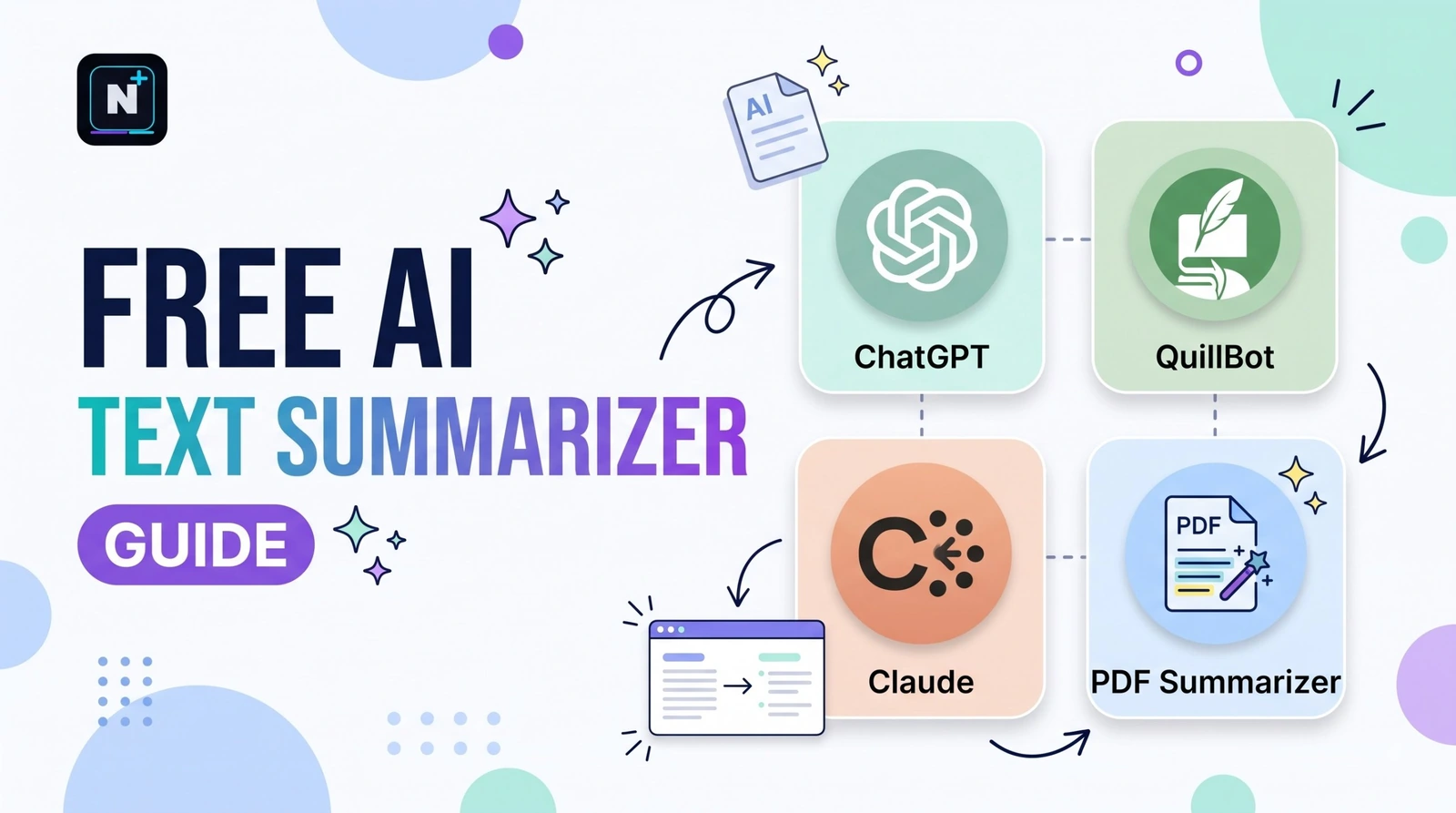
For pasted text, QuillBot's free summarizer handles up to 1,200 words with two output modes. For long PDFs and your own study material, Google's NotebookLM is the usual free pick. A general chatbot such as Claude or ChatGPT is the most flexible, since you can say exactly what the summary is for. Always check it against the original.
🚀 Quick Start: Paste an article or your notes into the demo below and choose how many sentences to keep. It's a simple extractive summarizer that picks existing sentences, which makes its limits easy to see.
Two kinds of summarizer, and why it matters
The demo above is extractive: it scores each sentence by how many of the text's common words it contains and keeps the top few. Everything in the result is a sentence the author actually wrote, so it can't invent anything. The downside is clunky flow and missing context.
Most modern AI tools are abstractive. They read the text and write new sentences about it, which gives smoother summaries and also opens the door to errors, because the model can state something the source never said. Neither is better in every case. Extractive is safer for facts, and abstractive is nicer to read.
| Type | How it works | Strength | Risk |
|---|---|---|---|
| Extractive | Picks existing sentences | Can't make things up | Choppy, may miss context |
| Abstractive (AI) | Writes new sentences | Smooth and readable | Can add or distort details |
| Hybrid | Selects, then rewrites | Balanced | Still needs checking |
Free summarizers compared
| Tool | Free limit (reported) | Best for | The catch |
|---|---|---|---|
| QuillBot Summarizer | 1,200 words per input, two modes (key sentences or paragraph) | Articles and notes | PDF upload is paid; paste text on the free plan |
| Scribbr Summarizer | About 600 words or 10,000 characters, depending on the source | Student papers | Powered by QuillBot technology, and sources disagree on the cap |
| Smodin | Around 1,000 words a day | Non-English text | A daily total, not per input |
| NotebookLM | Free, with limits on daily chat queries | PDFs, documents and transcripts | Works best on sources you upload |
| Chatbots (Claude, ChatGPT, Gemini) | Usage limits instead of word caps | Custom summaries and follow-up questions | You have to ask carefully and verify |
Limits here come from 2026 reviews that sometimes contradict each other, so open the tool's page before you plan around a number. If you use Claude for long documents, remember that long inputs use more of your usage window, and the Claude free plan limits guide explains how to stretch it.
The two-minute check for any summary
- Find the thesis. Does the summary state the author's main claim? If not, it missed the point.
- Spot-check three facts. Pick a number, a name and a claim from the summary and find each in the original.
- Look for what's missing. Read the original's first and last paragraphs. Anything important there that the summary skipped?
- Check the hedges. "May," "suggests" and "in some cases" often disappear, turning a cautious finding into a bold one.
- Never cite the summary. Cite the original, after you've read the part you're using.
⚠️ Common Mistake: Using a summary instead of reading the section you plan to quote. Summaries compress, and compression drops caveats. Read the real paragraph before it goes in your paper.
Prompts that make chatbot summaries better
A plain "summarize this" gets you a generic result. Giving the summary a purpose changes it a lot.
| Goal | Add this to your prompt |
|---|---|
| Quick understanding | Summarize in five bullet points for someone who hasn't read it. |
| Study notes | List the key terms with a one-line definition each, using only the text. |
| Decision making | What are the three strongest arguments, and the two weakest? |
| Fact-checking | Quote the sentence from the text that supports each point. |
| Exam prep | Turn this into ten questions I could be asked, with answers from the text. |
The "quote the sentence" trick is the most useful one. It forces the tool to point at real text, and any claim it can't quote is a claim to double-check. For more study-ready prompts in this style, see the Claude prompts for students guide.
Pick the right tool for the job
| You have... | Use | Why |
|---|---|---|
| A 1,000-word article | QuillBot's free summarizer or a chatbot | Within the free cap |
| A 30-page PDF | NotebookLM | Built for uploaded documents |
| A lecture transcript | NotebookLM or a chatbot | Handles long text |
| An article in another language | Smodin or a chatbot | Multilingual support |
| A paper you must cite | Read it, then summarize your own notes | Accuracy matters most |
If summaries are part of a bigger study routine, the free AI tools for students guide shows how this fits with flashcards and writing tools, and when you're rewriting your own notes in different words, the free AI paraphrasing tool guide explains how to keep the meaning intact.
Build your own summary checker
I will paste an original text and then a summary of it. Act as a careful
fact-checker. Do not write a new summary.

For the summary, tell me:
1. Whether it states the author's main claim.
2. Any claim in the summary that is NOT supported by the original,
   quoting the closest sentence from the original.
3. Any important point in the original that the summary left out.
4. Any place where a cautious claim became a certain one.

Finish with a verdict: reliable, needs fixes, or misleading.
Use only the text I give you.

Original:
[paste]

Summary:
[paste]
How this guide was checked
I compared 2026 summarizer reviews from several publishers, including tests that used PDFs, articles and transcripts, and kept the free limits that appeared more than once. The demo above is a simple frequency-based tool built for explanation, not a rival to AI products. Check each service's page for its current limits.
Frequently asked questions
Further reading
- NotebookLM – Google's free tool for summarizing and questioning your own documents.