🎮 Fun Tech · Tutorial · Interactive
The Google Askew Trick:
One Search, Whole Page Tilts
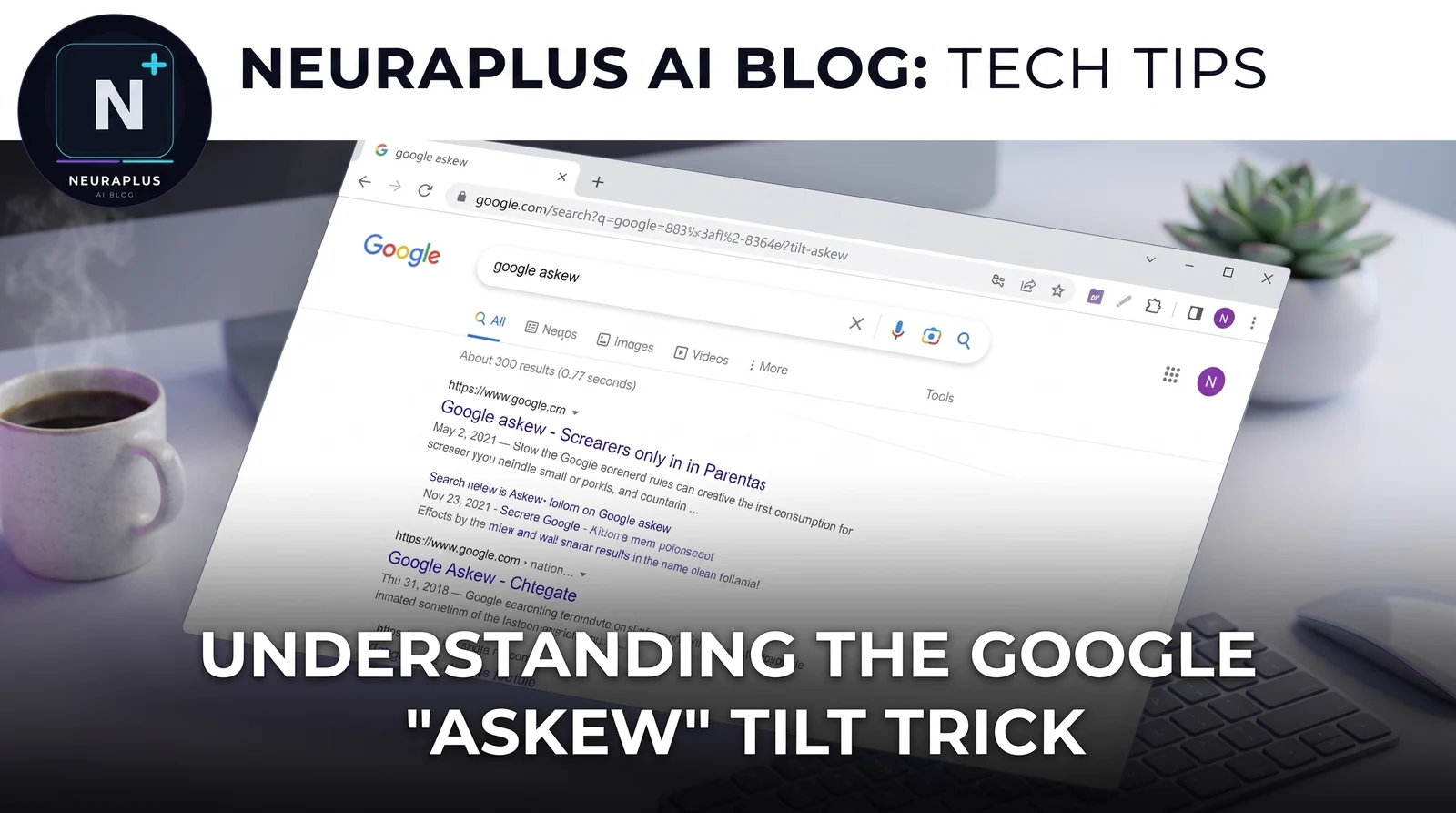
The first time I saw this one, I genuinely thought my browser was glitching. I'd searched "askew" on a whim while testing Google tricks for this series, and the entire results page just... tilted. Not a crash, not a rendering bug. Not a phone in my hand that I'd accidentally rotated. The desktop page itself, search bar and all, was sitting a few degrees off-center, like someone had bumped the monitor.
🚀 Quick Start: Go to Google and search askew, tilt, or dutch angle. The entire page rotates a few degrees and stays that way until you refresh.
Interactive Guide: How to Trigger the Tilt
| Step | Action | What Happens | Pro Tip |
|---|---|---|---|
| 1 | Navigate | Open any browser and go to google.com | Works identically on desktop and mobile |
| 2 | Search | Type askew, tilt, or dutch angle |
Lowercase, no quotes, just the single word |
| 3 | Watch | The whole page loads already tilted a few degrees to the right | There's no animation — it just appears that way |
| 4 | Reset | Refresh the page or search something else | The tilt only applies to that one page load |
That's the Google Askew trick — sometimes called Google Tilt — and it's one of the quieter, more underrated entries in Google's collection of hidden search surprises. It doesn't spin, it doesn't explode into a game, and it doesn't ask you to do anything. It's one small visual joke that Google built around 2010 and has apparently decided is worth keeping around ever since.
Two other words trigger the identical effect: tilt, which is more or less a direct synonym, and dutch angle — an actual cinematography term for a deliberately crooked camera shot used in films to create tension or unease. If you've ever watched a classic thriller with a villain's lair scene and noticed the camera looked slightly off-kilter on purpose, that's a dutch angle. Whoever built this Easter egg clearly knew their film vocabulary, because "dutch angle" is a genuinely obscure term to bury inside a search engine as a hidden trigger.
⚠️ If nothing happens: Try refreshing the page first and searching again — a cached results page sometimes won't re-trigger the effect. If you're running a browser extension that blocks page scripts or animations, try temporarily disabling it. The tilt won't trigger with JavaScript completely disabled, which tells you it's a client-side script rather than a server-side response.
Deep Dive: What's Actually Happening in the Browser
Unlike do a barrel roll, which performs a one-time animated spin and then settles back to normal, the Askew trick applies a static CSS transform — specifically a rotation — to the entire page container and leaves it there. No animation, no build-up, no dramatic reveal. The page just loads already tilted, as if the rotation was baked into the layout from the start.
That's a meaningfully different technique than the barrel roll, even though both tricks rely on the same underlying browser technology: CSS transforms. The barrel roll has to animate a full 360-degree rotation over roughly a second and then return the page to zero degrees. Askew just needs to render the page at maybe four or five degrees off-axis and stop. It's a smaller, cheaper effect to maintain, which is probably part of why it's survived so many Google redesigns without breaking — there's very little surface area for it to fail.
The tilt only affects that one page load. Click a result, navigate away, or hit refresh, and the page renders completely normally. Nothing is stored anywhere — not your Google account, not your browser settings, not your search history. It's purely visual and purely temporary, which is part of what makes it such a clean, low-risk piece of engineering to have shipped inside one of the world's most-used pieces of software. For developers curious about this kind of lightweight, delightful interaction design, exploring local AI API integrations can show how similarly small, well-placed touches shape a product's personality.
Controls & Interaction Guide
| Action | Desktop Control | Mobile Control |
|---|---|---|
| Trigger Tilt | Type + Enter | Type + Search |
| Alternate Trigger | Search "tilt" | Search "tilt" |
| Alternate Trigger | Search "dutch angle" | Search "dutch angle" |
| Browse Normally | Click / Scroll | Tap / Scroll |
| Reset | Refresh Page (F5) | Refresh Page |
Why "Askew" Specifically — The Clever Part
This is the detail that makes the trick genuinely clever rather than just random. "Askew" means not straight, tilted, out of line — and instead of just defining the word in a dictionary box the way a normal search result would, Google demonstrates it. You search a word that means crooked, and the page itself goes crooked. It's a visual pun, and once you notice that's the joke, it's hard not to appreciate the small bit of craft in it.
The same logic extends to "tilt," which is basically a synonym, and to "dutch angle," which ties the whole thing back to real film language. There's a neat internal consistency here for something built purely as a throwaway gag — the kind of detail that suggests the engineer behind it was genuinely having fun, not just checking a box.
When Did Google Add This — and Is It Still Live in 2026?
Most documentation of Google's Easter egg history places the Askew trick around 2010, making it one of the older hidden features still functioning inside Google Search today — older even than do a barrel roll, which arrived in 2011. What's notable is how little has changed about it. Google Search has been redesigned dramatically across the past decade and a half — new fonts, new layouts, mobile-first patterns, AI-generated answer boxes, the whole works — and yet this one small CSS rotation has apparently survived every single pass without being removed or accidentally broken.
That's unusual. Several Easter eggs from the same era, including the original in-search version of Zerg Rush, have quietly been retired or scaled back along the way. Askew is still here, unchanged, and among the most consistent of all the Google Easter eggs still floating around. It's a much simpler effect than something like Zerg Rush's interactive game logic or Atari Breakout's full playable game, and simpler code tends to survive design overhauls far better than complex interactive features do.
⚠️ Motion sensitivity note: If you're prone to motion sensitivity or find tilted, off-axis visuals uncomfortable, this one triggers instantly and stays tilted until you refresh — there's no preview or gentle fade-in. It's genuinely mild compared to the barrel roll's full spin, but it's easy to skip: just don't search these three words, or close the tab if it catches you off guard.
A Common Prank Use
Because the trick triggers from a simple search term and the effect is instant, it's become a low-effort prank people have used for years: share a Google search link with "askew" embedded in it, and watch the recipient's reaction when the page loads visibly crooked. It's harmless, reversible with a single refresh, and tends to catch people off guard specifically because it looks like something is wrong rather than something that was deliberately built. That split second of genuine confusion — "is my browser broken?" — is the whole joke.
Other Hidden Google Easter Eggs Worth Trying
Askew is far from the only hidden experiment buried inside Google's search results. Searching "do a barrel roll" spins the entire page 360 degrees before settling back to normal. Searching "zerg rush" used to spawn a swarm of Google "O" characters that attacked and devoured your search results, and typing "Atari Breakout" into Google Images turns the entire image grid into a playable arcade game. Each of these tricks, much like Askew, was built by engineers experimenting with what a search engine could be when it stops behaving like one — turning a utility into a moment of unexpected delight.
If you enjoyed learning how the Askew trick works, trying these other in-house Easter eggs next is a natural way to keep exploring the more playful side of one of the world's most serious pieces of software. For more creative tech guides, check out our articles on Claude AI Robotics and Prompt Engineering for Anthropic.
Frequently Asked Questions
✅ Try it right now: Search "askew" on Google and watch the whole page lean. Works on desktop and mobile, still live in July 2026, and takes exactly one search to trigger.