🎮 Fun Tech · Tutorial · Interactive
Atari Breakout: The Hidden Google
Images Trick
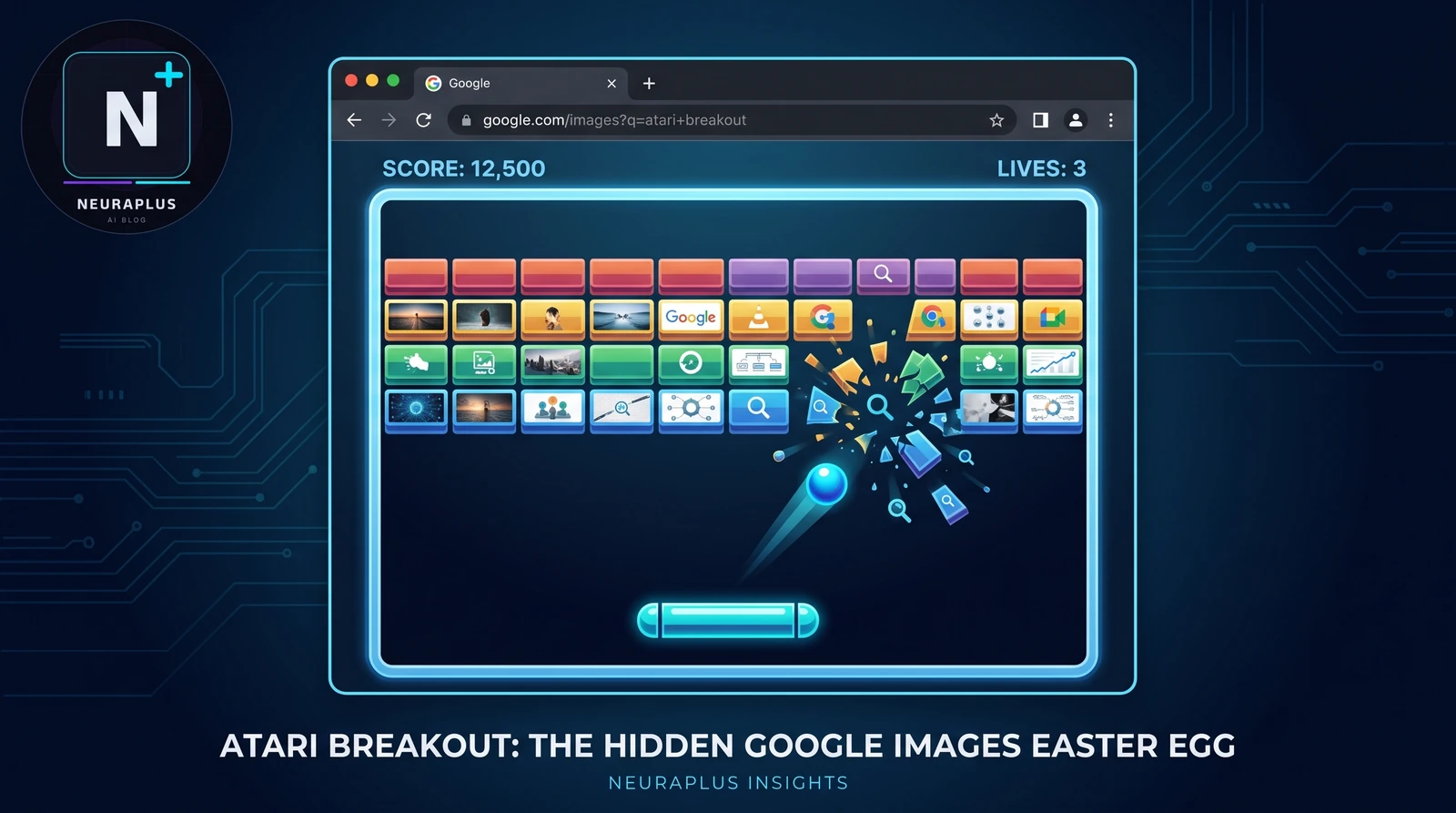
Ever typed a search into Google Images and wished the results could do something more than just sit there? They can. The Atari Breakout Google Images trick is one of Google's longest-running Easter eggs, and it turns your search results into the bricks of a fully playable arcade game. We've tested it across desktop and mobile in 2026, and it still works exactly the way it did when Google first shipped it — here's the full walkthrough, the controls, and what to do if it doesn't load for you.
🚀 Quick Start: Go to images.google.com, search Atari Breakout, and click the Images tab. The game loads automatically — no downloads, no plugins.
Interactive Guide: How to Trigger the Game
| Step | Action | What Happens | Pro Tip |
|---|---|---|---|
| 1 | Search | Open Google and search Atari Breakout |
Works best from Google Images directly, not the main search bar |
| 2 | Switch Tabs | Click the Images tab if it doesn't load automatically | Some regions default to a different results tab first |
| 3 | Wait | Your image thumbnails rearrange themselves into colored brick rows | Give it 1–2 seconds to finish loading all the thumbnails |
| 4 | Play | Move your mouse to control the paddle and bounce the ball into the bricks | Aim for the edges of the grid to clear rows faster |
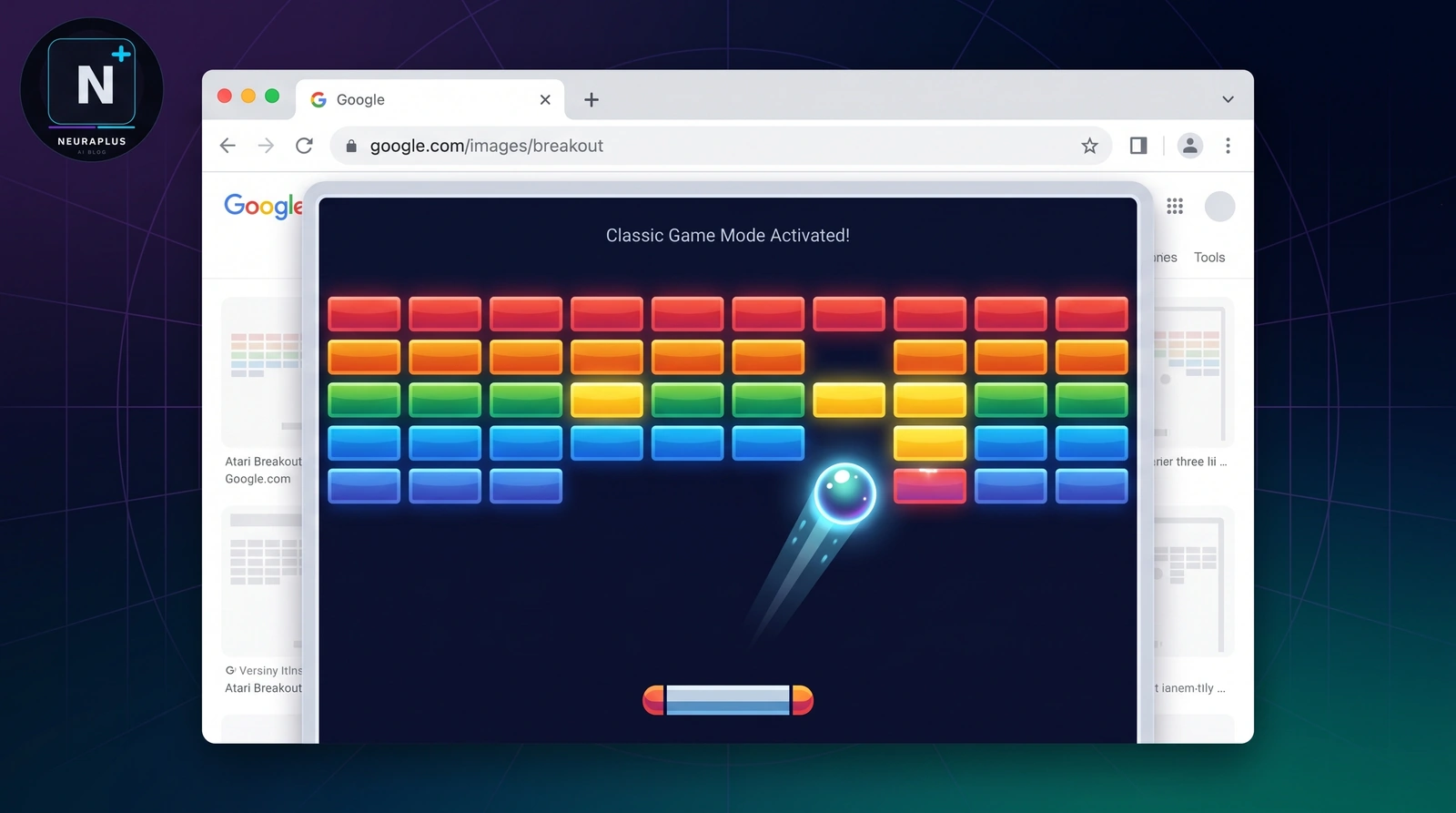
Classic Game Mode activates the moment your image results finish loading
Why Your Search Results Become the Bricks
This is the detail that makes Atari Breakout more interesting than a random hidden game: it doesn't load a separate set of graphics. Google takes the actual thumbnails from your image search and reuses them as the bricks. Search "cats" and you'll be smashing cat photos. Search "sunset" and the bricks are sunsets. We tested this with a handful of different queries, and the pattern held every time — the game is built directly on top of whatever results your search returned.
Under the hood, this works the same way Google's other Easter eggs do: a small JavaScript layer detects the specific search term, swaps the normal grid layout for a canvas-based game engine, and maps each image result to a brick with its own collision box. When the ball connects, the brick "breaks" and disappears, exactly like the original 1976 Atari arcade cabinet the trick is named after. Nothing is downloaded to your device, and no data leaves your browser to play — it's the same sandboxed approach we've seen in Google's Do a Barrel Roll trick and the Zerg Rush game.
Controls & Interaction Guide
| Action | Desktop Control | Mobile Control |
|---|---|---|
| Move Paddle | Move Mouse | Tilt Phone Left/Right |
| Launch Ball | Click Once | Tap Screen |
| Pause | Click Outside Game Area | Switch App and Return |
| Restart | Refresh Page (F5) | Refresh Page |
| Change Bricks | Search a Different Term | Search a Different Term |
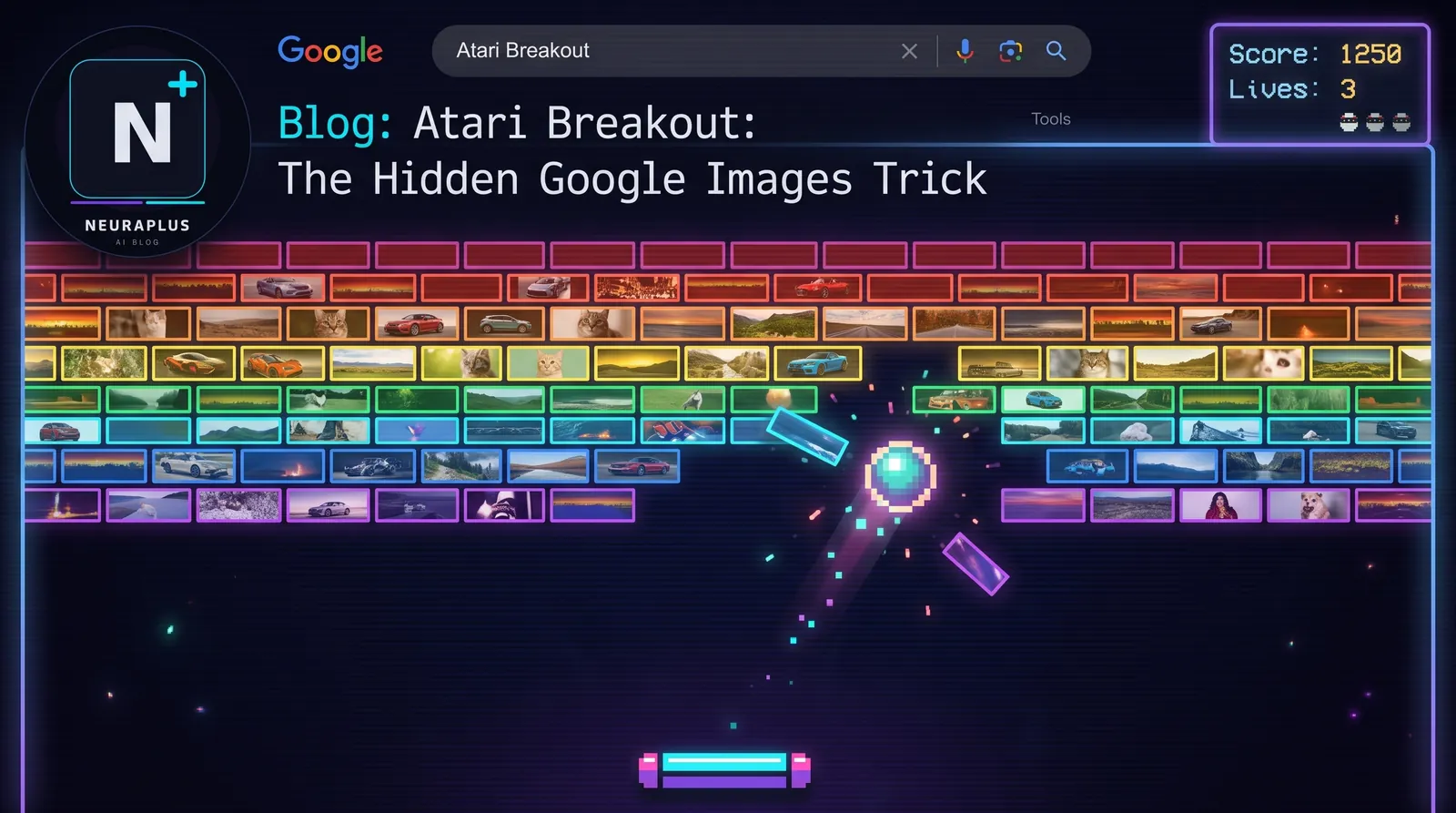
Each brick row is built from your actual image search results, not stock graphics
Troubleshooting: If It Doesn't Work
Atari Breakout is one of the Easter eggs Google rotates in and out from time to time, so if it doesn't fire on the first attempt, it's usually one of these fixable issues rather than the game being permanently gone:
- Search the Exact Term: Type
Atari Breakoutinto Google Images specifically, not the general web search bar. The trick is tab-specific. - Check JavaScript: The game is a JavaScript canvas layered over the results grid. If JS is disabled, the page loads as a normal image grid with no game.
- Clear Cache: A stale cached version of Google Images can sometimes suppress the trigger. Hard reload with Ctrl+F5 or Cmd+Shift+R.
- Disable Ad-Blockers: Some aggressive blockers strip inline scripts from Google's own pages, which can quietly break the trick.
- Try Again Later: Google occasionally A/B tests which Easter eggs are live in a given region. If everything above checks out and it still won't load, it may just be temporarily rotated out for your account.
⚠️ Common Mistake: Searching "Atari Breakout" and staying on the "All" results tab won't trigger the game. You have to be on the dedicated Images tab for the bricks to appear.
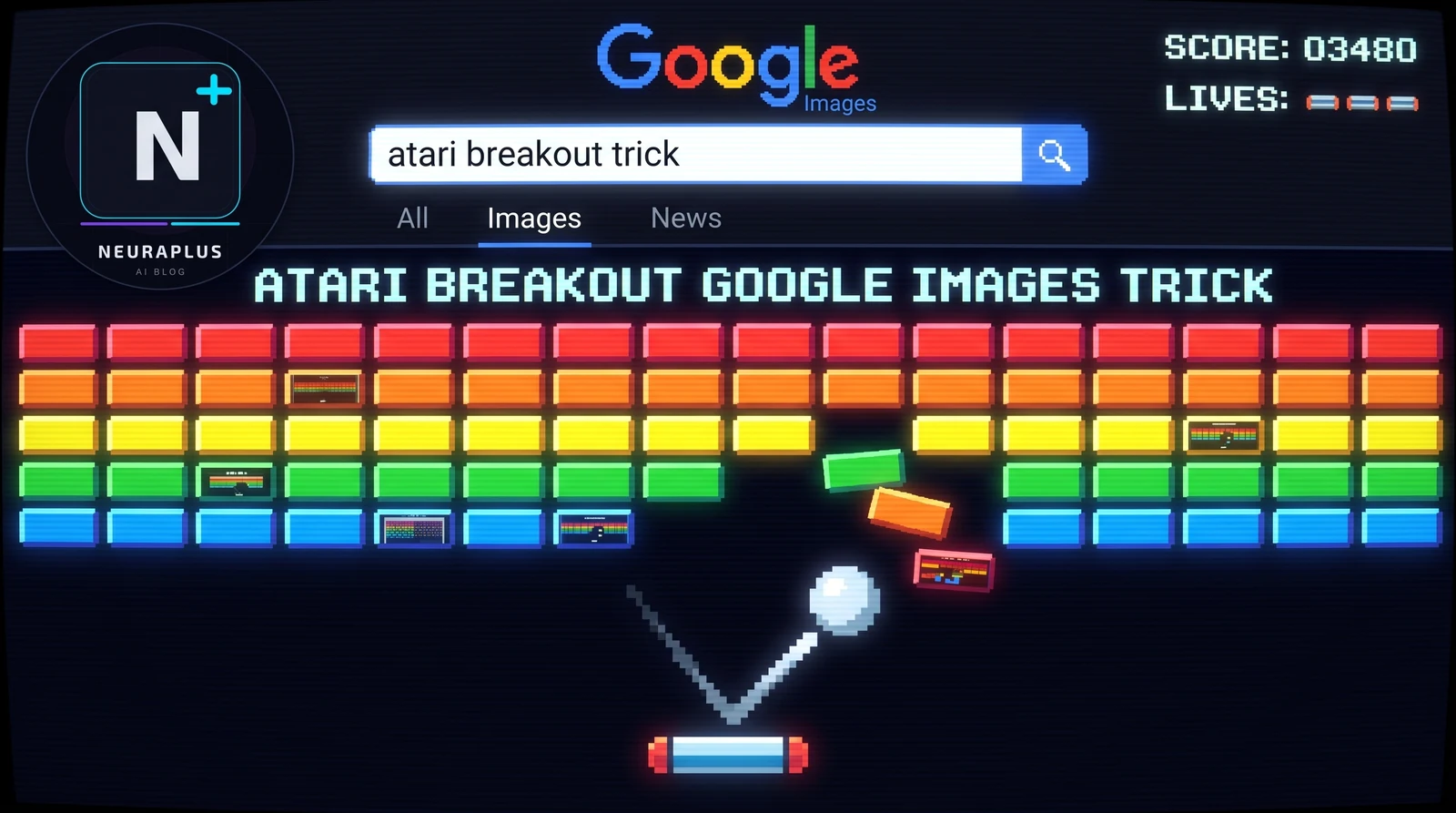
A Bit of History: Where Atari Breakout Came From
The real Breakout was released by Atari in 1976, reportedly prototyped by Steve Wozniak before he co-founded Apple. It's one of the most influential arcade games ever made — the same brick-breaking mechanic went on to spawn decades of clones, from Arkanoid to modern mobile games. Google's version, tucked into Google Images, is a direct nod to that history rather than a random novelty. It first started appearing in search results years ago, and the fact that it's still functional in 2026 says something about how Google treats these hidden features: quietly maintained, rarely announced, and left for people to stumble onto naturally.
That's part of what makes hunting down these tricks fun in the first place. There's no in-app notification telling you Atari Breakout exists — you either heard about it from a friend, stumbled on it, or found a guide like this one. We've tested and documented most of Google's other hidden games too, including the Google Gravity trick, the Zerg Rush game, and the retro throwback in our Google in 1998 Easter egg guide, if you want to keep exploring after this one.
Other Hidden Google Tricks Worth Trying Next
Atari Breakout is far from the only thing Google has quietly built into its own search results. If you enjoyed turning your image results into an arcade game, here are a few more that are worth testing next, all of which we've verified still work in 2026:
- Do a Barrel Roll: Search the phrase directly and watch the entire results page spin a full 360 degrees.
- Askew: Tilts the whole search results page slightly off-axis, just enough to make you double-check your monitor.
- Zerg Rush: Spawns a swarm of Google "O" characters that attack your search results — you have to click them away before they take over the page.
- Google Gravity: A physics simulation that makes the entire Google homepage collapse and tumble to the bottom of your screen.
- Google in 1998: A time-capsule version of Google's homepage as it looked in its very first year online.
- Google Terminal: Turns your search bar into a retro command-line interface for anyone who misses old-school computing.
None of these require anything more than a normal browser and a working internet connection, which is part of what's kept them alive for so long — there's nothing to install, nothing to break, and nothing Google has to actively promote for people to keep finding them.