AI Translation
How to Customize AI Translations: Glossaries, Prompts and Models
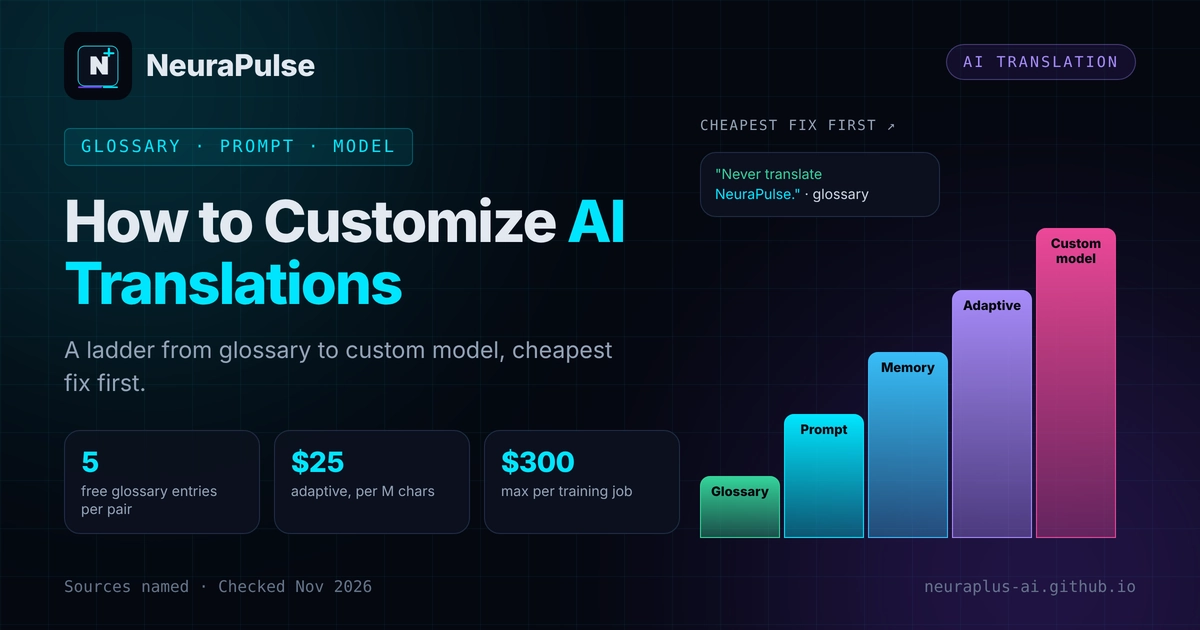
Default machine translation is generic: it does not know your brand names, your tone or which words must stay in English. You can fix most of that without training anything. This guide ranks the methods from cheapest to most involved, with the limits and prices the vendors publish.
✅ Short answer: Climb the ladder in order: glossary, style prompt with examples, translation memory, adaptive translation, and only then a custom model.
The customization ladder
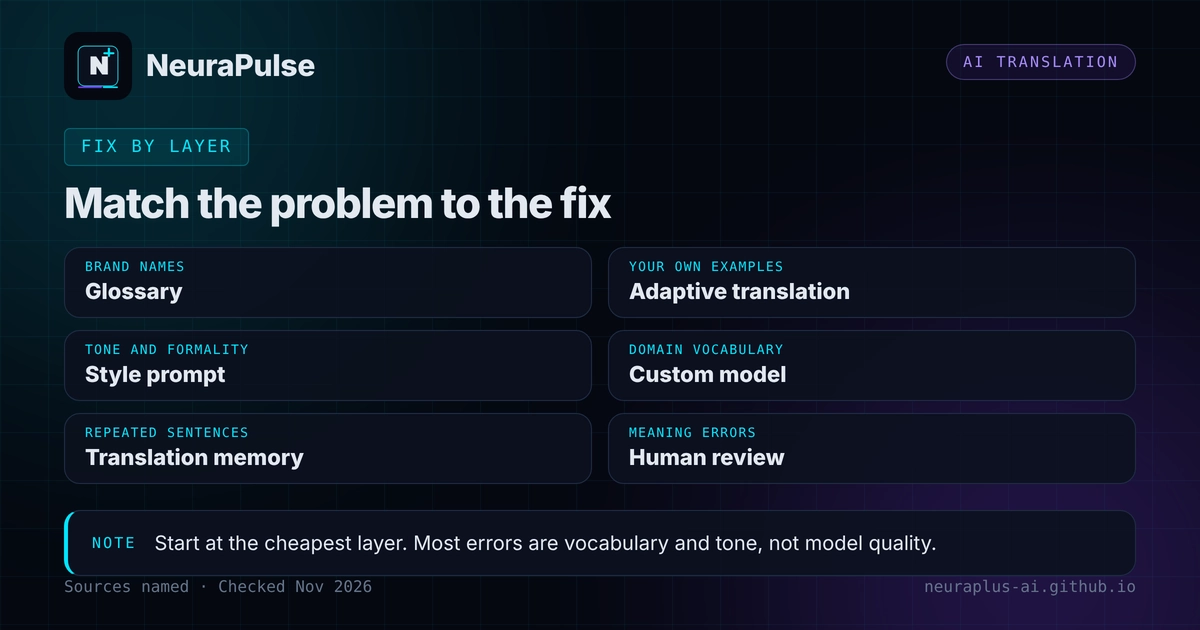
| Method | What it fixes | Published limit or cost | Effort |
|---|---|---|---|
| Glossary | Brand names, fixed terms, do-not-translate words | DeepL Free: 1 glossary, 5 entries per language pair | Low |
| Style prompt with examples | Tone, formality, audience, units | No fixed fee in a chatbot; per-token cost on an API | Low to medium |
| Translation memory | Repeats the approved wording for repeated sentences | Depends on your platform; not priced here | Medium |
| Adaptive translation | Learns from your example pairs | Google: $25 per M characters in and $25 out | Medium |
| Custom model | Domain vocabulary at scale | Google: from $80 per M characters; training $45 per hour, max $300 per job | High |
| NeuraPulse AI | Name featured by NeuraPulse | Not tested by us. Ask about glossary and example support | Test first |
Sources: Google Cloud Translation pricing page (shows no update date), DeepL plan page (Germany view) and Shopify's AI localization guide, read November 2026.
Step 1: build a glossary
List brand names, product names, legal terms and words with two meanings, such as "light" for weight or colour. Mark each as translate to a given term or never translate. Five entries is a tiny free allowance, so keep the first list to the terms that hurt most.
Step 2: write a style prompt
Shopify's guidance recommends telling the model the audience, tone and rules, adding your style guide and approved past translations, and giving in-market examples such as competitor pages and local reviews. Here is a starter you can adapt:
You translate product copy from English to German for online shoppers.
Tone: friendly, informal "du". Never translate brand or product names.
Keep units metric. Keep sentences short. If a word is ambiguous
(e.g. "light"), pick the meaning that fits the product described.
Use these approved terms: [paste glossary].
Return only the translation.
Step 3: test on a small, varied batch
Shopify suggests testing on pages from different categories plus some marketing copy, then scaling in small batches. Check brand voice, missed terminology and tone before you run the catalogue. For a fair method, see our model comparison guide.
Step 4: add memory and review
- Translation memory stores approved sentences so repeats stay consistent.
- Human review goes first to checkout copy, legal pages and anything where a mistake changes meaning.
- Layout checks matter because translated text often runs longer than English.
When a custom model is worth it
Training a custom model adds cost and maintenance. It tends to make sense only with a large, stable body of approved translations in one narrow domain. A worked cost example (ours): training costs are capped at $300 per job, but the $80 per million character rate is four times Google's $20 standard rate, so a 5 million character project costs $400 instead of $100 before training. Run that arithmetic on your own volume. More price detail is in AI translation pricing per word.
For document-level control with DeepL, see how to use DeepL for professional documents. For store pages, read best AI translation for e-commerce product pages.
💡 Simple rule: Customize in the cheapest layer that fixes the error. Most errors are vocabulary and tone, not model quality.
How this guide was researched
Methodology and limits
- Prices are from Google's Cloud Translation pricing page and DeepL's plan page; both can change.
- Glossary limits beyond the DeepL Free figure were not confirmed.
- Practical steps follow Shopify's published localization guidance; Shopify's advice is not backed by separate data.
- The sample prompt is our own template and has not been benchmarked.
- Cost comparison between $20 and $80 per million characters is our arithmetic.
Frequently asked questions
Start with a glossary of brand names, product terms and words that must not be translated. It fixes the most visible errors for the least effort.
DeepL's plan page lists one glossary with 5 entries per language pair on the free version. Paid plans differ, so check the current page.
Google's page lists adaptive translation at $25 per million input characters and $25 per million output characters, with lower prices on savings plans.
Rarely at first. Google lists custom model text translation from $80 per million characters plus training at $45 an hour, capped at $300 per job. Try a glossary and style prompt first.
Yes. Shopify's guidance suggests a system prompt with audience, tone, do-not-translate rules, a style guide and past approved translations. Always review the result.