🖼️ AI Video · Reframe
How to Use AI Reframe 2 for Video Editing: Layouts, Fixes and Alternatives
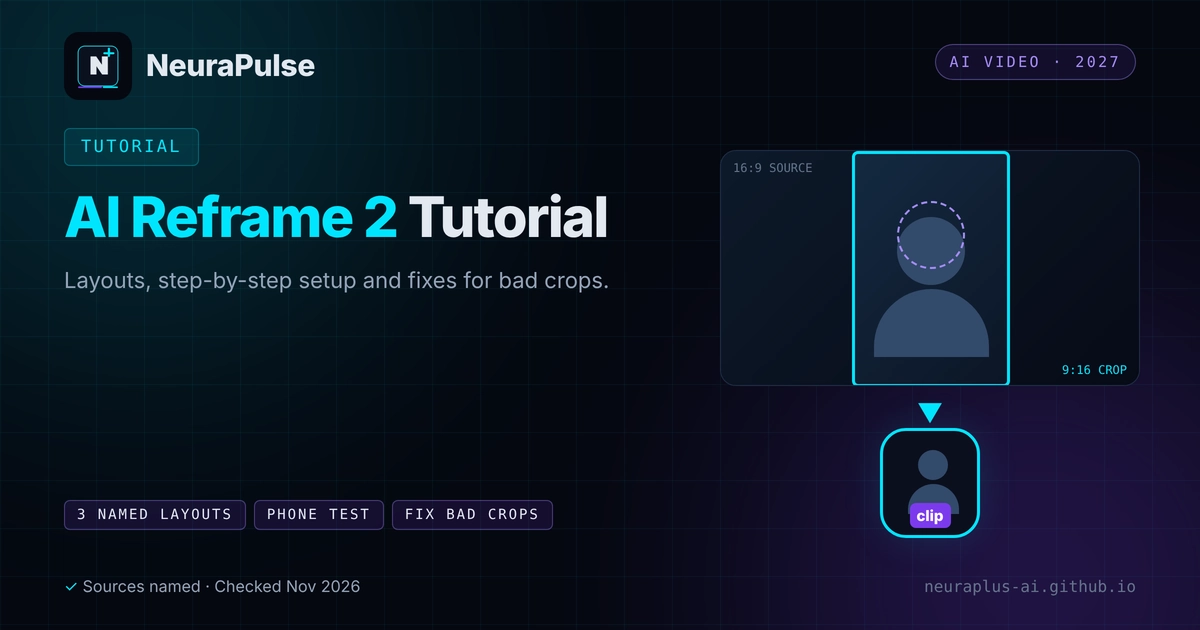
Landscape video does not fit a phone. Cropping to the centre cuts off speakers, slides and gameplay. AI reframing finds the subject and moves the frame, or rearranges the picture into a layout built for vertical screens. This guide explains Klap's AI Reframe 2, how to use it step by step, how to fix bad crops and what the alternatives offer.
✅ Short answer: Upload your landscape video, let the tool pick a layout, then check the speaker framing and on-screen text in the preview. If it crops badly, switch layout or trim the clip. Always preview on a phone-shaped frame before you export.
Short answer: what AI Reframe 2 does
According to Klap's own site, the original Auto Reframing keeps the main subject in view, and the newer AI Reframe 2 analyses scenes and applies layouts such as Split Screen, Screencasts and Gaming. That is a vendor description, and we did not test it. For the wider clipping workflow, see AI video clipping for short-form content.
What the layouts are for
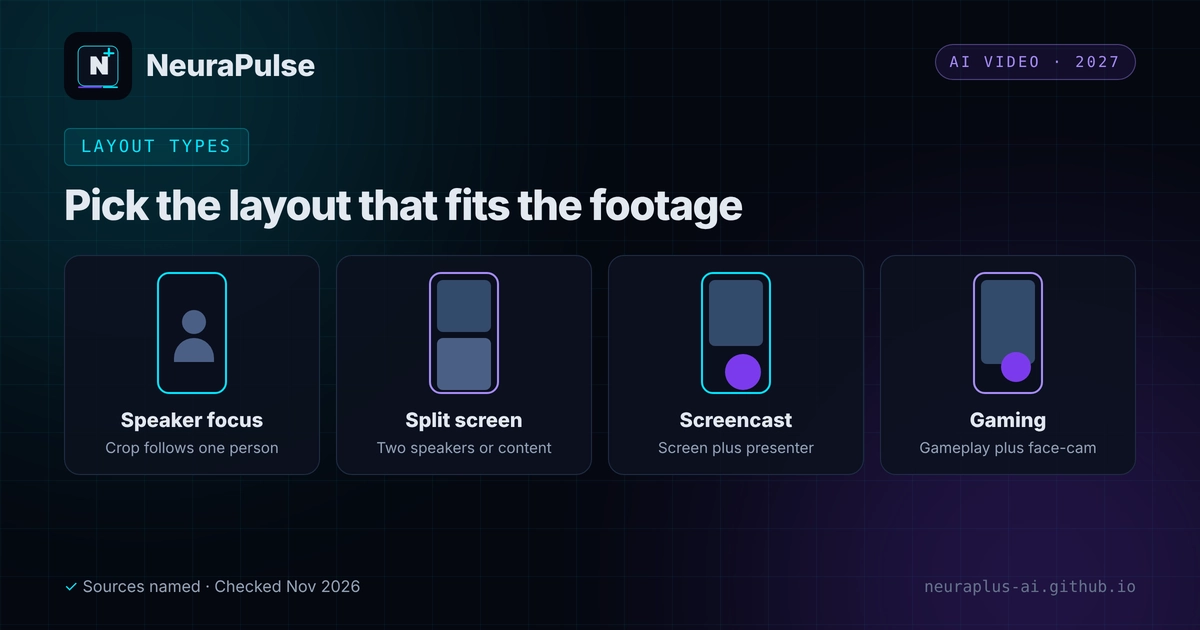
- Speaker focus. One person fills the vertical frame, and the crop follows them.
- Split Screen. Two speakers or a speaker plus content share the frame. Klap and a November 2026 review mention split-screen switching for two speakers.
- Screencasts. A screen recording with the presenter shown separately, for tutorials and demos.
- Gaming. Gameplay with a face-cam, arranged for vertical viewing.
Step by step
- Prepare the source. Use the highest quality landscape file you have, with the speaker clearly visible.
- Upload and run. Start a project in Klap or your chosen tool.
- Pick a layout. Accept the AI's choice first, then compare alternatives for important clips.
- Preview in a vertical frame. Check heads, hands, slides and captions are all inside the safe area.
- Adjust. Change the layout, trim the clip or move captions if something is cut.
- Export a test clip. Watch it on a phone before you batch the rest.
Fix bad crops
- Speaker cut off. Switch layout or trim past the moment where they move out of frame.
- Slides unreadable. Use a screencast or split layout, or zoom the slide in your editor. One review advises testing slide-heavy footage on a sample first.
- Two speakers, wrong person shown. Try a split layout.
- Captions hide faces. Move the captions or reduce their size.
- Jumpy tracking. Cut the clip to a steadier section.
- Future videos. Centre the speaker and leave room around them.
AI Reframe 2 and its alternatives
| Tool | Reframing feature | Price (as listed) | Note |
|---|---|---|---|
| OpusClip | Layouts Fill, Picture-in-Picture and Split; Split not supported for 16:9 | Free; Starter $15; Pro $29 | Layout changes per clip or per segment; Brand Kit sets defaults |
| Adobe Premiere Pro | Auto Reframe for aspect-ratio conversion | $22.99/mo annual (first-year rate) | Full manual control, steeper learning curve |
| CapCut | Smart Auto-Reframe | Free; Pro $19.99/mo ($15 yearly) | Easy manual polish |
| Klap | Auto Reframing, plus AI Reframe 2 with Split Screen, Screencasts and Gaming layouts (vendor page) | Basic $14.50/mo yearly ($29 monthly); Pro $39.50 ($79); Pro+ $94.50 ($189) | Speaker-aware framing, 99+ languages and brand settings for fonts, colours, logos and framing; free trial on 1 video with previews and edits but no downloads |
Sources: Klap's site and a November 10, 2026 review, OpusClip's help page on layouts and an OpusClip pricing review (August 20, 2026) and a February 2026 editing roundup. Confirm on the vendor site.
You can try AI Reframe 2 on one video in Klap before paying. Compare it with the other clippers in Klap vs OpusClip vs Vizard, and see how AI reframing sits against hands-on editing in AI video clipping vs traditional editors.
💡 Phone test: Export a ten-second test and watch it on a real phone. Anything cut off in the preview will also be cut off for your audience. Plan costs in AI video clipping pricing 2027.
How this guide was researched
Methodology and limits
- AI Reframe 2 details come from Klap's own site and a November 10, 2026 review that rests on company-published information. We did not test reframing quality.
- Other tools are described from OpusClip's help page, a February 2026 roundup and named pricing reviews.
- "AI Reframe 2" is also a generic phrase, so we use it here as Klap's product name.
- Author: Prashant Lalwani. Last verified November 20, 2026.