🎨 Logo Design · 💸 What's Really Free · ⏱️ 11 min read
Free AI Logo Maker: Which Ones Are Really Free in 2026?
Most "free AI logo makers" are free the way a restaurant tasting menu is free: you can look at everything, and the moment you reach for the plate, a price appears. You design a logo in four minutes, love it, click Download, and meet a paywall. Some tools genuinely don't do that. Others charge only for the file you actually need, usually the vector. This guide sorts the free ones from the free-to-preview ones, covers the ownership question that almost nobody explains properly, and gives you a half-hour process for ending up with a logo you can really use.
What is the best free AI logo maker?
The best truly free option is Shopify Logo Maker (formerly Hatchful): free PNG downloads and a stated right to use the logo commercially. Canva is best if you want to edit and build a brand kit around it. Namecheap and Zarla say in writing that design and download are free. Looka and Brandmark are free to preview but charge to download.
🚀 Quick Start: Use the starter maker below to sketch a mark in under a minute, then try one or two of the tools in the table to compare. Don't pay for anything until you've tested the logo at tiny sizes.
What does "free" actually mean for a logo maker?
Three different things hide behind the word, and mixing them up is how people lose an afternoon.
| Kind of free | What you get | Examples reported in 2026 |
|---|---|---|
| Free to download | A usable file at no cost, usually PNG | Shopify Logo Maker, Namecheap, Zarla |
| Free to design, paid to download | Unlimited previews, then a fee for the file | Looka, Brandmark, LogoAI |
| Free with restrictions | Downloads work, but there are limits on AI uses, formats or commercial use | Canva (AI uses capped, SVG on Pro), Microsoft Designer and Recraft free tiers (reported as non-commercial) |
One 2026 roundup put the situation bluntly: no tool gives you unlimited, high-quality, AI-generated logos with vector files for free. That's still the right way to think about it. You're choosing which of those three things you can live without.
Free AI logo makers compared
Details below come from several 2026 reviews and each company's own wording where I could find it. Prices and limits move around, so treat numbers as reported and check the checkout page.
| Tool | What the free plan gives | File types | The catch |
|---|---|---|---|
| Shopify Logo Maker (formerly Hatchful) | Free download, stated as yours to use | PNG only | Template-based, basic customization |
| Canva | Free logo editor, about 20 AI uses a month (reported) | PNG on free, SVG on Pro | Its license bars using Canva content as part of a trademark |
| Namecheap Logo Maker | Design and download stated as free | SVG reported | Fewer design directions |
| Zarla | Design and download stated as free | SVG reported | Check the current plan page |
| Adobe Express | Free logo creation and exports | Several formats | You'll be nudged toward paid assets |
| Looka | Free to preview as a guest | Paid for files | Downloads start around $20, vector and full rights around $65 (older reports) |
| Brandmark | Free generation, low-resolution previews | Paid for files | Rights wording sits with paid tiers |
Smaller logo tools to look at (names only, check each one's current free terms): Zarla • Brandmark • LogoAI • Turbologo
If you want a longer, tool-by-tool roundup with examples, our earlier best AI tools for logo design review goes deeper on each product.
Can you own, copyright or trademark an AI-made logo?
This is the part most listicles skip, and it matters more than the color palette. Three separate questions get mixed together.
- Can you use it commercially? Usually yes if the tool says so in its terms. Read the exact wording. Some free tiers prohibit it.
- Is it exclusively yours? Not necessarily. Canva states you may not have exclusive rights to AI-generated designs, and Looka says its copyright applies to the logo as a whole, not to individual elements inside it.
- Can you trademark it? That depends on the trademark office, and it's harder if the design is generic or built from library icons. Canva's own license says its content can't be used as part of a trademark, design mark or business name.
Copyright is a separate story. The US Copyright Office has said that material produced purely by AI, without enough human authorship, isn't protected by copyright. Its AI pages (linked at the end) explain the current position. None of this is legal advice. If the logo will sit on a product, a storefront or a company name you plan to protect, spend an hour with a trademark attorney before you print anything.
⚠️ Common Mistake: Building a brand on a template icon thousands of other people can pick. If your logo is a stock leaf, a stock mountain and a font, you can't stop anyone else from using the same leaf. Add something distinctive that's actually yours, like a custom letterform or a unique shape.
PNG or SVG: why the file type matters more than the style
| Format | What it is | Good for | Not good for |
|---|---|---|---|
| PNG | A fixed grid of pixels | Websites, social profiles, slide decks | Large prints, since it blurs when enlarged |
| SVG | Shapes described by math | Everything, from favicons to billboards | Nothing, but free tools often withhold it |
| PDF or EPS | Vector formats for print shops | Printers, embroidery, signage | Quick web use |
A free PNG is fine for an Instagram profile and a website header. It becomes a problem the day a printer asks for a vector file. One workaround is running a clean, high-resolution PNG through a free vectorizing tool, though results depend on how simple the logo is. A flat, two-color mark vectorizes well. A gradient-heavy one doesn't.
A 30-minute process that beats scrolling through templates
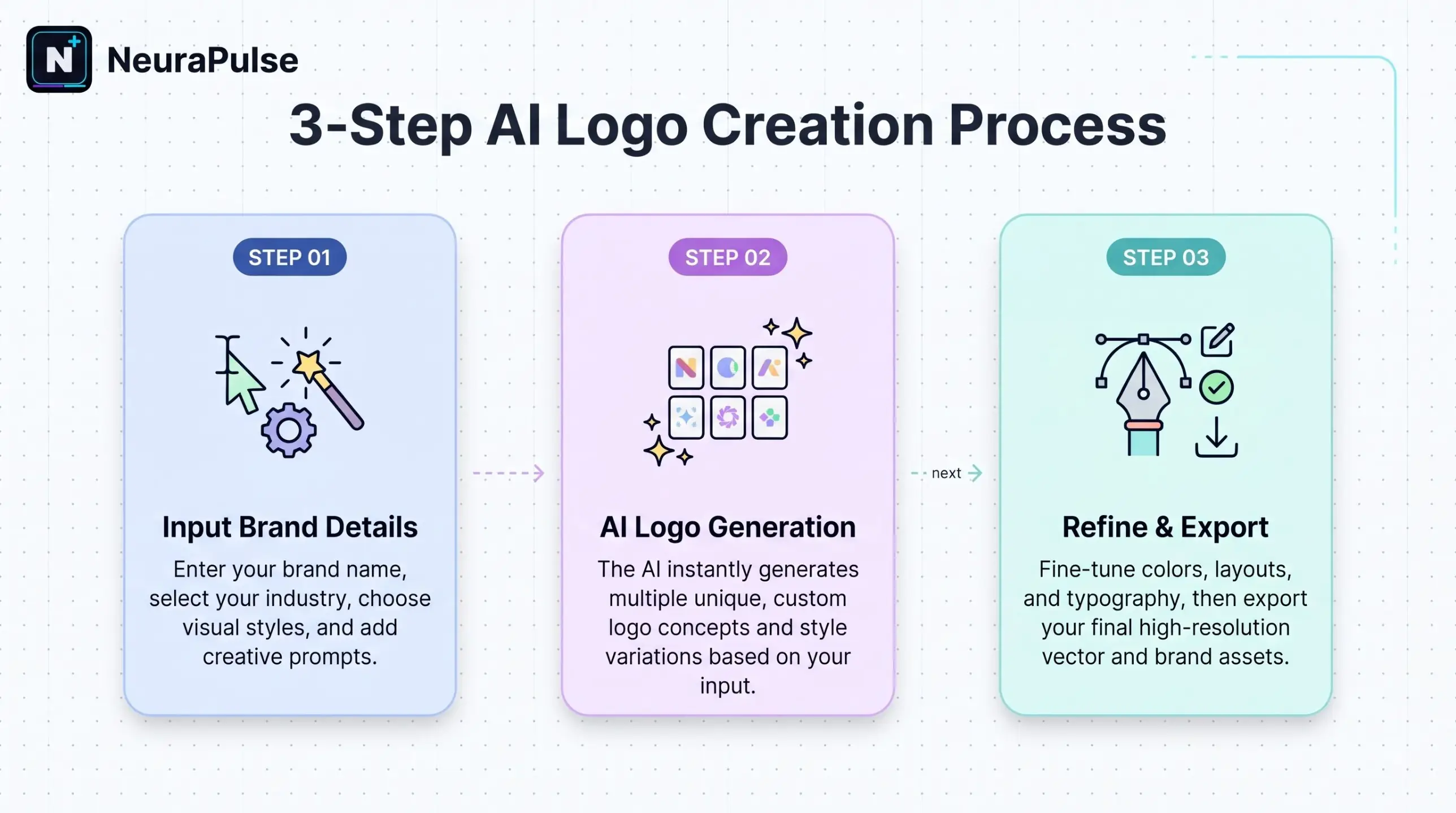
- Write a three-line brief. What you do, who it's for and three adjectives. Paste it into any chat assistant and ask for ten name-and-style directions. A reusable prompt structure, like the Claude master prompt template, keeps the brief tight.
- Generate in two tools. Use one template-based tool and one generator. Save every concept that gets a reaction.
- Shortlist two. Delete anything that depends on a gradient or tiny details.
- Run the small-size test. Shrink each to 32 pixels wide. If you can't tell what it is, it's too busy.
- Run the black-and-white test. Remove color. A good logo still works.
- Search the name and look-alikes. Check your trademark office's database and a plain web search before you commit.
- Export and save both versions. Light-background and dark-background, plus a square one for profile pictures.
That last step connects to the places your logo will live. Social profiles crop to a circle, and a logo that loses its edges looks careless. If you're setting up Instagram at the same time, the free AI bio generator guide covers the 150-character bio that sits next to it.
Can ChatGPT or other image tools make a logo?
They can make concepts, and they're good at moods and directions. They're weaker at clean, reproducible logos, because text inside images is often slightly off and the output is a flat picture, not a vector. Use them to explore a direction, then rebuild the winner in a logo tool or editor. Free image allowances are small and change often, which the ChatGPT free vs Plus comparison covers, so don't plan a whole branding session around them.
What to save once you've picked a logo
| Item | Why it matters |
|---|---|
| Logo files in light and dark versions | You'll need both within a week |
| The exact color codes | So the website and the packaging match |
| The font names | Consistency, and you may need to license them |
| A note of where and when you made it | Useful evidence of origin |
| The terms you accepted | Screenshot the license page the day you download |
Build your own logo brief
You are a brand designer. I need a logo brief I can paste into a free logo maker.

My business: [what you do, in one sentence]
Who it's for: [audience]
Words I want people to feel: [three adjectives]
Names I'm considering: [two or three]

Give me:
1. Three style directions (for example: geometric monogram, friendly wordmark,
   playful mascot), each with a one-line reason it fits.
2. A colour palette for each, with hex codes, and why those colours.
3. Font pairings available for free, for each direction.
4. Three things to AVOID so the logo stays simple at 32 pixels.
5. Five search queries to check my name for existing logos and trademarks.

Do not claim any name is free to trademark. Tell me what to verify.
How this guide was checked
I compared several 2026 free-logo-maker reviews, noted where they disagreed on pricing and rights, and read the license wording quoted from Canva and Looka. I haven't downloaded a logo from each tool for this update, so file-format claims are as reported. Terms change, so check the license on the day you download.
Frequently asked questions
Further reading
- US Copyright Office: Artificial Intelligence – the current official position on copyright and AI-generated material.