📱 Instagram · ✍️ Live Character Counter · ⏱️ 9 min read
Free AI Bio Generator for Instagram: Write One in 150 Characters
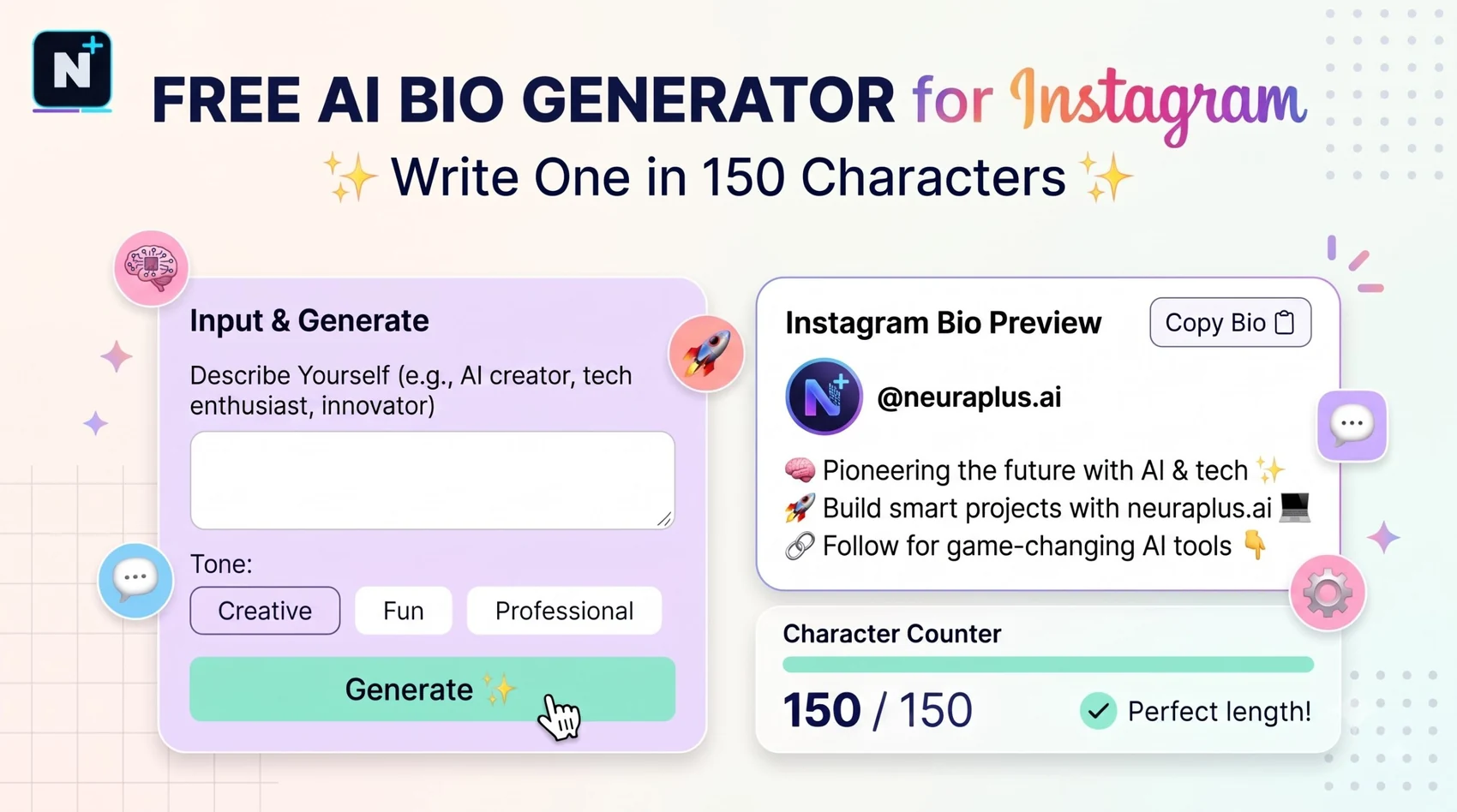
You get one line of text, about as long as a tweet from 2012, and it has to tell a stranger who you are, why they should care and what to do next. That's why bios are hard. A free AI Instagram bio generator can get you to a first draft quickly, but the draft is only useful if it's honest, specific and under the character limit. Here's how to use one well, with a builder on the page that counts characters as you go and a few real examples with their lengths.
How long can an Instagram bio be?
An Instagram bio can be up to 150 characters, including spaces, emojis and line breaks. The username limit is 30 characters, and the name field is also 30. The Instagram name field is searchable, so many guides suggest putting a keyword there, like "Maya | Brand Designer," instead of leaving it as only your name.
🚀 Quick Start: Fill in the three boxes below with what you do, who you help or where you are, and your call to action. You'll get three options with a character count on each, so nothing gets cut off.
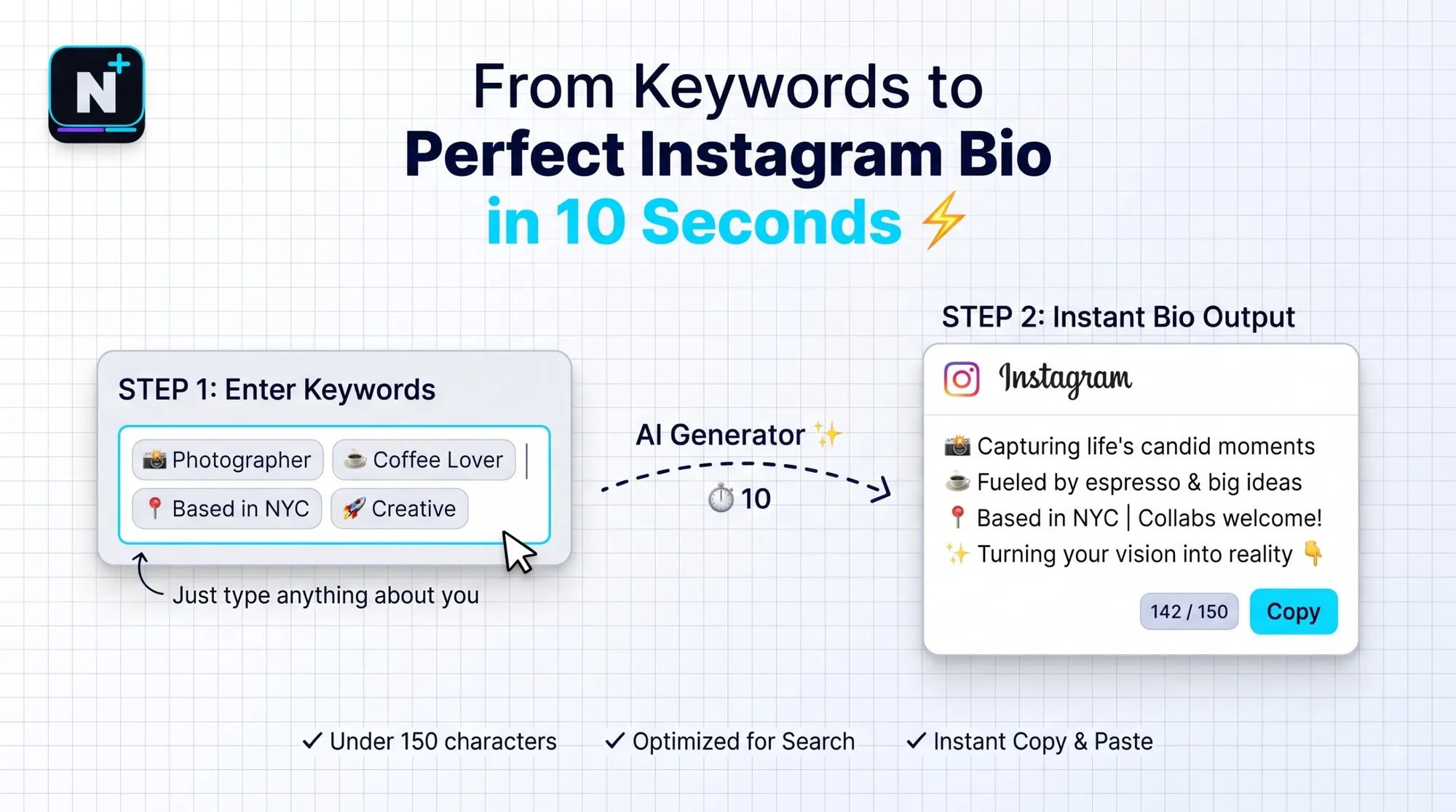
A bio formula that works for almost anyone
Strong bios follow the same shape. The first line says what you do, in words a stranger would understand. The second adds proof, a personality note or a reason to follow. The last line gives one action. If you have room, add a single emoji or two as visual breaks, but they're optional.
| Line | Job | Example |
|---|---|---|
| 1 | Say what you do | Brand designer for food startups |
| 2 | Add proof or personality | Booking December projects |
| 3 | One clear action | DM "hello" for rates |
Four bios with their real character counts
Every bio below fits within 150 characters, and I counted them. Use them as shapes to copy, not text to paste.
| For a... | Bio | Length |
|---|---|---|
| Creator | 📷 Street photographer in Mumbai Stories from 5am to midnight Prints & workshops 👇 | 81 / 150 |
| Small business | Small-batch coffee roasted in Pune ☕ Free delivery over ₹800 Order below | 72 / 150 |
| Freelancer | Brand designer for food startups Booking December projects DM "hello" for rates | 79 / 150 |
| Student | Law student | debate captain Posting study notes weekly Notes link below | 72 / 150 |
Notice how the freelancer example fits an offer and a date into one line. Specific beats clever. "Booking December projects" tells a visitor you're real, available and worth a message.
Smaller bio and social writing tools to look at (names only, check each one's current free limits): Pallyy • GetGenie • Writecream • Simplified
How to use AI for the words without losing your voice
Two sources I read this year agree on one point: a general chatbot often beats a dedicated bio generator, because you can feed it real details. A dedicated tool usually gives you a template with your keywords dropped in. Either way, the quality depends on what you tell it.
| Give the AI | Why it matters |
|---|---|
| What you do, in plain words | Avoids vague phrases like "creative soul" |
| One real detail only you could say | Makes the bio sound like a person |
| Who you want to reach | Shapes the tone and the first line |
| The action you want | Gives the last line a job |
| The 150-character limit | Prevents a bio that gets cut off |
Get a first draft, then edit it by hand. Cut anything you wouldn't say aloud. If your bio has three CTAs, keep one. Structured prompts help here, and the Claude master prompt template is a reusable frame for it. The same one-line discipline is useful on a resume, and the summary tips in the free AI resume builder guide apply almost directly.
Mistakes that make a bio forgettable
- Empty adjectives. "Passionate, creative, driven" describes everyone. Say what you actually do.
- Too many emojis. A few help readability. A wall of them looks like noise.
- No action. A visitor who likes your profile needs a next step.
- Copying a trendy template. If your bio could belong to a hundred people, it belongs to nobody.
- Forgetting line breaks. They count toward the limit, so use them on purpose.
⚠️ Common Mistake: Promising something your account doesn't deliver, like "Daily tips" when you post monthly. A bio is a small promise, and visitors check it against your grid within seconds.
What about hashtags in the bio?
Most accounts don't need any. Your bio is for people, and your hashtags belong on posts. If you run a branded tag, one is enough. The free AI hashtag generator guide covers how many to use on posts and why three to five beats thirty.
Make the call to action easy to act on
The best calls to action are small and specific: "DM 'hello' for rates," "New prints below," "Free guide in the link." Vague ones like "Check it out" don't tell anyone what they'll get. If your action is a DM, the replies matter too, and the free AI email writer guide has a briefing method that works for short messages as well as emails.
Build your own bio coach
You are a social media editor. I'll give you my current Instagram bio
and a few facts. Do not invent anything I didn't tell you.

My facts:
- What I do: [plain words]
- Who I help or where I am: [audience or place]
- One real, specific detail: [a number, a date or a quirk]
- The one action I want visitors to take: [action]

Write 5 bio options, each under 150 characters INCLUDING spaces, emoji
and line breaks. Show the character count for each. Use at most two
emoji, and no hashtags. Then tell me which option is the most specific
and why.
How this guide was checked
I confirmed the 150-character bio limit and the 30-character username and name limits across several 2026 guides, compared bio-generator roundups, and counted the characters in each example above. Instagram can change its limits and features, so check the app if something looks different.
Frequently asked questions
Further reading
- Instagram Help Center – Instagram's official guidance on profiles, bios and account settings.