🗂️ AI Video · Batch
AI Video Clipping Batch Processing Guide: A Weekly Workflow That Scales
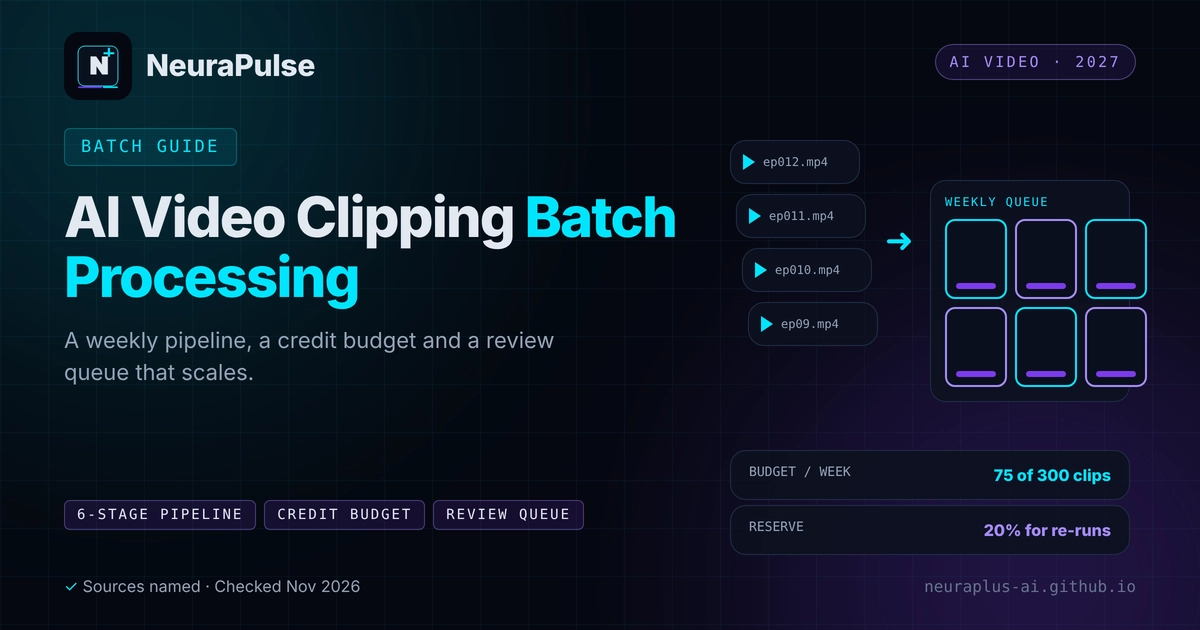
Clipping one video with AI is easy. Clipping twenty a week without losing track, running out of credits or posting something wrong is a process problem. This guide gives you a six-stage pipeline, a credit budget method and a review queue that keeps quality up when volume goes up.
✅ Short answer: Build a weekly pipeline: ingest, queue, clip, review, schedule and report. Budget credits by week with a reserve, name files consistently, keep a human review step and automate only the steps you have proven by hand first.
Short answer: process beats tools at volume
At ten videos a month any tool works. At fifty, the limits and the workflow decide whether it works. If you are new to clipping, start with AI video clipping for short-form content.
The six-stage pipeline
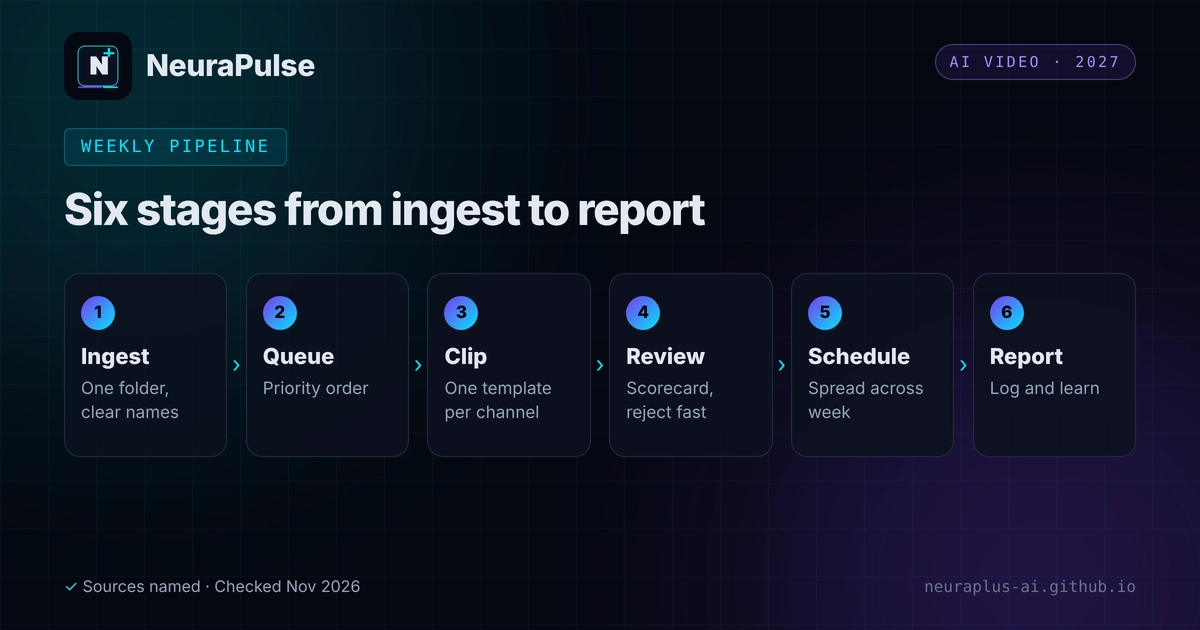
- Ingest. Collect the week's source videos in one folder with a consistent naming pattern.
- Queue. Add them to the tool in order of priority, newest or most time-sensitive first.
- Clip. Run the AI with one brand template per channel.
- Review. Score each clip with a checklist and reject fast.
- Schedule. Spread approved clips across the week and platforms.
- Report. Log views and watch time and feed what you learn into next week's picks.
Budget your credits by the week
- Weekly allowance: monthly allowance divided by four. Klap Pro at 300 clips is about 75 a week, and OpusClip Pro at 300 source minutes is about 75 minutes a week. This is our arithmetic.
- Keep a 20 percent reserve for re-runs and urgent videos.
- Know the meter. OpusClip charges one credit per source minute regardless of clips kept, and a review says monthly credits expire after 60 days.
- Track usage in a sheet with date, source, minutes or clips and clips kept.
Tool limits for batch work
| Tool | Plan and price | Monthly allowance | Batch notes |
|---|---|---|---|
| OpusClip | Starter $15; Pro $29; Business custom | 150 or 300 source minutes (3,600 a year on annual Pro) | Brand kit applies default layouts before submission; credits expire |
| Submagic | Pro $39; Business + API $69 | 40 videos; 100 videos and 100 API minutes | Per-member pricing; API on the top plan |
| Vizard | Creator $29; Business $39 (May 2025) | 600 upload minutes on Creator | Team collaboration on Business; competitor-sourced |
| Klap | Basic $14.50 yearly ($29 monthly); Pro $39.50 ($79); Pro+ $94.50 ($189) | 100, 300 or 1,000 clips | Pro+ suits high volume; publishing and scheduling to TikTok, YouTube, Instagram, LinkedIn and Facebook; brand settings for fonts, colours and logos; footer lists Zapier, Make, n8n, API and MCP server, details not verified |
Sources: Klap's pricing page and a November 10, 2026 review, an OpusClip review verified August 20, 2026, Toolradar's Submagic page (November 9, 2026) and a competitor's May 2025 Vizard article. Confirm on the vendor site.
Klap's free trial lets you push one real episode through before you commit to a volume plan.
Naming and tracking
- File names:
YYYY-MM-DD_show_ep012_source.mp4andYYYY-MM-DD_show_ep012_clip03_hook.mp4. - One tracking sheet with columns: source, tool, minutes or clips used, clip name, score, platform, post date, views, watch time and notes.
- One folder per week with sub-folders for source, approved and rejected.
Automation, once the manual process works
Automate in this order: file intake, then notifications when clips are ready, then scheduling. Keep review manual. Tools such as Zapier, Make and n8n can connect these steps where a tool exposes a connector or API. See our n8n webhook automation examples and best n8n workflows for marketing automation, and for agents see AI agents for marketing automation. Check each tool's current API and terms before building on them.
The review queue
- Set a fixed time per clip, for example 90 seconds, then approve, fix or reject.
- Use a scorecard so decisions are consistent. See turn videos into viral shorts with AI.
- Always check names, numbers and claims in captions.
- Keep a second reviewer for client or brand work.
For plan costs at volume, read AI video clipping pricing 2027. For a three-way tool review, see Klap vs OpusClip vs Vizard.
💡 Start with one week: Run five videos through the pipeline by hand, time each stage and fix the slowest one before you automate.
How this guide was researched
Methodology and limits
- Tool allowances and prices come from vendor pages, third-party reviews dated August to November 2026 and a competitor's May 2025 article for Vizard.
- Klap's footer lists integrations and an API, but its page gives no details, and we did not test them.
- The pipeline, naming pattern and budget method are our own editorial suggestions.
- Author: Prashant Lalwani. Last verified November 20, 2026.