🚀 AI Video · Shorts
Turn Videos into Viral Shorts with AI: What Works and What Is Hype
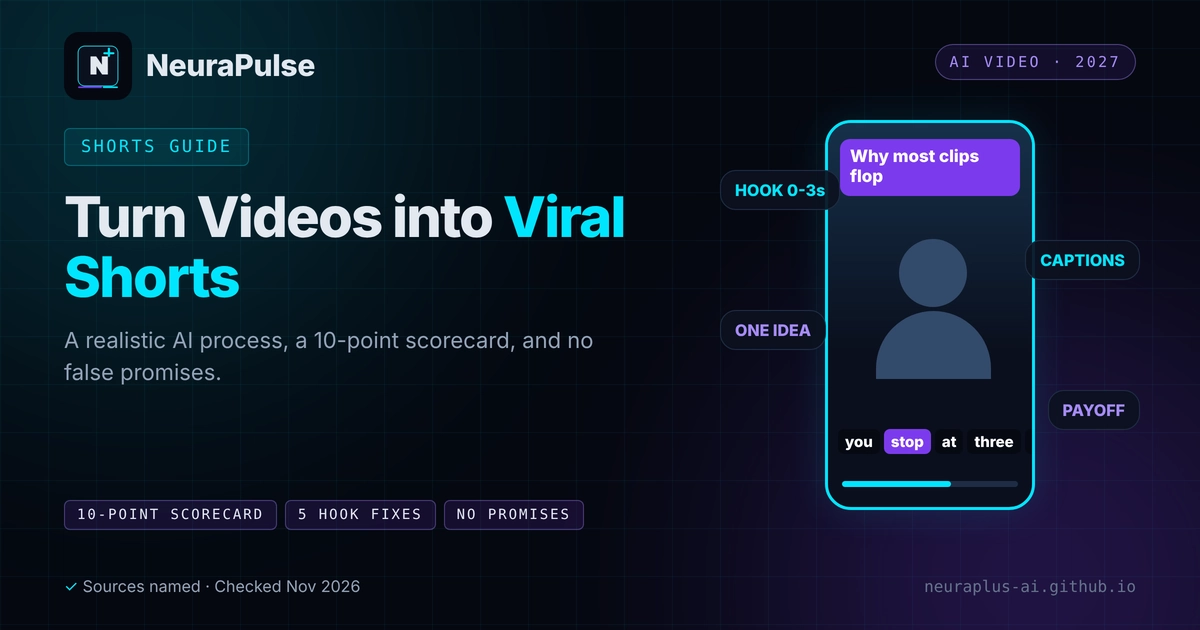
Everyone wants the video that goes viral. Nobody can guarantee it, and any tool that does is selling a feeling. What AI can do is make it quick and cheap to turn one long video into many short ones, so you test more ideas and learn faster. This guide shows a realistic process, a scorecard for judging clips and how to read a virality score without being fooled by it.
✅ Short answer: Use AI to find and cut candidate clips, then pick the best with a ten-point scorecard, fix the hook, check captions and post consistently. Measure results, keep what works and ignore any promise of guaranteed virality.
Short answer: AI raises your volume, not your luck
Think of AI as a very fast junior editor. It transcribes, finds moments, crops to vertical and captions. You are still the producer. If you want the full tool landscape first, read our guide to AI video clipping for short-form content.
What a viral short usually needs
- A hook. The first three seconds should create a question or promise.
- One idea. Finish a thought. Do not cut mid-sentence.
- Clarity without context. A stranger should understand it.
- Readable captions. Many people watch with the sound off.
- A reason to stay. A payoff near the end.
- Fit with the platform. Native vertical framing, with the important parts in the safe area.
The 6-step process
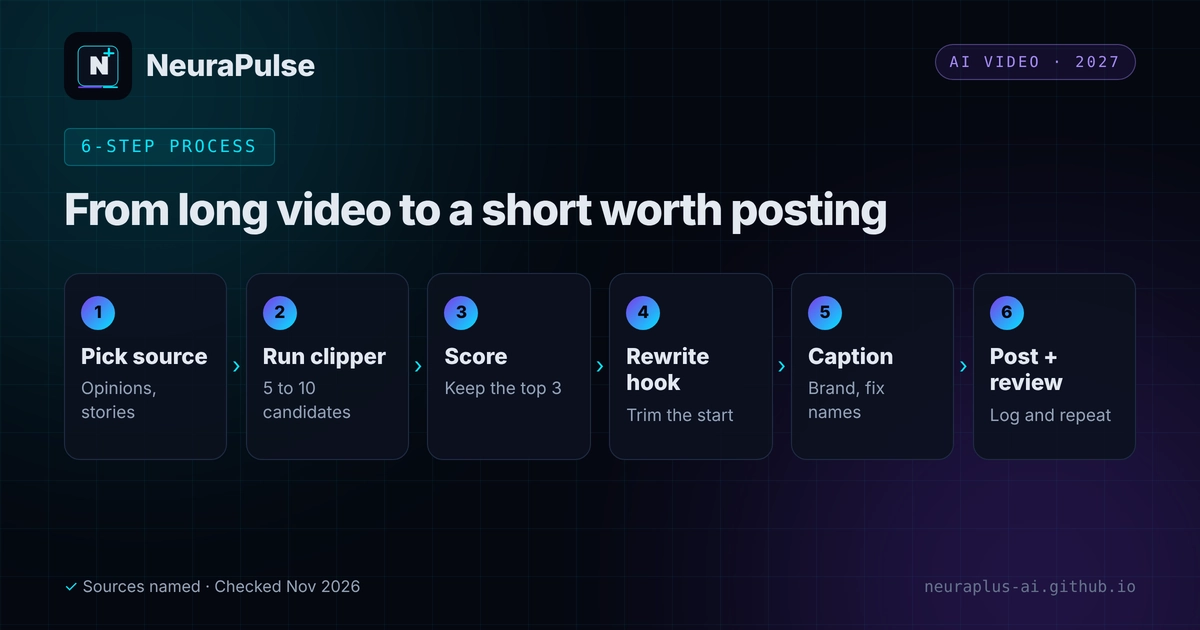
- Pick a strong source. Choose an episode with opinions, stories or a clear lesson.
- Run the clipper. Let the tool propose five to ten candidates.
- Score the candidates. Use the scorecard below and keep the top three.
- Rewrite the hook. Trim the start or add a one-line text hook.
- Caption and brand. Fix names and jargon, keep fonts and colours consistent.
- Post and review. Log views and watch time, then repeat with what worked.
The 10-point clip scorecard
Give each clip one point for every yes. Post clips that score eight or more, and fix or drop the rest.
- The first sentence makes people want the second.
- It works with the sound off.
- It finishes one complete idea.
- A stranger would understand it.
- The speaker is framed and nothing important is cropped.
- Names, numbers and jargon are spelt correctly.
- There is a clear payoff at the end.
- It runs no longer than it needs to.
- It fits your brand and does not mislead.
- It ends with one clear action.
Tools that make shorts
| Tool | Price (as listed) | Good for | Note |
|---|---|---|---|
| OpusClip | Free; Starter $15/mo; Pro $29/mo | Long-to-short repurposing with a virality score | Score "isn't always accurate" per a February 2026 review |
| Vizard | Free; Creator $29/mo (May 2025 figure) | Clipping with a free plan and auto reframing | Competitor-sourced; verify on the vendor site |
| Submagic | Starter $19/mo; Pro $39; Business + API $69 | Animated captions, hook titles and silence removal on Pro | Metered in videos, with length limits |
| CapCut | Free; Pro $19.99/mo | Manual polish and effects | AI Clipper and auto-reframe listed |
| Klap | Basic $14.50/mo yearly ($29 monthly); Pro $39.50 ($79); Pro+ $94.50 ($189) | Selective clips, speaker-aware reframing, context-checked captions | Fewer, more carefully chosen clips, per its own comparison; free trial on 1 video, no card; scores clips for virality potential; posts to TikTok, YouTube, Instagram, LinkedIn and Facebook |
Sources: Klap's pricing page and a November 10, 2026 review, OpusClip and Submagic pricing pages checked by third parties in August and November 2026, and a February 2026 roundup. Confirm on the vendor site.
You can try Klap on a single video without a card, but downloading and posting need a paid plan. For a head-to-head view, see Klap vs OpusClip vs Vizard.
Fix the hook: five quick patterns
- Start on the payoff. Lead with the result, then explain.
- Add a question. A one-line text hook such as "Why does this fail?"
- Cut the throat-clearing. Remove "so", "um" and introductions.
- Name the audience. "If you edit videos, watch this."
- Set up a loop. End on a line that connects back to the start.
Test and learn, do not guess
- Post the same idea with two different hooks and compare watch time.
- Track hook, length, topic and result in one sheet.
- Double down on the topics your audience finishes, not the ones the score liked.
- Review each week and retire what does not work.
For TikTok-specific tools, see best AI video creator for TikTok 2027. To price your setup, see AI video clipping pricing 2027. If you plan to earn from short-form, read how to monetize AI content.
💡 Rule of thumb: If you would not send a clip to a friend, do not post it. The scorecard is a way of asking that question ten times.
How this guide was researched
Methodology and limits
- Tool prices and claims come from vendor pages, a November 10, 2026 Klap review that rests on company information and third-party pricing pages dated August to November 2026.
- The scorecard and hook patterns are our own editorial suggestions, not research results, and we do not claim they predict virality.
- We did not measure clip performance, and nobody should read this article as a promise of views.
- Author: Prashant Lalwani. Last verified November 20, 2026.