🦖 Chrome Games · Browser Tricks
Chrome Dino Game Hacks: Tips, Tricks and Cheats
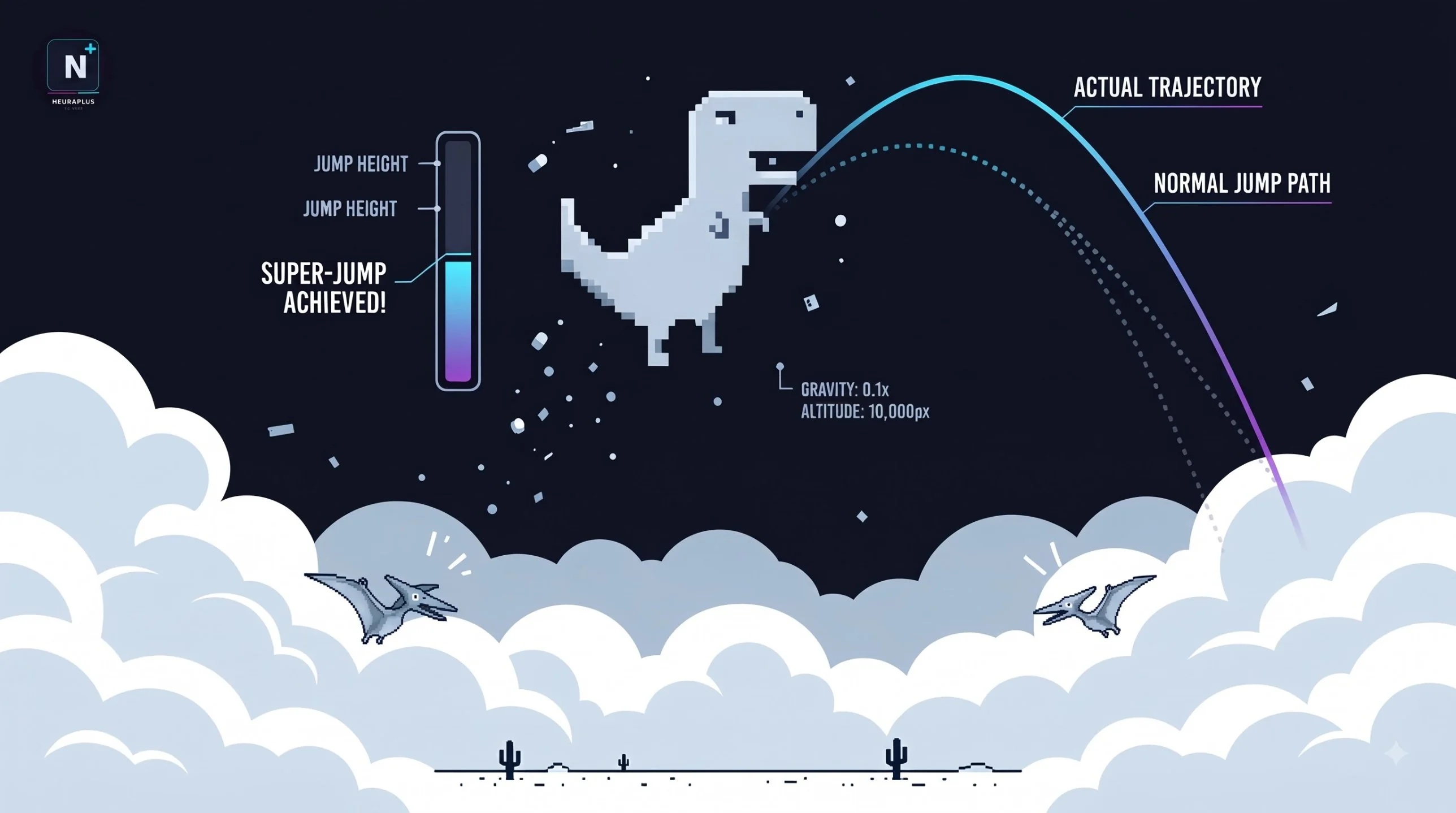
The Chrome dino game is the little T-Rex that jumps cacti when your internet drops. Most people only meet it by accident, play for ten seconds, and lose to the first bird. But it's a real game with real tricks: you can open it on demand, learn its rhythm, and, if you're curious, poke at it with the developer console. Some of those "hacks" no longer work the way old guides claim, so this guide marks which is which.
How to play the Chrome dino game anytime
You don't need to disconnect your internet. Type chrome://dino into the address bar of Google Chrome and press Enter. The offline T-Rex page loads instantly. Press the spacebar or the up arrow to start and jump, and press the down arrow to duck under flying birds. On a phone, tap the screen to jump.
If you'd rather see the "real" version, switch off Wi-Fi or unplug your Ethernet cable and try to load any page. Chrome shows the "No internet" screen with the dinosaur on it. Other browsers built on the same engine, such as Edge, have their own versions, though the address and the artwork can differ.
Controls at a glance
| Action | Desktop | Phone or Tablet |
|---|---|---|
| Start and jump | Space or up arrow | Tap |
| Duck | Down arrow | Swipe down on some devices, or hold |
| Restart after a crash | Space or up arrow | Tap the restart icon |
| Pause | Switch tabs, or click away | Switch apps |
Real tips to score higher
These aren't cheats. They're habits that separate a 300 from a 1,500.
Jump early and shorter than you think
Every cactus has a safe window. Press the jump key a hair before the cactus reaches the dino, and release it quickly for a short hop. Holding the key longer gives a taller, longer jump, which you'll need for wide clusters but not for single cacti.
Watch the ground ahead, not the dino
Your eyes should sit about a third of the way across the screen. By the time something reaches the dino, it's too late to react.
Learn the three obstacle types
Small cacti, large cacti and groups of cacti want different jump lengths. Birds appear after your score climbs, and they fly at different heights. A high bird can be ducked under or even ignored, and a low one needs a jump.
Expect the speed to climb
The game starts slow and keeps accelerating until it hits a cap. The first minute is easy. The real challenge is staying calm once the speed stops rising and you're simply asked to be consistent.
Don't mash the keys
Frantic tapping causes mistimed jumps. Smooth, deliberate presses beat fast ones.

What happens when the score climbs
Around the 700-point range, the game flips to night mode. The sky goes dark, the colors invert, and a moon and stars appear. It's the same game, just harder on the eyes. If the contrast bothers you, take a break before you push for a record, because tired eyes are the main reason runs end at night.
💡 Night mode note: The exact score thresholds can differ between Chrome versions, so treat these numbers as rough landmarks, not rules.
The console "hack" and why it's unreliable
For years, guides have shown a trick that makes the dinosaur invincible by typing a line of JavaScript into Chrome's developer tools. The idea is simple: you open the console, paste a short command that overrides the game's "game over" behavior, and the dino keeps running through obstacles.
Here's the honest status. Whether that command works depends on your Chrome version, because Chrome's offline page code has been changed several times. Some versions respond to the old commands, and others have renamed or restructured the internals so the command does nothing or throws an error.
If you want to try it:
- Open
chrome://dino. - Press F12 (or Ctrl+Shift+I) to open DevTools and click the Console tab.
- Paste the command from a source you trust, and press Enter.
- Start the game and see if the dino ignores obstacles.
// Example console command (may not work in all Chrome versions)
Runner.instance_.gameOver = function(){};
If you see "undefined" or an error, that version of Chrome has changed the code and the trick won't work. Don't install extensions or tools that promise to "unlock" the dino game. A game this small doesn't need any, and some of them are not worth the permissions they ask for.
⚠️ Word of perspective: An invincible dino is fun for about a minute. The challenge was the whole point, and a score from a cheated run isn't worth comparing to anyone's real one.
When the dino game won't start
| Problem | Likely Cause | Fix |
|---|---|---|
| chrome://dino shows a blank page | Chrome policy or an extension | Disable extensions and try again |
| Spacebar does nothing | Page isn't focused | Click on the page, then press space |
| Game runs slowly | Too many tabs or a hardware limit | Close tabs; update Chrome |
| No dinosaur on the offline page | You're using a different browser | Use Chrome or an Edge build with the game |
| Game won't open at work | Admin has disabled it | Chrome policies can turn the game off on managed devices |
Dino game for friends and kids
The game suits short sessions and head-to-head challenges. Take turns on one laptop and compare scores, or set a goal like beating your own best by 50 points. If you want something even simpler for a quick decision, the Google roll a dice and Google flip a coin tools settle who plays first.
More hidden games you can play
If the dino has you hooked, you'll like the arcade-style tricks that live on Google itself. Try Zerg Rush, where swarming "O" characters eat your search results, or the Atari Breakout trick in Google Images, which turns your thumbnails into a brick-breaking game.
✅ Bottom line: The Chrome dino game is built into Chrome and free forever. Open it anytime with chrome://dino, practice the jump timing tips to push past 1,000 points, and try the console hack if you're curious — but remember the real fun is in the challenge itself.
Frequently asked questions
Further reading
- Chrome Help – official support for troubleshooting Chrome settings and extensions.