🪞 Retro Web · Safety Check · Google Tricks
elgooG: The Google Mirror and Where Old Google Tricks Live
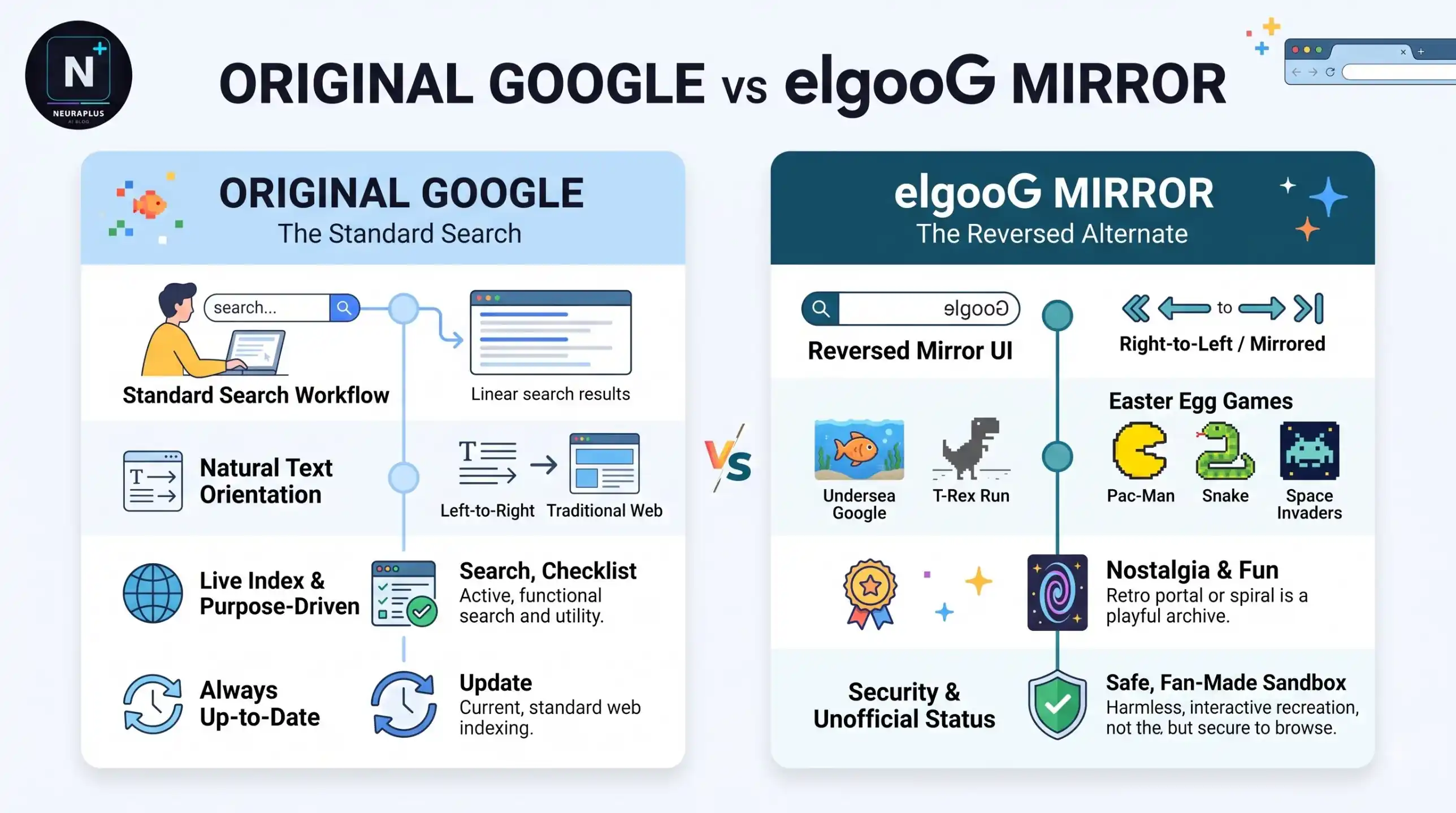
Type "google" backwards and you get elgoog. That's the whole joke behind a website that has been flipping Google's homepage left to right for over twenty years, and somewhere along the way it became the place people go to find Google tricks that Google itself has retired. It's also a magnet for look-alike pages, which is why a quick explainer is worth reading before you click.
What is elgooG?
elgooG is an unofficial website that shows a mirrored copy of Google Search, with the page and the search results flipped horizontally so everything reads backwards. It was built by a studio called All Too Flat as a joke, gained attention around 2002, and now lives at elgoog.im. It isn't a Google product.
🚀 Quick Start
Search for "elgooG" or go to elgoog.im, type a query, and read your results in reverse. Don't sign in, don't install anything, and treat it as a toy, not a search tool.
A short history of the mirror
The idea is simple: copy Google's page and reverse it. Early on, the site found a second use. When Google was blocked in mainland China, some people reached it through the mirror, a story reported by New Scientist in 2002. That workaround no longer works, according to Wikipedia's summary of the site.
The original .com domain was registered to Google LLC years ago and is now listed for sale, which is why the site moved to elgoog.im. In 2015, Google made its own official mirror for April Fools' Day at com.google, the first time the company used the .google domain ending. So the mirror joke has a legitimate official cousin, but that one was temporary.
What you can find on elgooG
The mirrored search is the namesake, but the draw today is a collection of interactive tricks. Several of them recreate tricks that appeared on Google at some point, or experiments built in the same spirit.
| Page | What It Does | Official Google Feature? |
|---|---|---|
| Mirror search | Flips Google results horizontally | No |
| Gravity | Page elements fall and pile up | No, a Mr.Doob-style experiment |
| Underwater | Search box floats in a fish tank | No, third-party effect |
| Snake | A browser Snake game | Not the same page as Google's |
| Tilt | Tilts the whole page | Similar to Google's "askew" trick |
| Breakout | A brick-breaking game | A reproduction of a removed Google trick |
The site describes itself as a place to "restore, discover and also create" Google easter eggs, according to its Wikipedia entry, and it isn't clear how it obtained some of the originals. That's worth keeping in mind: some pages are faithful recreations, and some are new work in the style of Google's tricks.
If you want a specific effect, these guides explain each in detail: the Google Gravity trick and the Atari Breakout trick, which Google removed from its image search in 2020 but which is still playable as a reproduction.
Is elgooG safe?
Generally yes, with caveats. Several writers describe elgoog.im as a widely used and trusted home for Google tricks, and the site has been around for a long time. But "generally safe" isn't a guarantee, and the real risks come from three places.
🪞 Clones
Because elgooG is well known, copycat sites use similar names and addresses. Some add ads or tracking. If the address isn't exactly elgoog.im, slow down.
📢 Ads on the pages you visit
Free tricks are often paid for with advertising, and ads can be aggressive. A pop-up asking for notification permission is a reason to click Block.
🔍 Search passthrough
When you search on a mirror, your query goes through someone else's server on its way to Google. Don't search for anything private.
⚠️ Common Mistake: Signing in with your Google account on a mirror site. A mirror has no reason to ask for your login, and the real Google sign-in only belongs on Google's own domain.
How to spot a fake elgooG
| Warning Sign | What It Usually Means | What to Do |
|---|---|---|
| Address isn't elgoog.im | A clone or look-alike | Close the tab |
| Asks you to download a "player" | Adware or worse | Leave immediately |
| Wants to send notifications | An ad-driven page | Click Block |
| Wants your Google password | A phishing attempt | Never enter it |
| Redirects after one click | Ad network redirect | Close and reopen from a trusted bookmark |
💡 How to avoid it: Type the address yourself instead of clicking a search result or an ad, and bookmark the real one once you've verified it.
How the mirror effect actually works
The reversal isn't magic. A web page can flip any element horizontally with a single line of CSS, transform: scaleX(-1), which mirrors the content the way a mirror would. Apply it to the whole page and the logo, the buttons and every line of text reverse. That's why the mirror is such an easy toy to build, and why it works the same way on thousands of copy sites.
transform: scaleX(-1);
display: inline-block; /* needed for transform */
Click the card to flip it. CSS transform: rotateY(180deg) handles the 3D flip.
Hit the button and watch the page elements fall. Drag them around afterwards.
Google's "askew" trick tilts the whole page 2 degrees. Click to toggle.
This whole card tilts on click
Just like the original Google trick from 2012.
transition: transform 0.4s ease;
Build your own: a mirror page
Here's a learning exercise. Paste this prompt into Claude or any AI chat to build a tiny mirror-effect demo you can open locally. It's a practical way to understand what elgooG does without visiting anyone's server.
Create a single-file HTML page called "My Mirror Search".

Requirements:
- A simple search page with a logo (plain text), a search box and a button.
- A toggle button labeled "Mirror" that flips the entire page
  horizontally using CSS transform scaleX(-1), and flips it back on
  the second click.
- When flipped, the text should still be clickable and the cursor
  should work normally.
- Add a small "Gravity" button that makes the logo, box and button
  fall to the bottom of the page and bounce, using plain JavaScript.
- No external libraries, no network requests, no tracking.
- Put all CSS and JavaScript inside the one HTML file.
- Add a comment above each function explaining what it does.
✅ Save and test: Save the result as an .html file and open it in your browser. Because it makes no network requests, it's safe to experiment with, and it shows exactly how the mirror and the falling effect are built.
elgooG vs Google's own tricks
| elgooG | Google Search Tricks | |
|---|---|---|
| Who runs it | An independent site | |
| Stability | Depends on the site | Can be changed or retired |
| Retired tricks | Often preserved or recreated | Gone |
| Risk | Ads, clones | Low |
| Best for | Nostalgia and retired effects | Reliable, built-in fun |
If you'd rather stay on Google itself, the Google easter eggs list for 2026 covers tricks that run on google.com. And for a calm, floating effect from the mirror-site family, read about the Google Underwater trick.
How this guide was checked
I read Wikipedia's summary of elgooG, several explainers on mirror-site safety, and recent easter egg roundups, then cross-checked claims about the domain move and the 2015 April Fools mirror. I haven't tested every page on the site, so use the safety checklist even on the real domain.
🪞 Bottom line: elgooG at elgoog.im is a long-running independent mirror of Google that hosts retired tricks like Gravity and Breakout. It's generally safe if you stick to the real domain, but clones exist and your searches pass through a third-party server. Bookmark the correct URL, never sign in, and don't search for anything private. For official Google tricks still running today, use google.com directly.
Frequently asked questions
Further reading
- elgooG on Wikipedia – history of the mirror, the domain move and the 2015 official April Fools mirror.