🐠 Google Easter Eggs · Browser Tricks
Google Underwater Trick: How It Works and Stays Safe
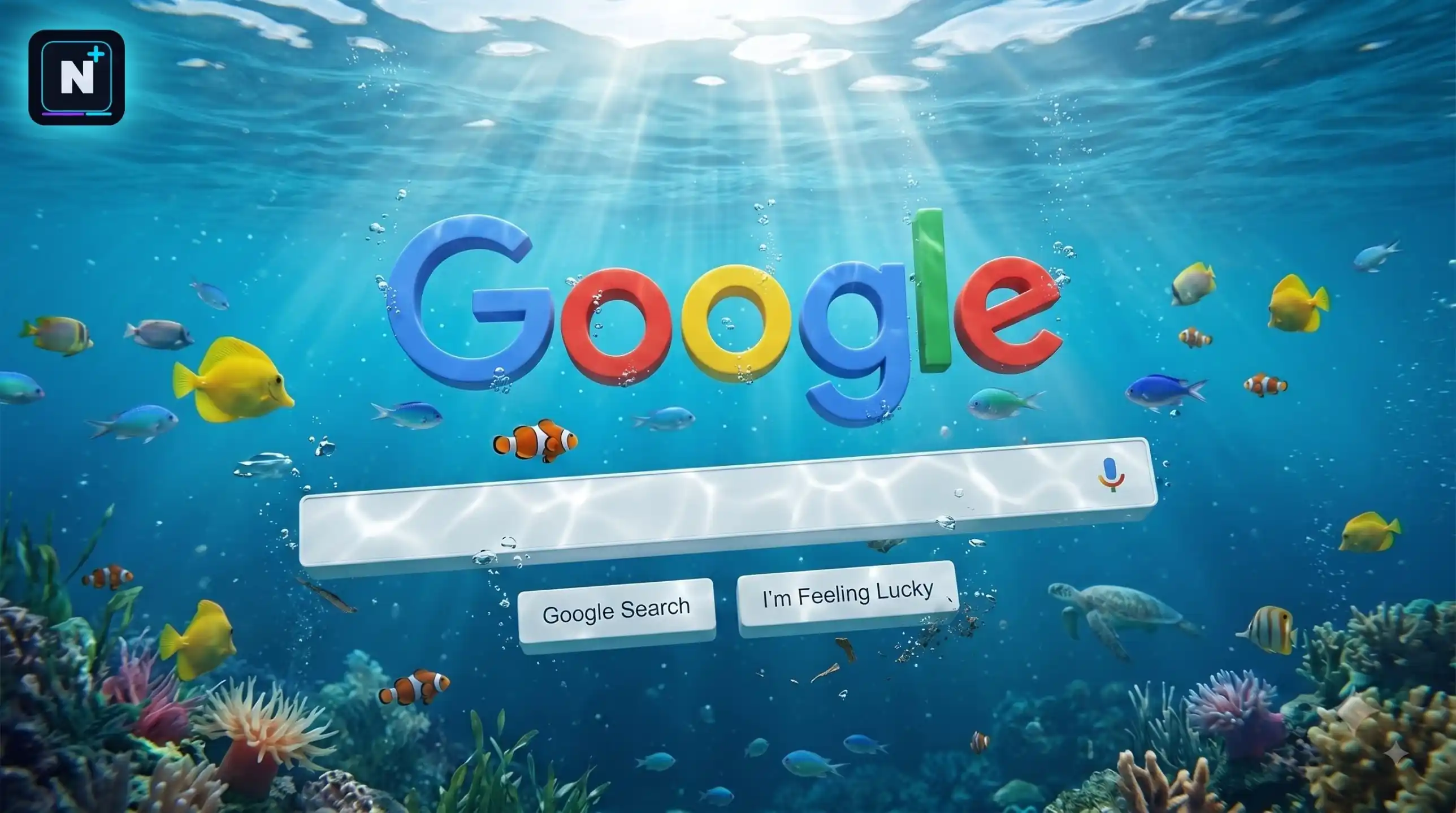
Google Underwater turns the plain white homepage into a fish tank. The logo, the search box and the buttons drift as if they're submerged, bubbles rise, and your mouse stirs the water. It's a browser experiment, not a Google product, and that difference matters more than the effect itself, because almost every problem people hit with this trick comes from the site hosting it.
How to do the Google Underwater trick
Search for "Google Underwater" in a desktop browser, open a well-known mirror site that hosts Mr.Doob's experiment, wait for the scripts to finish loading, then move your mouse across the screen. The homepage elements float and react to the pointer. It doesn't run on google.com itself.
- Open Chrome, Edge, Firefox or Safari on a laptop or desktop.
- Search for "Google Underwater Mr.Doob".
- Pick a mirror that guides keep naming. The domain elgoog.im is the one you'll see most, but judge the page yourself before you trust it.
- Wait three to five seconds. The artwork and physics scripts load after the page shell, so a blank first second is normal.
- Move the mouse. Click and drag a piece of the page to push it around.
- Type something in the search box and press Enter. Most mirrors hand you off to real Google results.
⚠️ What goes wrong at step 3: You land on a page that looks right but wraps the effect in pop-ups, "update your browser" banners or download buttons. Close the tab. Nothing about this trick ever needs a download.
What you're actually looking at
The effect comes from Ricardo Cabello, who publishes under the name Mr.Doob and built a string of playful Google-homepage experiments in the late 2000s and early 2010s. Gravity, Sphere and Underwater all belong to that family. They're written in JavaScript, and they rebuild Google's homepage layout and then animate it.
That second part is the thing to hold onto. Because Google doesn't run the effect, the address bar will never say google.com when you see it. Anyone telling you that typing a magic phrase into the real Google box will submerge the page is describing a different trick, or inventing one.
Is Google Underwater safe?
The animation is harmless. The hosting is the variable.
A mirror site is someone else's server dressed up as Google, so it can show ads, redirect you, or ask for things a harmless toy has no reason to ask for. My rules for any of these experiments are short:
- Never sign in with your Google account on a mirror. The real Google login only lives on accounts.google.com.
- Never install anything it offers, including "extensions" and "players."
- Close pop-ups instead of clicking them, and leave if they keep coming.
- If the page asks for notification permission, click Block.
None of that is paranoia. Look-alike pages are exactly how people end up on bad sites, and a fish-tank gimmick is an easy way to get a curious person to click.
Google Underwater not working? Quick fixes
| What You See | Likely Cause | What to Try |
|---|---|---|
| Blank white page | Scripts are still loading or were blocked | Wait five seconds, then reload with Ctrl+F5 |
| Elements don't move | Ad blocker or privacy extension is blocking the script | Pause the extension for that tab and reload |
| Page is stuck or very slow | Old browser or too many open tabs | Update the browser and close heavy tabs |
| Looks squashed on a phone | The effect is built for a mouse and a wide window | Use a desktop, or rotate the phone to landscape |
| Redirects to another site | The mirror is serving ads or has changed hands | Close the tab and try a different, older, more established mirror |
Does it work on mobile?
Sometimes. Touch dragging works on some mirrors, but the physics were designed around a mouse pointer and a wide viewport. On a phone you'll usually get a cramped layout, a keyboard that covers half the screen, and ads that take more room than the fish do. If you only have a phone, rotate it sideways and expect a rougher version. For the actual experience, use a computer.
How Underwater compares with other Google tricks
The Mr.Doob tricks look similar in a screenshot but behave differently once you start moving the mouse.
| Trick | What Happens | Best For | Needs a Mirror? |
|---|---|---|---|
| Underwater | Page floats, bubbles rise, elements drift | A calm, visual effect | Yes |
| Gravity | Page elements crash to the bottom and pile up | Throwing things around | Yes |
| Sphere | Elements swirl into a rotating ball | Playing with 3D movement | Yes |
| Space | Cosmic background and floating objects | Sci-fi look | Yes, or a themed page |
| Barrel roll | The whole results page spins once | A one-second laugh | No, it runs on google.com |
💡 Pro tip: If you're building a classroom or screen-share demo, start with Underwater because nothing in it falls apart or makes noise. Gravity is the better pick for kids who want to break things.
Where to go next
Once you've seen the fish tank, the physics-based one is the obvious next stop: the Google Gravity trick makes every element on the page fall and stack up at the bottom. For a rotating, three-dimensional version, try the Google sphere trick. If you prefer a darker, cosmic mood, the Google space trick swaps the water for stars.
For everything that runs on google.com with nothing extra installed or hosted elsewhere, the Google easter eggs list for 2026 is the safer place to browse.
Tips for getting the most out of it
Open the page in a full-size window. The effect uses the whole viewport, and a half-width window crowds everything into one corner.
Slow, steady mouse movement looks best. Quick flicks send elements flying off-screen, and some mirrors don't recover them without a reload.
Try it with the sound off and the brightness up. Screenshots of the effect look washed out on dim screens, and the blue gradient is half the appeal.
If you're recording it for a video, record at your screen's native resolution. The bubble and fish artwork gets muddy when it's scaled.
Frequently asked questions
Further reading
- elgoog.im – a host for many Google-style toys.
- mrdoob.com – the original Gravity experiment's creator.