💻 Developers · 🧠 Code Explained · ⏱️ 10 min read
Free AI Code Explainer: How to Use One Safely and Well
Everyone has inherited a function they didn't write. It has three nested loops, a variable called tmp2, and a comment that says "don't touch." You could trace it by hand for an hour, or you could paste it into a free AI code explainer and have a plain-English walkthrough in ten seconds. That second option is genuinely useful, as long as you treat the answer as a well-read colleague's opinion and not as the truth. This guide covers how these tools work, what to paste and what to keep out, and how to check an explanation before you build on it.
What is a free AI code explainer?
A free AI code explainer takes a snippet you paste in and describes what it does in plain English: the purpose, the inputs and outputs, the steps in order, and any risky spots. Some run in the browser with no sign-up. Others, like chat assistants, let you ask follow-up questions. All of them can be wrong, so test the explanation.
🚀 Quick Start: Paste a short function into the structure mapper below. It won't explain the meaning, but it shows how the code is organized, which is the first thing a human reader checks too.
What an explainer can and can't do
Under the hood, most explainers are a language model with a prompt along the lines of "explain this code to a beginner." That's why they're so good at naming what a function is for and so mediocre at knowing what your database actually contains. They see the snippet, not your system.
| Good at | Not good at |
|---|---|
| Naming the purpose of a function | Knowing how your other files change its behavior |
| Walking through control flow step by step | Spotting a bug that depends on real data |
| Translating jargon and patterns | Guaranteeing the explanation is correct |
| Suggesting clearer names and simpler structure | Knowing your team's conventions |
| Explaining a language you don't use daily | Performance measurements, which need profiling |
Five prompts that get better explanations
A bare "explain this" works, but a purpose-built question works better. These are the five I'd keep handy.
| Goal | Ask this |
|---|---|
| Understand it | Explain this code to someone who knows basic programming but not this library. Start with one sentence on its purpose. |
| Trace it | Walk through this with the input [example]. Show the value of each variable after each step. |
| Find risks | What could go wrong here? List edge cases, missing checks and anything that could crash. |
| Simplify it | Rewrite this more clearly without changing its behavior, and list every change you made. |
| Learn from it | Quiz me with three questions about how this code works, one at a time. |
The trace prompt is the one that catches the most. When the explainer has to show real values step by step, a wrong explanation tends to fall apart on the page, where a vague summary would have sounded fine.
What not to paste into a free tool
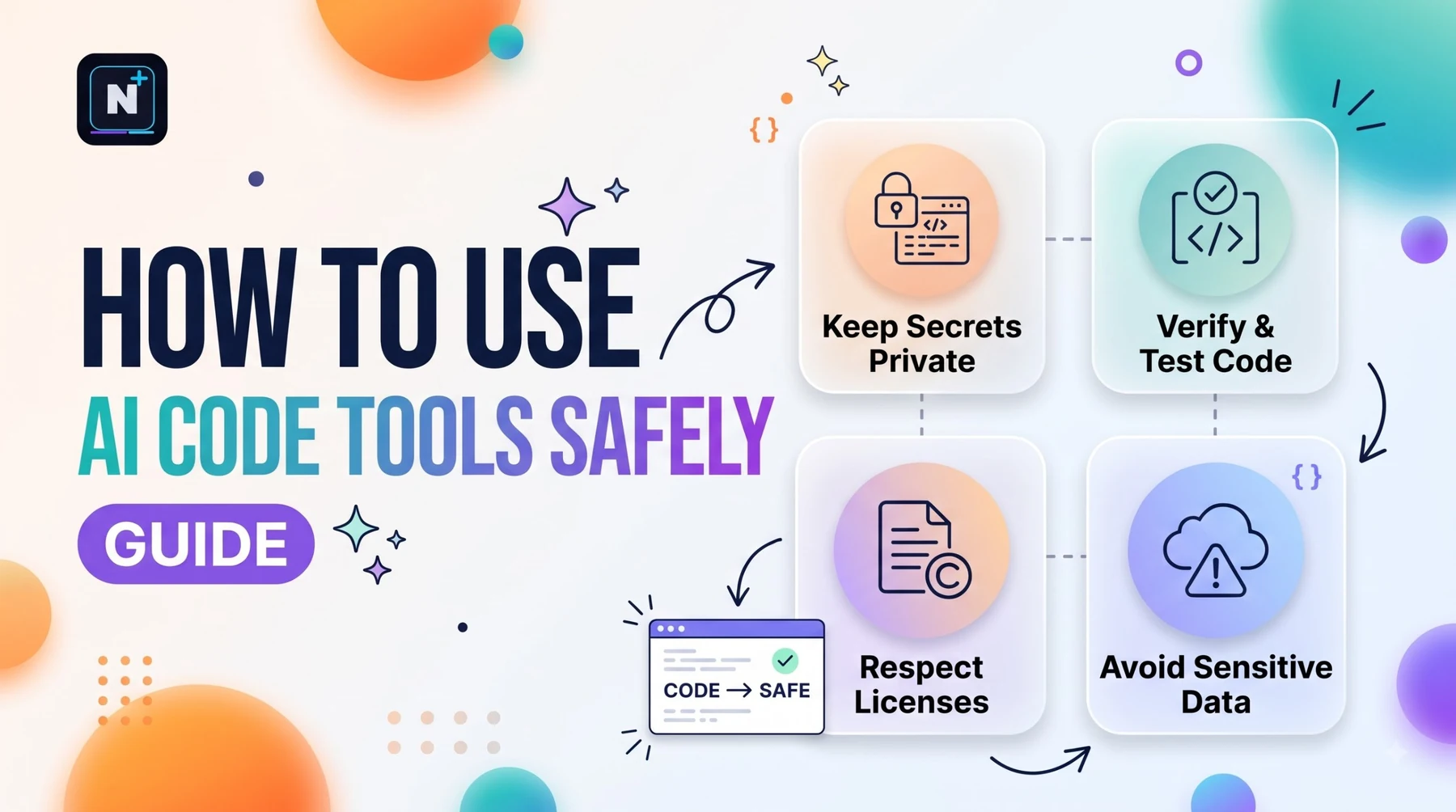
This is the part people skip and regret. A free online explainer is someone else's server, and the terms for free tiers often allow the provider to use your inputs. Before you paste, scan for the following.
- Secrets. API keys, tokens, passwords and connection strings. Replace them with placeholders first.
- Customer data. Names, emails and anything personal, including inside test fixtures.
- Proprietary code. If your employer or client owns it, check their policy before you share it anywhere.
- Licensed code. Some licenses restrict where code can be sent.
If any of that applies, run a model locally. The LM Studio setup guide shows how to do it on a normal laptop, and nothing leaves your machine.
Smaller code-explainer tools to look at (names only, check each one's current free limits): Bito • Workik • CodeForGeek • Tabnine
Check the explanation before you trust it
- Run the code with a simple input you can predict, and compare the result with what the explainer said.
- Test one edge case: an empty list, zero, a missing key or a very long string.
- Look up any function you don't recognize in its official documentation. Explainers sometimes describe a function that doesn't exist.
- Ask for the opposite. "Where might your explanation be wrong?" often produces a useful correction.
- Read the code once more yourself with the explanation beside it. The goal is that you understand it, not that the tool does.
⚠️ Common Mistake: Treating a confident explanation as verified. A fluent paragraph can be wrong in a way that survives a quick skim. Run the code, don't just read about it.
Using it to learn instead of to copy
If you're learning to program, the temptation is to paste an exercise and read the answer. Flip it. Write your own explanation of the code first, in a comment. Then paste the code into the explainer and compare. Wherever the two differ, one of you is wrong, and figuring out which is where the learning happens. For reference material on the language itself, the official Python tutorial (linked below) is better than any chat answer.
Explaining code well is also a prompting skill. A structured request with context, a goal and a format gets steadier results, which is what the Claude master prompt template is for.
Build your own explainer with a free API
If you'd rather own the tool, a small script and a free API tier is enough. The best free LLM API guide compares options and has a fallback pattern you can reuse. Here's a prompt that asks an AI chat to write the script for you.
Write a Python command-line tool called explain.py.

It should:
1. Read a source file path from the command line.
2. Refuse to run if the file contains anything that looks like an API key,
   password or token (check with a few simple regex patterns) and tell me
   which line to clean up.
3. Send the code to an OpenAI-compatible chat API (read the base URL, model
   name and key from environment variables) with this instruction:
   "Explain this code to a beginner in 5 numbered steps, then list 3 edge
   cases that could break it. If you are unsure about something, say so."
4. Print the answer and save it next to the file as <name>.explained.md.
5. Handle a 429 error with a short backoff and one retry.

Use only the openai and standard library packages. Comment every function.
How this guide was checked
I looked at several free explainer tools and directories and at 2026 coverage of AI coding assistants, and kept claims that were consistent. One directory reports a 50-prompt monthly cap on Bito's free plan, so check any limit on the tool's own site. I haven't tested every explainer on the same code, so I haven't ranked them by quality.
Frequently asked questions
Further reading
- The Python Tutorial – the official, free introduction to the language, useful for checking any explanation.