🔣 Regex · 🧪 Live Tester · ⏱️ 10 min read
Free AI Regex Generator: Write, Test and Trust Patterns
Regular expressions are the one corner of programming where even experienced developers open a cheat sheet. A free AI regex generator takes the pain out of that: you describe what you want to match in plain English and get a pattern back. The catch is that a pattern that looks right can quietly match the wrong things, or worse, grind your server to a halt on certain input. So this guide is about using these tools the careful way, with a live tester you can use right now, a handful of patterns I checked against real examples, and one danger to know about before you ship anything.
What is a free AI regex generator?
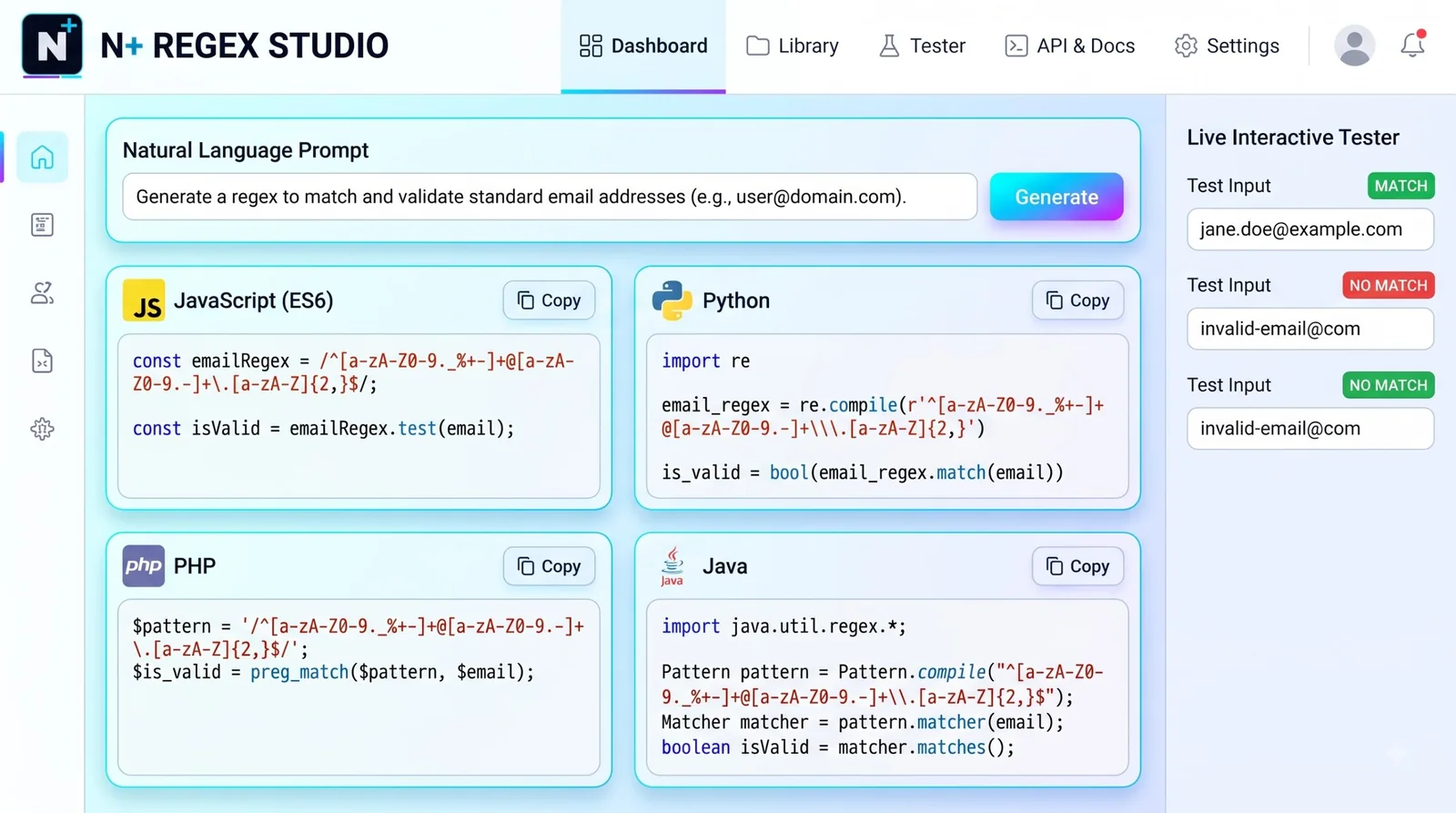
A free AI regex generator turns a plain-English description, like "match US phone numbers with optional dashes," into a regular expression. Good ones also explain each part and show example matches. Because AI can produce plausible but wrong patterns, always test the result against both text that should match and text that shouldn't.
🚀 Quick Start: Describe your pattern, generate it, then paste it into the tester below with real sample text. If it finds what you expect and nothing else, you're close.
How to describe a pattern so the AI gets it right
Vague requests get vague patterns. "Match a phone number" could mean fifty things. A good description names the format, the optional parts and a few examples of each kind.
| Weak request | Better request |
|---|---|
| Phone number | A US phone number like 555-123-4567, optionally with parentheses around the area code, and dots or spaces instead of dashes |
| Date | A date in the format YYYY-MM-DD with a valid month from 01 to 12 and a day from 01 to 31 |
| A practical email pattern for finding addresses in text, not for strict validation | |
| Color | A CSS hex color with 3 or 6 hex digits, starting with # |
| Zip code | A US zip code with 5 digits and an optional dash plus 4 more digits |
Also name your language. A pattern that works in JavaScript can fail in Python or in an Apache rule because the flavors differ, especially around lookbehinds and named groups. If you're building something bigger, a structured request like the one in the Claude master prompt template helps the model keep all those details straight.
Six patterns I checked against real examples
Each of these was run against strings that should match and strings that should not. They're starting points, not guarantees for your data.
| Pattern for | Regex | Matches | Doesn't match |
|---|---|---|---|
| US phone | \(?\d{3}\)?[-.\s]?\d{3}[-.\s]?\d{4} | 555-123-4567, (555) 123-4567, 5551234567 | 55-123-4567, 555-1234 |
| Hex color | #(?:[0-9a-fA-F]{3}){1,2}\b | #fff, #00E5FF | #ggg, #12345 |
| ISO date | \b\d{4}-(?:0[1-9]|1[0-2])-(?:0[1-9]|[12]\d|3[01])\b | 2026-10-21 | 2026-13-01, 2026-10-32 |
| US zip | \b\d{5}(?:-\d{4})?\b | 90210, 90210-1234 | 9021, 902101 |
| Hashtag | #\w+ | #streetphotography | # space |
| Email in text | \b[\w.+-]+@[\w-]+(?:\.[\w-]+)+\b | sam@example.com, a.b+c@sub.example.co.uk | sam@, @example.com |
Notice the date pattern accepts 2026-02-31 even though February has no 31st. A regex checks shape, not truth. If the value matters, parse it as a real date afterwards.
Newer regex helpers worth a look (names only, check each one's current free tier): Rexpression • RegexToolbox • AutoRegex • RegExGPT
The danger nobody mentions: patterns that freeze
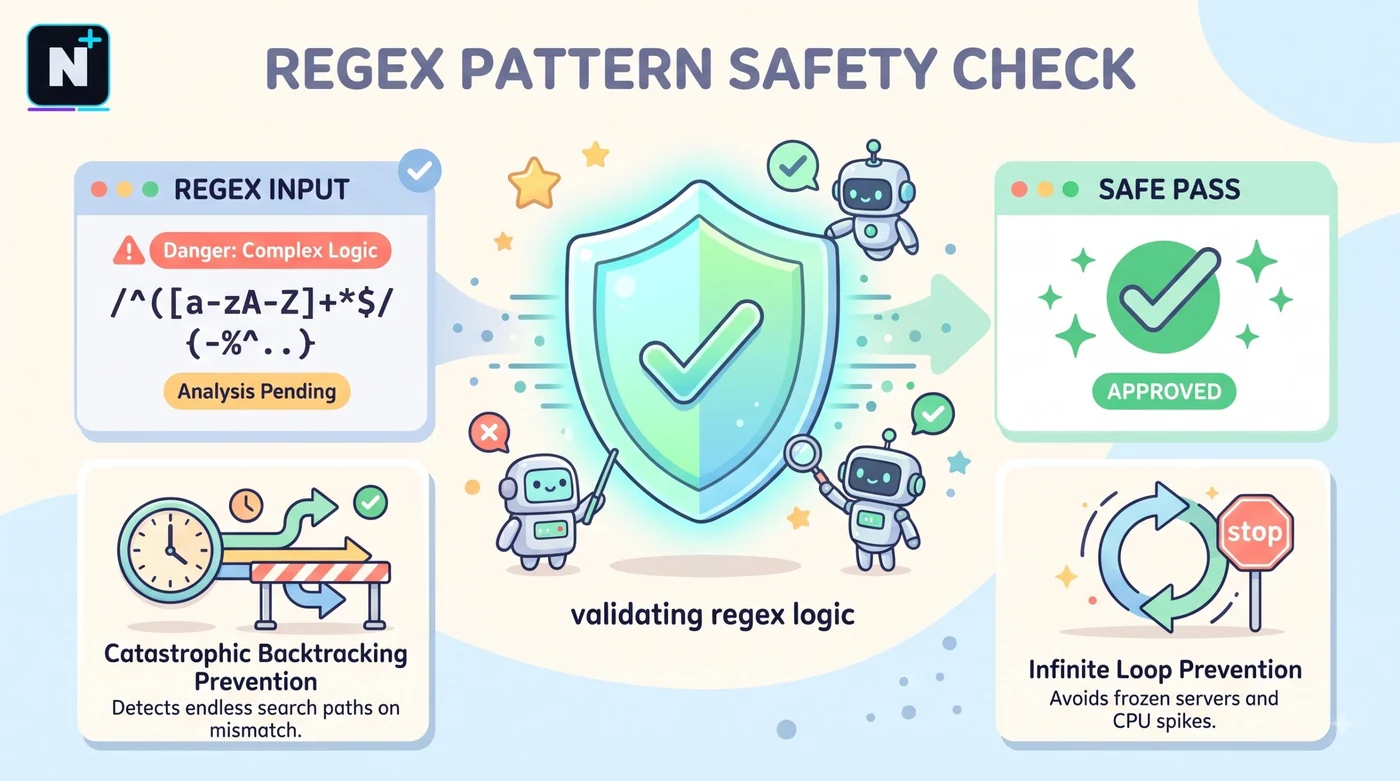
Some patterns take exponentially longer as the input grows, a problem called catastrophic backtracking. The classic example is ^(a+)+$. On a string of 26 letter a's followed by a b, it took about two seconds in a quick test on my machine, and each extra character roughly doubles the time. The harmless-looking ^a+$ returned instantly on the same input.
This matters because AI generators sometimes produce nested quantifiers like that, and a web server that runs one on user input can be knocked over with a short, crafted string. If a pattern will touch untrusted input, avoid nested repeats, set a timeout where your language allows it and keep input lengths limited.
⚠️ Common Mistake: Using a clever email regex to validate sign-ups. Real email rules are messy, and strict patterns reject valid addresses. Use a simple check, then send a confirmation email. That's the only proof that counts.
A repeatable testing routine
- Write five strings that should match and five that should not.
- Paste the pattern and all ten strings into the tester above or a tool like it.
- Add one weird string: empty, very long, accented characters or extra spaces.
- Check the anchors. Without
^and$, a pattern can match part of a longer string. - Ask the AI to explain the pattern in plain English and see if it matches your intent.
That last step pairs well with a code explainer, since both are about reading what you didn't write, and the free AI code explainer guide has a routine for verifying explanations.
Flavors: where a pattern can break
| Environment | Watch for |
|---|---|
| JavaScript | Lookbehinds need a modern engine. Flags like g and i go after the closing slash. |
| Python | Use raw strings (r"...") so backslashes survive. |
| PCRE (PHP, nginx, Apache) | Supports many advanced features, but escaping rules differ in config files. |
| Go | Uses a safer engine without lookaheads or backreferences. |
| SQL databases | Dialects vary a lot, so check your database's docs. |
Build your own regex helper
If you'd rather generate patterns from your own script, a free API tier handles it comfortably. The Groq API free limits guide shows what a free key allows, and this prompt asks an AI chat to write the tool.
Write a Python tool called regex_helper.py.

It should:
1. Ask me for a plain-English description, my language (JavaScript,
   Python, PCRE or Go), and 3 strings that should match and 3 that should not.
2. Call an OpenAI-compatible chat API (base URL, model and key from
   environment variables) and ask for ONE regex, a part-by-part
   explanation, and a warning if the pattern has nested quantifiers.
3. Test the returned regex locally against my six strings and print a
   pass/fail table.
4. If any test fails, send the failures back to the model once and ask for
   a corrected pattern.
5. Print the final pattern and the test results.

Use only the standard library plus the openai package. Comment each function.
How this guide was checked
I looked at several free regex generator tools and a 2026 roundup of tools AI assistants recommend, then ran every pattern shown above against positive and negative examples. The backtracking timing is from one quick local test, so your numbers will differ. Always test patterns on your own data.
Frequently asked questions
Further reading
- MDN regular expressions guide – the reference for JavaScript regex syntax, flags and pitfalls.