✉️ Email · ⚡ Free Writers Compared · ⏱️ 10 min read
Free AI Email Writer: Draft Faster Without Sounding Like a Bot
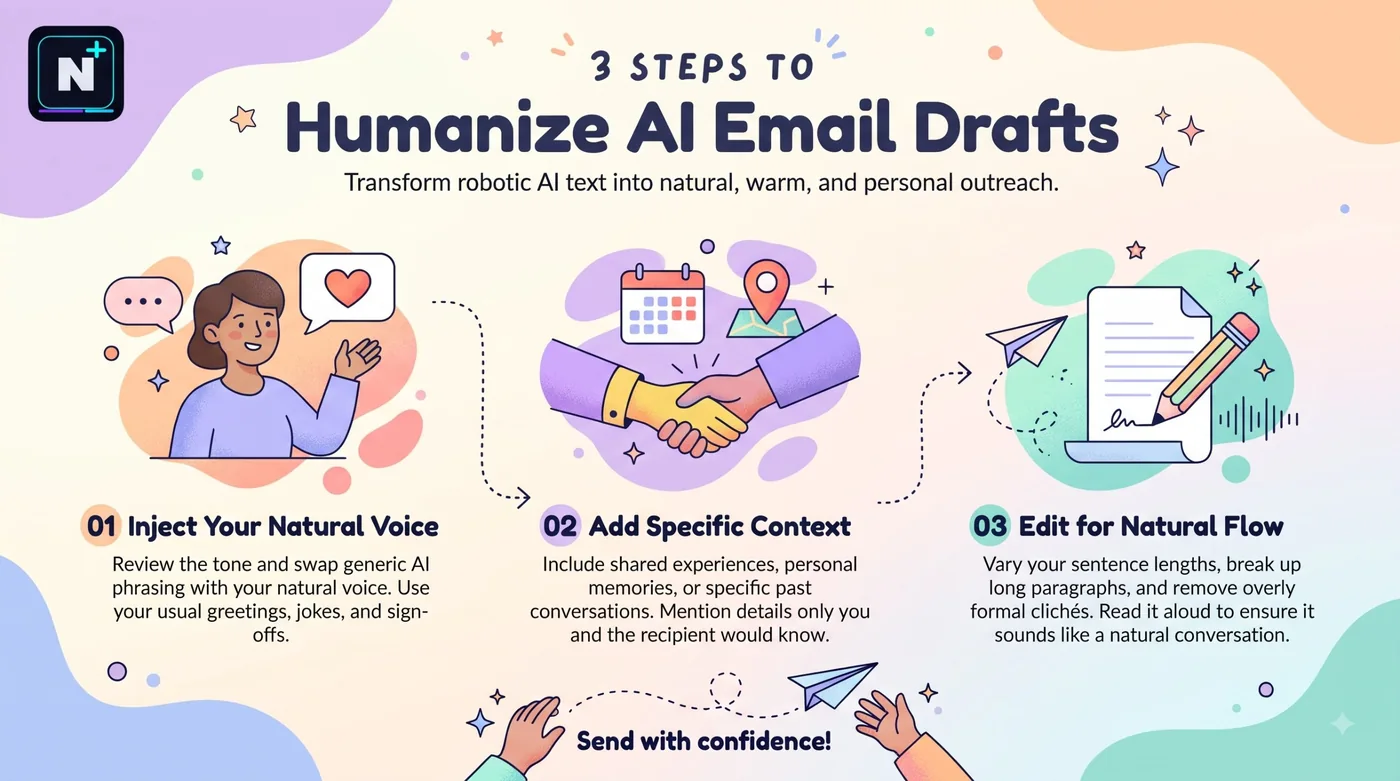
The email you've been avoiding for three days is usually not hard to write. It's hard to start. A free AI email writer solves exactly that: you give it the situation in two lines, and it hands back a draft you can fix instead of a blank box to stare at. The risk is the draft itself. AI email has a recognizable voice, with its "I hope this email finds you well" openers and cushioned asks, and recipients notice. This guide covers the free tools worth trying, how to brief an AI so the email sounds like you, and a checker you can use right on the page before you hit send.
What's the best free AI email writer?
For most people, a free chatbot like Claude, ChatGPT or Gemini writes the best emails, because you control the context and tone. Built-in options in Gmail and Outlook are the most convenient. Dedicated tools add a browser extension or sales coaching. Whichever you pick, give it the facts and edit the result yourself.
🚀 Quick Start: Write your draft, human or AI, and paste it into the checker below. It flags filler, a missing ask, and a subject line that's too long or too short.
Free options, and where each one stops
| Option | Best for | Free plan | The catch |
|---|---|---|---|
| Claude, ChatGPT, Gemini | Drafting and rewriting with full control | Free tiers with usage limits | You supply the context and edit the result |
| Gmail and Outlook built-in AI | Quick replies in your inbox | Varies by account and plan | Features differ by region and subscription |
| Grammarly | Tone detection and polishing | Free grammar checks and a limited number of AI prompts | Rewrites are a smaller part of the product |
| Compose AI | Autocomplete inside any web inbox | Reported at about 1,500 words a month | Small allowance if you write a lot |
| Lavender | Coaching on sales emails | A limited free plan | Built for outreach, not general email |
Those details come from 2026 comparisons and change often, so check each tool's page. One more thing about free tiers: heavy daily writers tend to hit limits. If you want to stretch a chatbot allowance, the Claude free plan limits guide explains how the usage window works. For a longer comparison of paid and free tools, there's also our best AI tool for email writing review.
Smaller email writers to look at (names only, check each one's current free plan): Mailmeteor • Compose AI • MailMaestro • Lavender • AI Blaze
How to brief the AI so it sounds like you
The difference between a generic email and a good one is almost entirely in the brief. Four details do most of the work: who you're writing to, what happened, what you want, and how you normally sound.
| Include | Example |
|---|---|
| The reader | My manager, who prefers short messages |
| The situation | I missed Tuesday's deadline because the data arrived late |
| The ask | A two-day extension, with delivery by Friday noon |
| Your voice | Direct and polite, no corporate phrases, under 90 words |
Paste one of your own old emails and say "match this tone." That single move does more than any adjective, and the Claude master prompt template shows a structure you can reuse for it.
The tells that make an email read as machine-written
- The warm-up sentence. "I hope this email finds you well" and its cousins add nothing. Start with the point.
- Hedging everything. "I just wanted to quickly check" can become "Can you confirm by Thursday?"
- Perfectly balanced paragraphs. Real emails are uneven. A one-line paragraph is fine.
- Three of everything. Three benefits, three bullets, three adjectives. Cut to what's true.
- A closing that restates the email. "Please let me know if you have any questions" is usually unnecessary.
Don't send a draft you haven't read aloud once. If you'd never say a sentence to the person's face, rewrite it.
Situations where AI drafting saves the most time
| Situation | What to tell the AI | What to check |
|---|---|---|
| Follow-up with no reply | What you sent, when, and the one thing you need | That it doesn't sound accusatory |
| Asking for an extension | The real reason and the new date | That the date is one you can keep |
| Declining politely | What you're declining and what you can offer | That the no is clear |
| Chasing an invoice | Invoice number, amount and due date | That the numbers are right |
| Introducing two people | Why they should talk, one line each | That both agreed to be introduced |
A before and after
Here's a typical AI first draft followed by a version edited down.
| Version | Text |
|---|---|
| First draft | I hope this email finds you well! I just wanted to reach out regarding the project timeline. I was wondering if it might be possible to potentially extend the deadline by a couple of days, as I encountered some unforeseen challenges. Please let me know if you have any questions or concerns. Thank you so much for your understanding! |
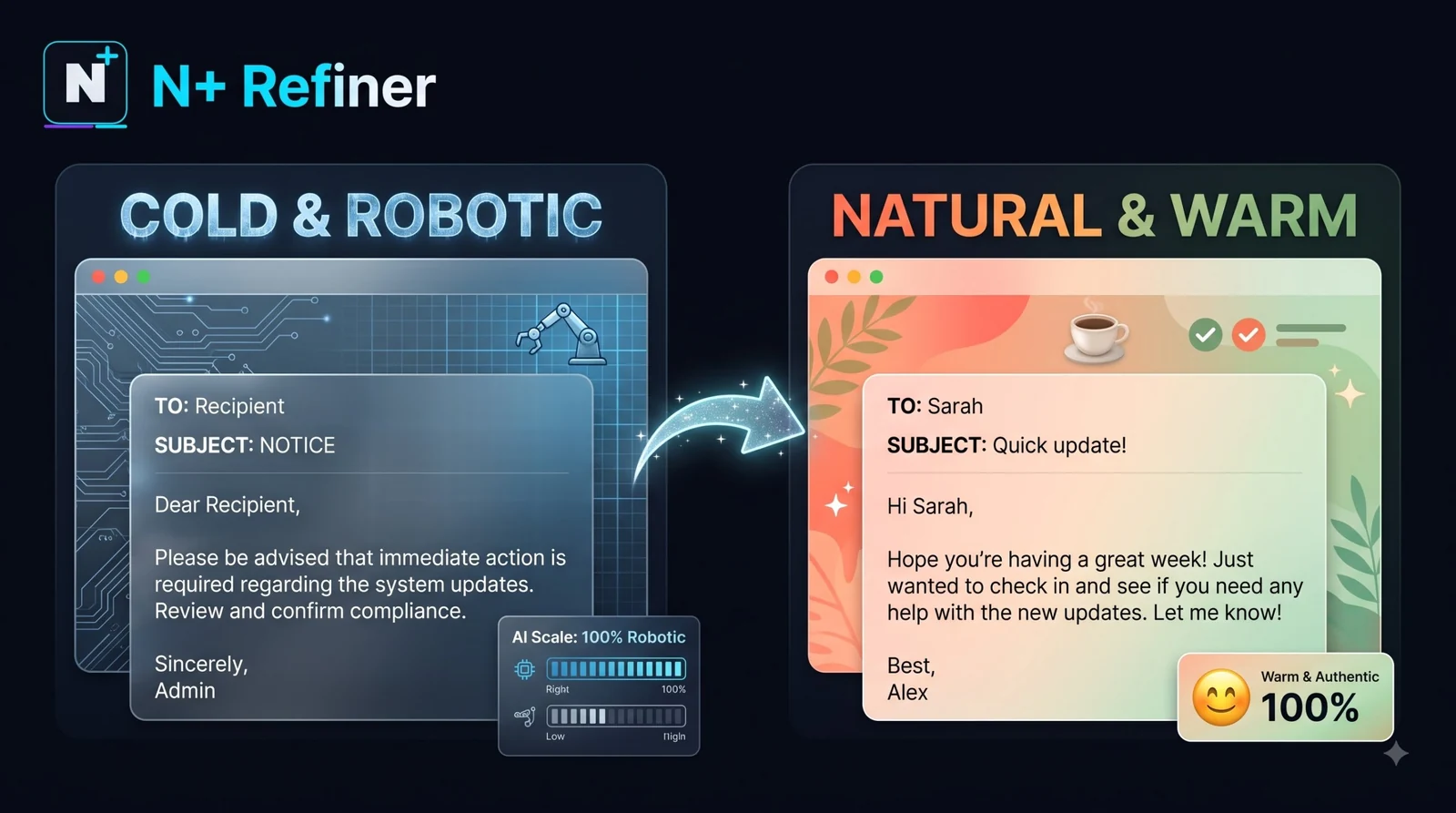
| Edited | Hi Priya, the data arrived late on Tuesday, so I can't finish the report by today. Could I deliver it by Friday noon? I'll send a short update on Thursday so you can see where it stands. Thanks, Sam |
The edited version is 40 words shorter, names the cause, makes one ask and offers a checkpoint. That's what the checker above rewards.
⚠️ Common Mistake: Pasting a confidential thread into a free tool to get a reply. Client names, pricing, health details and anything under an NDA don't belong in a free service. Summarize it without identifying details first, or use a tool your workplace has approved.
Long email threads
For a thread with thirty messages, ask for a summary before a reply: the decision made, what's still open and who owes what. The free AI text summarizer guide covers how to check a summary against the original so you don't reply to a version of the conversation that didn't happen.
Build your own email coach
You are an editor who hates filler. I will paste an email draft and tell you
who it's for. Do not rewrite it from scratch.

Return:
1. The single sentence that is the real point of the email.
2. Any filler phrases to delete, quoted exactly.
3. Whether there is one clear ask, and if not, what it should be.
4. A tighter version in the same voice, under [number] words.
5. One question I should answer before I send it.

Recipient: [who, and how formal]
Goal: [what I want to happen]
Draft:
[paste]
How this guide was checked
I compared 2026 roundups of AI email tools and noted the free-plan details that appeared in more than one source. Prices and limits change quickly, so confirm them on each tool's site. The checker above is a simple rule-based tool, and it can't judge tone or whether your email is a good idea.
Frequently asked questions
Further reading
- Plain Language Guidelines – US government guidance on clear, direct writing that works for emails too.