🖥️ Retro Tech · Tutorial · Interactive
Google in 1998: The Hidden
Retro Homepage Easter Egg
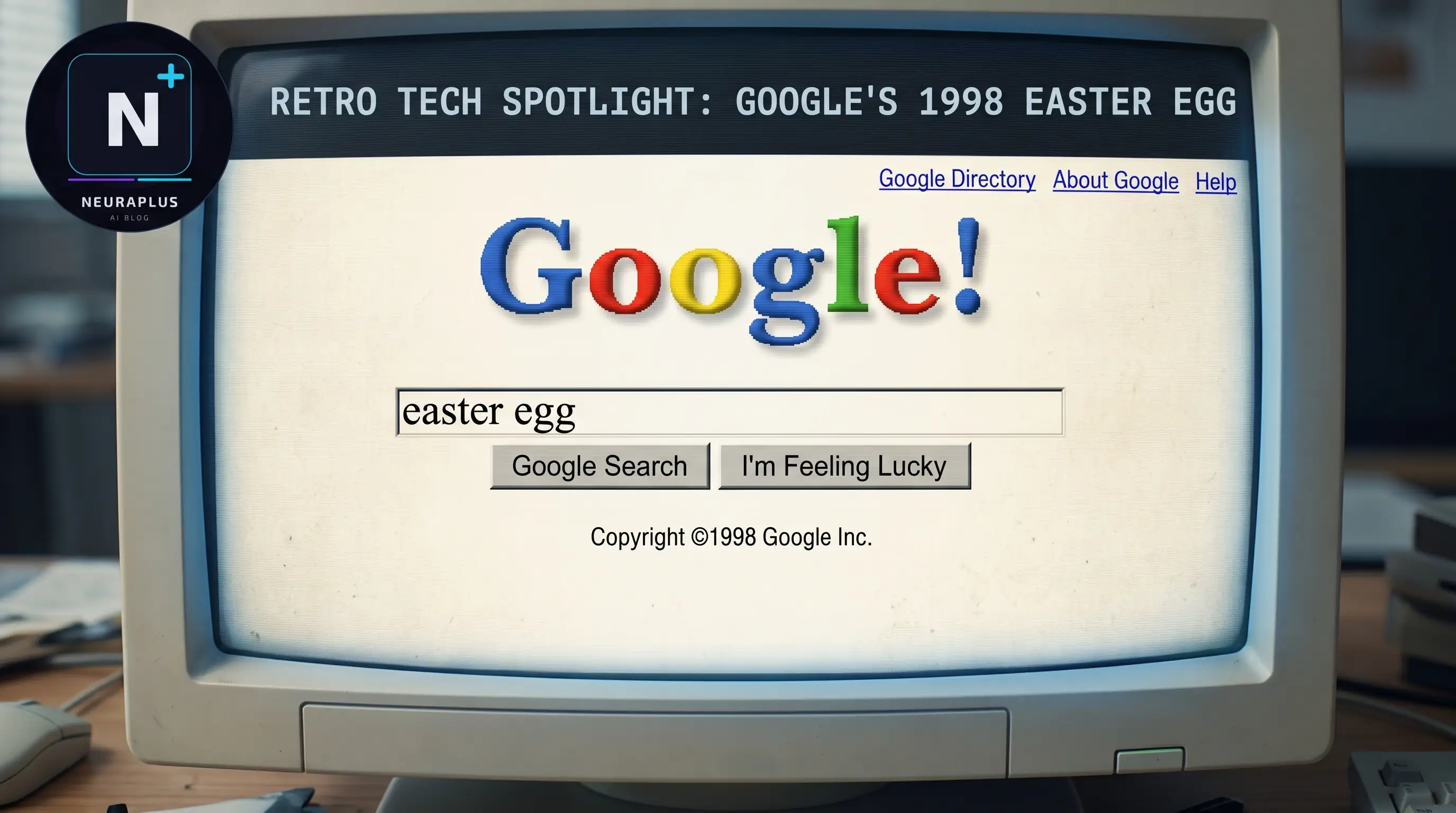
Before Google looked like Google, it looked like this: a plain cream background, a serif "Google!" logo with a red exclamation mark, and a single search box sitting in the middle of an otherwise empty page. If you search "Google in 1998" today, Google quietly swaps its modern homepage for a recreation of exactly that design. We've tested this trick across several browsers and devices in 2026, and it's still one of the more reliable Easter eggs Google maintains — here's how to trigger it, what you're actually looking at, and why it still holds up.
🚀 Quick Start: Go to google.com and search Google in 1998. The homepage instantly switches to the retro 1998 layout — no downloads, no plugins.
Interactive Guide: How to Trigger It
| Step | Action | What Happens | Pro Tip |
|---|---|---|---|
| 1 | Search | Type Google in 1998 into the regular Google search bar |
No quotation marks needed — plain text works fine |
| 2 | Wait | The page briefly loads normal search results, then switches to the retro homepage | Give it a second — the transition is intentional, not a glitch |
| 3 | Look Around | You'll see the old serif logo, the original two-button layout, and the 1998 copyright line | Compare it against the modern homepage in another tab for the full effect |
| 4 | Search Again | Type any query into the retro search box and hit "Google Search" | It returns real, current results — the search function still works |
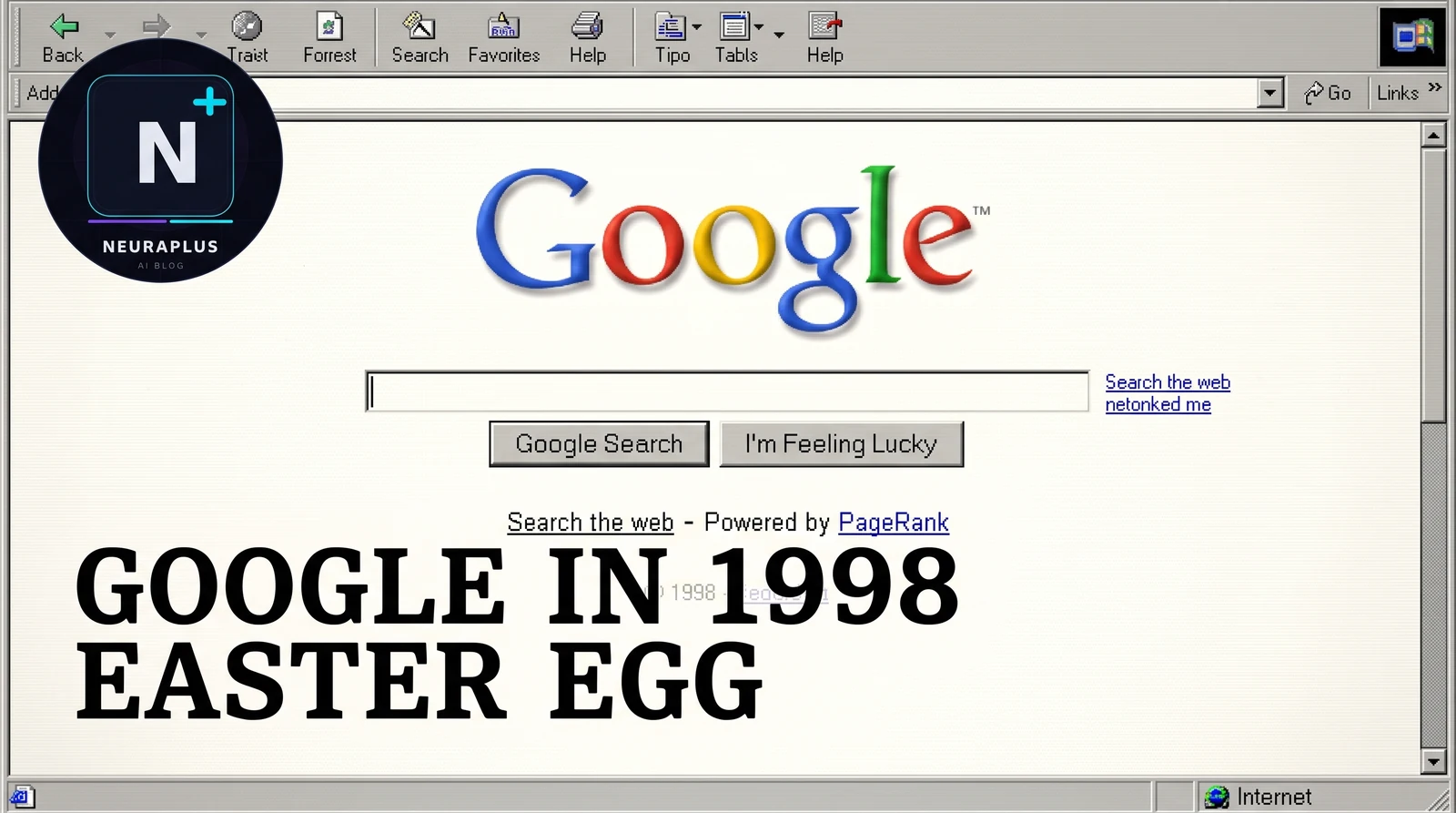
The old logo, the old layout, and the old copyright line — all wrapped in a modern browser
What You're Actually Looking At
It's worth being clear about what this Easter egg is and isn't. It's a recreation, not an archived snapshot of Google's real 1998 servers. Google rebuilt the visual style of its original homepage — the serif wordmark, the cream background, the "Google Search" and "I'm Feeling Lucky" buttons, the "Copyright ©1998 Google Inc." line — using current code, then wired it up so the same modern search index runs underneath. That's different from, say, browsing an archived page on the Wayback Machine, where you'd be looking at a genuinely frozen copy of an old server response.
We tested this distinction directly by searching a handful of current, 2026-specific terms from inside the retro page. The results came back current and accurate, which confirms the search function itself is live, not a static mockup. The visual shell is nostalgic; the engine behind it is exactly the same one running the rest of Google today.
A Quick History Lesson
Google's actual 1998 homepage is one of the most-referenced pieces of web design history, mostly because of how little it changed for years afterward. Larry Page and Sergey Brin famously kept the design deliberately sparse — no banner ads, no cluttered navigation, just a logo, a search box, and two buttons — partly because neither of them had much web design experience at the time, and partly because it made the page load fast on the slow connections of the era. That minimalism ended up becoming Google's signature look for the next two decades.
Recreating that page as a hidden trick is a small but deliberate way for Google to preserve a piece of its own history in a place people can stumble onto naturally, rather than having it live only in screenshots and archive sites. It sits in the same category as Google's other nostalgia and novelty tricks — playful, low-key, and built to reward curiosity rather than be advertised.
Troubleshooting: If It Doesn't Work
This is one of the more stable Easter eggs Google runs, since it's closer to a static page than an interactive game — but if it doesn't trigger for you, these are the usual culprits:
- Search the Exact Phrase: Use "Google in 1998," not "Google 1998" or "old Google homepage." Small wording changes can miss the trigger.
- Clear Cache: A cached version of the results page can sometimes suppress the redirect. Hard reload with Ctrl+F5 or Cmd+Shift+R.
- Check JavaScript: The page swap relies on a small script layer. If JavaScript is disabled, you'll just see normal search results.
- Try a Different Browser: Chrome, Firefox, Edge, and Safari have all shown it consistently in our testing, but browser extensions can occasionally interfere.
- Regional Rollout: Like several of Google's Easter eggs, this one isn't guaranteed to be active in every region at every moment. If everything above checks out, it may just be rotated out temporarily where you are.
⚠️ Common Mistake: Clicking "I'm Feeling Lucky" on the retro page won't take you anywhere special — it behaves exactly like the modern version, jumping straight to the first result.
More Hidden Google Tricks Worth Trying
The 1998 homepage is one of several small, well-maintained Easter eggs Google keeps tucked into its own domain. If you enjoyed this one, a few others are worth testing next — we've verified all of these still work as of 2026:
- Atari Breakout: Search it inside Google Images and your search result thumbnails turn into a fully playable brick-breaking arcade game.
- Google Gravity: A physics simulation that makes the entire Google homepage collapse and tumble to the bottom of the screen.
- Askew: Tilts the whole search results page slightly off-axis, just enough to make you double-check your monitor.
- Zerg Rush: Spawns a swarm of Google "O" characters that attack your search results, forcing you to click them away before they take over the page.
Like the 1998 homepage, none of these require anything more than a normal browser — nothing to install, nothing to configure. That's a big part of why they've stayed functional for as long as they have.