🛸 Google Maps · Hidden Features
Google Maps Easter Eggs: What Still Works Today
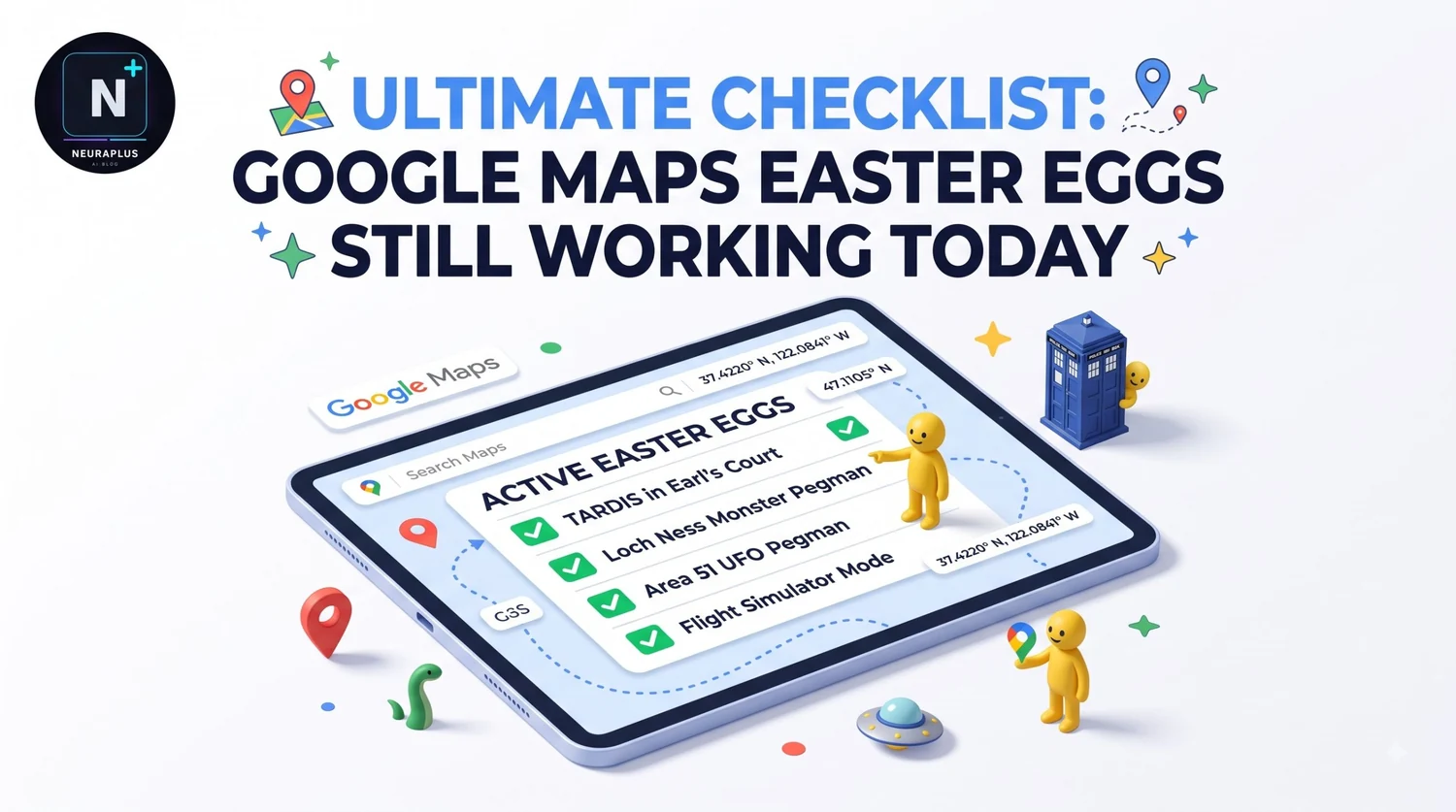
Google Maps has been hiding jokes in plain sight for over twenty years. Some are small and permanent, like a UFO that shows up over a restricted base. Others were April Fools stunts that appeared for a day and vanished. If you search for a list of Maps easter eggs, you'll find plenty of lists that mix the two, so half the things they tell you to try won't do anything. This guide separates what's still around from what's history.
What Google Maps easter eggs still work?
The best-documented one is Area 51 in Nevada, where Pegman, the little orange figure you drag onto the map, turns into a UFO on desktop. Zooming out to the 3D globe also shows a day and night line, and sometimes eclipse shadows. Many older jokes, including limited-time April Fools games, have been retired.
💡 The golden rule: That's the short answer, and it matters because easter eggs in Google products come and go with no announcement. Anything on a list should be treated as "reported" until you see it yourself.
Easter eggs you can try now
Area 51 and the UFO
Open Google Maps on a computer and search for Area 51 in Nevada. Reports describe a small UFO icon appearing in place of the usual pin when you hover or interact with the area. Dragging Pegman onto the site is the other classic version of the trick. The reason it works is part of the joke: the site is a restricted military area, so there's no Street View to show, and Google replaced the standard view with a wink.
🛸 If you only try one thing from this guide, make it this one.
Pegman changes his look
Pegman isn't always a plain orange figure. Pegman transformations are tied to specific places and occasions, and reports say most of them work only on the desktop site, not in the mobile app. Google has also dressed Pegman up for events like Pride Month, and for April Fools jokes in the past.
I won't list a dozen locations here, because I can't verify which ones are live right now. The quickest way to check is to drag Pegman across a few famous landmarks on desktop and see whether his appearance changes. Cultural landmarks and restricted places are the best bets, since those are where Google tends to hide things.
The 3D globe, day and night
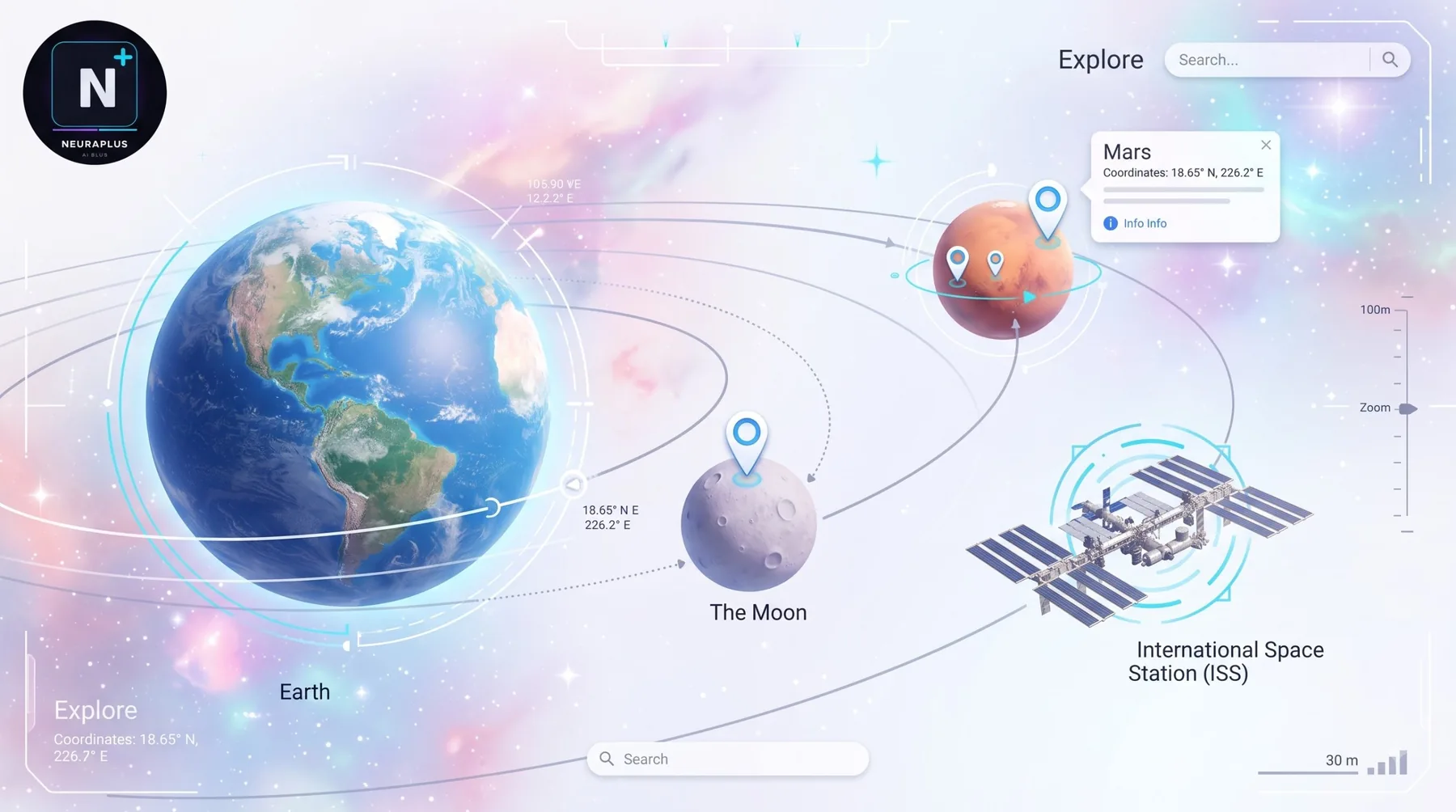
Zoom all the way out on the desktop map and Maps shows the Earth as a 3D globe. The globe displays which half of the planet is currently in daylight and which half is dark. During astronomical events such as a solar or lunar eclipse, you can reportedly see the shadow on the globe, which makes it more of a gift than a gag. It isn't hidden, exactly, but plenty of people never zoom out far enough to find it.
Easter eggs that are gone
Google has retired a lot of its Maps humor over the years, and some of the most famous jokes are no longer available.
| Past Easter Egg | What It Was | Status |
|---|---|---|
| Mario Kart route planning (March 2018) | You could swap your route for a Mario Kart-style map | Temporary, ended |
| Doctor Who TARDIS | A TARDIS appeared as a travel option in Maps | Reported as gone |
| Pac-Man on the map | Your city turned into a Pac-Man maze | A past April Fools stunt |
| Other April Fools games | One-day jokes and characters | Retired after the day |
| Funky Town Pegman | Pegman danced for April Fools | Temporary |
🚫 Don't chase ghosts: If a blog tells you to open Maps and play one of these, close the tab and move on. The features aren't broken. They were built to disappear.
How to find easter eggs yourself
Google tends to hide things at places with strong cultural meaning: restricted sites, famous landmarks and spots tied to popular stories. If you want to hunt, these habits help.
🖥️ Use the desktop site
Many Pegman jokes only work there. A phone app shows far fewer.
🗺️ Drag Pegman to unusual places
Remote or restricted locations are good starting points.
🔍 Zoom out all the way
The globe view has more to show than people expect.
📅 Check at times of year
April 1 is the big one, but holiday and event-based surprises also appear.
🔎 Search the location plus "easter egg"
Communities track current ones, though quality varies.
How to avoid fake or unsafe results
A Maps easter egg should never ask you to install anything. If a page claims to unlock a "secret mode" by downloading an app or extension, it isn't from Google. A few rules keep you safe:
Try easter eggs only inside Google Maps itself, at maps.google.com or in the official app.
Don't click "special" links from ads or unknown sites that promise secret Maps features.
Never enter your Google password on a page that isn't an official Google domain.
Be careful with extensions that claim to add hidden features, because browser extensions can read a lot of what you do.
Why some eggs don't show up for you
| Problem | Likely Cause | Fix |
|---|---|---|
| The UFO doesn't appear | Using the mobile app or a different layout | Try the desktop site in a normal browser window |
| Pegman looks the same everywhere | The jokes are limited to specific places | Try famous or restricted sites |
| The 3D globe doesn't show | Browser or device doesn't support it | Update the browser; try a different one |
| A guide's trick does nothing | The easter egg was retired | Check recent sources, or accept it's gone |
| Looks different from a screenshot | Google updated the design | Look for the feature, not the exact picture |
Compare Maps with other Google easter egg zones
Google hides things across many of its products, and each one works differently.
| Product | Style | Best Device | Stability |
|---|---|---|---|
| Google Search | Type a phrase and get an effect | Any | Fairly stable |
| Google Maps | Hidden icons, Pegman changes, April Fools | Desktop | Changes often |
| Google Chat | Slash commands | Web | Stable, rarely documented |
| Chrome | Offline game and internal pages | Desktop | Stable |
For the messaging side, see the guide to Google Chat easter eggs. To see the Google of the past as it really looked, read about what Google looked like in 1999. If you want a full list across Search and other products, the Google easter eggs list for 2026 is the one to bookmark, and for a different kind of visual fun, try the Google space trick.
🧭 The explorer's mindset: Maps easter eggs reward curiosity more than any other Google product. The ones that last are the ones tied to real places and real events — a restricted base, an eclipse, a cultural landmark. Chase those, not the ones that were built to be a one-day joke.
Frequently asked questions
Further reading
- Google Maps Help – official support for Maps features and settings.