📼 Google History · Web Archives
Google in 1999: What It Looked Like and How to See It
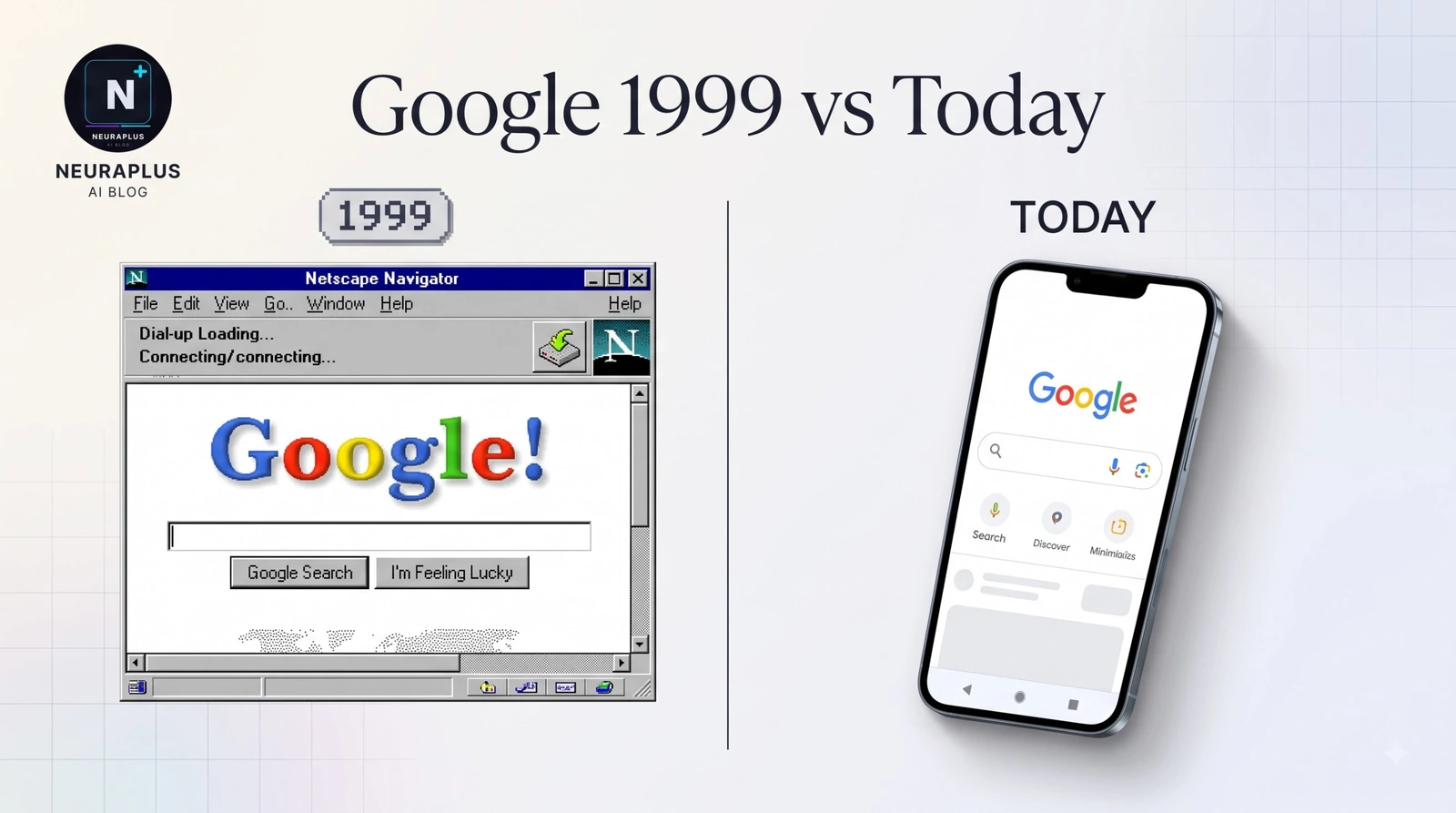
There's no search phrase that turns Google into its 1999 self. That surprises people, because "Google in 1998" has a well-known trick. For 1999, the honest route is the Internet Archive's Wayback Machine, which keeps real snapshots of the pages as they were. This guide shows what the 1999 homepage looked like, how to find it yourself, and how to avoid the fake "1999 Google" pages that float around.
How to see Google in 1999
Use the Internet Archive's Wayback Machine. Go to web.archive.org, type google.com into the search bar, and open the 1999 section of the calendar. Pick a date with a dot, and you'll see Google's homepage as it was captured then. Some captures are missing images, so the logo may appear broken.
- Open
web.archive.orgin any browser. - Enter
google.comin the box and press Enter. - On the timeline at the top, click 1999.
- Choose a month and click a highlighted day on the calendar.
- Click the time stamp to load that snapshot.
- If the logo is missing, try a different date. Capture quality varies a lot for old pages.
💡 What goes wrong: The page loads but the search box doesn't return results. That's expected. The archive saves how the page looked, and it can't run the old search engine. You're looking at a frozen picture, not a live site.
What Google looked like in 1999
The 1999 homepage was famously sparse, and the same restraint is what made it stand out among its competitors. Early Google pages featured a colorful wordmark that included an exclamation mark, a single search box, and two buttons: Google Search and I'm Feeling Lucky. Beyond that, there was little else. Rival portals of the time, such as AltaVista, Excite and Lycos, crowded their front pages with news, weather, shopping links and ads.
| Feature | Google 1999 | Google Today |
|---|---|---|
| Logo | Multicolor wordmark with an exclamation mark in early versions | Flat, modern wordmark |
| Page content | Logo, search box, two buttons | Search box, shortcuts, account icon, apps menu |
| Ads on the homepage | None | None on the homepage itself |
| Results | Ten plain text links | Rich results, AI summaries, maps, images |
| Design principle | Load fast on slow connections | Feature-rich and personalized |
| "Beta" label | Present in the early period | None |
📋 Treat that table as a rough guide: Details such as the exact logo and the date the "beta" tag disappeared varied between snapshots, so rely on the archive pages for the specific version you want.
A short timeline of Google's early years
Google began as a Stanford research project in the mid-1990s, first called BackRub. The company was incorporated on September 4, 1998. The earliest Wayback capture of Google's site dates back to late 1998, and a Technologizer review of those early captures noted a page that bragged about indexing about 25 million pages. Today, the number of pages Google knows about is vastly larger, which tells you how much the web grew in a quarter century.
In 1999, the story moves fast. Google reportedly raised $25 million from Sequoia Capital and Kleiner Perkins in June of that year, and it officially dropped its beta label later in 1999, according to common histories. I'd confirm those exact dates against a primary source before you quote them, since company histories often differ by a few weeks.
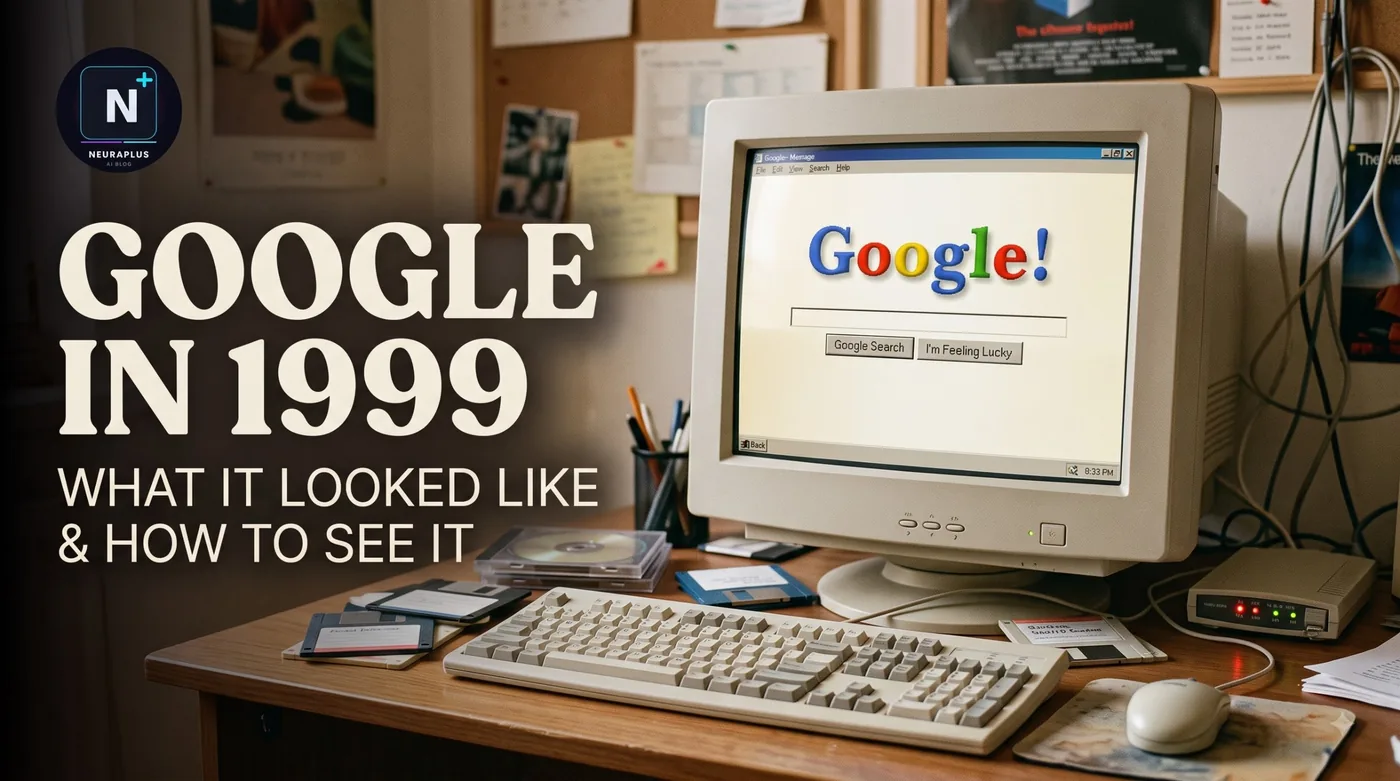
Google in 1999 vs the Google in 1998 trick
These two get mixed up, so here's the difference.
| Google in 1998 Trick | Google in 1999 (Wayback) | |
|---|---|---|
| What it is | A built-in recreation of the old look | A real archived snapshot |
| Where | Inside Google Search | On web.archive.org |
| Does search work? | Reportedly yes, with live results | No, it's a frozen page |
| Accuracy | A nostalgic rebuild | Closest to the original |
| Reliability | Depends on Google keeping the trick | Depends on the archive having a capture |
If you want a one-search experience, the Google in 1998 trick is quicker. If you want the genuine old page, use the Wayback Machine. They complement each other: the trick shows you the idea, and the archive shows you the evidence.
Beware of fake "Google 1999" pages
A search for "Google 1999" turns up mirror sites and novelty pages that claim to be the old Google. Some are harmless recreations. Others exist to show ads or collect clicks. A few simple checks help.
🔍 Check the address: The real archive lives at web.archive.org, and snapshots show a timeline bar from the Internet Archive at the top.
🔒 Don't sign in: An archived page has no reason to ask for your Google login.
📥 Skip downloads: A history page never needs software.
⚠️ Be cautious with "play" or "simulator" claims: If it asks for permissions or pushes pop-ups, close it.
Fun ways to explore old Google
You can compare the same page in 1999, 2005, 2010 and now by opening snapshots in separate tabs. The changes in logo, layout and features tell the story of web design better than any article.
You can also look at old pages for other sites from the same year to see what Google was competing against. The contrast makes the clean search box look like a bold decision.
For something playful on the modern page, you can try a temporary effect like the Google Underwater trick. And if you'd like your own browser to look different today, here's how to change the Google homepage background.
For a broader collection of Google's hidden touches, see the Google easter eggs list for 2026.
Troubleshooting the Wayback Machine
| Problem | Likely Cause | Fix |
|---|---|---|
| No captures for 1999 | The archive didn't crawl it that year | Try 1998, 2000 or a different URL form |
| The logo is a broken image | The image wasn't saved | Try another date or snapshot |
| The page loads slowly | Heavy archive traffic | Wait or retry later |
| Search does nothing | Archived pages can't run live search | Use the 1998 trick for working search |
| Links lead to other old pages | The archive rewrites links to old snapshots | Normal behavior |
✅ Bottom line: There's no search phrase that recreates Google 1999 — for that, the honest route is the Internet Archive's Wayback Machine at web.archive.org. Enter google.com, pick 1999 from the timeline, and click a highlighted date to see the sparse homepage as it really was. For a live-working old look, use the Google in 1998 trick instead. Skip the mirror sites and simulator claims.
Frequently asked questions
Further reading
- Internet Archive Wayback Machine – browse saved snapshots of google.com and other sites.