🌀 Google Easter Eggs · Browser Tricks
Google Sphere Trick: Spin the Homepage Into a Ball
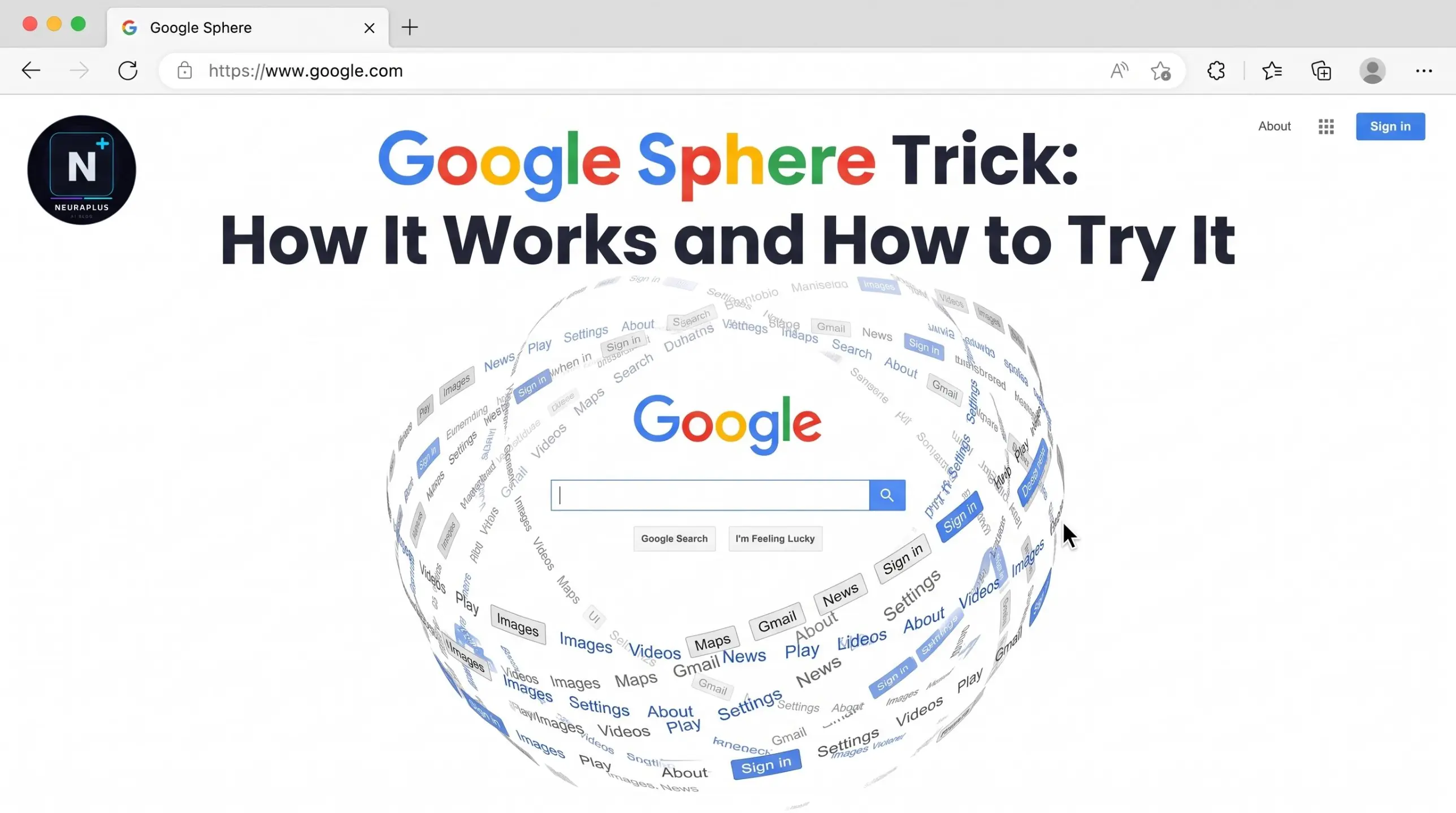
The Google Sphere trick takes the flat Google homepage and bends it into a rotating ball. The logo, the buttons and the links stop sitting in neat rows and start orbiting a center point, and you steer the whole thing with your mouse. It's a small piece of web-design showmanship from the same era as Google Gravity, and it still makes people lean closer to the screen.
How to do the Google Sphere trick
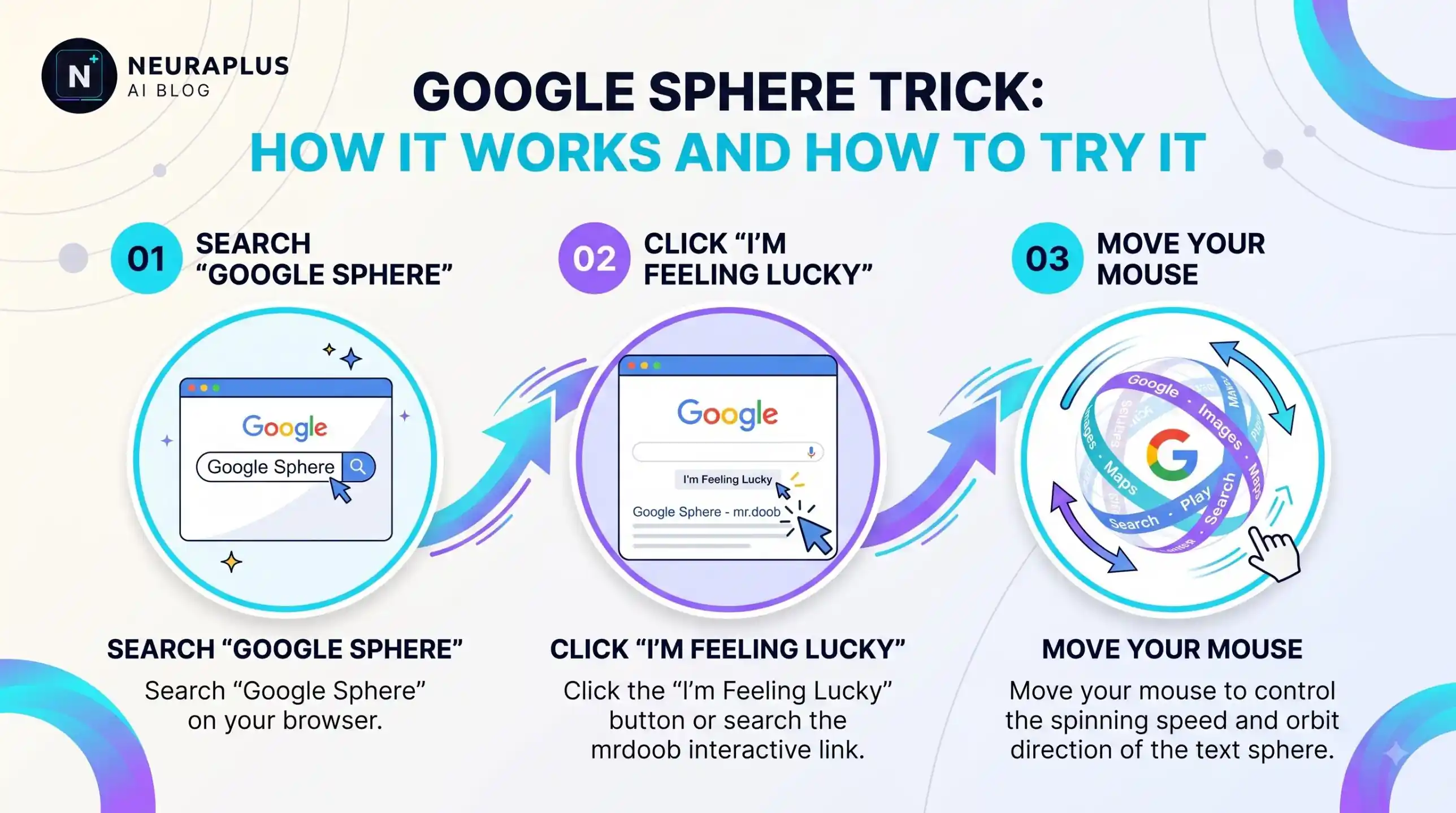
Search for "Google Sphere" in a desktop browser, open a trusted mirror that hosts the Mr.Doob experiment, wait for it to finish loading, then move the mouse across the page. The homepage elements arrange into a sphere and rotate in the direction you move. It isn't built into google.com.
- Use a laptop or desktop. A mouse or trackpad matters here.
- Search "Google Sphere Mr.Doob" and open a long-standing mirror. The domain elgoog.im is the one most guides point to.
- Let the page settle. The sphere builds itself in a second or two.
- Move the mouse slowly from the center outward. The ball rotates toward the pointer.
- Hold still and it eases to a stop. Move again and it picks up speed.
- Click an element on the ball to follow it, or use the search box to leave for real Google results.
💡 Common mistake: Moving too fast. Quick sweeps spin the sphere so hard that you can't read anything on it, which defeats the point. Think of nudging a globe on a desk, not spinning a roulette wheel.
What's happening on screen
Every item on the old Google homepage, from the logo to the "I'm Feeling Lucky" button, is placed on the surface of an imaginary ball. The script recalculates where each item sits as the ball turns, and it scales and fades the ones on the far side so you get a sense of depth. Nothing is video. It's layout math running in your browser, which is why the effect responds instantly to your pointer instead of playing back a recording.
That also explains why it asks so much of an old computer. Dozens of elements recalculating every frame is light work for a recent laptop and noticeable lag on a ten-year-old one.
Is it an official Google feature?
No. Ricardo Cabello (Mr.Doob) built the original experiments, and the versions you can open today live on third-party mirror sites. Google doesn't run them on google.com, and you won't find a switch for them in Google Search settings.
That has a practical consequence. The address bar will show a different domain, so treat the page like any other website you've never used before. Don't sign in with your Google account, don't download anything it suggests, and close any tab that fills with pop-ups. The effect is harmless. The advertising wrapped around some mirrors is the part to watch.
Google Sphere not working? Quick fixes
| Problem | Why It Happens | Fix |
|---|---|---|
| Nothing rotates | Script blocked by an extension | Pause the ad blocker for that tab and reload |
| Sphere is jerky | Too many tabs or weak hardware | Close other tabs, then reload |
| Elements overlap and look broken | Browser window is too small | Maximize the window and refresh |
| Page won't load at all | Mirror is down or moved | Try a different mirror from the search results |
| Mouse does nothing on a phone | Built for a pointer, not touch | Use a desktop browser |
Sphere vs the other Mr.Doob tricks
| Trick | Motion | Feels Like | Difficulty |
|---|---|---|---|
| Sphere | Elements orbit a ball | Spinning a globe | Easy, mouse only |
| Gravity | Elements fall and stack | A pile of toys | Easy, drag and throw |
| Underwater | Elements float with bubbles | A fish tank | Easy, watch and nudge |
| Space | Elements drift in a starfield | Weightless | Easy, watch |
✅ Best for first-timers: If I had to pick one, I'd pick Sphere. It rewards small, gentle movements and nothing breaks. Gravity is more chaotic, and chaos is great once you already know what to expect.
Use it for something besides fun
A few small, practical uses exist. Teachers use it to ask a class how a flat webpage can imitate 3D without any plugins. Designers use it as a quick reference for how perspective scaling reads on a screen. And if you're teaching someone to use a mouse for the first time, the sphere gives instant visual feedback to every small movement, which beats a static page.
Why the effect still holds up
Plenty of web experiments from that period look dated now, and the sphere is a rare one that doesn't. The reason is its restraint. There's no sound, no score, no menu and no instructions to read. You move the mouse and the page answers, and that direct cause-and-effect is what keeps people playing with it for a full minute when a flashier toy would lose them in ten seconds.
It also shows how much can be done with ordinary page elements. The ball isn't a video or a game engine. It's the same logo, buttons and links that sit on the normal Google page, repositioned many times a second. That's why the experiment is a favorite for teaching: a student can open the page source and see how a flat layout becomes a moving 3D shape with nothing but math and a little scripting.
⚠️ Developer note: If you do want to look under the hood, use your browser's developer tools on a mirror page, and treat it as reading only. Don't copy scripts from random sites into your own pages without checking what they do.
Related Google tricks to try
The most natural follow-up is the Google Underwater trick, which keeps the same floating-elements idea but swaps the sphere for a fish tank. If you want things that react to your mouse by falling, try the Google Gravity trick. For a darker mood, the Google space trick turns the page into a starfield.
And if you'd rather change the look of your own homepage than play with someone else's, read how to change the Google homepage background.
Tips for a smoother ride
Use a full-size window. The sphere sizes itself to the viewport, and a small window packs it tight.
Keep movements gentle. Think of nudging a globe on a desk, not spinning a roulette wheel.
If you're recording a screen capture, drop the frame rate to 30. The rotation looks smooth at that speed and the file stays small.
Close the tab when you're done. Some mirrors keep scripts running in the background, and a laptop fan that suddenly spins up is a giveaway.
Frequently asked questions
Further reading
- elgoog.im – a host for many Google-style toys.
- mrdoob.com – the original experiments' creator.