⚡ AI APIs · Free Tiers · Developer Tools
Groq API Free Limits: What You Get in 2026
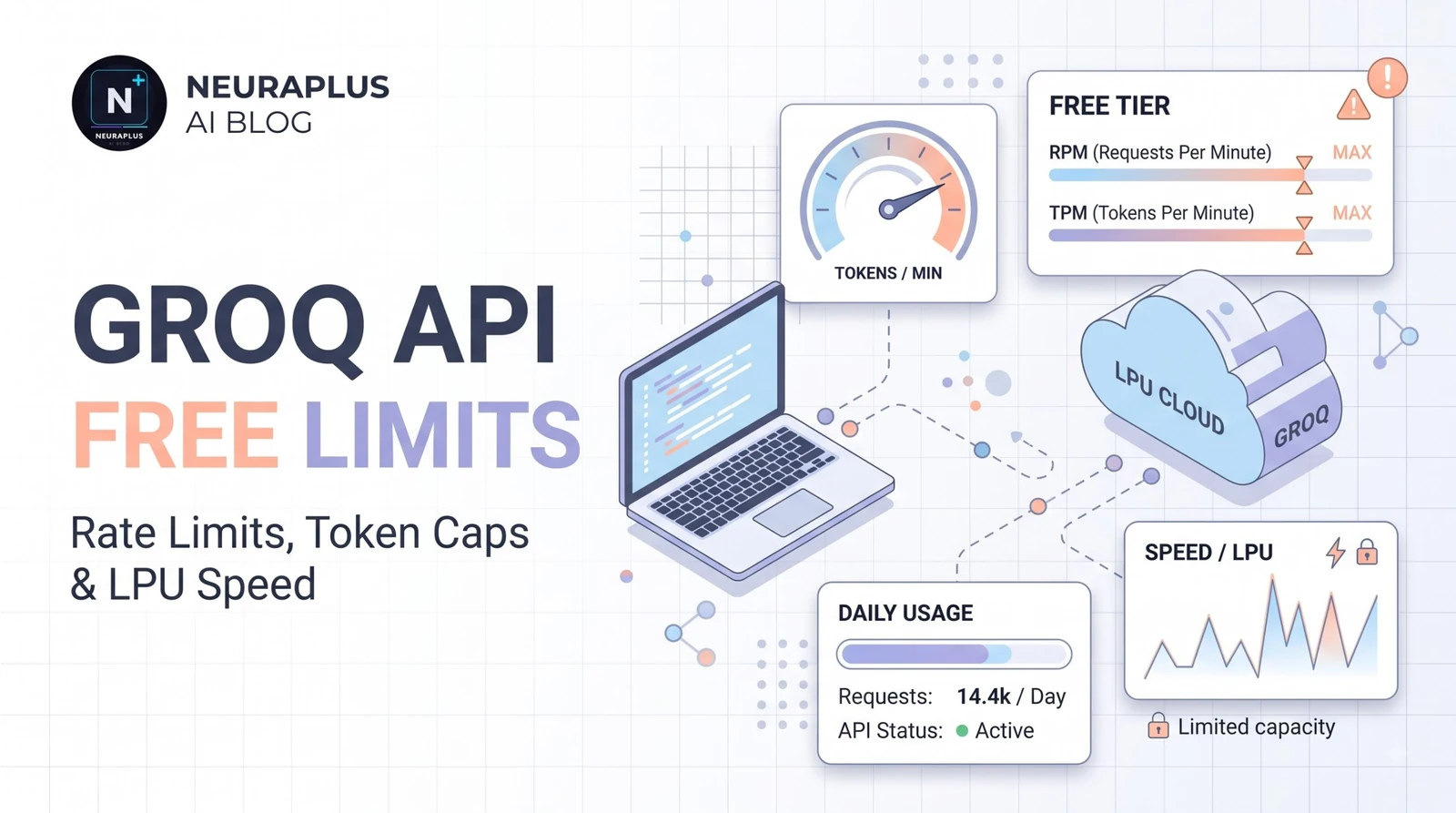
Groq's free API tier is one of the easiest ways to call a fast hosted language model without paying. You sign up, create a key, and start sending requests. The catch is that "free" means rate-limited, and the limits are set per model, so the number you read in an old blog post might not match what your account shows today. This guide gives the current picture and tells you where to check the real numbers.
What are the Groq API free limits?
On Groq's free plan you don't pay and you don't enter a credit card. Usage is capped by rate limits instead of a monthly budget. For popular text models such as gpt-oss-120b, published sample limits are 30 requests per minute, 1,000 requests per day, 8,000 tokens per minute and 200,000 tokens per day. Limits differ by model and apply to your organization.
💡 Treat those figures as a reference point, not a promise: Groq says its documentation shows sample limits and that the exact numbers for your account are on the Limits page in the console.
Free tier limits at a glance
| Item | Free Tier |
|---|---|
| Credit card required | No |
| Billing | None unless you upgrade |
| Typical text model (e.g. gpt-oss-120b) | 30 requests/min, 1,000 requests/day, 8,000 tokens/min, 200,000 tokens/day |
| Compound systems | 30 requests/min, 250 requests/day, higher tokens/min |
| Speech-to-text (Whisper) | Reported at about 2,000 requests/day |
| Scope of limits | Per organization, not per key or per user |
| What happens at the limit | Requests fail with an error until the window resets |
⚠️ Two cautions on that table: First, the daily request cap is only half the story, and the tokens-per-minute number is usually the one you hit first. An 8,000 tokens-per-minute cap means a few long prompts can use your minute's budget before you ever reach 30 requests. Second, older guides quote a figure of 14,400 requests per day for smaller models. That number shows up in third-party lists, and it may have been accurate for some models at some point, but check the console before you plan around it.
How to check your real limits
- Sign in to the Groq console.
- Open your account settings and find the Limits page.
- Read the row for each model you plan to use.
- Note the requests per minute, requests per day, tokens per minute and tokens per day.
You can also read limits from the response headers on any API call. Groq returns headers such as x-ratelimit-limit-requests (the daily request cap) and x-ratelimit-limit-tokens (the per-minute token cap), plus remaining-quota headers, so your code can see how close it is to the edge.
Per organization, not per key
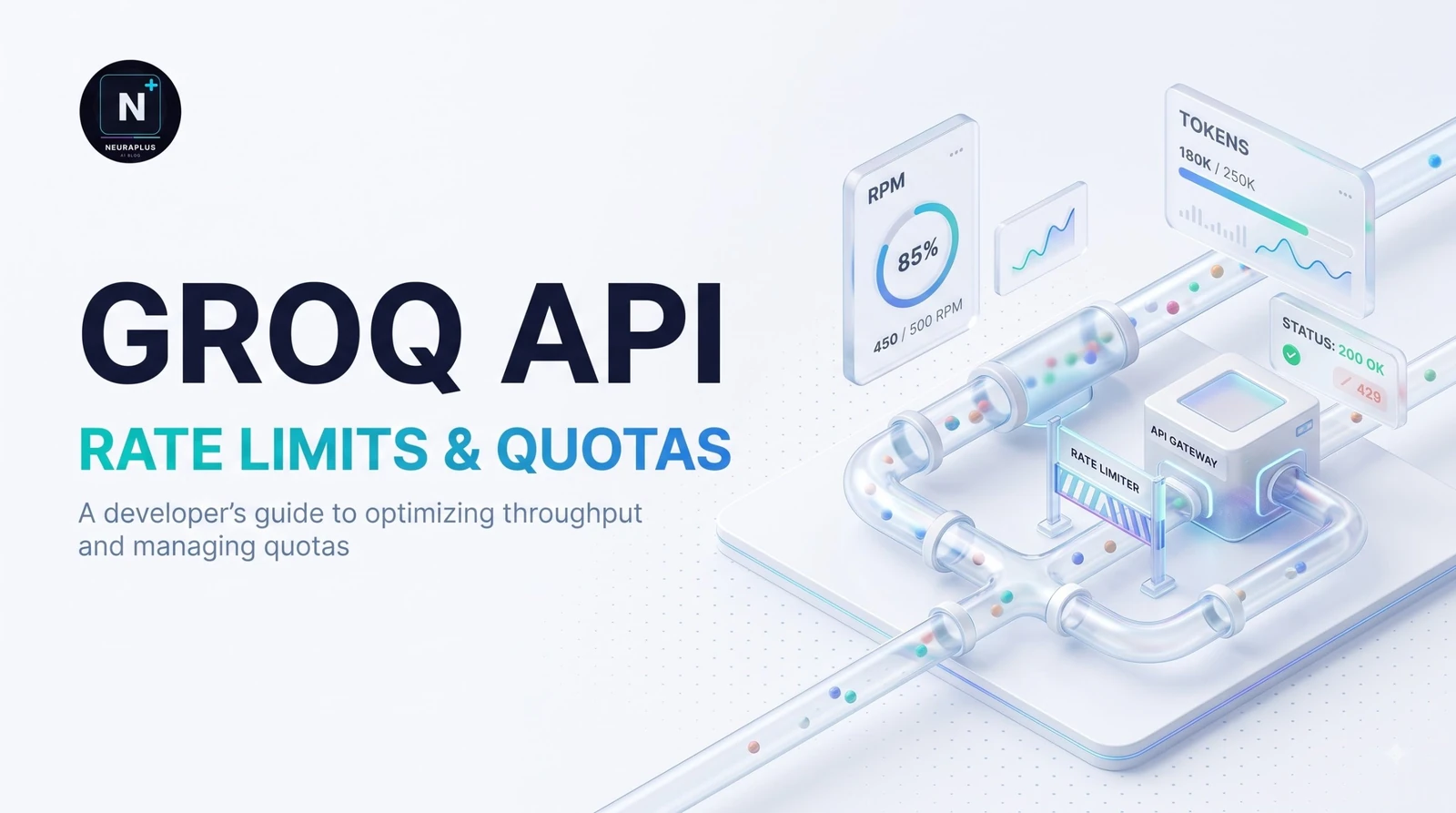
This catches people out. Groq applies rate limits at the organization level. Creating five API keys, or inviting teammates, doesn't give you five times the capacity. They all draw from the same pool. If you're sharing a free account across a small team, one person's script can use up everyone's budget.
Quick start with the OpenAI-compatible endpoint
Groq offers an OpenAI-compatible endpoint, which means many existing libraries work by changing the base URL and the key.
# Basic Groq API call using OpenAI library
from openai import OpenAI

client = OpenAI(
    api_key="YOUR_GROQ_API_KEY",
    base_url="https://api.groq.com/openai/v1",
)

response = client.chat.completions.create(
    model="openai/gpt-oss-120b",
    messages=[{"role": "user", "content": "Explain rate limits in one sentence."}],
)
print(response.choices[0].message.content)
🔧 Model names change: Model names change as Groq adds and retires models, so copy the exact ID from the console's model list instead of trusting an old tutorial.
What happens when you hit a limit
You get an HTTP 429 error ("too many requests"). Your account isn't banned and nothing is charged. You wait for the window to reset, or you upgrade to the Developer tier for higher limits. Minute limits reset quickly, while daily limits reset on a 24-hour cycle.
A simple retry handler prevents most pain:
# Exponential backoff for rate limit errors
import time
from openai import OpenAI, RateLimitError

def ask(client, prompt, retries=4):
    for attempt in range(retries):
        try:
            return client.chat.completions.create(
                model="openai/gpt-oss-120b",
                messages=[{"role": "user", "content": prompt}],
            )
        except RateLimitError:
            time.sleep(2 ** attempt)  # wait 1, 2, 4, 8 seconds
    raise RuntimeError("Still rate limited after retries")
Exponential backoff like this handles brief minute-level spikes. It won't rescue you from a hit daily cap, because waiting a few seconds doesn't refill a day's worth of tokens.
How to stay under the free limits
Shorten your prompts
Tokens per minute is the tight limit, so trimming a 3,000-token prompt to 1,000 triples how many requests you can send.
Use caching where available
Prompt caching tokens reportedly don't count toward rate limits, which helps when the same long system prompt repeats across calls.
Batch your work
Send fewer, bigger requests instead of dozens of tiny ones, as long as you stay under the per-minute token ceiling.
Pick the right model for the job
A smaller model with a higher limit may handle simple tasks better than the biggest one.
Space out requests
A short pause between calls keeps you under the per-minute cap and avoids the retry loop.
Is Groq's free tier enough for your project?
| Use Case | Free Tier Fit | Notes |
|---|---|---|
| Learning the API | Excellent | No card needed |
| Weekend prototype | Good | Watch tokens per minute |
| Personal scripts and bots | Good | Small daily volume is fine |
| A public app with real users | Poor | One busy hour can use the daily cap |
| Bulk document processing | Poor | Token caps make large jobs slow |
If you outgrow it, upgrading to the Developer tier is the direct path. If you'd rather avoid hosted limits entirely, running models on your own machine is the alternative. The steps to install Ollama on Windows get you a local setup with no rate limits at all, and the Ollama vs LM Studio comparison helps you choose the right app.
Free tiers elsewhere
Groq isn't the only service with generous free access. For chat rather than API work, the Claude free plan limits guide explains Claude's rolling usage window. If your project needs spoken audio, the ElevenLabs free plan limits cover how far 10,000 monthly credits go.
✅ Bottom line: Groq's free tier gives you fast hosted LLM access with no credit card — perfect for learning, prototyping and personal scripts. The per-model rate limits (typically 30 requests/min and 200K tokens/day) handle small projects well, but public apps and bulk processing will hit the ceiling. Check your console's Limits page for exact numbers, add exponential backoff for 429 errors, and upgrade or go local when you outgrow it.
Frequently asked questions
Further reading
- Groq rate limits documentation – the official source for per-model limits and response headers.