🛠️ AI Development · Building
How to Build AI Tools:
A Developer's Complete Guide for 2026
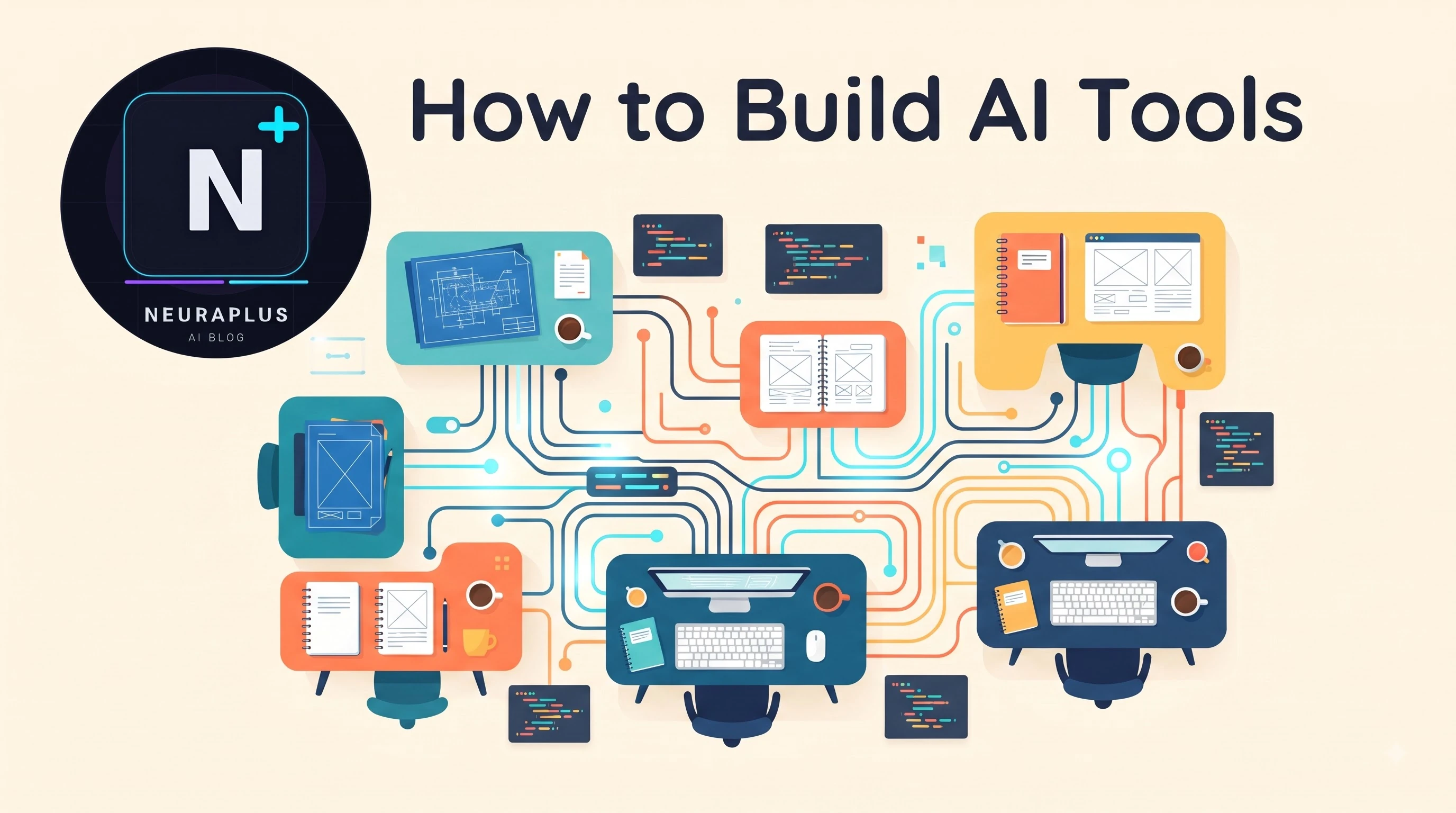
A junior developer in Bangalore had an idea: an AI tool that turns messy meeting notes into structured project briefs. She had never built with AI before. On a Friday evening she signed up for the Claude API, used v0 to scaffold a Next.js frontend, wrote a system prompt defining the output format, and deployed to Vercel. By Sunday night she had a working product. By the following Wednesday she had her first paying user. Total time invested: about twelve hours. Total money spent: zero.
The ability to build AI-powered tools is one of the most valuable skills a developer can have in 2026. From simple chatbots to sophisticated content generators, AI tools are being built at an unprecedented pace — and the technical barrier to entry has never been lower. This guide covers everything you need to know about how to build AI tools, from foundational concepts to deployment and monetization.
💡 Good News: You don't need to train your own AI model to build powerful AI tools. The most effective approach in 2026 is to build applications on top of existing foundation models through APIs. Training your own model is only necessary for highly specialized use cases.
AI Development Foundations
Before building AI tools, you need a solid understanding of the underlying technology. As we cover in detail in our article on how AI works step by step, modern AI tools are built on large language models (LLMs) and other foundation models that have been pre-trained on vast datasets. Your job as an AI tool builder is to harness these pre-trained models through APIs and shape their outputs to solve specific problems.
The key concepts you need to understand:
- Tokens: The units LLMs process — roughly 0.75 words each.
- Context window: How much text the model can process at once.
- Temperature: Controls randomness — higher = more creative, lower = more consistent.
- System prompts: Instructions that define the AI's behavior and persona.
- Fine-tuning: Further training a model on your specific data.
Using AI APIs — The Foundation of AI Tool Building
The fastest way to build AI tools is through APIs from foundation model providers. Here are the main options:
Anthropic Claude API — best for long-form and reasoning
Claude API Pay-per-use
Best for: Long-form content, nuanced reasoning, document analysis. Claude 3 models offer 200K token context windows — ideal for processing large documents. Particularly strong at following complex instructions and maintaining consistent tone over long outputs.
OpenAI API — best for general purpose
OpenAI API Pay-per-use
Best for: General-purpose applications, multimodal tools (text + images), function calling. GPT-4o supports text, images, and audio in a single model. The most widely documented API with the largest developer community.
Google Gemini API — best for long context
Gemini API Freemium
Best for: Long-context applications (1M tokens), multimodal processing, Google ecosystem integration. The free tier is generous for development and testing, making it ideal for prototypes and MVPs.
Open Source (Llama, Mistral) — best for privacy
Open Source Models Free
Best for: Privacy-sensitive applications, reducing API costs at scale, custom fine-tuning. Run locally via Ollama or deploy on cloud infrastructure. Ideal when data cannot leave your infrastructure.
| API | Context Window | Best For | Cost | Free Tier |
|---|---|---|---|---|
| Claude 3.5 | 200K tokens | Long-form, reasoning | $3-15/M tokens | Limited credits |
| GPT-4o | 128K tokens | General, multimodal | $2.50-10/M tokens | Limited credits |
| Gemini 1.5 Pro | 1M tokens | Long context, Google | $1.25-5/M tokens | Generous free tier |
| Llama 3.1 | 128K tokens | Self-hosted, privacy | Free (compute cost) | Free |
| Mistral Large | 128K tokens | EU data residency | $2-6/M tokens | Limited credits |
📖 Related Reading
The Attention Mechanism: How LLMs Work
Understanding the transformer architecture helps you build better prompts and use AI APIs more effectively.Read Article →
Prompt Engineering — The Core Skill
Prompt engineering is the art of crafting inputs that reliably produce the outputs you want. It's the most important skill for AI tool builders — more valuable than knowing any specific framework or language.
System Prompts
Every production AI tool needs a well-crafted system prompt that defines:
- The AI's role and persona
- The format of responses
- What to do and what to avoid
- Any specific knowledge or context it needs
Key Prompt Engineering Techniques
- Chain of Thought: Ask the AI to think step by step before answering.
- Few-shot examples: Provide 2-3 examples of input/output pairs.
- Role assignment: "You are an expert SEO consultant..."
- Output formatting: Specify JSON, markdown, or structured formats.
- Constraints: Clearly define what the AI should not do.
You are an expert project manager who transforms messy meeting
notes into structured project briefs.
Rules:
- Extract action items with owners and deadlines
- Identify decisions made
- Flag unresolved issues
- Output in this JSON format: {...}
- Never invent information not in the notes
The AI Developer Tech Stack
A modern AI tool typically uses these seven components:
- Frontend: React/Next.js or Vue for the user interface.
- Backend: Node.js, Python (FastAPI/Flask), or serverless functions.
- AI API: OpenAI, Anthropic, Gemini, or open-source model.
- Vector Database: Pinecone, Weaviate, or Chroma for RAG applications.
- Deployment: Vercel, Railway, or AWS.
- Framework: LangChain or LlamaIndex for complex AI workflows.
- UI Builder: v0, Bolt, or Cursor for rapid frontend scaffolding.
You do not need all of these from day one. Start with a frontend, backend, and AI API, then add complexity as your tool grows.
Building Your First AI Tool — Step by Step
- Define the problem: What specific task will your tool solve? The best AI tools solve one problem well rather than trying to do everything.
- Choose your model: Pick the API that best fits your use case and budget — Claude for long-form, OpenAI for general, Gemini for long context, open-source for privacy.
- Write your system prompt: Define the AI's behavior precisely. This is the single most important piece of your tool.
- Build the UI: Use AI web development tools like v0 or Bolt to scaffold the frontend in hours rather than weeks.
- Connect the API: Build the backend that calls the AI API. Never expose API keys in the frontend — always route through your backend.
- Test thoroughly: Try edge cases, unexpected inputs, and adversarial prompts. Test with real users, not just yourself.
- Iterate on prompts: Refine your system prompt based on real user feedback. The prompt is living — it evolves with your users.
- Deploy: Ship to Vercel, Railway, or Hugging Face Spaces. Start with free tiers and scale when users arrive.
Deployment Options
- Vercel: Ideal for Next.js AI apps — free tier available, instant deploys from Git.
- Railway: Simple deployment for Python/Node.js backends with built-in databases.
- Hugging Face Spaces: Free hosting for ML demos and Gradio/Streamlit apps.
- Replit: Quick deployment for prototypes and demos with collaborative editing.
- AWS/GCP: For scale — use when you outgrow the simpler platforms.
Monetizing Your AI Tool
Once your tool is live, there are several monetization models:
- Subscription (SaaS): Monthly/annual plans — most common and predictable. Charge $9-49/month for SMB, $99+ for teams.
- Usage-based: Charge per API call or generation. Works well for tools with variable usage patterns.
- Freemium: Free basic tier, paid premium features. Best for user acquisition — convert 2-5% to paid.
- One-time purchase: Works for tools with low ongoing API costs, like logo generators.
The AI tools market is growing at an extraordinary rate. As we explore on our about page, NeuraPulse is dedicated to covering these developments and helping our readers stay ahead of the curve.
Conclusion
Building AI tools has never been more accessible. With powerful APIs, open-source frameworks, and AI-assisted development tools, a solo developer can build and launch a production-ready AI application in a matter of days. The key is starting simple, iterating based on real feedback, and continuously improving your prompting strategy. Subscribe to our newsletter for weekly tutorials on AI development.