📱 AI Video · TikTok
Best AI Video Creator for TikTok 2027: Pick by the Job You Need
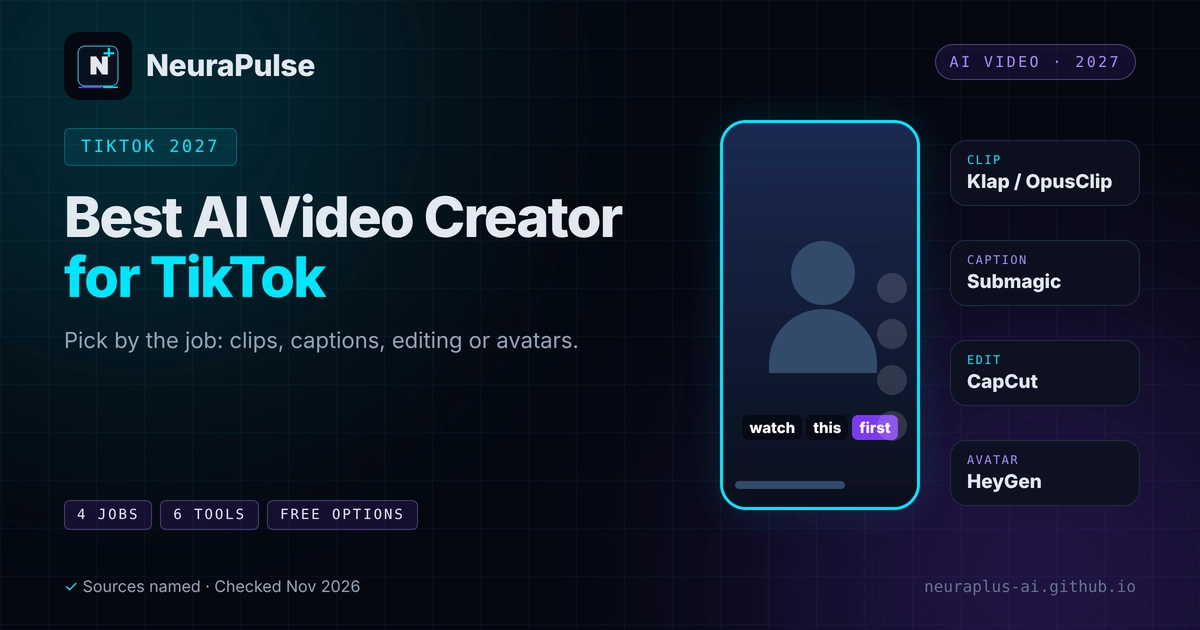
Searching for the best AI video creator for TikTok mixes together four different jobs: cutting long videos into clips, adding captions, editing by hand and generating videos with avatars or prompts. No single tool is best at all four. This guide sorts the main tools by job, shows prices and limits and gives a simple way to choose.
✅ Short answer: For repurposing long videos, try Klap or OpusClip. For captions, Submagic. For hands-on edits, CapCut. For avatar-led marketing videos, HeyGen. Choose the job first, then the tool.
Short answer: choose the job, not the brand
If you already have long videos, a clipper saves the most time. If you start from nothing, a generator or avatar tool may help, but results take more review. Read our guide to AI video clipping for short-form content for the basics.
The four jobs
- Clip. Find moments in a long video and cut them.
- Caption. Add readable, styled subtitles and hooks.
- Edit. Polish timing, effects and sound by hand.
- Generate. Create video from scripts, prompts or avatars.
Tools compared
| Tool | Job | Price (as listed) | Note |
|---|---|---|---|
| OpusClip | Clip | Free; Starter $15; Pro $29 | Metered in source minutes; virality score |
| Submagic | Caption | Starter $19; Pro $39; Business + API $69 | Animated captions, AI hook titles and silence removal on Pro |
| CapCut | Edit and clip | Free; Pro $19.99/mo ($15 yearly) | AI Clipper and Smart Auto-Reframe listed |
| HeyGen | Generate (avatars) | Free; Creator $29/mo ($24 yearly); Pro from $49 | Marketing and creator avatar video; free plan has watermarked 1-minute videos |
| Klap | Clip and reframe | Basic $14.50/mo yearly ($29 monthly), 100 clips; Pro $39.50 ($79), 300; Pro+ $94.50 ($189), 1,000 | Vertical clips for TikTok, Reels and Shorts; speaker-aware reframing; captions with suggested post text; posts directly to TikTok, YouTube, Instagram, LinkedIn and Facebook; free trial on 1 video |
Sources: Klap's pricing page and a November 10, 2026 review, OpusClip and Submagic pricing pages checked by third parties in August and November 2026, a HeyGen and Synthesia comparison dated November 5, 2026 and a February 2026 roundup. Confirm on the vendor site.
If you want to repurpose your own recordings, Klap offers a one-video free trial, so you can judge the clips before you pay.
Pick by the job
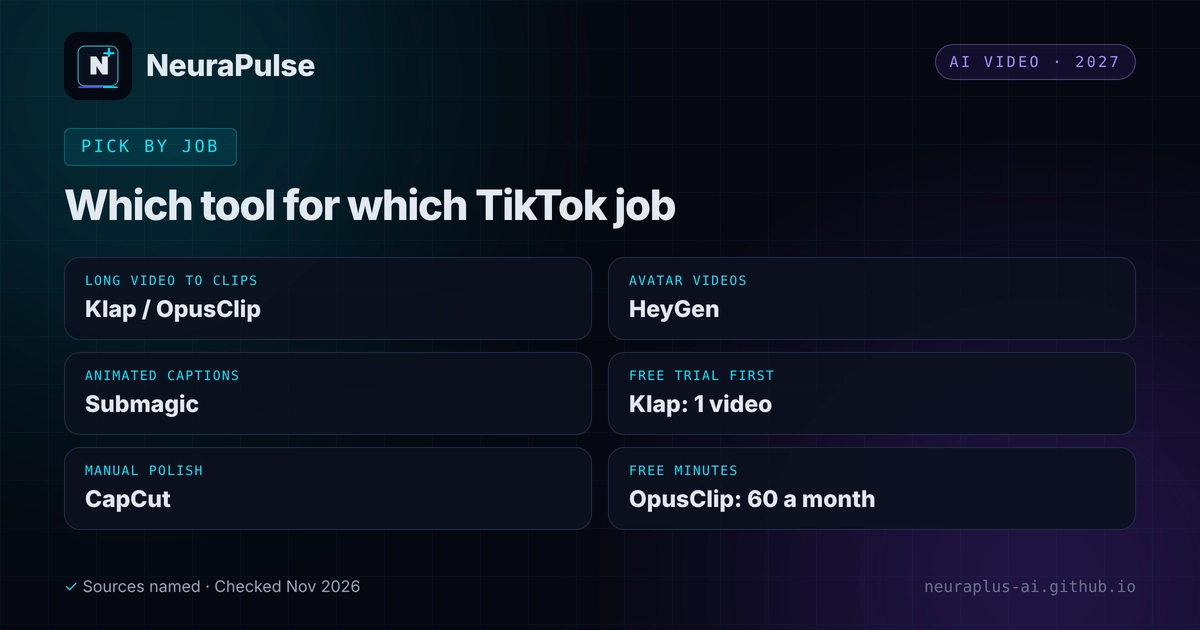
Run one episode through both free options and compare the shortlists.
Pro lists animated captions and hook titles. Check the video limits.
Generous free tier. Read the privacy and pricing notes first.
Avatar videos from scripts. Disclose AI where platforms ask.
Setting up for TikTok
- Vertical 9:16 framing with the key action in the middle of the frame.
- Keep important text clear of the screen edges and the buttons that overlay the video.
- Hook in three seconds and use captions, since many people watch muted.
- Brand once. Consistent fonts, colours and a logo. See best AI tools for logo design.
- Add audio carefully. If you add music, check the licence. See AI music for video editors.
Mistakes to avoid
- Choosing a tool for features you will not use.
- Posting AI output without reviewing hooks and captions.
- Ignoring credits and limits until you run out mid-month.
- Using music without a licence for your use.
- Expecting a tool to make content go viral. See turn videos into viral shorts with AI.
For full pricing, read AI video clipping pricing 2027. For a closer look at the big three clippers, see Klap vs OpusClip vs Vizard. For more creator tools, see AI tools for content creators.
💡 Start small: Pick one job and one tool, post for a week and log results before you add another subscription.
How this guide was researched
Methodology and limits
- Prices and features come from vendor pages, a November 10, 2026 Klap review that rests on company information and third-party pricing pages dated August to November 2026.
- We did not test how each tool's clips perform on TikTok, so we make no performance ranking.
- This is a pick-by-job guide, not a claim that any tool is best overall.
- Author: Prashant Lalwani. Last verified November 20, 2026.