🧩 AI Super App · Overview
AI Super App Overview 2027: What It Is, What You Get and Who Needs One
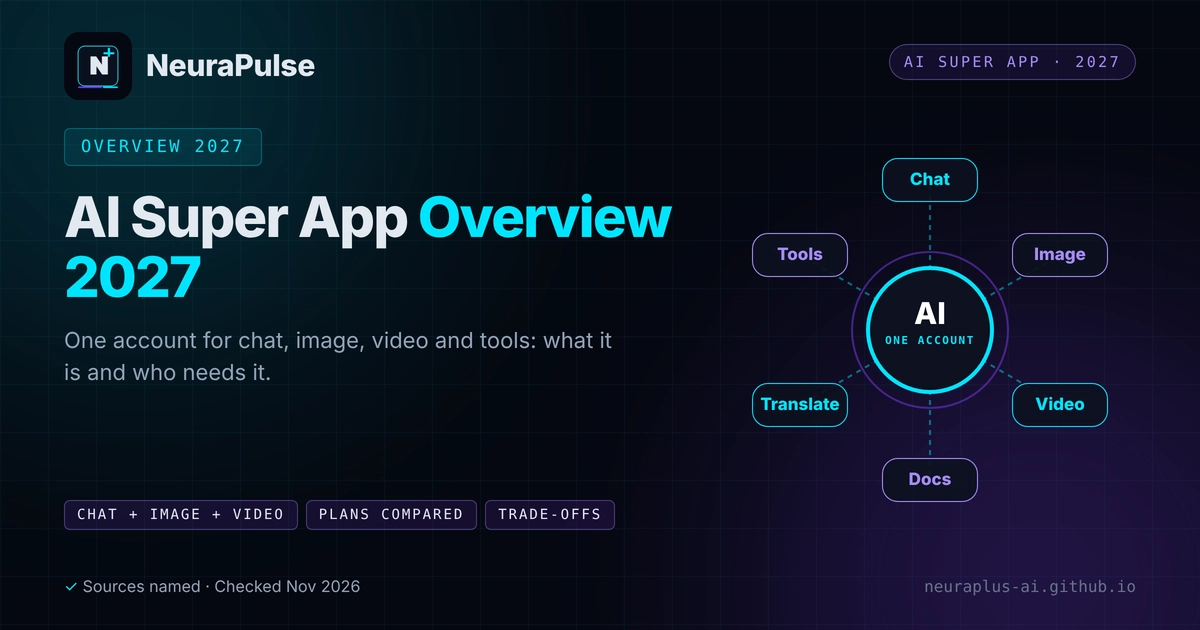
Most people who use AI pay for it in pieces: one subscription for chat, another for images, a third for video. An AI super app tries to put those pieces behind one login and one bill. This overview explains what the label means, what these apps usually include, how plans compare with buying separately and who should and should not bother.
✅ Short answer: An AI super app bundles chat with several models, image and video generation and extra tools into one account. It suits people who use many AI features lightly and want one bill. It suits heavy single-tool users, or teams needing integrations and data contracts, less well.
Short answer: one login, many AI tools
The term is a marketing label, not a standard. Overchat uses it directly, describing "one account for AI chat, image and video generation, and 100+ AI tools" on its own site. Other all-in-one apps use different words for the same idea. We use Overchat as the worked example in this series because it states its plans, models and privacy details publicly. Start with AI super app pricing and the free plan if cost is your main question.
What an AI super app usually includes
- Multi-model chat. Switch between models from different companies in one conversation window. Overchat's page lists models from OpenAI, Anthropic, Google, xAI and DeepSeek.
- Image tools. Text-to-image plus editing: face swap, object removal, background removal, upscaling and aspect-ratio changes, per Overchat's page.
- Video tools. Text-to-video, extension, upscaling and face swap.
- Document and writing tools. File, PDF and link attachments, a ChatPDF-style reader, translators, paraphrasers and study helpers, according to an October 2026 review.
- Apps. Web, iOS and Android now. Desktop and browser-extension versions are listed as "soon".
How the plans compare with single assistants
| Option | Price (as listed) | What you get | Note |
|---|---|---|---|
| ChatGPT | Free; Go $8; Plus $20; Pro about $100 to $200 | One company's models; Plus adds a reasoning model, expanded images and limited deep research | Go is ad-supported |
| Claude | Free; Pro $20; Max $100 or $200 | Anthropic's models; Pro includes Claude Code | Max tiers are 5x and 20x usage |
| Gemini | AI Plus $4.99; AI Pro $19.99; Ultra $99.99 or $199.99 | Google's models; AI Pro includes NotebookLM | Ultra tiers are 5x and 20x usage |
| Perplexity | Free; Pro $17; Max $200 | Search-led answers | Free has limited advanced searches |
| Mistral Le Chat | Free; Pro $14.99 | Includes web search and image generation on free | Student price $5.99 listed |
| Overchat.ai | Free; Mini $15; Pro $29; Max $59; Ultra $119 monthly, about half that billed yearly (vendor page) | Chat with many models, image and video generation and 100+ tools in one account; credits 7,000 to 80,000 a month; free plan 100 credits a day | An October 2026 review lists Pro at $14.99 a month and $49.99 a year with 8,000 credits, so plans differ by source |
Sources: an eWeek AI pricing cheat sheet dated June 29, 2026, Overchat's pricing page and an October 26, 2026 review of Overchat. Confirm every price on the vendor site.
The trade-offs
- Credits, not unlimited use. Overchat's plans are credit-based, and a review notes advanced models and agent runs cost more credits.
- Inconsistent details. The same review points out the site cites 100+, 150+ and 200+ tools and different free-tier limits in different places.
- Fewer business integrations. The review says no business software integrations are listed, and desktop versions are mostly "coming soon".
- Your data passes through two companies. Overchat's help page says the company that runs the selected model receives your messages, which for GPT models is OpenAI.
- Output responsibility. The review says the company disclaims control over generated content, so you check facts and usage rights yourself.
Who needs an AI super app
You chat a bit, make some images and try video now and then. One bill is simpler than three.
You like asking the same question to several models and picking the best answer.
The assistant's own plan may give higher limits and newer features first.
Ask about admin controls, retention and training. See our security checklist.
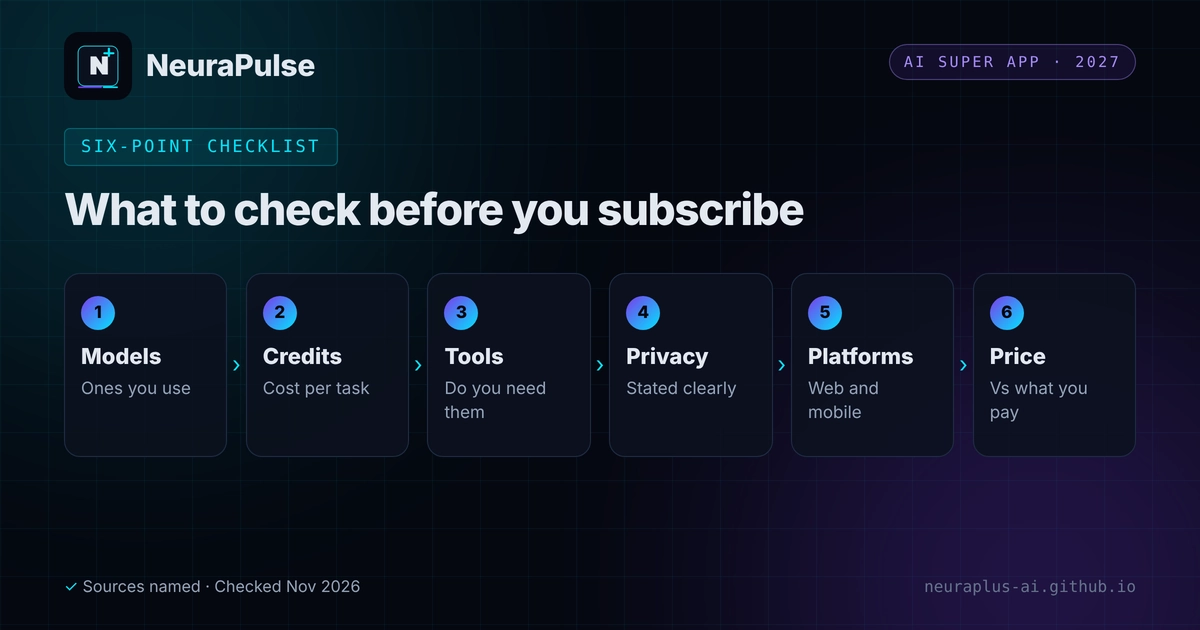
A six-point checklist before you subscribe
- Models. Are the ones you actually use included, and how fast are new ones added?
- Credits. What does one image, one video and one long chat cost in credits?
- Tools. Do you need the 100+ tools, or just chat and images?
- Privacy. What does the company say about retention, training and deletion?
- Platforms. Is the web or mobile app what you use, and are desktop apps needed?
- Price. Compare the monthly and yearly price with what you pay now, using list prices and your real usage.
For image work, see how to create images with an AI super app. For a direct comparison with one assistant, read AI super app vs ChatGPT. For a different multi-tool view, see Mistral AI vs ChatGPT and Perplexity AI features and benefits.
💡 One-week test: Use the free plan for a week on your real tasks and note which features you used. Only then decide whether a paid plan beats what you pay now.
How this guide was researched
Methodology and limits
- Overchat details come from its own site and help pages, which are vendor claims, and an October 26, 2026 review that marks its own verification status as "not yet". Competitor prices come from an eWeek roundup dated June 29, 2026.
- Overchat's plan prices differ between its page and the review. We show both.
- We did not run a controlled hands-on test of every tool, so we make no claim about output quality.
- Author: Prashant Lalwani. Last verified November 23, 2026.