🏪 AI Super App · Small Business
Best AI Super App for Small Businesses 2027: How to Choose Without Wasting Money
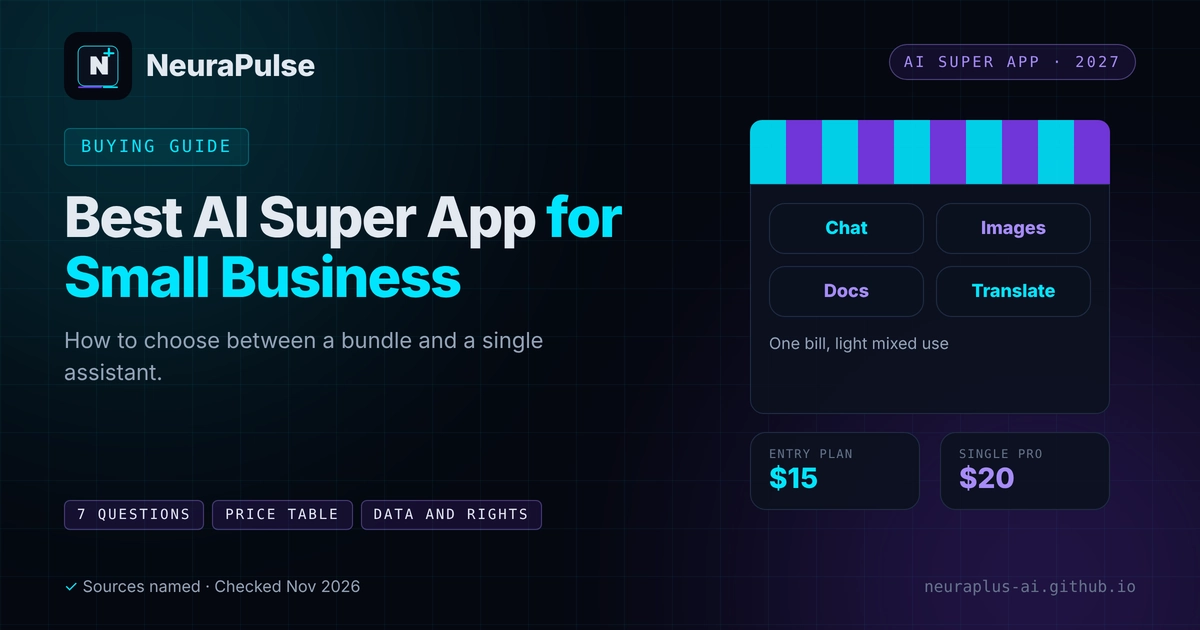
Small businesses do not need the most powerful AI. They need the one that fits their work, budget and risk. An AI super app can replace several subscriptions for owners who use AI lightly in many ways, but it can also be the wrong tool if you need team controls or deep integrations. This guide shows what to look for, compares list prices and gives you a simple way to choose.
✅ Short answer: For light, mixed use across chat, images and documents, an AI super app can be good value. For heavy single-tool use or team controls, a main assistant's own plan may fit better. Start on a free plan, count your real use and pay for one plan only.
Short answer: pick by workload, not by hype
Write down the three jobs you want AI to do. If they are writing, images and document questions, a bundle may cover them. If they are coding, research or customer data, check specialised tools. For the category basics, read our AI super app overview.
What small businesses need from an AI app
- Cost control. A fixed monthly price and clear credits or limits.
- Everyday tools. Chat, writing, translation, images and document questions.
- Data clarity. Where data is stored, how long it is kept and whether it trains models.
- Ownership. A clear statement on who owns outputs and whether commercial use is allowed.
- Simple onboarding. Web and mobile apps that staff can use without training.
Price table for small business budgets
| Option | Price (as listed) | Good for | Business note |
|---|---|---|---|
| ChatGPT Plus | $20/mo | General writing and analysis with expanded images | Go at $8 is ad-supported |
| Claude Pro | $20/mo | Long documents and drafting | Max tiers at $100 and $200 for heavy use |
| Gemini AI Pro | $19.99/mo | Teams in the Google ecosystem, NotebookLM notes | AI Plus at $4.99 |
| Perplexity Pro | $17/mo | Research with cited answers | Max at $200 |
| Microsoft 365 Premium | $19.99/mo | Copilot features bundled with Office apps | Annual $199.99 |
| Overchat.ai | Free; Mini $15; Pro $29; Max $59; Ultra $119 monthly, about half billed yearly (vendor page) | Light, mixed use: many models, images, video and 100+ tools in one account | EEA data storage and GDPR and CCPA claims on its page; no business integrations listed by a reviewer; a review lists Pro at $14.99 |
Sources: an eWeek AI pricing cheat sheet dated June 29, 2026, Overchat's pricing page and an October 26, 2026 review. Confirm on each vendor page.
Seven questions to ask before you pay
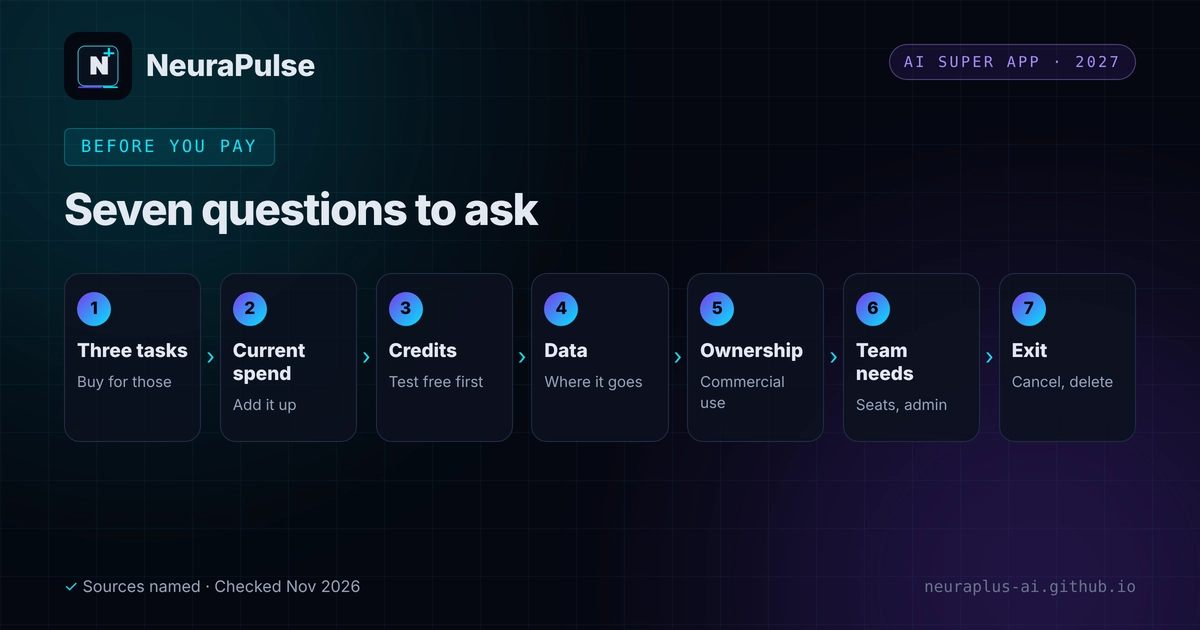
- What three tasks will I do weekly? Buy for those, not for the feature list.
- What do I pay now? Add up every AI subscription.
- How many credits or messages will I use? Test on the free plan.
- Where does my data go? Check storage, retention and training statements.
- Who owns the output? Check commercial-use terms.
- Do I need team features? Shared seats, admin controls and logs.
- Can I leave easily? Check cancellation and data deletion.
Picks by business type
A bundle can cover writing and images at one price. Try the free plan first.
Check credit costs for media. See creating images in an AI super app.
Ask for data contracts. Use our security checklist.
Data and rights
- Overchat's page says it stores data in the EEA, encrypts with AES-256 and complies with GDPR and CCPA. Those are vendor claims we did not audit.
- The privacy policy gives no retention period and does not mention model training.
- Messages go to the company that runs the chosen model, per Overchat's help page.
- Do not paste customer personal data, passwords or confidential contracts without checking terms.
A starter plan for the first month
- Week 1: use the free plan for your three real tasks and record credits used.
- Week 2: test a second option, such as your current assistant, on the same tasks.
- Week 3: compare time saved and quality.
- Week 4: pay for one plan, or none, and note the review date.
For pricing detail, see AI super app pricing and free plan. For a one-assistant comparison, read AI super app vs ChatGPT. For more business tools, see best AI email marketing tools for small business and Perplexity AI for business use.
💡 Rule of thumb: Do not pay for an AI plan you cannot tie to a task and a saved hour. Revisit the decision every quarter, because plans and prices change.
How this guide was researched
Methodology and limits
- Overchat details come from its own pages, which are vendor claims, and an October 26, 2026 review that marks its own verification as "not yet". Competitor prices come from an eWeek roundup dated June 29, 2026.
- We could not verify team accounts or admin controls for Overchat, so we make no claim about them.
- We did not test any tool with business workloads. This is a buying guide, not a ranking of output quality.
- Author: Prashant Lalwani. Last verified November 23, 2026.