🎬 AI Music · Video
AI Music Generator for Video Editors: Formats, Stems and Licences
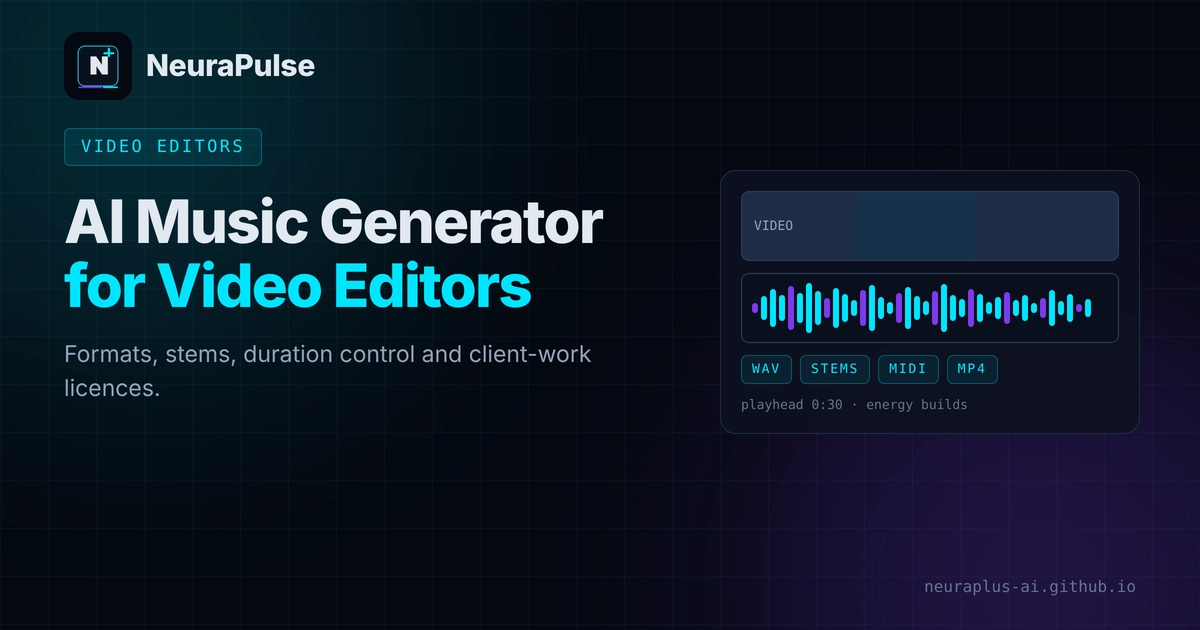
Video editors need music that fits a cut, exports cleanly and carries a licence they can hand to a client. A fun song generator is not always the right tool for that. This guide covers the formats and features that matter, compares tools using one dated roundup and sets out a workflow that keeps you safe on client projects.
✅ Short answer: Choose a tool that exports WAV (and stems if you want to rebalance under dialogue), lets you set duration, and offers a paid plan whose licence covers your type of work. Verify each in your own account before you quote a client.
Short answer: choose by export, length and licence
Three features decide whether an AI music tool suits editing: audio format, control over duration and the licence. Style and mood matter too, but you can iterate on them. If you are new to prompting, our AI music generator tutorial has copy-and-paste prompts.
What editors need from an AI music tool
- WAV export for clean mixing, with MP3 for quick drafts.
- Stems (separate drums, bass, lead) so you can duck or mute parts under dialogue.
- Adjustable duration so the track ends on your last frame.
- A licence for your use: personal, commercial, client or advertising.
- Predictable cost per finished track, including retries.
Tool table for video editors
| Tool | Price (as listed) | Exports listed | Licence note |
|---|---|---|---|
| Suno | Pro $10/mo; Premier $30/mo | WAV and MP3 stems on Studio and Premier | Commercial rights on paid plans; check download caps |
| Soundful | Premium $4.99/mo; Pro $14.99/mo | MP3, WAV, stems and MIDI | Paid tracks royalty-free; free tier is personal use, one download a month |
| AIVA | $15/mo Standard in one source; €11/mo in another | MP3, WAV and MIDI | Standard covers YouTube and social platforms; Pro gives full copyright ownership |
| Beatoven.ai | From $2.50/mo | MP3, WAV and MP4; duration adjustable | Non-exclusive, perpetual licence for YouTube, podcasts and ads on paid plans; free plan blocks downloads |
| Soundraw | Creator $16.99/mo | Customisable length and structure | Built for background music; confirm download limits |
| ElevenLabs Music | $0.80 per output minute in one source; Starter $6/mo in another | Up to 10 minutes per output | Positioned as cleared; check plan-specific terms |
| Design.com | Check Design.com for current plans | Not applicable | Useful for channel logos and title graphics, not music |
| OpenMel | Check OpenMel directly | Not reviewed here | We could not verify its terms |
Sources: a roundup updated May 17, 2026 (exports and prices) and reviews dated June to October 2026. Vendor prices change, so confirm before you buy.
ElevenLabs lists its music tool alongside voice products on its own site at elevenlabs.io. See also ElevenLabs pricing and features.
Match the music to the cut
- Write the brief from the edit. State the length, mood and where the energy rises, such as "45 seconds, calm start, build at 0:30, clean ending".
- Cut to the beat. Generate at a tempo that divides neatly into your scene length, then adjust cuts to the beat.
- Use stems under dialogue. Lower or mute the lead melody and keep drums and bass for energy.
- Fade, do not chop. Add a short fade or end on a natural bar line.
- Check on phone speakers as well as headphones.
Client work: the licence is part of the deliverable
- Some licences exclude client or advertising use unless you buy a higher tier, as our royalty-free AI music guide explains.
- Do not use free-plan tracks in paid work. Regenerate on a paid plan.
- Put the tool, plan, date and download receipt in your project folder.
- Do not promise a client exclusive ownership of AI music. Purely AI-generated music may not be copyrightable in the US.
- For ongoing client work, compare plans in AI music generator pricing 2027 and AI music generator vs Soundraw.
A six-step editing workflow
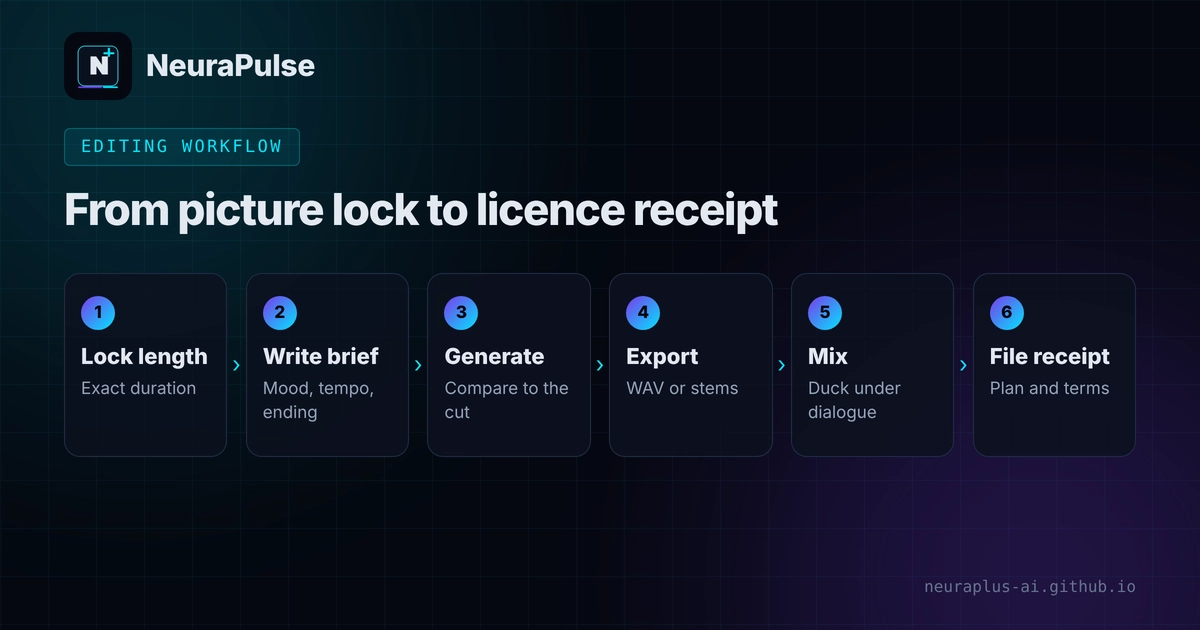
- Lock the picture length. Know the exact duration first.
- Write the brief. Genre, mood, tempo, instruments, length and no vocals under dialogue.
- Generate several versions. Compare against the cut, not in isolation.
- Export WAV or stems through the tool's official download.
- Mix and fade. Duck under dialogue and check the ending.
- File the receipt. Save the licence and plan details with the project.
Streaming your edits live? See best AI music generator for streamers. For monetising your videos, read how to monetize AI content.
💡 Editor tip: Make one reusable brief per client brand, with mood words and banned elements, so every new track stays consistent.
How this guide was researched
Methodology and limits
- Export formats, prices and licence notes come from a roundup updated May 17, 2026, which says it has not verified figures against vendor sites, plus reviews dated June to October 2026.
- That roundup gives no export formats for some tools and no length cap for most, so we leave those out rather than guess.
- Sources disagree on AIVA and ElevenLabs Music pricing, and we show both.
- We did not test audio quality or export in each tool.
- This is not legal advice. Read the terms of the plan you use.
- Author: Prashant Lalwani. Last verified November 19, 2026.