#️⃣ Hashtags · 📸 Instagram · ⏱️ 9 min read
Free AI Hashtag Generator: 3 to 5 Tags That Actually Fit
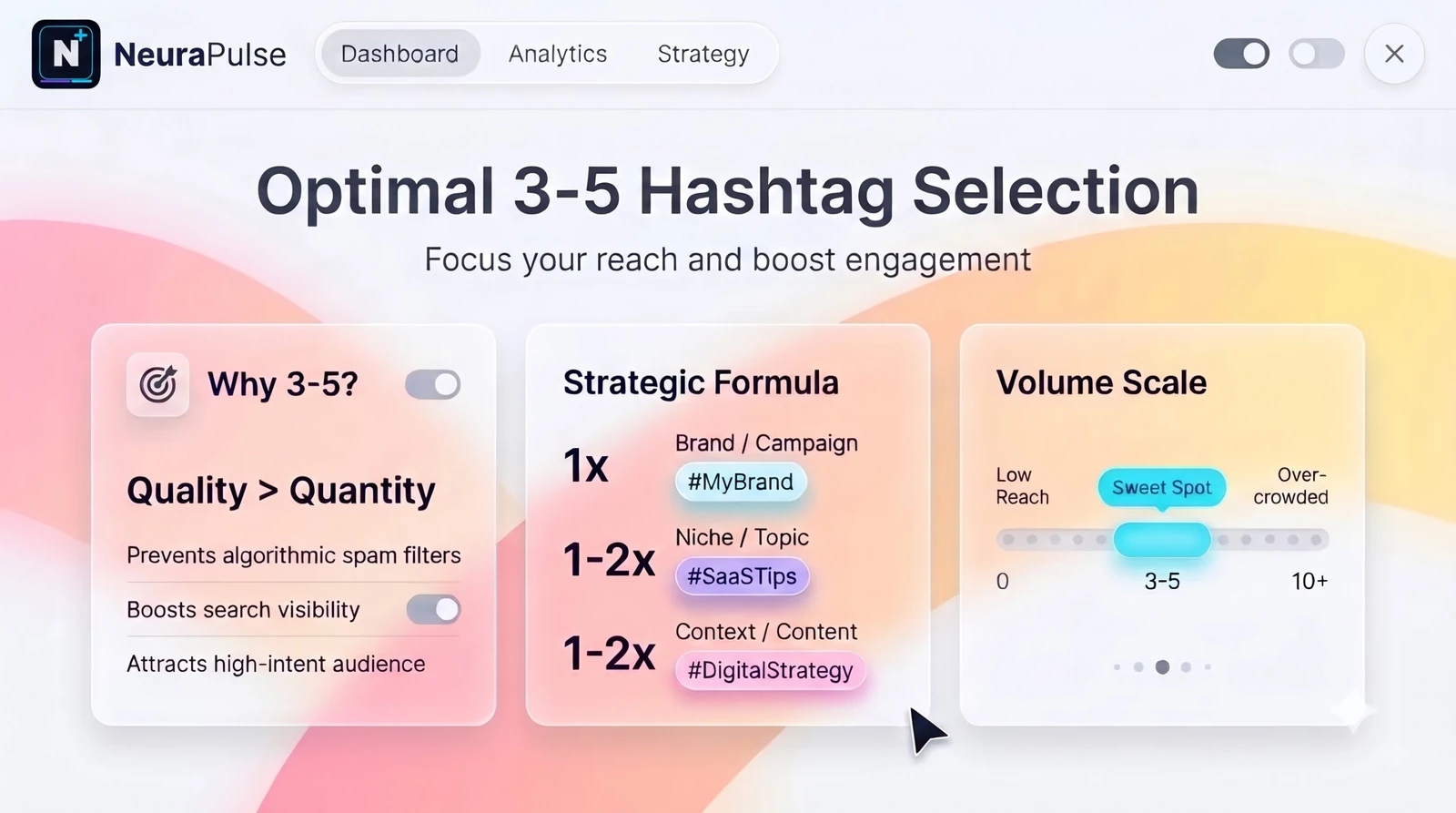
Hashtag advice has done a full lap. A few years ago the rule was to use all thirty. Now the guidance from nearly every social media source is a few sharp ones, and some accounts are seeing a hard cap. That changes what a hashtag generator is for. It's no longer a machine for filling a caption with fifteen tags. It's a way to find three to five good ones quickly. Here's how to use a free AI hashtag generator that way, how many hashtags Instagram actually allows right now, and a set builder you can try on this page.
How many hashtags should you use on Instagram?
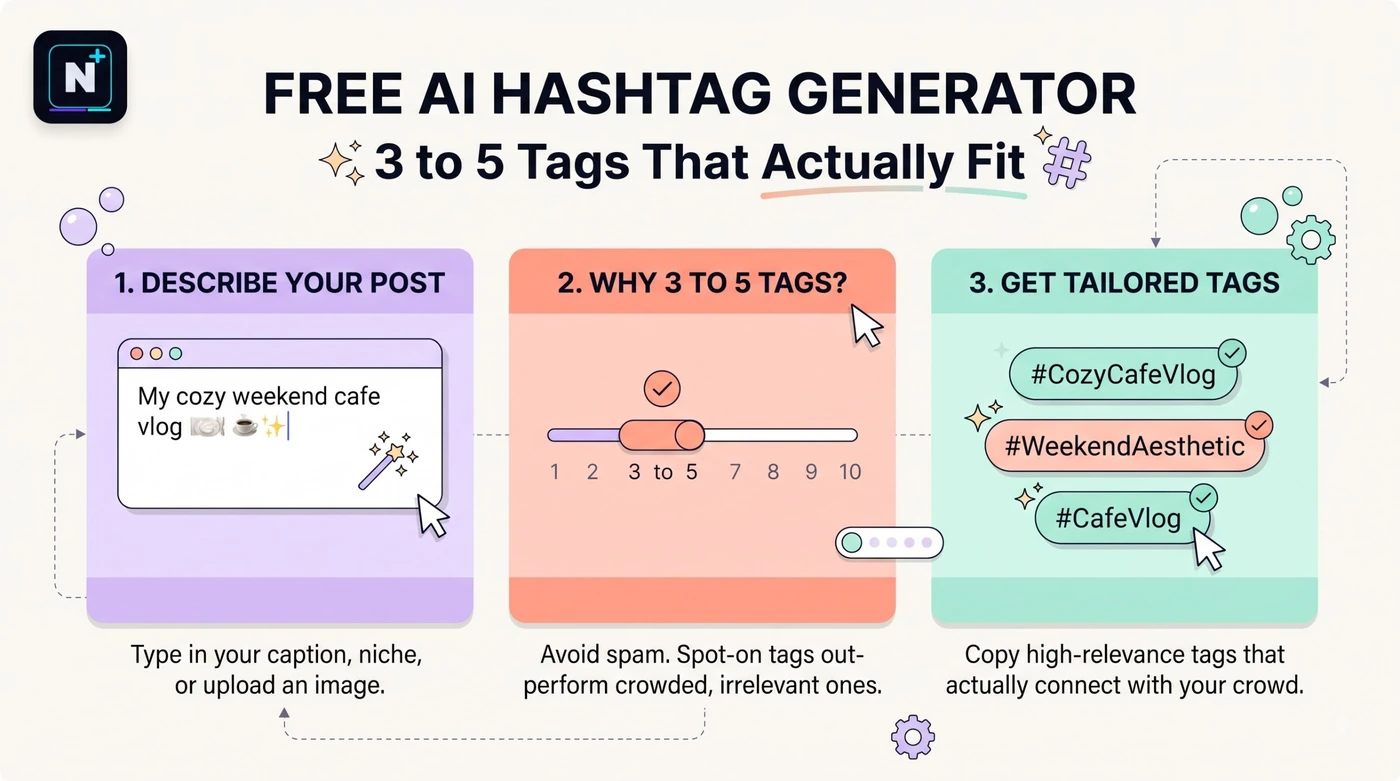
Use three to five highly relevant hashtags per post. Instagram has long allowed up to 30 per post, but its own guidance recommends 3 to 5, and one source reports a five-hashtag cap rolling out since December 2025, with older accounts possibly still seeing the 30 limit. Hashtags in the caption or the first comment count toward the same total.
🚀 Quick Start: Type two topics into the builder below, one broad and one niche or local. It returns a mixed set of five and labels each tag's role.
Do hashtags still work in 2026?
Yes, but as a small supporting signal rather than the main driver of reach. Instagram has leaned toward recommending content by what it sees in the post itself, and a few focused tags help it categorize you. Thirty generic tags give it the opposite: a blurry picture of what the post is about. One write-up also notes that hashtags count toward the 2,200-character caption limit, so a long block of them eats space you could use on words.
| Old advice | Current advice | Why it changed |
|---|---|---|
| Use all 30 | Use 3 to 5 | Instagram recommends it, and some accounts have a cap |
| Pick the biggest tags | Mix broad and niche | Huge tags bury your post in seconds |
| Copy a giant list | Write a set per topic | Relevance matters more than volume |
| Hide them in a comment | Either works | Both count toward the same total |
What a hashtag generator can and can't do
Most free generators take a keyword, a photo or a post link and suggest related tags. The better paid ones add data on how competitive a tag is and how your past posts performed. Free tools mostly do the first part, and that's fine if you treat the output as ideas.
| A free generator is good for | It can't tell you |
|---|---|
| Brainstorming related words | Whether a tag is trending right now |
| Saving typing time | Whether a tag has become spammy |
| Spotting niche phrases you'd missed | How your audience actually searches |
| Building a reusable set per topic | Whether the tag is restricted by Instagram |
Newer hashtag tools to look at (names only, check each one's current free limits): Flick • RiteTag • All Hashtag • Inflact • Predis.ai
A five-step method that takes ten minutes
- List your topics. One broad (street photography), one niche (monsoon streets), one local (Mumbai).
- Generate ten candidates with a tool or the builder above.
- Search each tag inside Instagram. Look at the top posts. If they're unrelated or spammy, drop the tag.
- Pick three to five. Aim for one broad, one or two niche, and one community or local tag.
- Save the set in a notes app, one per content type, and refresh it every month or so.
Writing the caption is the other half of the job. If you want a bio that supports your content, the free AI bio generator guide covers the 150-character limit. And if you're stuck on how to phrase instructions for an AI, the Claude master prompt template is a good frame.
Capitalize each word so screen readers can read them
A small habit worth adopting: write multi-word hashtags with a capital letter at the start of each word, like #StreetPhotography instead of #streetphotography. It makes the tag easier to read for everyone and helps screen readers pronounce it correctly. The tag works exactly the same either way, because hashtags aren't case sensitive.
⚠️ Common Mistake: Pasting a saved list of 30 tags under every post. It looks lazy, ignores the topic and can trip spam filters. Rotate smaller sets that fit each post.
What about Reels?
The same logic applies: a few relevant tags and a clear caption beat a pile. For Reels, the words you say and show matter at least as much, which is where captions and voice-overs come in. If you're recording voice-overs for short videos, the free AI voice generator guide covers free options and the license traps.
Pull keywords from your own caption
A neat shortcut: paste your finished caption into a summarizer and ask for the three words that capture it. Those words are often better hashtag seeds than a generic list. The free AI text summarizer guide explains how to do that without losing the point of the post.
Build your own hashtag set maker
You are a social media strategist for [my niche, e.g. small-batch coffee roaster in Pune].

I'm posting about: [one-sentence description of the post].

Give me 12 Instagram hashtag candidates, grouped as:
- 3 broad (a big audience, general topic)
- 4 niche (specific to what I do)
- 3 local or community (place, event or group)
- 2 branded (made from my business name)

For each, write one short reason it fits. Mark any that might be
overused or spammy. Do NOT claim any tag is trending: you don't have
live data. Then tell me how to pick the final 3 to 5, and remind me to
search each tag in the app before I use it.
How this guide was checked
I compared 2026 guides on Instagram's hashtag limits and several hashtag generator roundups. Sources disagreed on whether a five-hashtag cap applies to every account, so check what your own app allows. The builder above makes pattern-based suggestions and doesn't use live trend data.
Frequently asked questions
Further reading
- Instagram Help Center – Instagram's official guidance on hashtags, profiles and posting.