🎙️ AI Voice · 🔊 Try It Live · ⏱️ 10 min read
Free AI Voice Generator: 4 Routes From Browser to Local
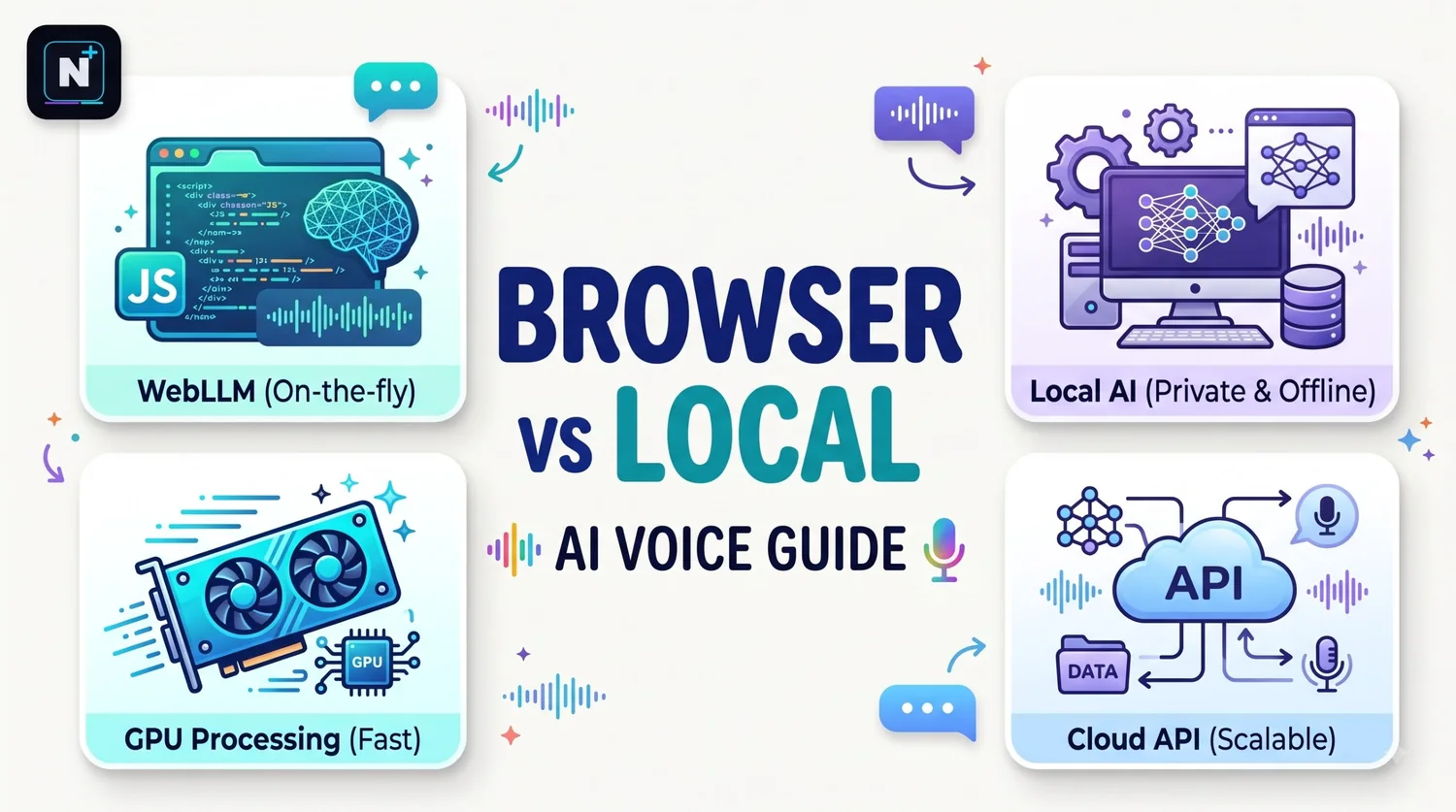
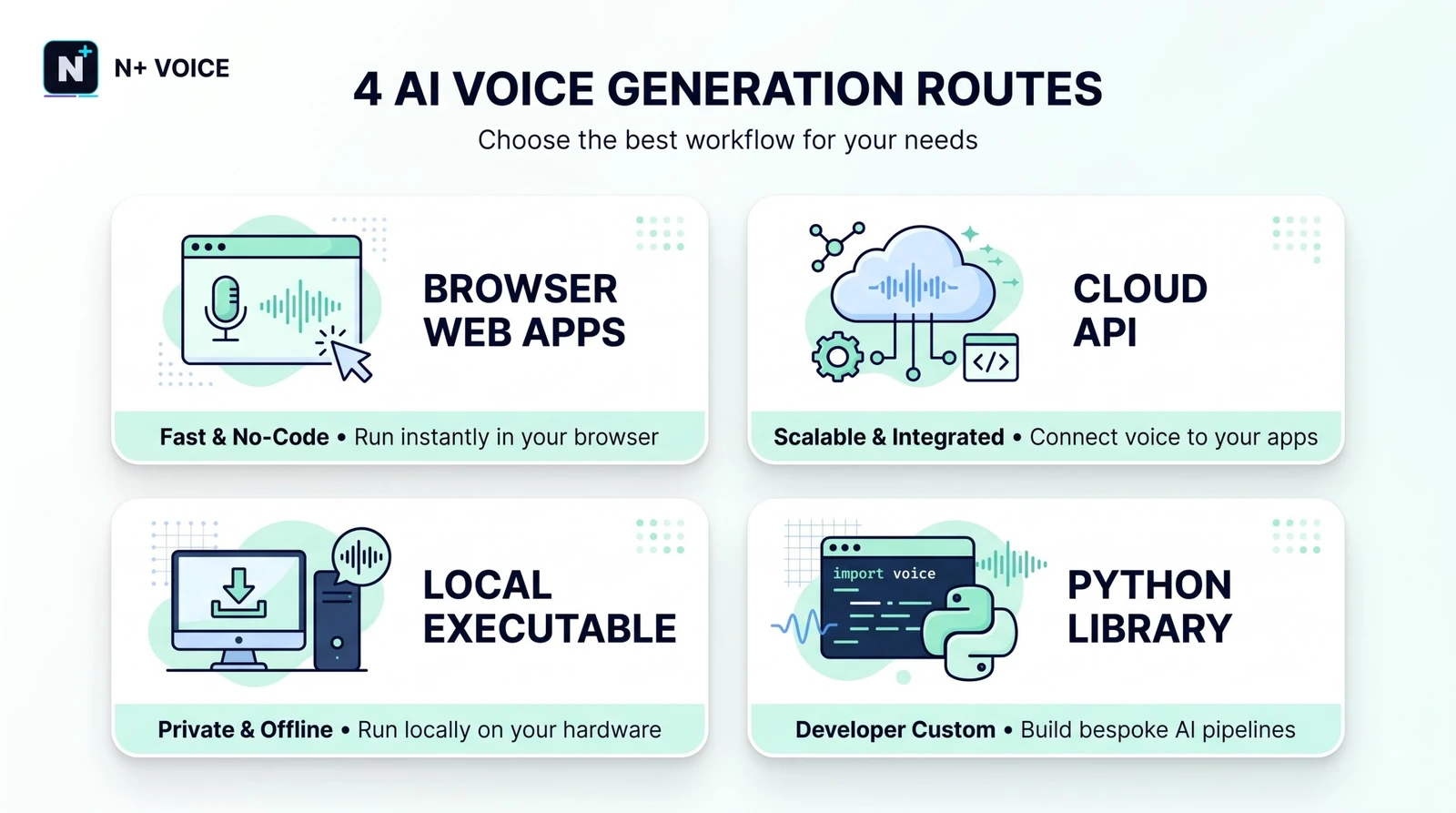
"Free AI voice generator" covers a strange range of things. At one end is the voice already built into your browser, which costs nothing and needs no account. At the other is a studio-grade cloning platform that gives you a taste for free and then wants a monthly fee. Most guides mash these together, so you end up comparing a bookmark to a business. This one splits them into four routes, lets you try the simplest one on the page, and spends real time on the two things that decide whether the result sounds good: your script and your license.
What's the best free AI voice generator?
It depends on the job. For a quick listen, your browser's built-in voices are free and need no sign-up. For better quality, a web tool with a free tier works, but check its commercial license. For unlimited use with no monthly cap, run an open-source model such as Kokoro on your own computer.
🚀 Quick Start: Try the box below. Paste a paragraph, pick a voice and press Speak. It runs entirely in your browser, so nothing is uploaded and nothing is saved.
Route 1: the zero-signup option
Browsers include a speech feature called the Web Speech API, and the box above is a direct use of it. The voices come from your operating system, so a Windows laptop, a Mac and an Android phone will each sound different. Quality ranges from robotic to surprisingly decent, and the newer system voices on recent devices are better than most people expect.
The limits are real. You can't save the audio as a file from the browser alone, there's no cloning and no emotional control, and the results aren't something I'd put under a public video. But for proofreading your own script by ear, it's hard to beat, and it costs nothing.
Four routes compared
| Route | Setup | Limit | Voice quality | Best for |
|---|---|---|---|---|
| Browser voices | None | None | Basic to decent | Proofreading by ear, quick checks |
| Free web tools (TTSMaker, NaturalReader) | Open a page | Character or usage caps | Good | Short voice-overs, reading text aloud |
| Free tiers of premium platforms (ElevenLabs, Fish Audio) | Create an account | Monthly credits, about ten minutes of audio on ElevenLabs | Best available | Short, polished clips |
| Open-source on your PC (Kokoro, Chatterbox) | Install software and a model | None except your hardware | Good to very good | Large volumes and privacy |
The tool names above come from 2026 comparison write-ups, and the limits shift often. The deeper comparison of what each one allows, including which free plans permit commercial use, is in the free ElevenLabs alternatives guide.
Pick a route by project
| Your project | Route to start with | Watch for |
|---|---|---|
| Proofreading an essay or script | Browser voices | Nothing, it's private |
| A 60-second explainer for a school project | A free web tool | Attribution rules |
| A monetized YouTube channel | A plan with explicit commercial rights | Free plans often forbid it |
| An audiobook-length project | Open-source on your PC | Setup time and license terms |
| A character voice you own the rights to | A cloning-capable tool | Written consent for any real voice |
ElevenLabs deserves its own mention because its free plan is the one people compare everything to. It gives 10,000 credits a month, which works out to roughly ten minutes of speech, and it doesn't allow commercial use. The ElevenLabs free plan limits guide explains the credit math.
Your script matters more than the tool
Almost every "bad AI voice" complaint I've seen traces back to the text, not the model. A few habits fix most of it.
- Write for the ear. Short sentences. If you run out of breath reading it aloud, so will the voice.
- Spell out the awkward bits. Write "twenty twenty-six" if the tool says "two thousand and twenty-six." Expand abbreviations on first use.
- Use punctuation as pacing. Commas create small pauses, and periods create longer ones. A line break often works as a paragraph pause.
- Fix names phonetically. If a name comes out wrong, spell it the way it sounds, like "Prash-ant."
- Test two sentences first. Free credits are small, and this saves them.
A rough rule: people speak at about 150 words per minute, so a ten-minute narration is around 1,500 words, or roughly 9,000 characters. That's why 10,000 free characters or credits lands near ten minutes.
| Script length | About how long it speaks | About how many characters |
|---|---|---|
| 150 words | 1 minute | 900 |
| 450 words | 3 minutes | 2,700 |
| 750 words | 5 minutes | 4,500 |
| 1,500 words | 10 minutes | 9,000 |
If you draft scripts with an AI chat, give it a clear structure and a length cap. The Claude master prompt template is built for exactly that, and spoken scripts reward a firm word limit.
The rules worth knowing before you publish
- Check the license, not the marketing. "Free" often means free for personal use. If you earn money from the video, you need a plan that says you can.
- Get consent for any real person's voice. Cloning someone without permission is a legal and ethical problem. Use your own voice or a licensed one.
- Disclose when you should. YouTube has asked creators to label realistic synthetic or altered content. Policies change, so read the current rules for your platform.
- Credit the tool if the terms ask. Several free plans require attribution.
⚠️ Common Mistake: Finishing a whole video before reading the voice tool's license. If the terms forbid commercial use, you'll be redoing the audio later. Read the terms on day one.
A bonus: captions from the same audio
If you also need captions or a transcript of your finished audio, speech-to-text is a separate job. Some free API tiers include it, and the Groq API free limits guide covers one that reportedly allows a few thousand transcription requests a day.
If your free voice sounds wrong
| Problem | Likely cause | Fix |
|---|---|---|
| Robotic delivery | Long, flat sentences | Split sentences and vary their length |
| Wrong pronunciation | Name or acronym | Spell it phonetically |
| No voices in the dropdown | Browser still loading them | Reload the page and wait a second |
| Audio cuts off | Very long text in one go | Split the script into chunks |
| Different on every device | Voices come from the device | Pick one tool and export a file instead |
Build your own script polisher
You are a voice-over editor. I will paste a script written for reading.
Rewrite it so a text-to-speech voice reads it naturally.

Rules:
- Keep every sentence under 20 words.
- Write numbers, dates and symbols the way they should be spoken.
- Expand abbreviations on first use.
- Mark any name that might be mispronounced and give a phonetic spelling
  in brackets, like Prashant [Prash-ant].
- Keep my meaning and tone. Do not add facts.
- Return the polished script, then a list of every change you made.

Script:
[paste here]
How this guide was checked
I compared several 2026 roundups of voice tools, checked the ElevenLabs free plan details covered in my earlier guides, and read the browser speech documentation. Free tiers and licenses change, so confirm the terms on each tool's own site before you publish anything.
Frequently asked questions
Further reading
- SpeechSynthesis on MDN – how the browser speech feature used in the live demo works.