⚖️ AI Video · Editors
AI Video Clipping vs Traditional Editors: Speed, Control and Cost
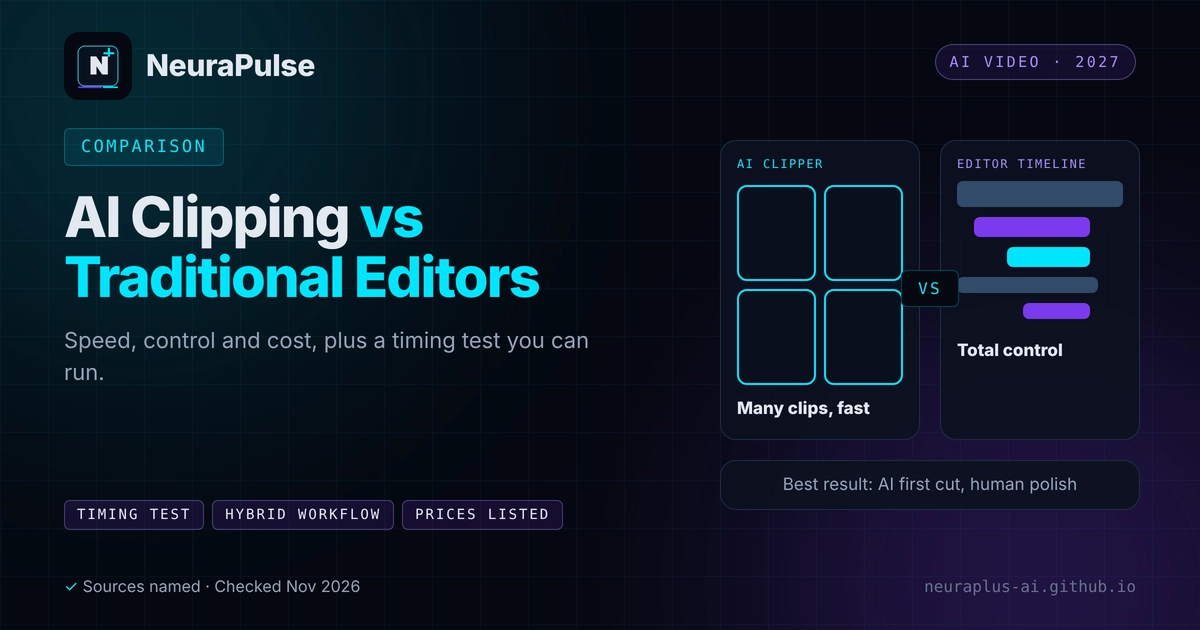
The question is not whether AI clipping is better than a traditional editor. It is which job you are doing. AI clippers are built to turn long, speech-led videos into many short clips fast. Traditional editors such as Premiere Pro, CapCut and Descript are built for control. This guide compares them honestly, shows listed prices and gives you a timing test so you decide with your own numbers.
✅ Short answer: Use an AI clipper for volume and first cuts from podcasts, webinars and tutorials. Use a traditional editor for precision, brand-exact edits and complex timelines. The best workflow for most creators is hybrid.
Short answer: different tools for different jobs
Clippers decide what to cut. Editors let you decide how to cut it. If you want the full picture of clippers first, read AI video clipping for short-form content.
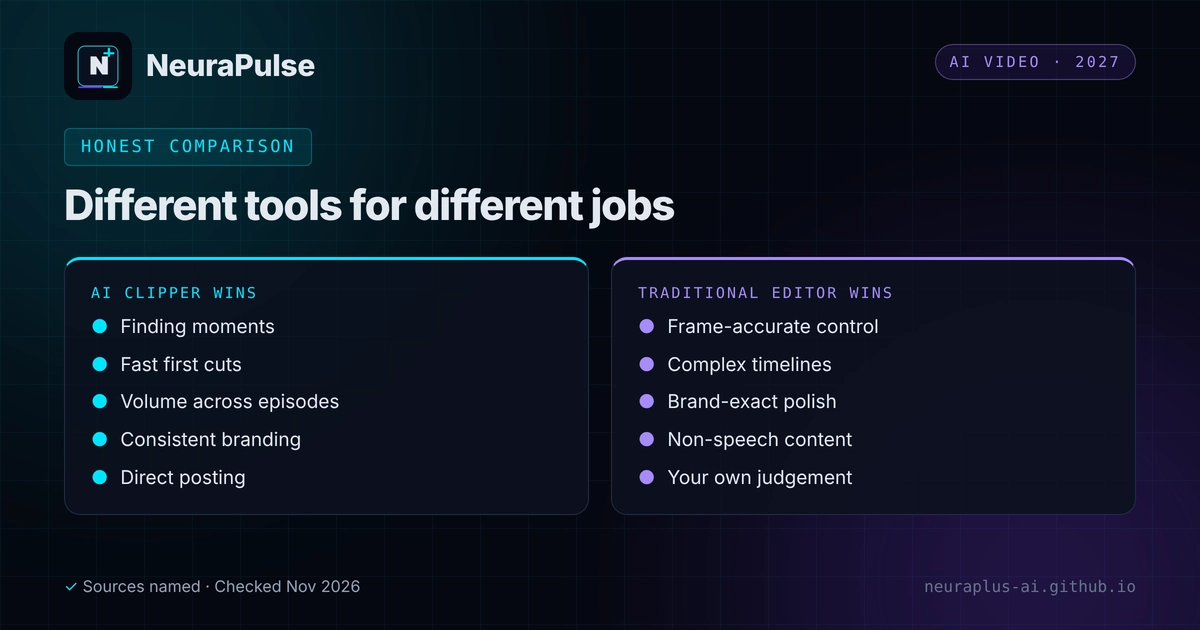
Where AI clipping wins
- Finding moments. The tool scans the whole transcript, while you would have to watch it.
- First cut. Clip, reframe and caption in one pass.
- Volume. Many clips from every episode without extra hours.
- Consistency. Brand settings apply the same fonts and colours each time.
- Direct posting. Klap's page lists publishing and scheduling to several platforms.
Where traditional editors win
- Precision. Frame-accurate cuts, custom motion and exact timing.
- Complex timelines. Many layers, effects, colour and sound design.
- Judgement. You know the audience, the joke and the brand voice.
- Non-speech content. Clippers rely on transcripts, so music videos and silent footage need manual work.
- Slide-heavy or screen-heavy footage, which one review suggests testing on a sample before trusting any AI.
Tools compared
| Tool | Type | Price (as listed) | Strengths and limits |
|---|---|---|---|
| OpusClip | AI clipper | Free; Starter $15; Pro $29 | Virality score that a February 2026 roundup says is not always accurate; Pro adds AI B-roll and export to Premiere Pro and DaVinci Resolve |
| Adobe Premiere Pro | Professional editor | $22.99/mo annual (first-year rate) | Industry standard with Auto Reframe; steep learning curve and heavy hardware needs |
| CapCut | Editor with AI tools | Free; Pro $19.99/mo ($15 yearly) | AI Clipper and Smart Auto-Reframe; annual Pro price rose in January 2026 |
| Descript | Transcript-based editor | Free; Hobbyist $24/mo ($16 yearly) | Edit video by editing text; best for talking heads; free tier has a watermark |
| Klap | AI clipper | Basic $14.50/mo yearly ($29 monthly), 100 clips; Pro $39.50 ($79), 300; Pro+ $94.50 ($189), 1,000 | Selective clips, speaker-aware reframing, captions, 99+ languages, brand settings, direct posting and a multitrack editor in every plan per one review; free trial on 1 video, no card; best with speech-led video |
Sources: Klap's pricing page and a November 10, 2026 review, an OpusClip pricing review (August 20, 2026) and a February 2026 editing roundup updated October 2026. Confirm on the vendor site.
Test the AI side on a single recording with Klap's free trial, then compare it with your usual editor. For the three leading clippers side by side, see Klap vs OpusClip vs Vizard.
A timing test you can run in an afternoon
We do not publish a time saving because we did not measure one. Here is how to measure your own.
- Pick one episode of 30 to 60 minutes.
- Manual run. Time yourself finding, cutting, reframing and captioning three clips in your editor.
- AI run. Time the same episode through a clipper, including review and fixes, until you have three clips to the same standard.
- Compare quality. Score both sets with the checklist in turn videos into viral shorts with AI.
- Add cost. Plan price plus your hourly rate times the time taken.
- Repeat once on a different type of episode before you decide.
The hybrid workflow most creators end up with
- AI generates the shortlist and first cuts.
- You choose the best three to five and fix hooks and captions.
- Only flagship clips go into a manual editor for polish.
- Everything else is posted after a quick review.
- Reframing problems are handled with layout changes. See how to use AI Reframe 2.
For costs, see AI video clipping pricing 2027. If you add music to edits, check licences in AI music for video editors.
💡 Decision rule: If you publish more than a few clips a week from speech-led video, add an AI clipper. If you publish a few polished videos a month, a manual editor may be all you need.
How this guide was researched
Methodology and limits
- Tool features and prices come from Klap's pricing page, a November 10, 2026 review that rests on company information, an OpusClip review verified August 20, 2026 and a February 2026 roundup updated October 2026.
- We did not time or test any tool, so we make no claim about hours saved or clip quality. The timing test lets you measure that yourself.
- Author: Prashant Lalwani. Last verified November 20, 2026.