⚙️ AI Super App · Workflows
AI Super App Workflow Automation Examples: Six Repeatable Routines
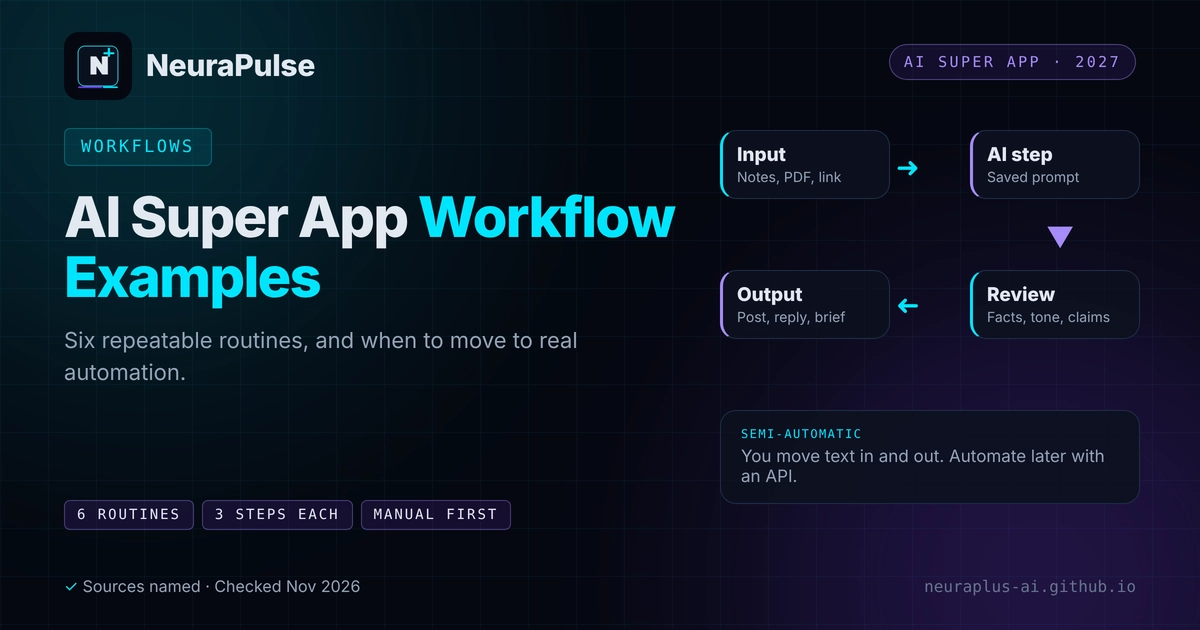
The easiest way to get value from an AI super app is not a clever prompt. It is a routine you can run the same way every week. This guide gives six examples across content, documents, images, translation, research and meetings. Each is a three-step routine you can start today, with notes on where manual work ends and real automation could begin.
✅ Short answer: Treat an AI super app as the engine of repeatable routines: a saved prompt, a standard input and a human review. Automate the connections only after the routine works by hand and your tools offer a connector or API.
Short answer: routines first, automation later
A reviewer of Overchat notes that no business software integrations are listed, and that desktop apps and a browser extension are mostly "coming soon". So the routines below are semi-automatic: you move text and files in and out. That is still useful, and it shows you what is worth automating later. For the category background, read our AI super app overview.
Manual routine versus real automation
- Manual routine: you paste input, run a saved prompt and review the output.
- Semi-automatic: a form or template feeds the input, and you still review.
- Automated: a workflow tool triggers the AI step through an API and routes the result. It needs the AI service to offer an API or connector, which we could not verify for Overchat.
Where to run each routine
| Option | Price (as listed) | Routine strengths | Note |
|---|---|---|---|
| ChatGPT Plus | $20/mo | Drafting, images, limited deep research, Codex | One company's models |
| Claude Pro | $20/mo | Long documents and drafting; includes Claude Code | Max tiers for heavy use |
| Gemini AI Pro | $19.99/mo | NotebookLM for document notes | Fits Google-based teams |
| Perplexity Pro | $17/mo | Research briefs with cited answers | Free tier has limited advanced searches |
| Overchat.ai | Free; Mini $15; Pro $29; Max $59; Ultra $119 monthly (vendor page); a review lists Pro at $14.99 | Many models in one chat, PDF and link questions, translator, writing tools, image and video generation | Credit-based; no business integrations listed; custom chatbots on Pro per a review |
Sources: an eWeek AI pricing cheat sheet dated June 29, 2026, Overchat's pricing page and an October 26, 2026 review. Confirm on each vendor page.
Six routines you can copy
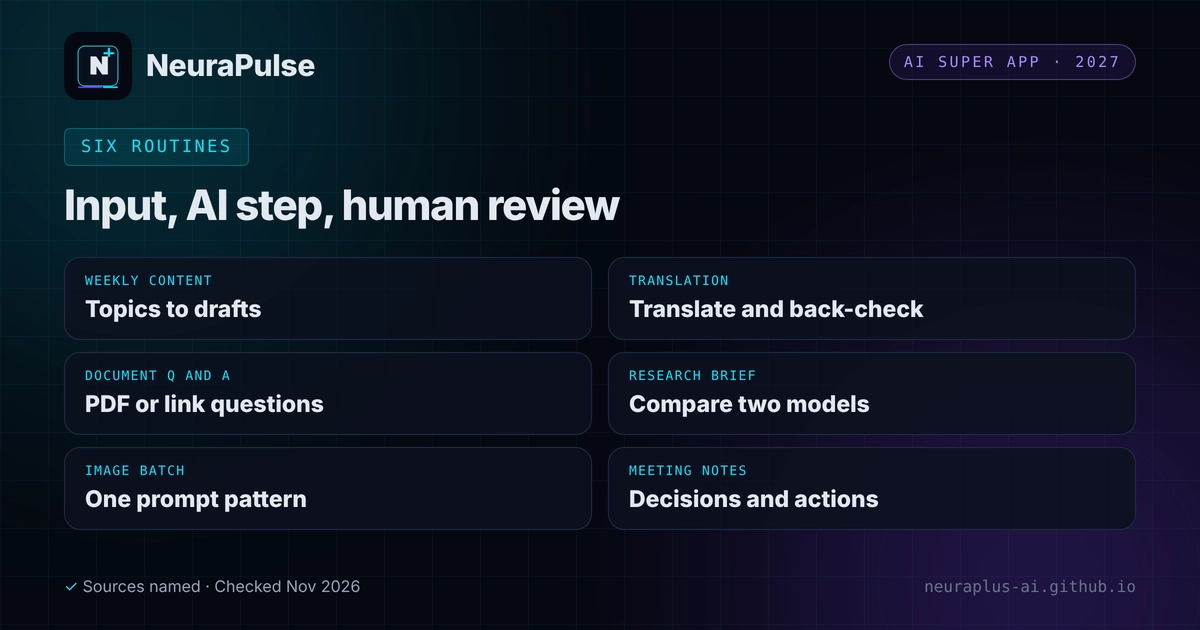
- Weekly content batch. Input: three topic notes. AI step: draft outlines, then posts. Review: you fix facts and voice.
- Document Q and A. Input: a PDF or link, which Overchat lists as supported. AI step: ask five fixed questions. Review: check answers against the source pages.
- Image batch. Input: a style sheet and five subjects. AI step: generate each with the same prompt pattern. Review: keep one per subject. See creating images in an AI super app.
- Translation pass. Input: your English text. AI step: translate and back-translate. Review: a native speaker checks key pages.
- Research brief. Input: a question. AI step: ask two models and compare. Review: verify every figure at its source.
- Meeting notes. Input: your own notes or transcript, with names removed. AI step: summarise decisions and actions. Review: confirm owners and dates.
Make routines repeatable
- Save the prompt in a shared document with one sample input and output.
- Use a checklist for review: facts, names, numbers, tone, claims.
- Version your prompts. Note what you changed and why.
- Log results in a sheet: date, routine, credits used, time taken and quality note.
- Protect data. Remove personal and confidential details. See our security checklist.
When to move to real automation
Automate when the routine runs weekly, the format is stable and your tools expose an API or connector. At that point a workflow tool can pass inputs in and results out. Start with our guides to n8n webhook automation examples and best n8n workflows for SEO and marketing, and for AI agents see Ollama use cases for business automation. Keep a person in the loop for customer-facing output, as in support automation with an AI super app.
💡 Two-week test: Run one routine for two weeks, log the time and credits and fix the slowest step before you add another.
How this guide was researched
Methodology and limits
- Overchat tool lists come from its own page, which is a vendor claim. The "no business integrations listed" point comes from an October 26, 2026 review. Competitor features and prices come from an eWeek roundup dated June 29, 2026.
- The six routines are our own editorial suggestions and are not tested. We make no claim about time saved.
- We could not verify an Overchat API or connector.
- Author: Prashant Lalwani. Last verified November 23, 2026.